

BLACK FRIDAY

2× credits · Ends Dec 1

Ends Dec 1, 11:59 pm PTGrab 2× credits
Animated Newspaper Maker

Pick a mode, add your words or image, then export.

Mode
Front page photo
Animation
Background
2.0 s
Shape
Format

Free · up to 720p and 15 seconds, with a small textanimation.org mark

Live preview
3.6 s

More Tools in This Family

Other tools in the same family, for the next clip in the same project.

Animated Newspaper Maker

Your headline on a spinning front page

Write a headline, add a photo if you like, and export a newspaper front page that spins or slides into view.

Make a newspaper
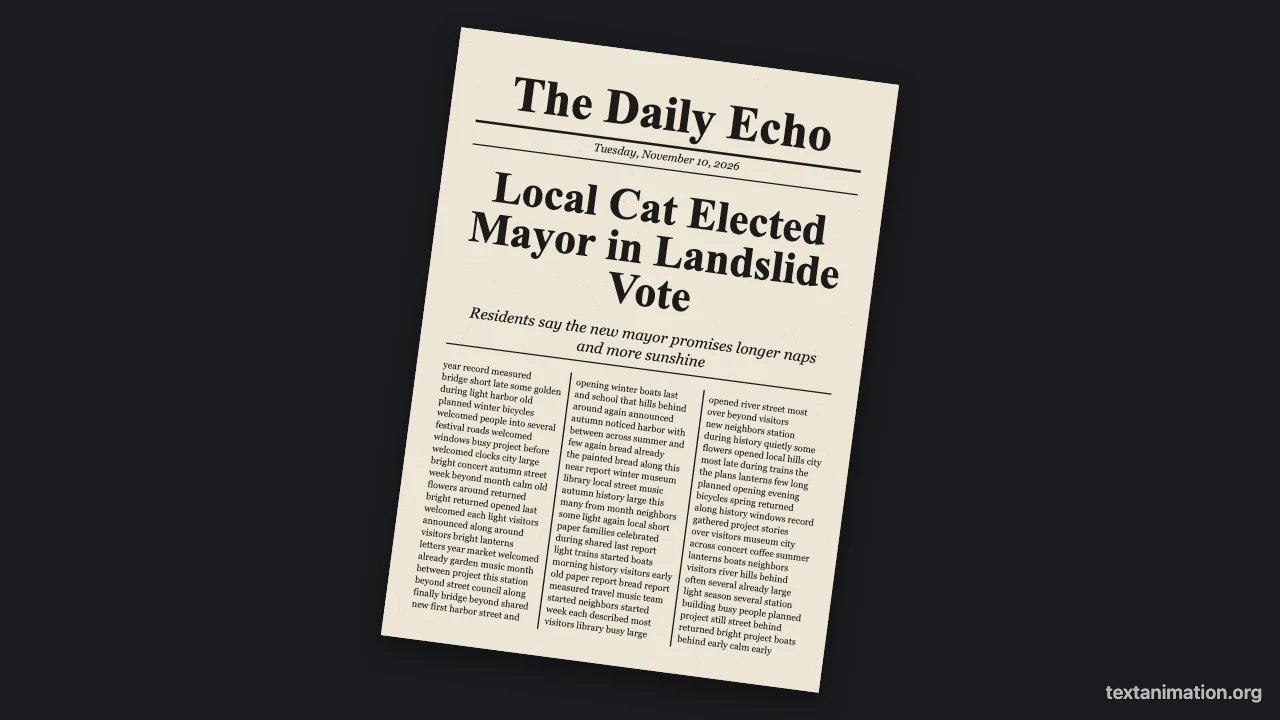
Animated newspaper preview: a front page reading Local Cat Elected Mayor spinning in on a dark background
Spin in or slide up|GIF, MP4 and PNG|Free, no sign-up

How to Make an Animated Newspaper in Three Steps

The animated newspaper maker lays out the front page from your words, so the preview you watch is the file you export.

1

Write the front page

Type the newspaper name, the headline, a subheading and the date line. The animated newspaper fits the headline on up to three lines and fills the columns below with placeholder text.

2

Add a photo and pick the motion

Choose a photo for the front page, which is printed in black and white, or leave it out. Then pick a classic spin-in or a slide-up, a background and how long the finished page stays on screen.

3

Export the animation

Export an MP4 for your video editor, a GIF for chats and slides, or a PNG of the finished page. The animated newspaper uses a 9:16 story frame by default, with square and wide options.

Try Another Kind of Text Animation

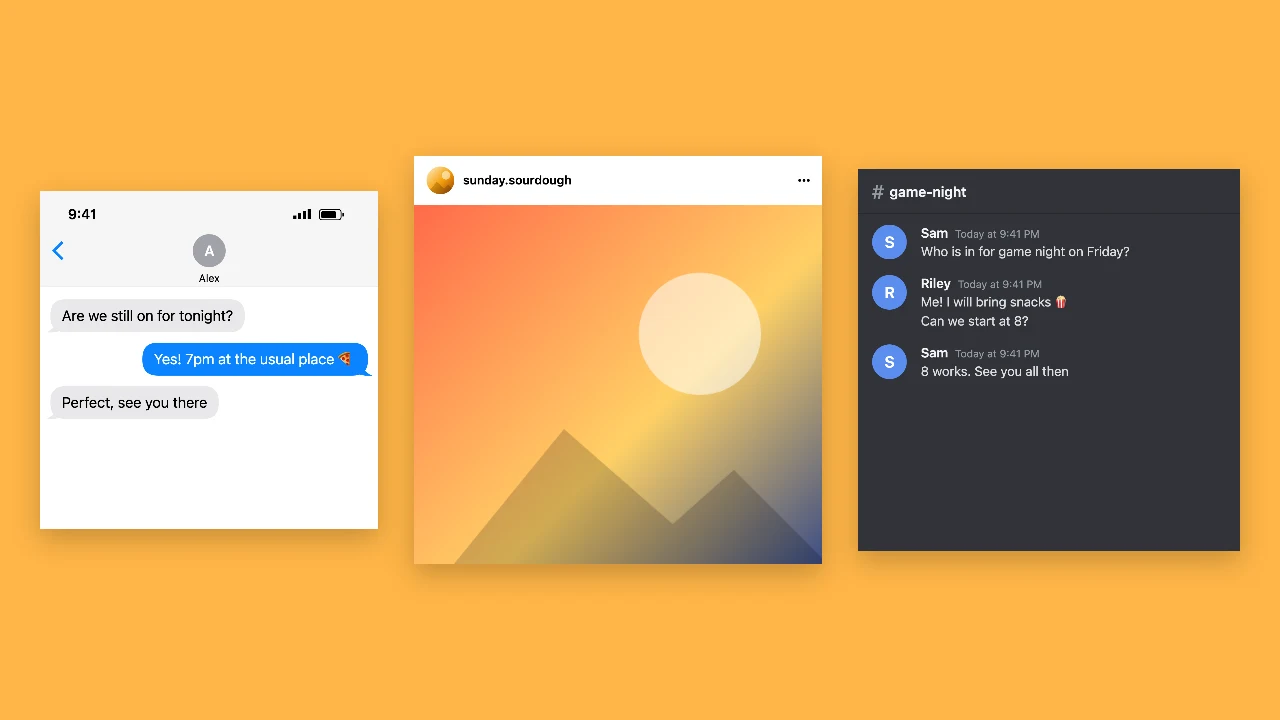
Tools from the other families: moving text, paper cut-outs and match cuts, chat mockups and speech bubbles.

What the Animated Newspaper Maker Lets You Change

Every setting in the animated newspaper maker changes the newspaper animation in the preview before you export.

A front page built around your headline

The page has a masthead with your newspaper name, a date line between rules, your headline in bold type sized to fit three lines or fewer, an italic subheading and three columns of body text. The animated newspaper fills the columns with placeholder words, so no real story is reproduced.
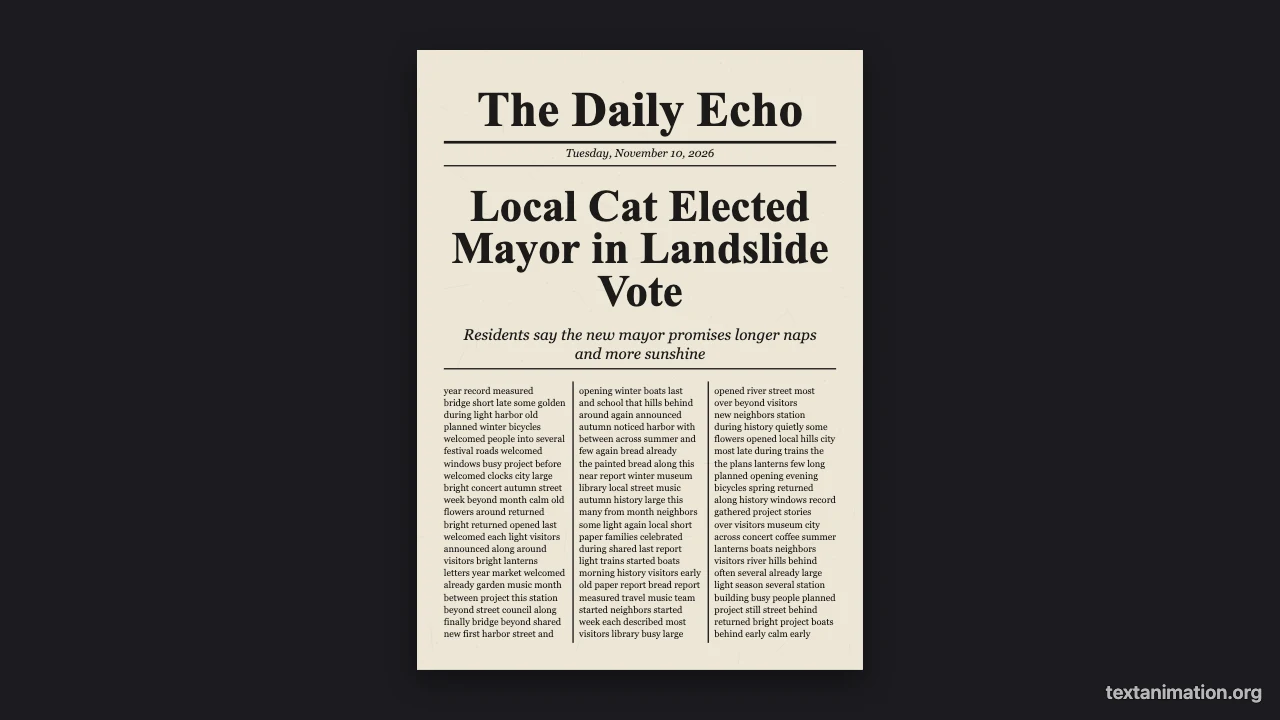
Newspaper front page with a large headline and three columns of text on a dark background

Your photo in black and white

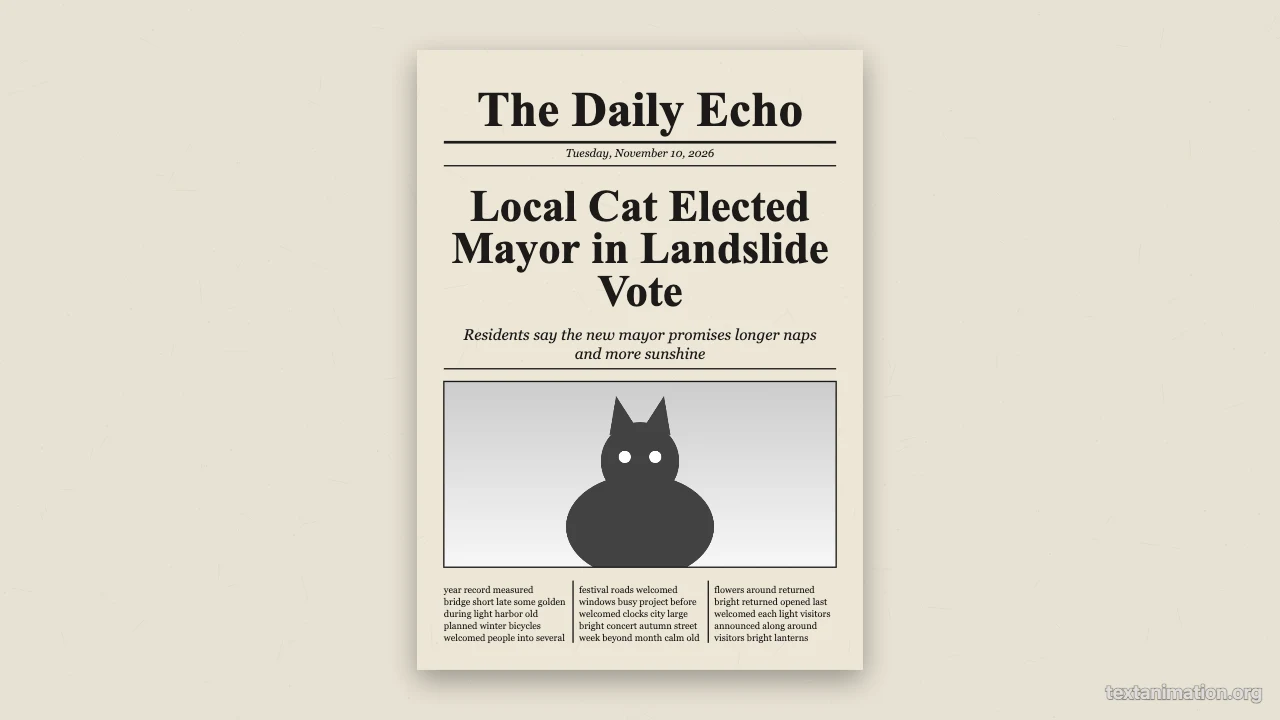
Add a photo and the animated newspaper prints it across the page in grayscale with a thin border, like a press photo. Leave the photo out and the columns move up to fill the space, so the page always looks complete and balanced, whatever you choose.

Newspaper front page with a black and white photo under the headline

Spin in like an old film, or slide up

Spin-in turns the page twice while it grows from a dot to full size in 1.6 seconds, the effect old films used to announce big news. Slide-up rises from below the frame with a slight tilt. The animated newspaper then holds the page for half a second up to five seconds.

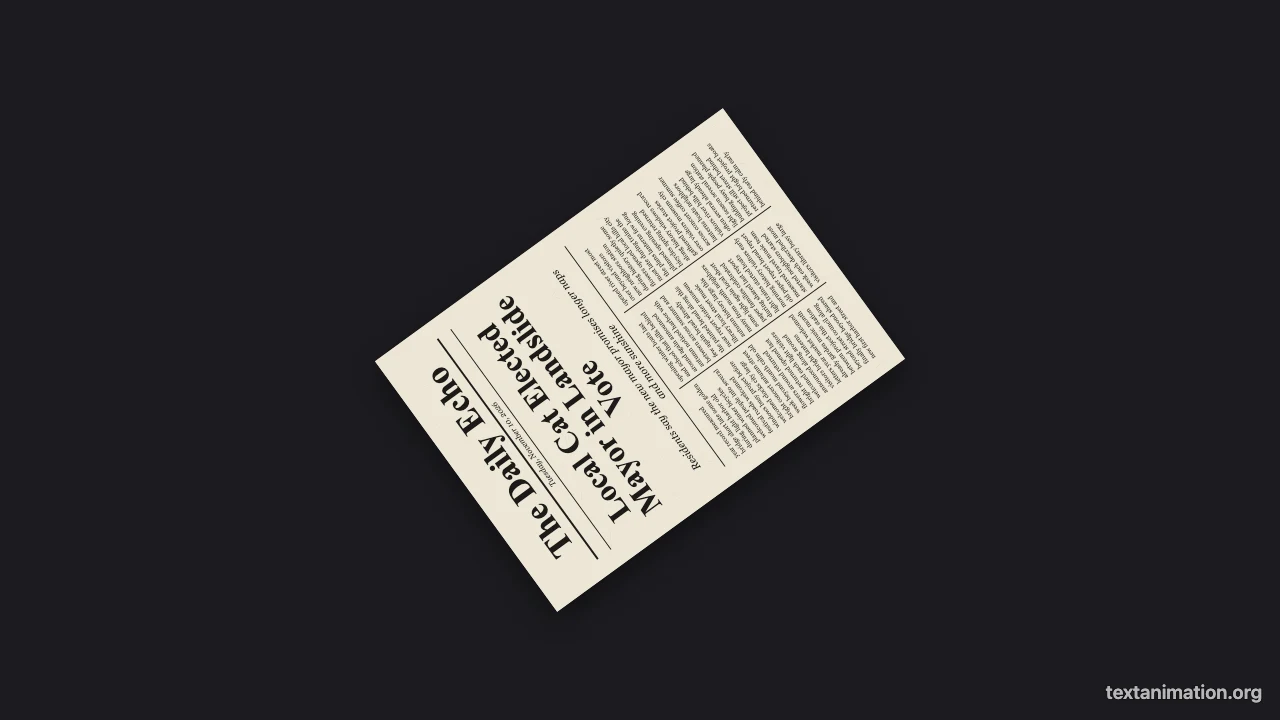
Newspaper front page caught mid-spin, small and tilted on a dark background

Backgrounds and exports

Place the page on dark, amber, coral, kraft, newsprint or white paper. The animated newspaper exports a GIF, an MP4 or a PNG; free exports go up to 720p and 15 seconds with a small textanimation.org mark, and a subscription exports 1080p, up to 60 seconds, with no mark.

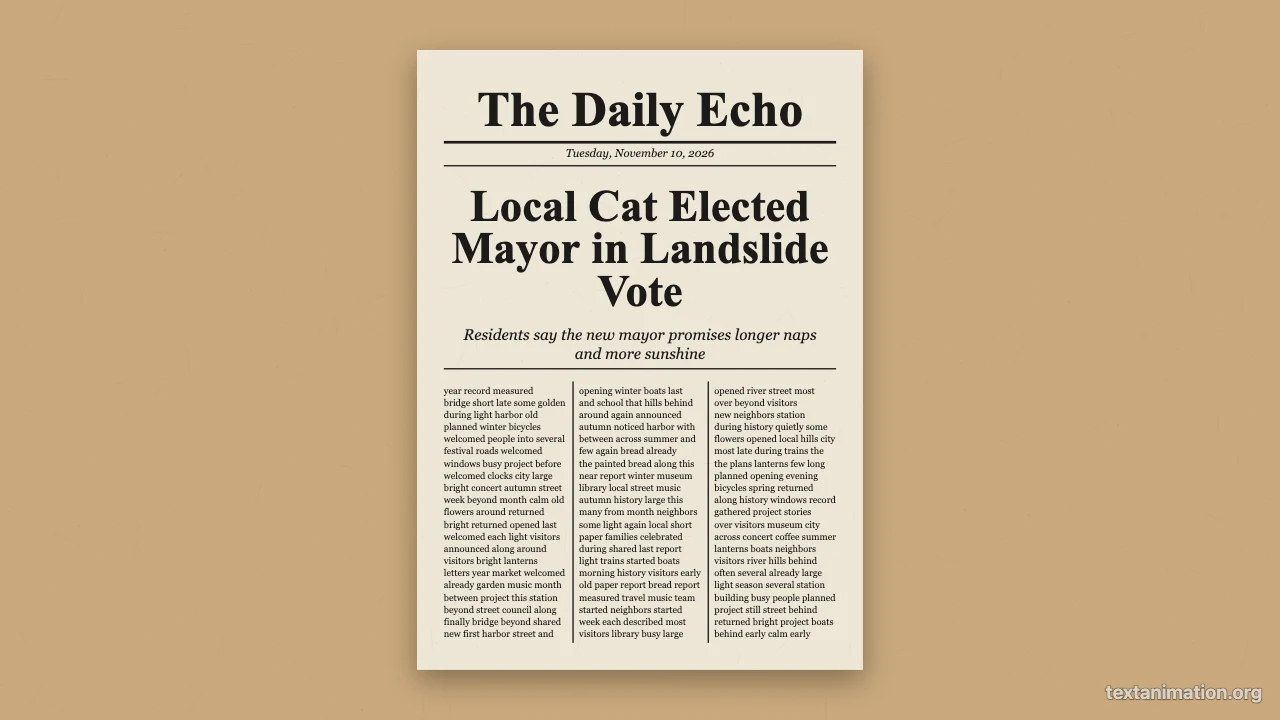
Newspaper front page resting on kraft paper

Where People Use an Animated Newspaper

An animated newspaper turns any announcement into a headline moment, and it works as a newspaper edit inside a longer video.

Announcements and celebrations

Share a birthday, an engagement, a new job or a pregnancy as front-page news. An animated newspaper with your own headline spins in and makes a simple announcement feel like an event worth sharing with family and friends.

Video edits and intros

Use the spinning front page as a transition or an opener in a YouTube video, a TikTok or a wedding film. Export the animated newspaper as an MP4 and drop it into your editor wherever the story needs a dramatic beat.

School and history projects

Students recreate a historical event, such as the moon landing, as a front page and present it as an animation. An animated newspaper makes a class presentation far more engaging and memorable than a static slide.

Marketing and events

Announce a product launch, a sale or an event lineup as breaking news on social media. The animated newspaper adds a playful, retro feel that stands out in a feed full of plain product photos.

What Creators Say About the Animated Newspaper Maker

We announced our engagement as front-page news. I typed our names into the animated newspaper maker, added a black and white photo, chose the spin-in, and sent the MP4 to the family group chat. Everyone asked how we made it.

Olivia Brooks
Event planner

Animated Newspaper FAQ

Quick answers about the animated newspaper maker and its exports.

You can make and export animated newspapers as GIFs, MP4s and PNGs for free without creating an account. Free animated exports from the animated newspaper maker go up to 720p and 15 seconds and carry a small textanimation.org mark in the corner.

The columns are filled with placeholder words so the animated newspaper looks complete; they are not real stories. Only the name, headline, subheading and date line come from you.

Choose a JPG, PNG, WebP or GIF image and the animated newspaper prints it in black and white on the front page. Without a photo, the text columns fill the space instead.

The page starts as a tiny dot, spins around twice and grows to full size in about 1.6 seconds, then stays on screen for the pause you set. The animated newspaper can also slide the page up instead.

An animated newspaper lasts as long as the entrance plus the pause, about 2 to 7 seconds. Free exports keep up to 15 seconds, so the whole animation always fits.

People use the animated newspaper for announcements, video intros, school projects and playful marketing posts, where it is clear the front page is a creative edit.

Make Your Animated Newspaper Now

Open the animated newspaper maker, write your headline and subheading, add a photo, choose spin-in or slide-up, and export a GIF or MP4 that announces your news.

Make a newspaper
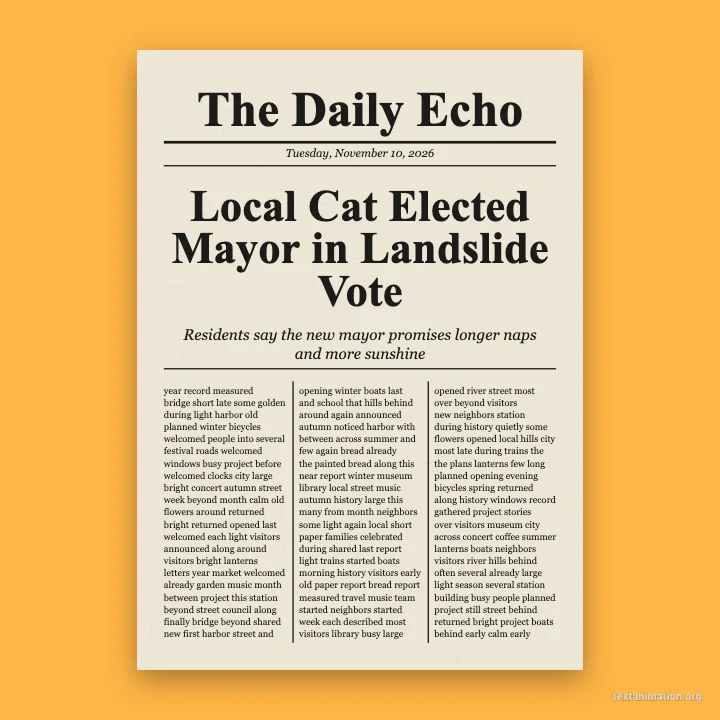
Square amber frame with a newspaper front page in the middle