BLACK FRIDAY

2× credits · Ends Dec 1

Ends Dec 1, 11:59 pm PTGrab 2× credits
Fake Discord Message Generator

Pick a style, edit the messages or post, then download a PNG.

Style
Profile photo
Messages

Free · full-resolution PNG · no sign-up

Live preview

More Tools in This Family

Other tools in the same family, for the next clip in the same project.

Fake Discord Message Generator

Discord-style chats for memes, videos and mockups

Write a Discord-style channel conversation between two people and download it as a PNG.

Make a Discord-style chat
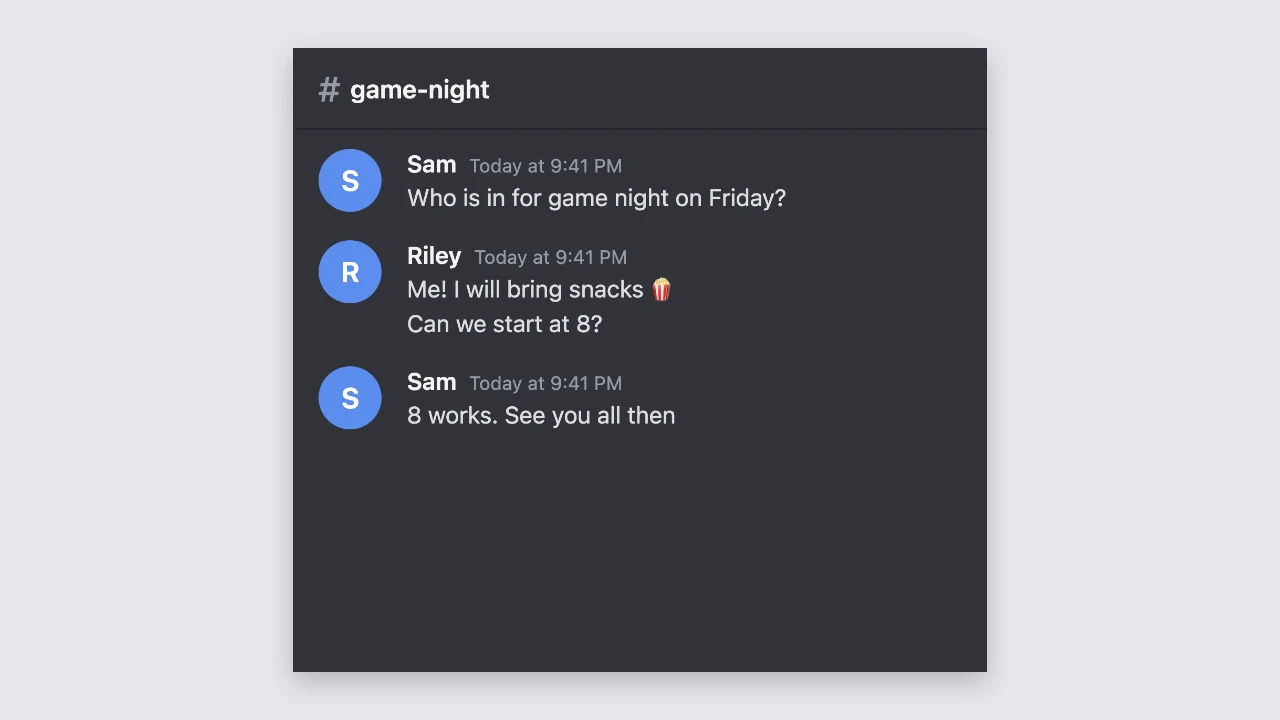
Fake Discord message preview: a dark channel with two people chatting under a game-night heading
Channel, names and times|Dark and light mode|Free PNG, no sign-up

How to Make a Fake Discord Message in Three Steps

Each fake discord message appears in the preview as you type, and the preview is the PNG you download.

1

Name the channel and people

Type the channel name, the time shown next to each name, and the names of the two people in the chat. Add a profile photo for the other person, or every fake discord message shows a coloured initial instead.

2

Write the messages

Add messages and switch each one between the two people. Consecutive messages from the same person are grouped under one name, the way a channel shows them, and long lines wrap to the width of the chat.

3

Download the PNG

Press download to save the channel as a sharp, high-resolution PNG that stays readable when you zoom in. Your fake discord message keeps every message in one image, however long the conversation runs.

Try Another Kind of Text Animation

Tools from the other families: moving text, paper cut-outs and match cuts, chat mockups and speech bubbles.

What You Can Change in a Fake Discord Message

Every setting changes your fake discord chat in the preview before you download it.

Grouped messages with names and avatars

The first message in each run shows a round avatar, the name in bold and a timestamp such as Today at 9:41 PM. Further messages from the same person stack underneath without repeating the name, so a fake discord message reads like a familiar channel thread.
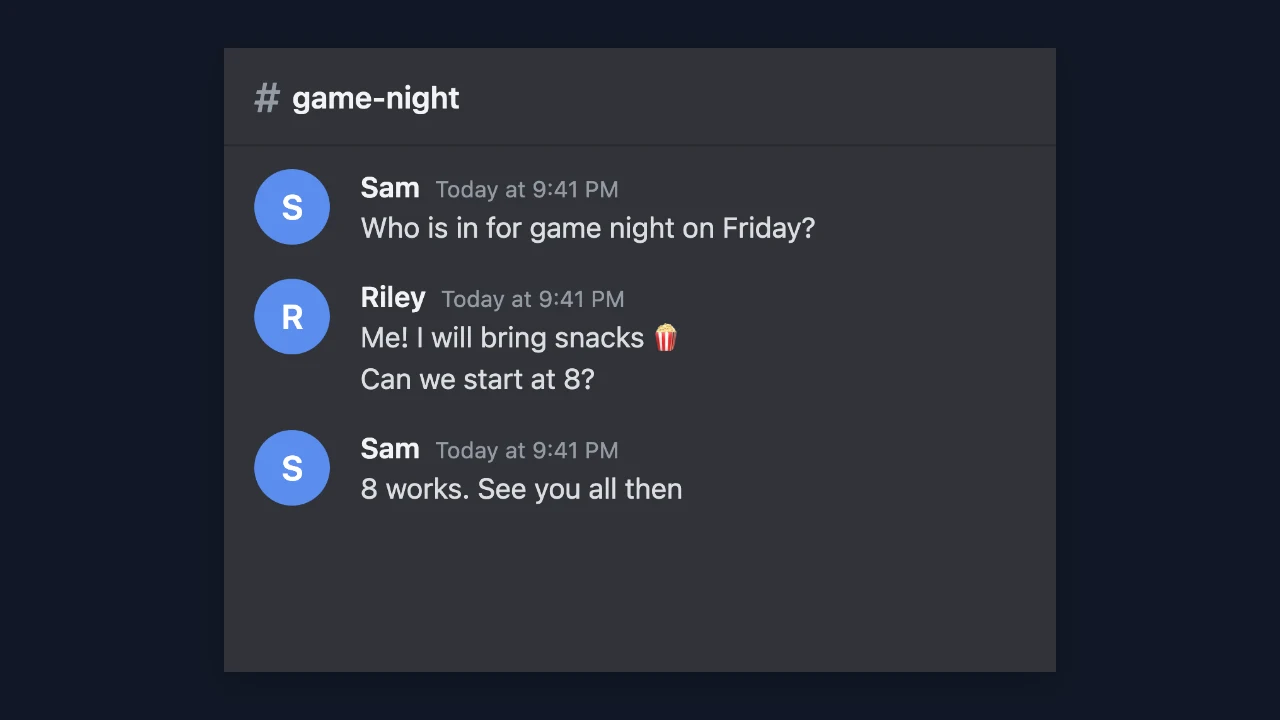
Dark Discord-style chat where one person sends two messages grouped under a single name

Channel name, time and two people

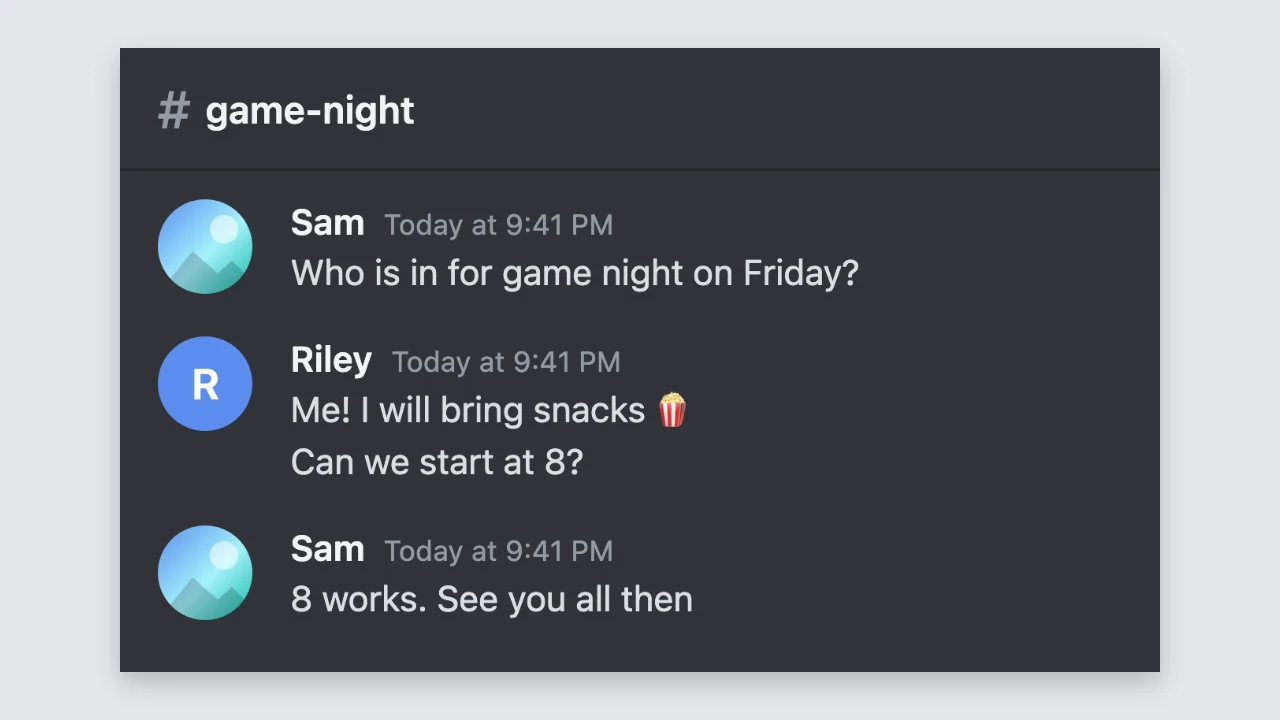
Set the channel name for the header and the input bar, type the time for the timestamps, and name both people. The other person can have an uploaded profile photo, and each fake discord message from you shows a coloured initial avatar taken from your name.

Discord-style channel header reading # game-night above two named speakers

Dark mode or light mode

Dark mode is on by default with the grey channel colours people expect, and one switch turns the screenshot light. Pick whichever matches your video, slide or meme template, and the fake discord message preview changes straight away, keeping every name and message as it was.

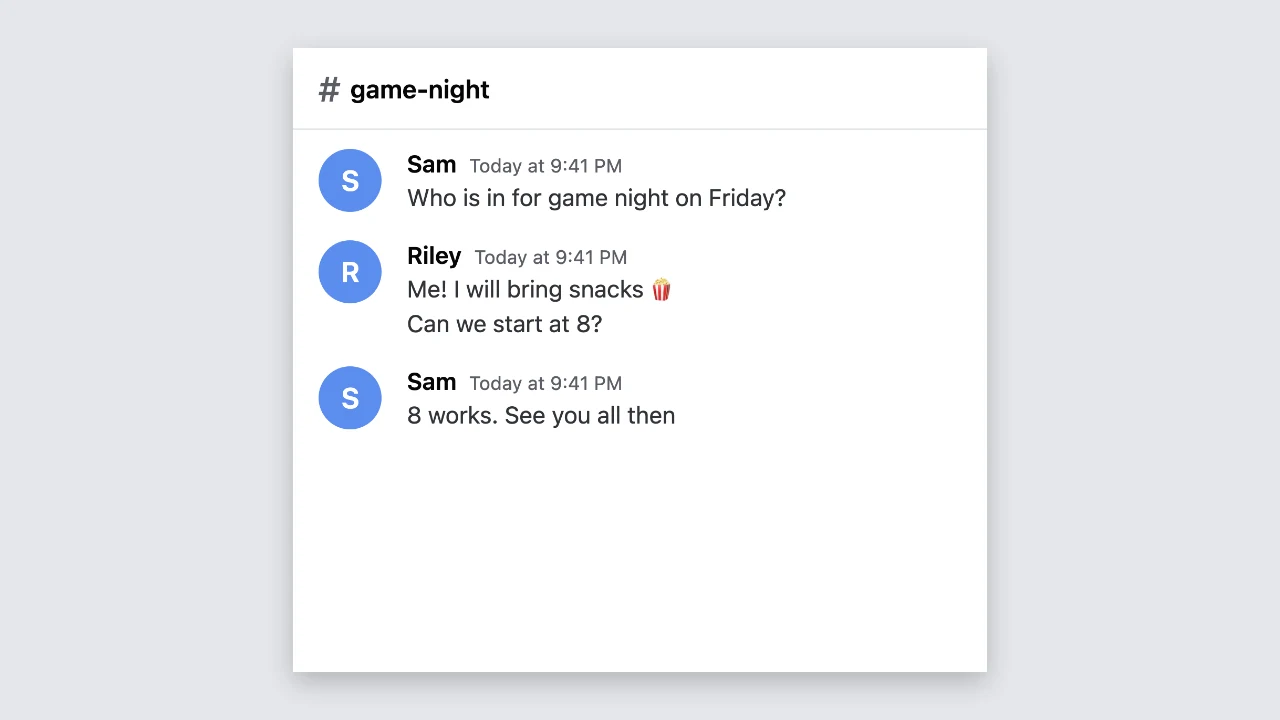
Light Discord-style channel with dark text on a white background

Sharp PNG downloads

The download is a PNG up to 1,320 pixels wide, so names and timestamps stay readable in a video. Long chats become one tall image, and every fake discord message downloads free, with no account and nothing added to the image, ready for your editor.

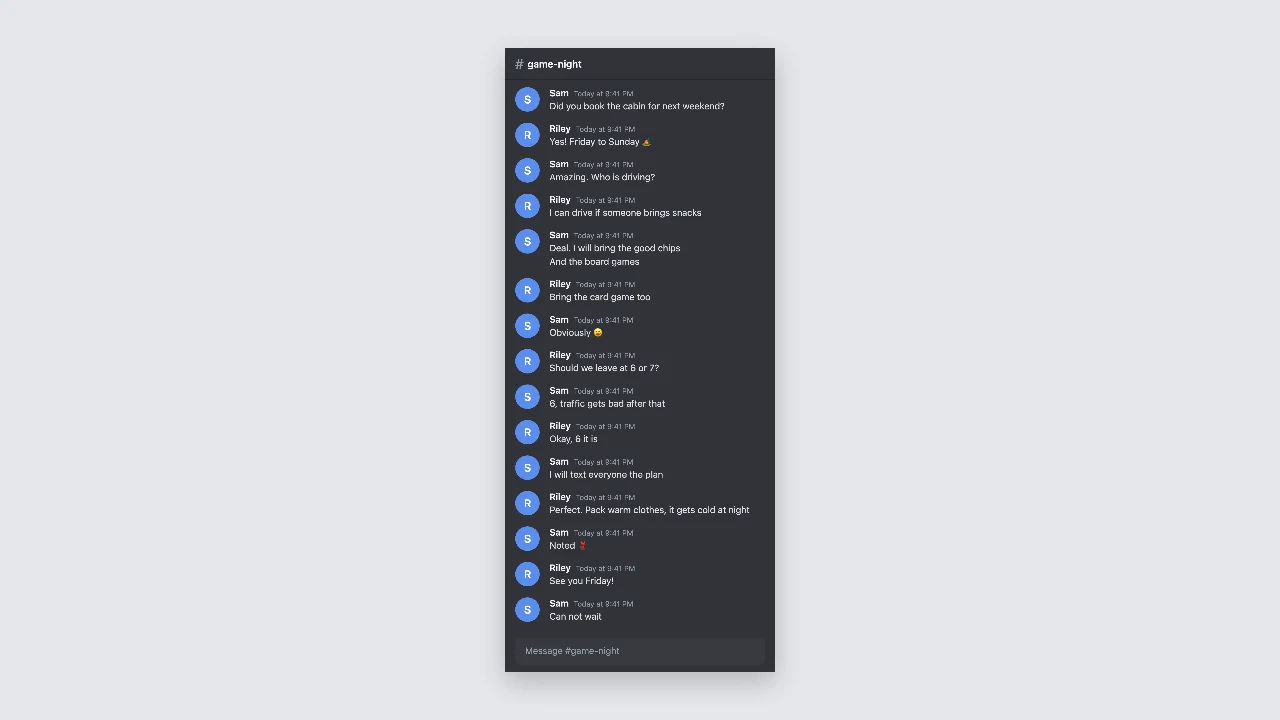
Tall Discord-style screenshot of a long two-person chat on a plain backdrop

Where People Use a Fake Discord Message

A fake discord message puts a joke, a scene or an idea into a format gaming communities know well.

Gaming memes and community posts

Turn an inside joke from your server into a screenshot-style image for Reddit or a meme channel. A fake discord message lets you fix the timing of the punchline without scrolling through real chat history.

Videos and streams

Show a conversation in a YouTube video, a TikTok skit or a scene between segments of a stream. A fake discord message downloads as a sharp PNG that you can crop, zoom and animate in your editor.

Bot and server mockups

Plan a welcome message, an event announcement or a bot reply before you build it. Server owners use a fake discord message to show moderators the wording and layout in advance, before any code is written.

Comics and fiction

Tell part of a webcomic, a game story or a short piece of fiction through a channel chat. A fake discord message adds names and timestamps that make the scene easy to follow for readers.

What Creators Say About the Fake Discord Message Generator

My videos often show a funny exchange from our squad. I rebuild it as a fake discord message, keep dark mode on, and export a PNG that I can zoom into during the edit without the text going soft. Grouping messages under one name keeps the screenshot tidy.

Jake Morrison
Gaming YouTuber

Fake Discord Message FAQ

Quick answers about making a fake discord message and the PNG you download.

You can make and download screenshots for free without creating an account. Each fake discord message saves as a full-resolution PNG with nothing added to the image.

People use a fake discord message for gaming memes, videos, server and bot mockups, comics and fiction, where the audience knows the chat is part of the content.

The Discord-style layout has two speakers, you and one other person, each with a name. To show a larger group in a fake discord message, make several screenshots and place them one after another.

Choose an image for the other person and it appears as their round avatar. Your own messages in a fake discord message use a coloured initial based on your name.

This discord chat generator only draws a Discord-style layout from what you type. It does not use the Discord logo, needs no Discord account and posts nothing, and each fake discord message stays a picture you download.

The PNG is up to 1,320 pixels wide. Very long chats are saved smaller so the fake discord message still saves as one image.

Make Your Fake Discord Message Now

Set the channel and both names, write the conversation, choose dark or light mode, and download your fake discord message as a sharp PNG for a meme, video or mockup.

Start a channel chat
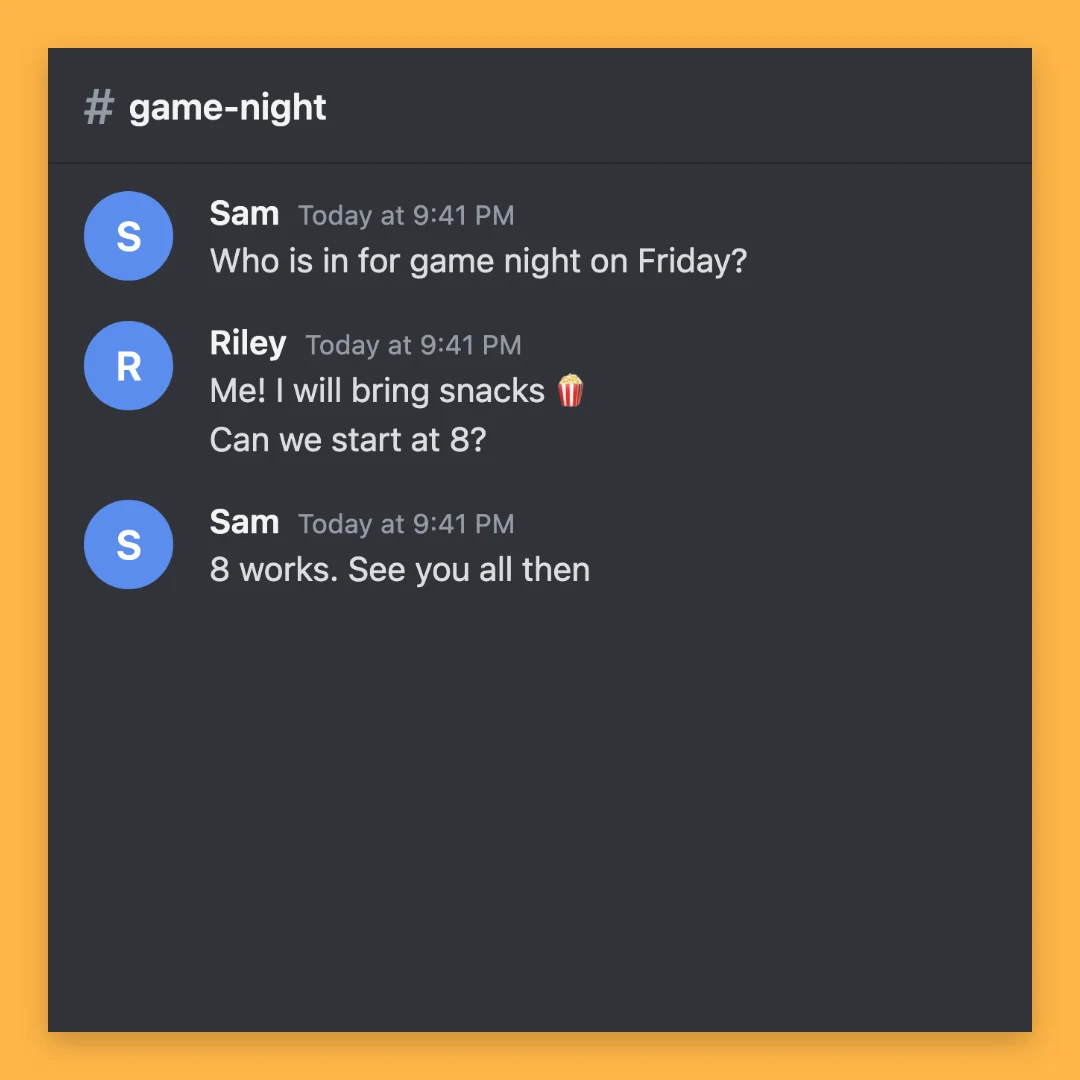
Dark Discord-style chat centred on a square amber backdrop