BLACK FRIDAY

2× credits · Ends Dec 1

Ends Dec 1, 11:59 pm PTGrab 2× credits
Fake Chat Generator

Pick a style, edit the messages or post, then download a PNG.

Style
82%
Profile photo
Messages

Free · full-resolution PNG · no sign-up

Live preview

Fake Chat Generator

Six chat and post styles in one editor

Pick a chat or post style, write the content, and download a sharp PNG for memes, videos and mockups.

Make a chat screenshot
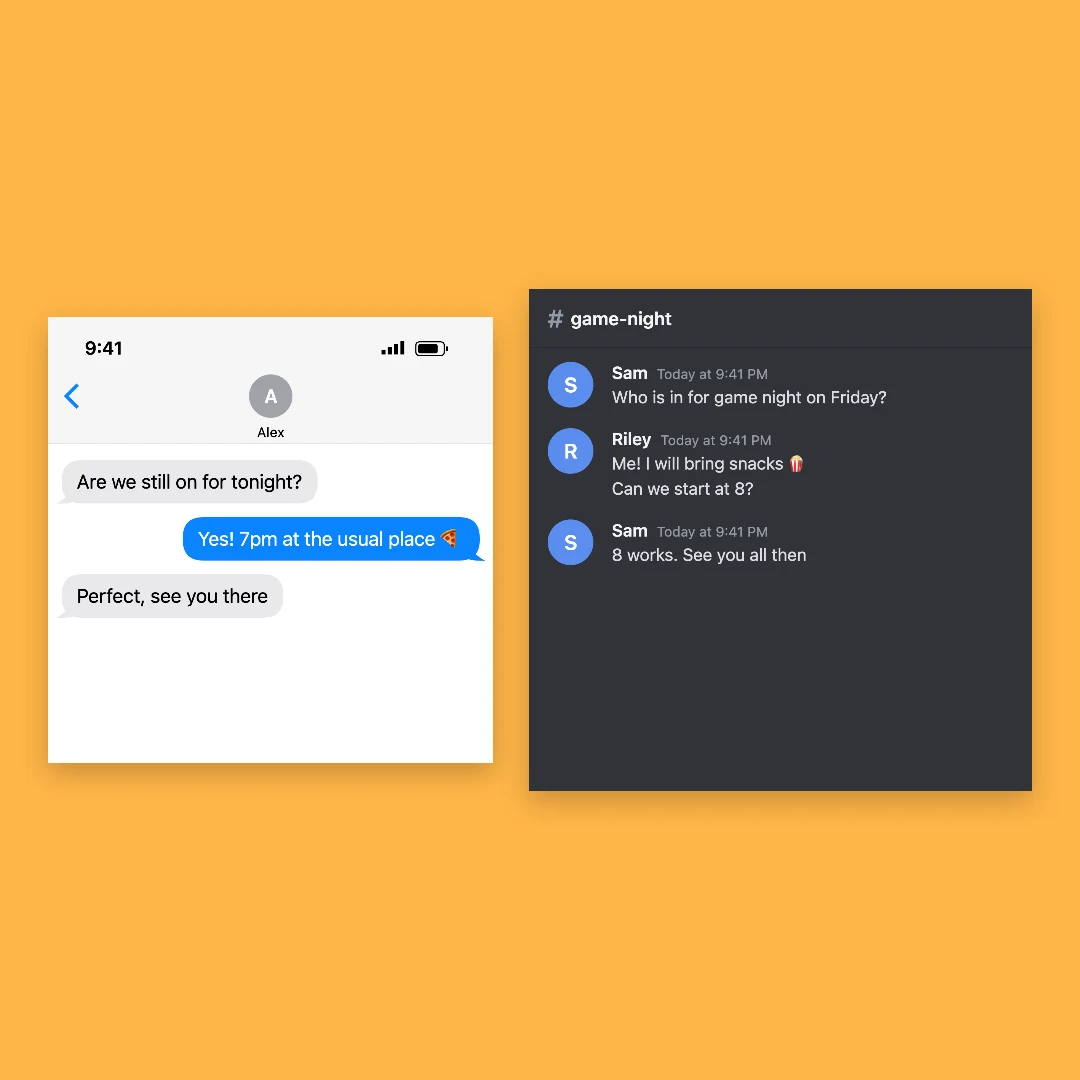
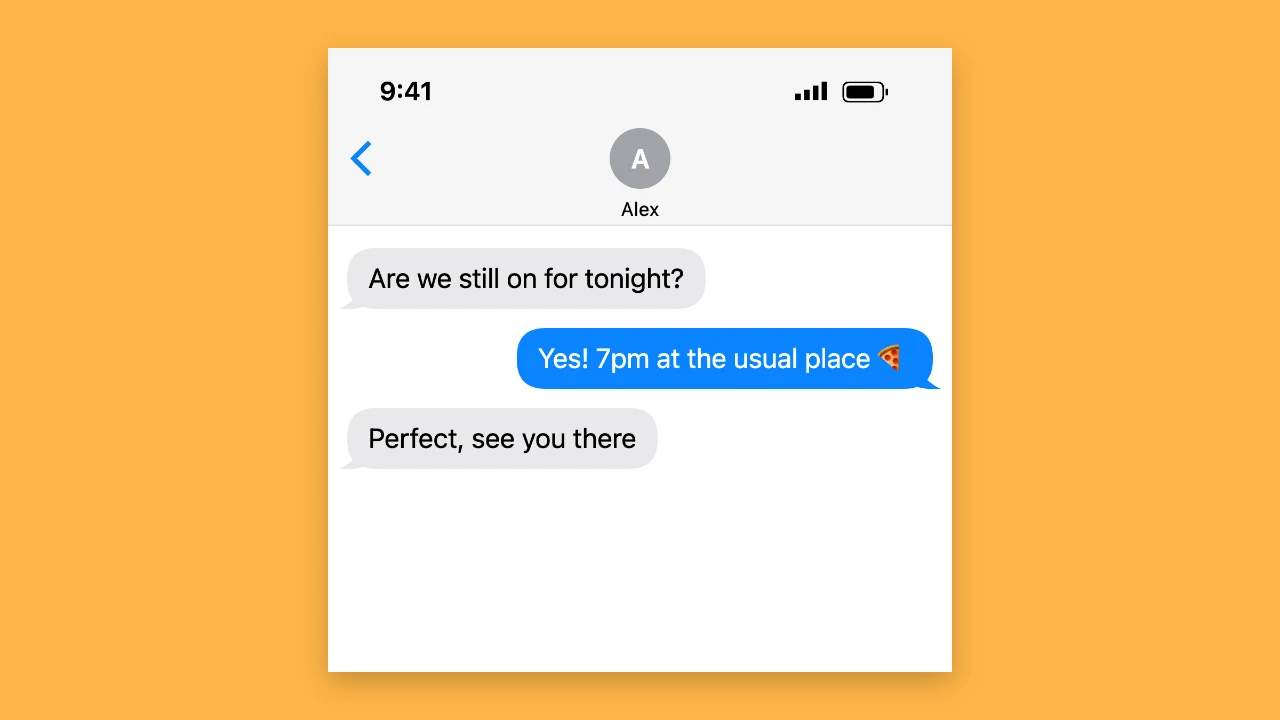
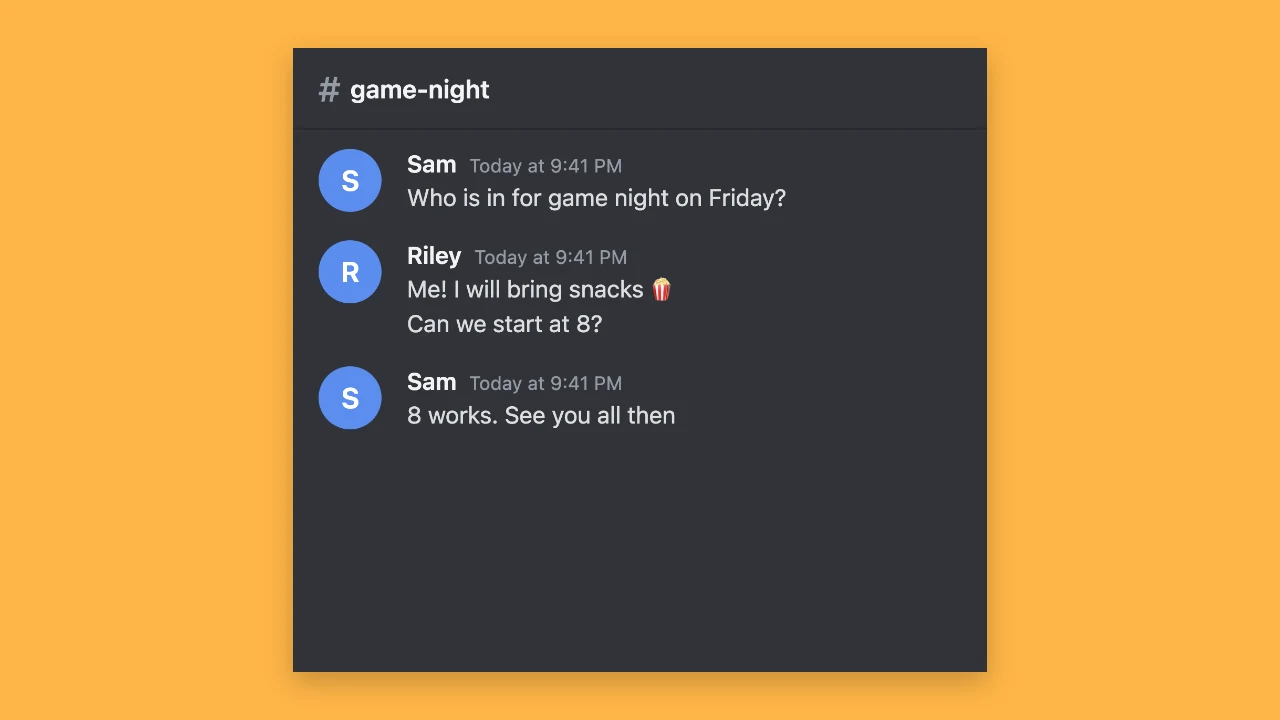
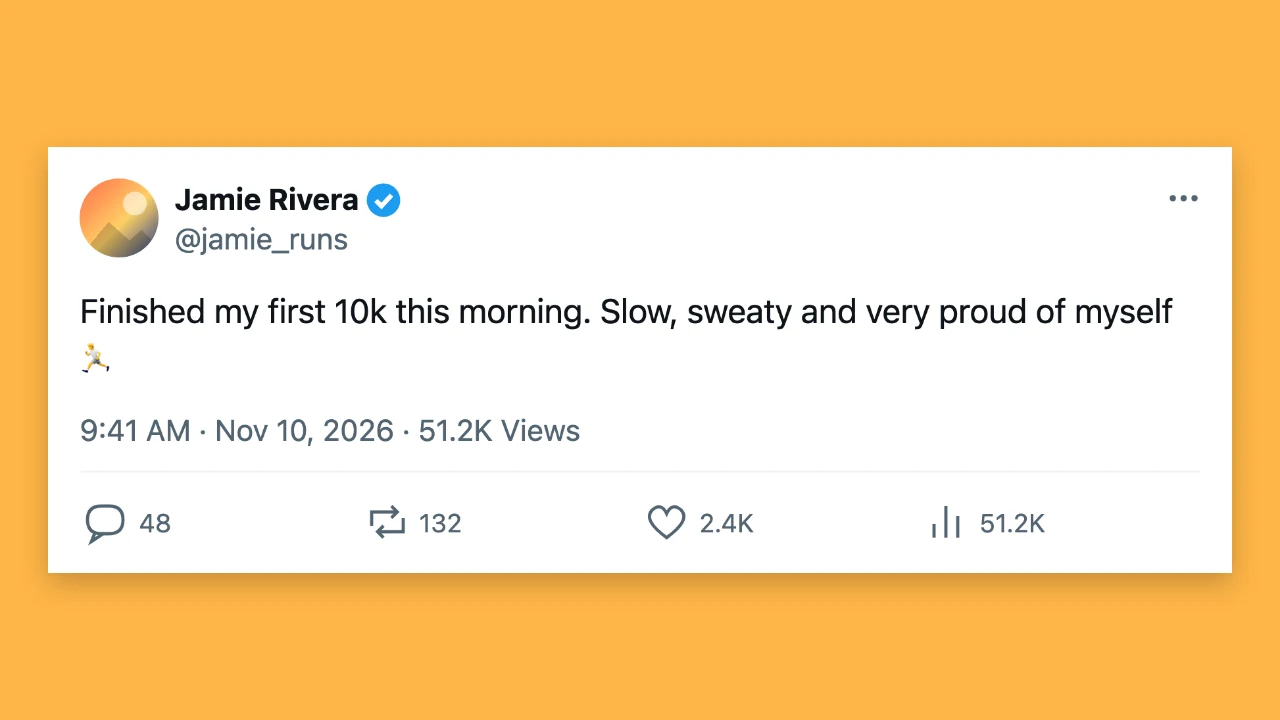
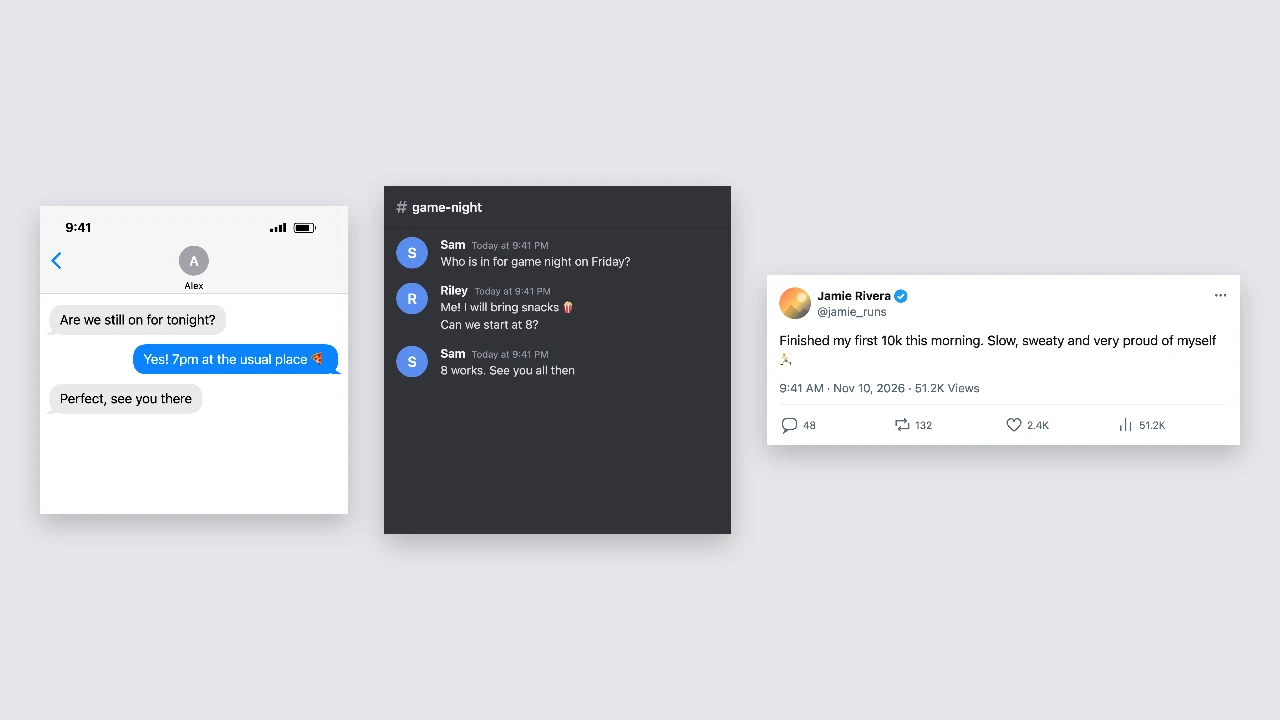
Fake chat generator preview: an iPhone-style chat, a Discord-style channel and an X-style post side by side
6 chat and post styles|Light and dark mode|Free PNG, no sign-up

How to Make a Fake Chat in Three Steps

The fake chat generator draws your screenshot as you edit, so the preview is the PNG you download.

1

Pick a style

Choose a text message, iMessage-style chat, Discord-style channel, X-style post, Instagram-style post or TikTok-style comment sticker. Each post style keeps its own text and the two phone styles share one conversation, so you can switch and compare in the fake chat generator.

2

Write and customise

Add messages and switch senders, or type the post text, names, username, date and counts. Add a profile photo, switch dark mode or the verified badge, and the fake chat generator updates the preview after every change.

3

Download the PNG

Press download to save a sharp, high-resolution PNG that stays crisp in video edits and slides. The fake chat generator gives the comment sticker a transparent background and keeps long chats in one tall image.

Try Another Kind of Text Animation

Tools from the other families: moving text, paper cut-outs and match cuts, chat mockups and speech bubbles.

What the Fake Chat Generator Can Make

One fake chat generator, or fake chat maker, covers the chat and post formats people share most.

Six chat and post styles

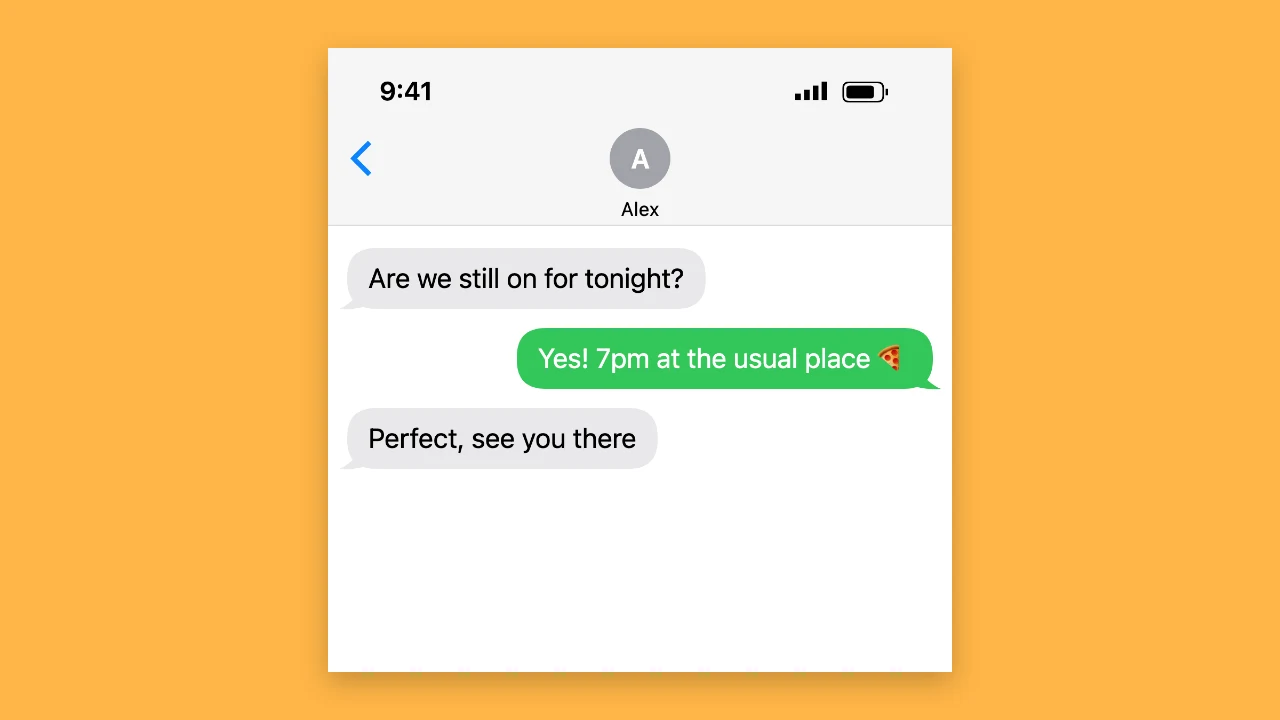
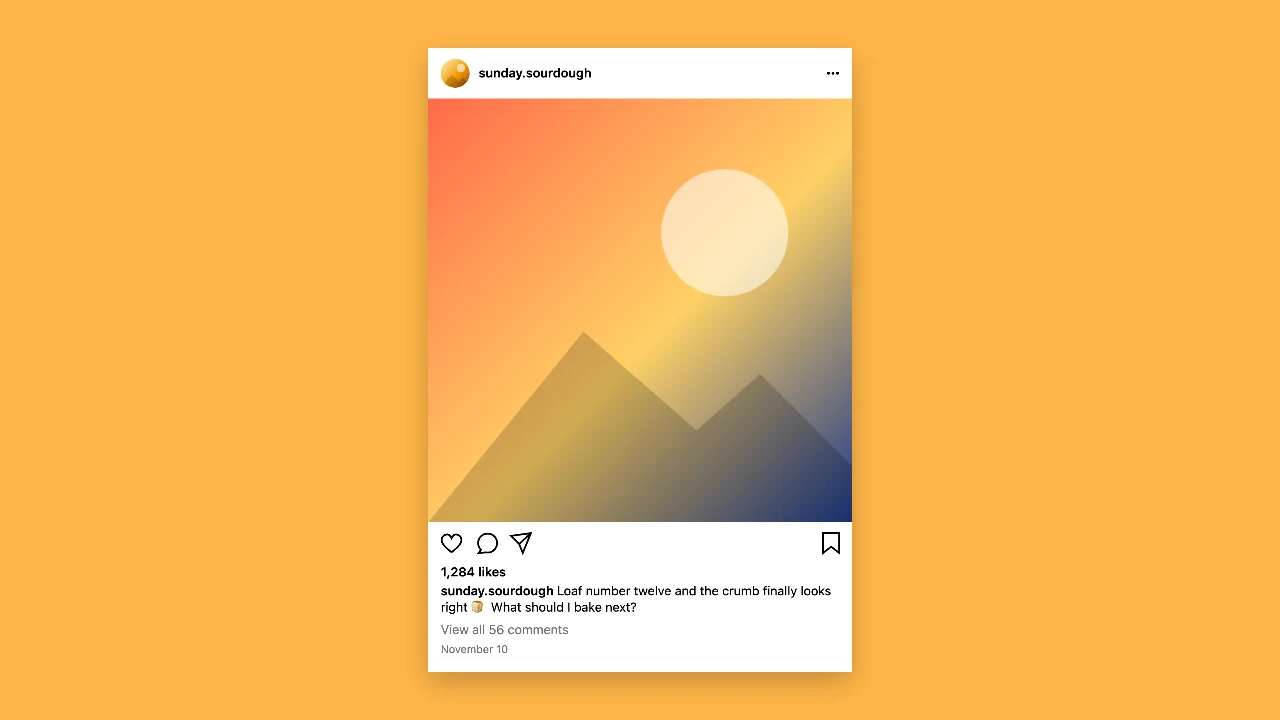
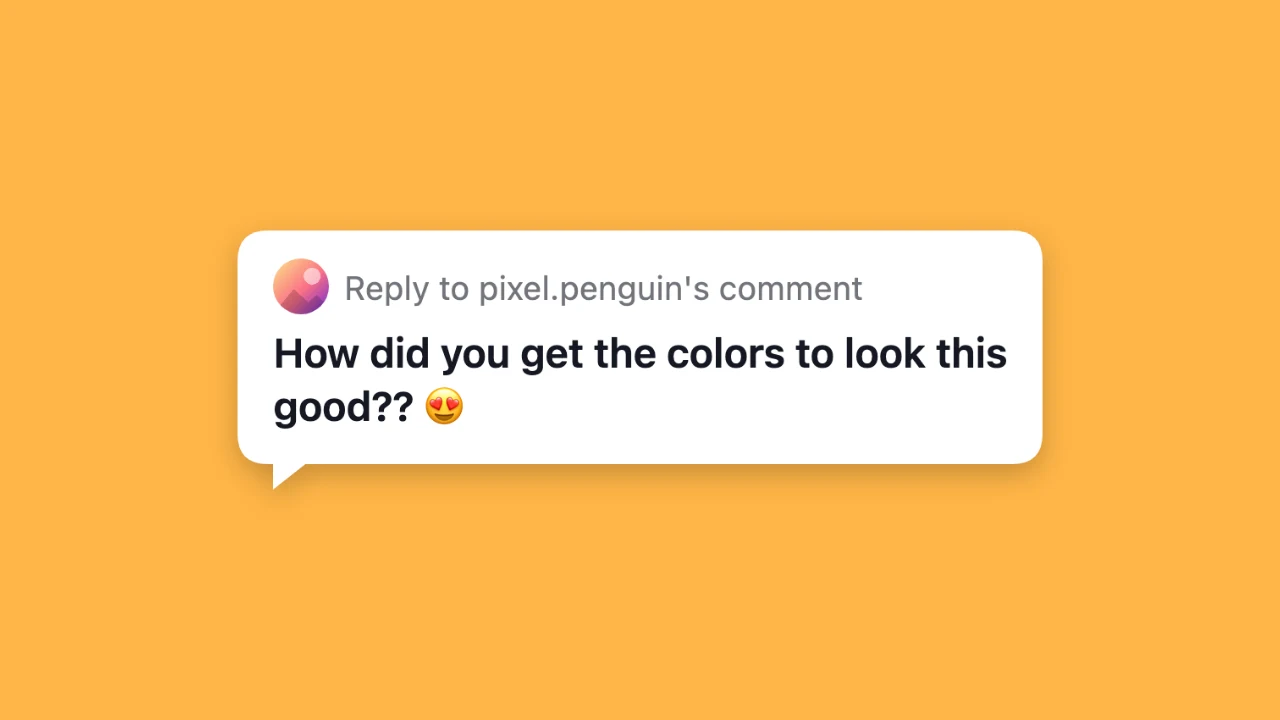
Make a green-bubble text message, a blue iMessage-style chat, a Discord-style channel, an X-style post, an Instagram-style post or a TikTok-style comment reply sticker. The fake chat generator draws each one as a generic layout without platform logos, ready for jokes, videos and design work.
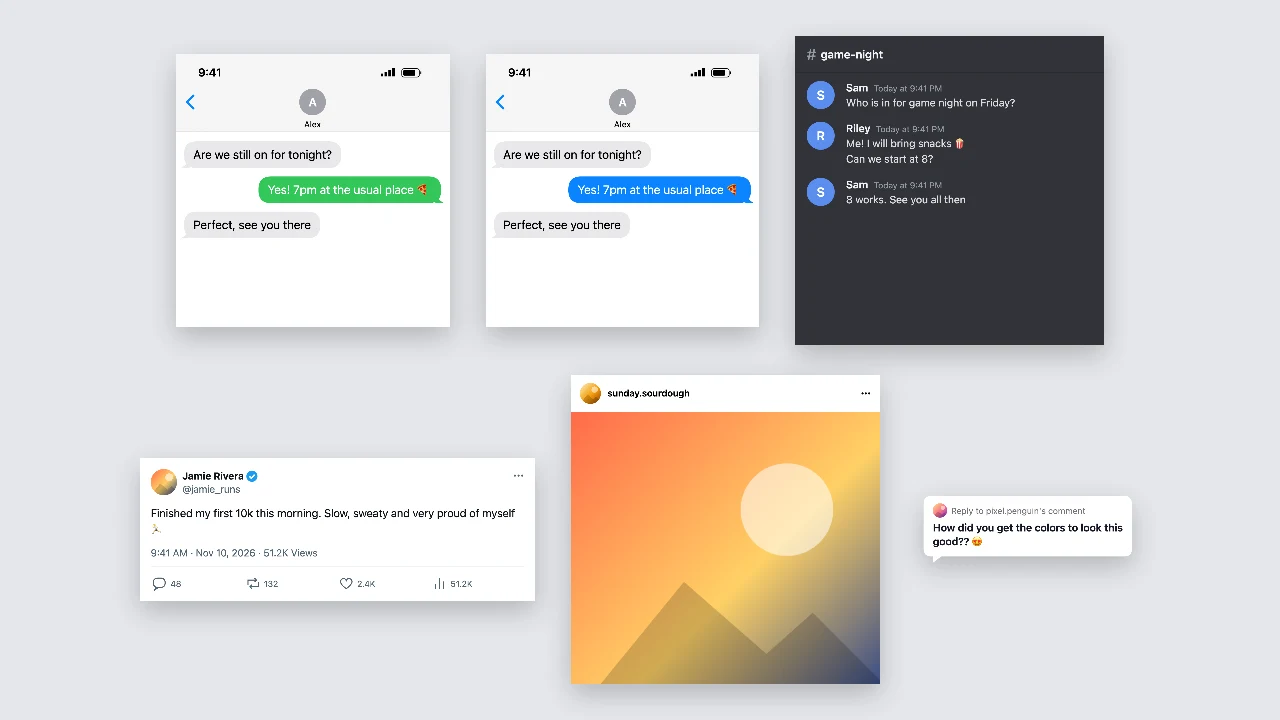
Six screenshots in two rows: text message, iMessage-style, Discord-style, X-style, Instagram-style and comment sticker

Conversations with both sides

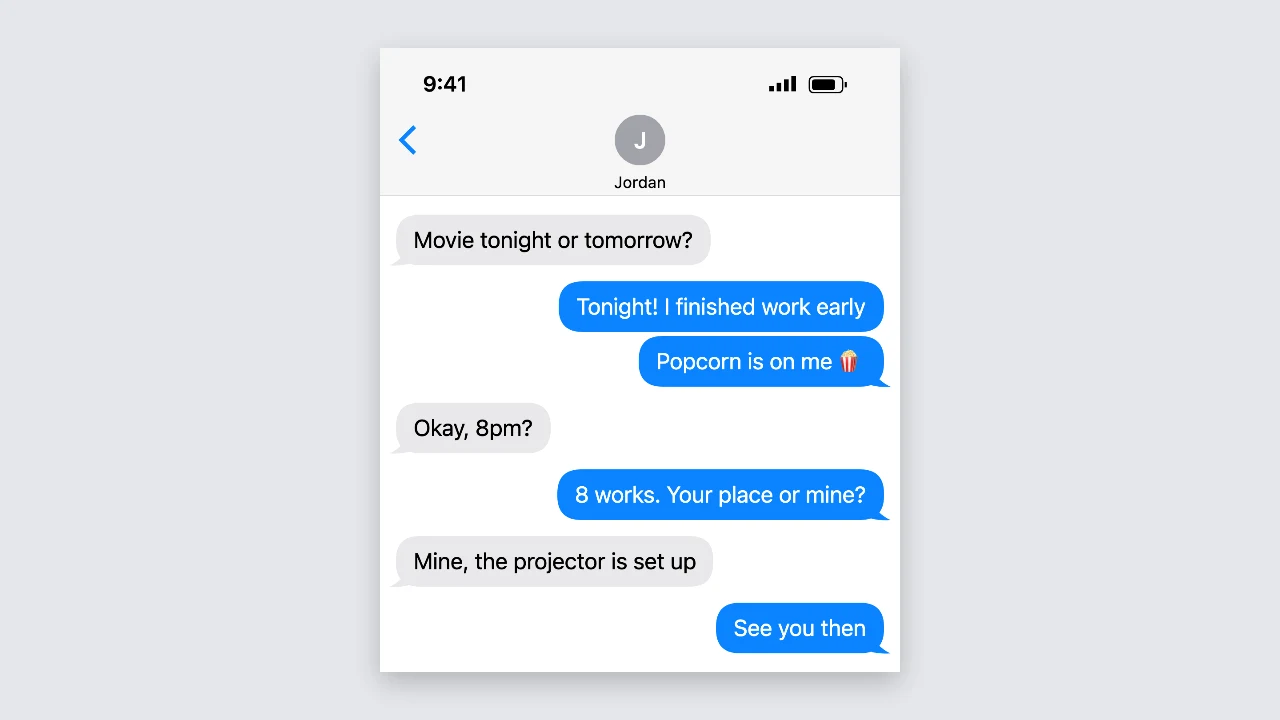
For the phone and Discord-style chats, write up to 40 messages and switch each one between you and the other person. Reorder or delete messages at any time; the fake chat generator groups runs, adds bubble tails in the phone styles and wraps long lines automatically, so long conversations stay tidy.

iPhone-style chat with replies on both sides and bubble tails

Names, photos, badges and counts

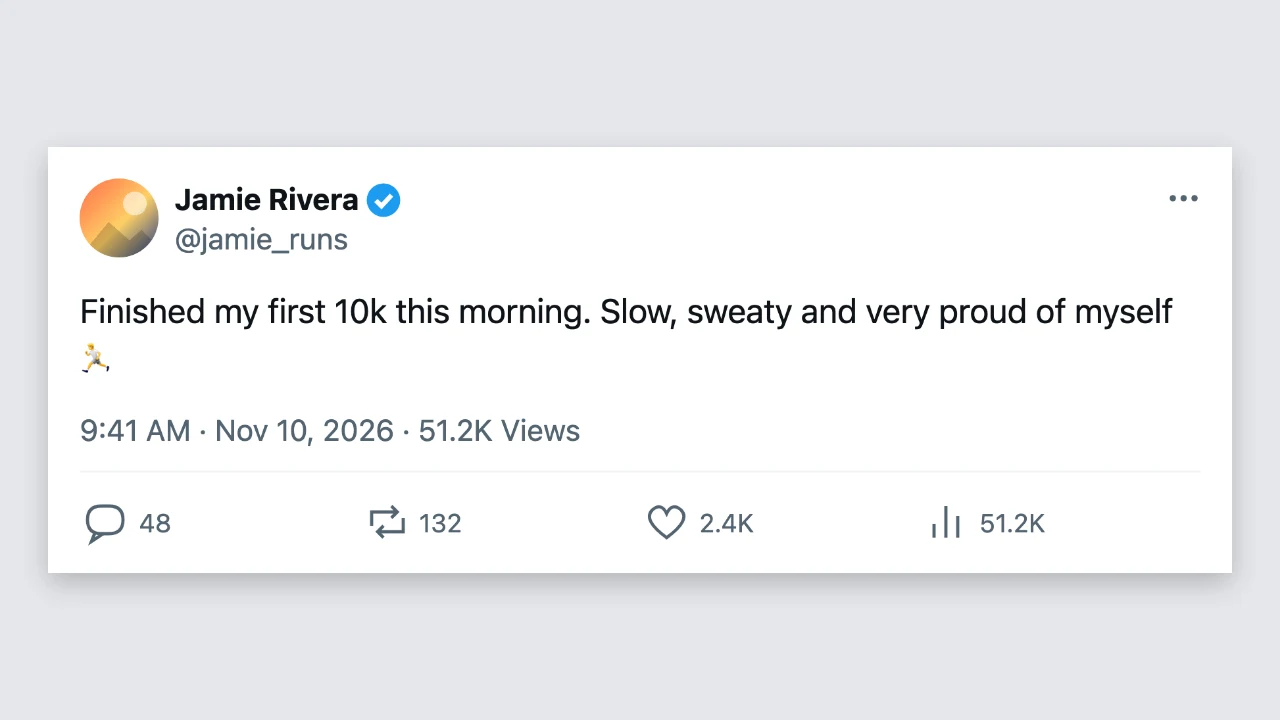
Set contact and display names, a username, a channel, the status bar time and battery, the date and counts for likes, replies, reposts, views or comments. The fake chat generator also takes a profile photo, a post photo and an optional generic blue check badge.

X-style post showing a profile photo, name, check badge, date and counts

Free PNG downloads in light or dark

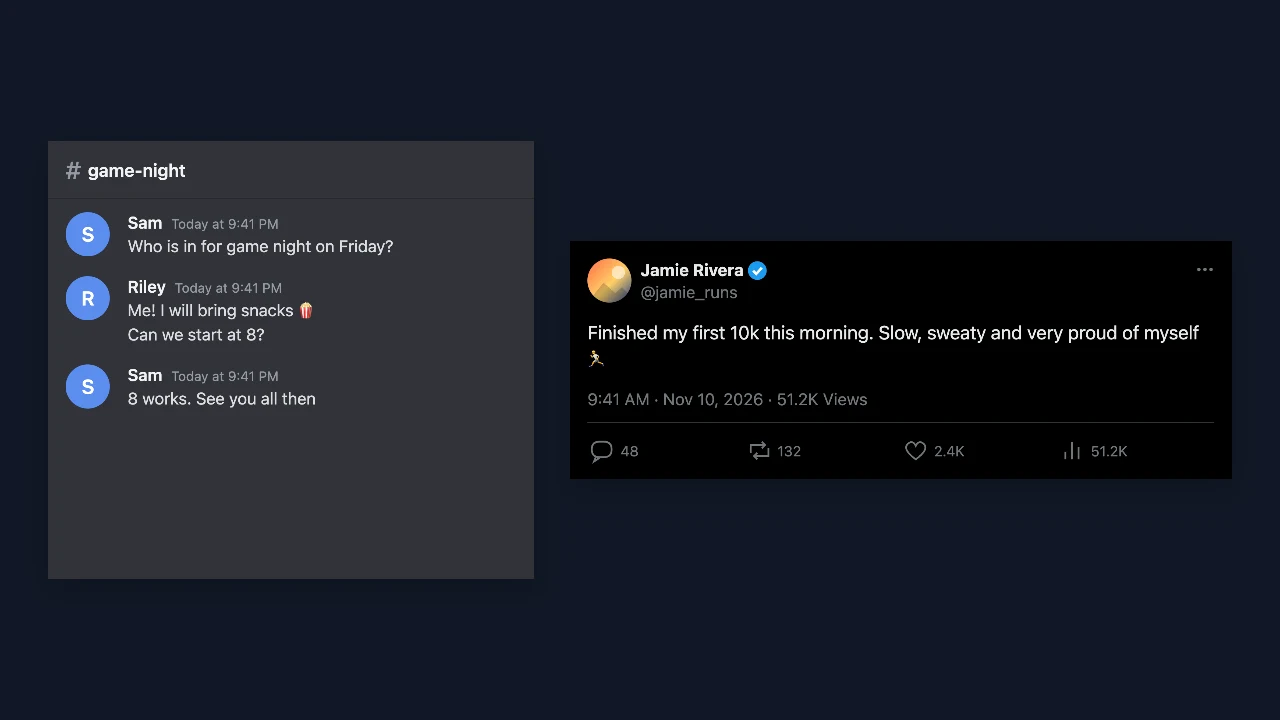
Every style has a light and a dark version, so you can match a bright slide or a night-time video. The fake chat generator downloads a high-resolution PNG, free and without an account, with nothing added to the image, and the comment sticker comes with a transparent background for placing on video.

Dark mode versions of a Discord-style channel and an X-style post

Where People Use a Fake Chat

A fake chat generator turns jokes, stories and product ideas into formats people read at a glance.

Memes and jokes

Write the exchange or the post that makes the joke work and share it as an image. The fake chat generator lets you switch styles to see whether the punchline lands better as a text or a post.

Videos and skits

Build the chats and comments that move a TikTok, Reel or YouTube story forward. Every screenshot from the fake chat generator is a sharp PNG that stays readable when you zoom in your editor, even on a phone.

Mockups and prototypes

Show how a message, an announcement or a social post will look before it goes out. Designers and marketers use the fake chat generator for client decks, prototypes and campaign previews, switching styles to compare formats.

Lessons and fiction

Teachers use the fake chat generator to build classroom examples about online safety and how easily screenshots can be edited, and writers use it to tell parts of a story through messages, posts and comments between characters.

What Creators Say About the Fake Chat Generator

My clients' skits mix texts, posts and comments. The fake chat generator covers all of them in one place, so I switch styles instead of juggling five tools, and every PNG stays sharp in the edit. Dark mode versions are ready in one click when a client wants a night scene.

Sophie Barrett
Short-form video editor

Fake Chat Generator FAQ

Quick answers about the fake chat generator, its styles and the PNG you download.

You can make and download screenshots in every style for free without creating an account. The fake chat generator saves a full-resolution PNG, and nothing is added to the image.

People use the fake chat generator for memes, video skits, product mockups, lessons about online safety and fiction, where the audience knows the chat or post is part of the content.

The fake chat generator works as a fake message generator in six styles: a text message, an iMessage-style chat, a Discord-style channel, an X-style post, an Instagram-style post and a TikTok-style comment sticker.

The fake chat generator is an independent tool that draws generic layouts inspired by these apps. It uses no platform logos, needs no app accounts and posts nothing to any service.

The X-style, Instagram-style and TikTok-style posts each keep their own text, and the two phone styles share one conversation, so in the fake chat generator you can compare green and blue bubbles or move to a post and back without retyping.

Phone chats are up to 1,170 pixels wide and the Discord-style channel up to 1,320; very long chats are saved smaller. The X-style post is 1,800 pixels wide and the Instagram-style post 1,410.

Make Your Fake Chat Now

Open the fake chat generator, pick a chat or post style, write the content and set the details, then download a sharp PNG for your meme, video, lesson or mockup.

Pick a style
iPhone-style chat and Discord-style channel side by side on a square amber backdrop