
BLACK FRIDAY

2× credits · Ends Dec 1

Ends Dec 1, 11:59 pm PTGrab 2× credits
Fake Text Message Generator

Pick a style, edit the messages or post, then download a PNG.

Style
82%
Profile photo
Messages

Free · full-resolution PNG · no sign-up

Live preview

More Tools in This Family

Other tools in the same family, for the next clip in the same project.

Fake Text Message Generator

Text conversations for memes, stories and mockups

Write both sides of a text conversation, set the phone details, and download the screenshot as a PNG.

Make a text screenshot
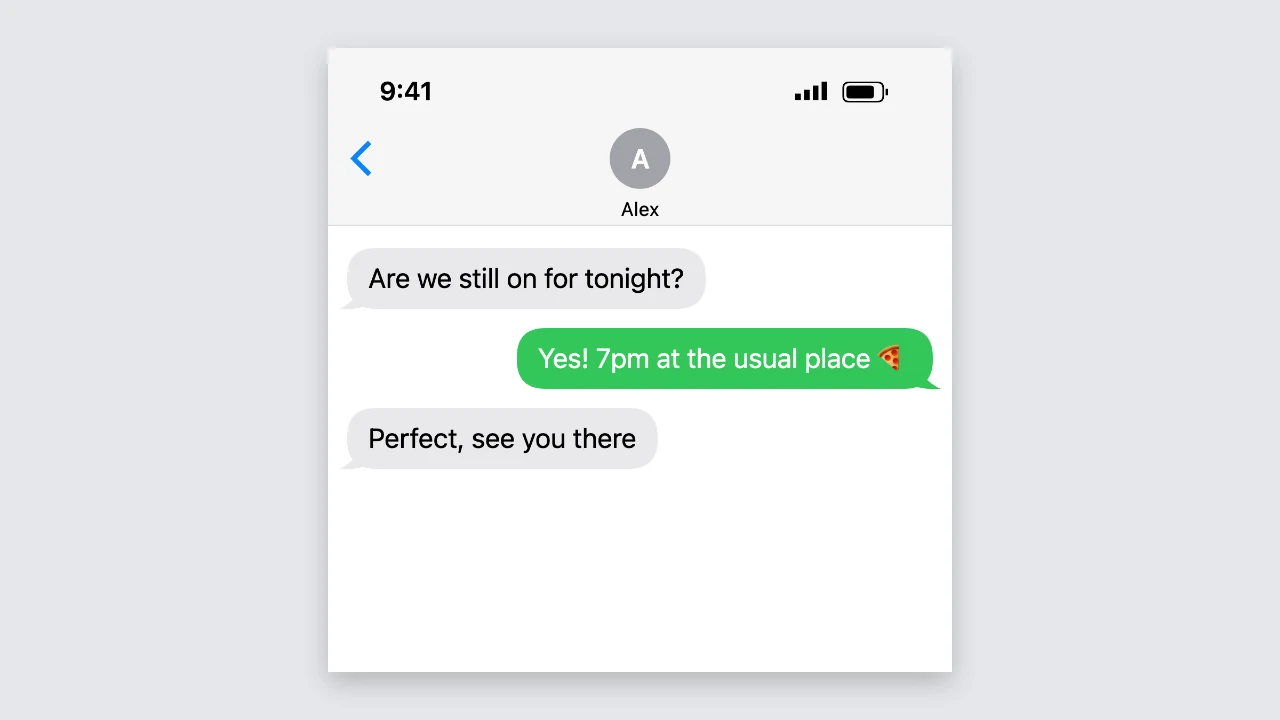
Fake text message generator preview: a light phone chat with grey and green message bubbles
Both sides of the chat|Light and dark mode|Free PNG, no sign-up

How to Make a Fake Text Message in Three Steps

The fake text message generator draws the conversation as you type, so the preview is the PNG you download.

1

Write the conversation

Type each message and tap the sender button to switch it between you and the other person. The fake text message generator holds up to 40 messages of up to 500 characters each, and you can move or delete any message.

2

Set the phone details

Enter the contact name, add a profile photo if you like, and set the status bar time and battery level. Switch to dark mode or to the blue iMessage-style bubbles, and every change shows in the preview right away.

3

Download the PNG

Press download to save the screenshot as a sharp, high-resolution PNG. The fake text message generator keeps long chats in one tall image, so a whole story fits in a single file.

Try Another Kind of Text Animation

Tools from the other families: moving text, paper cut-outs and match cuts, chat mockups and speech bubbles.

What the Fake Text Message Generator Lets You Change

Every setting in the fake text message generator updates the phone screenshot, so each fake message looks right before you download it.

Both sides of the conversation

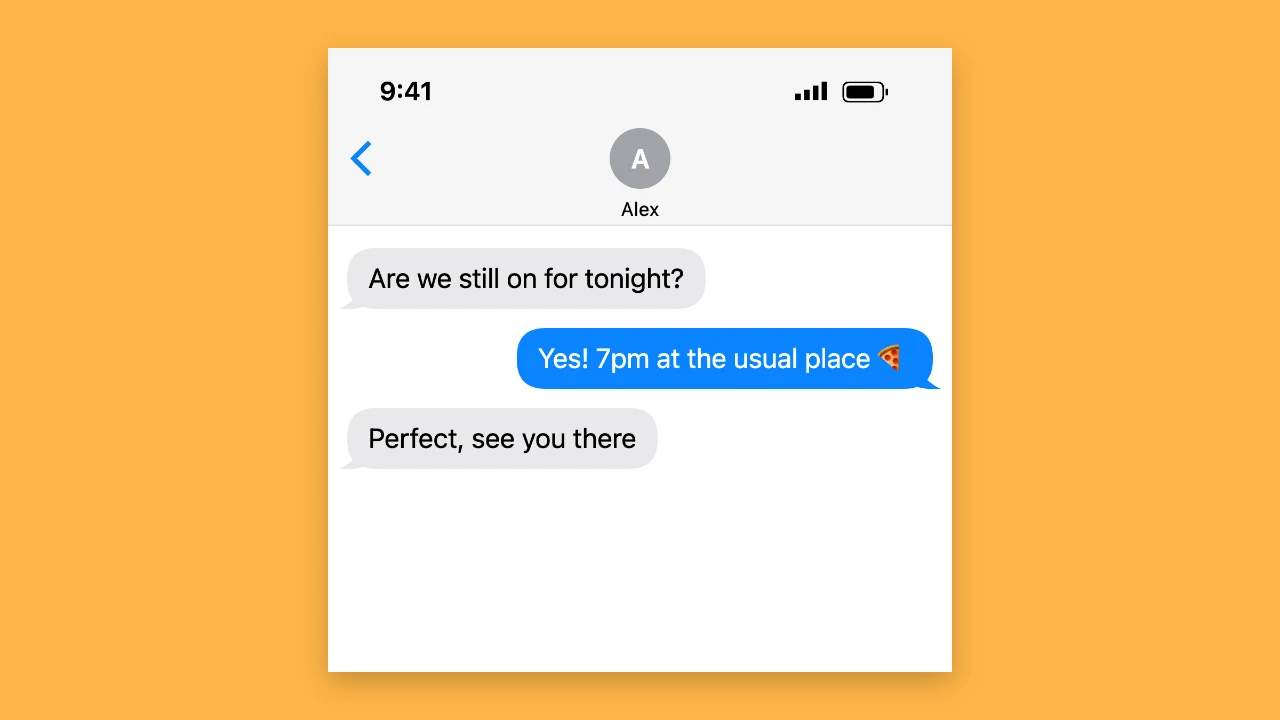
Messages from you sit on the right in green, and replies sit on the left in grey. The fake text message generator adds the little tail only to the last bubble in a run, wraps long messages, keeps the line breaks you type and shows emoji whole, so the chat reads like a normal phone thread.
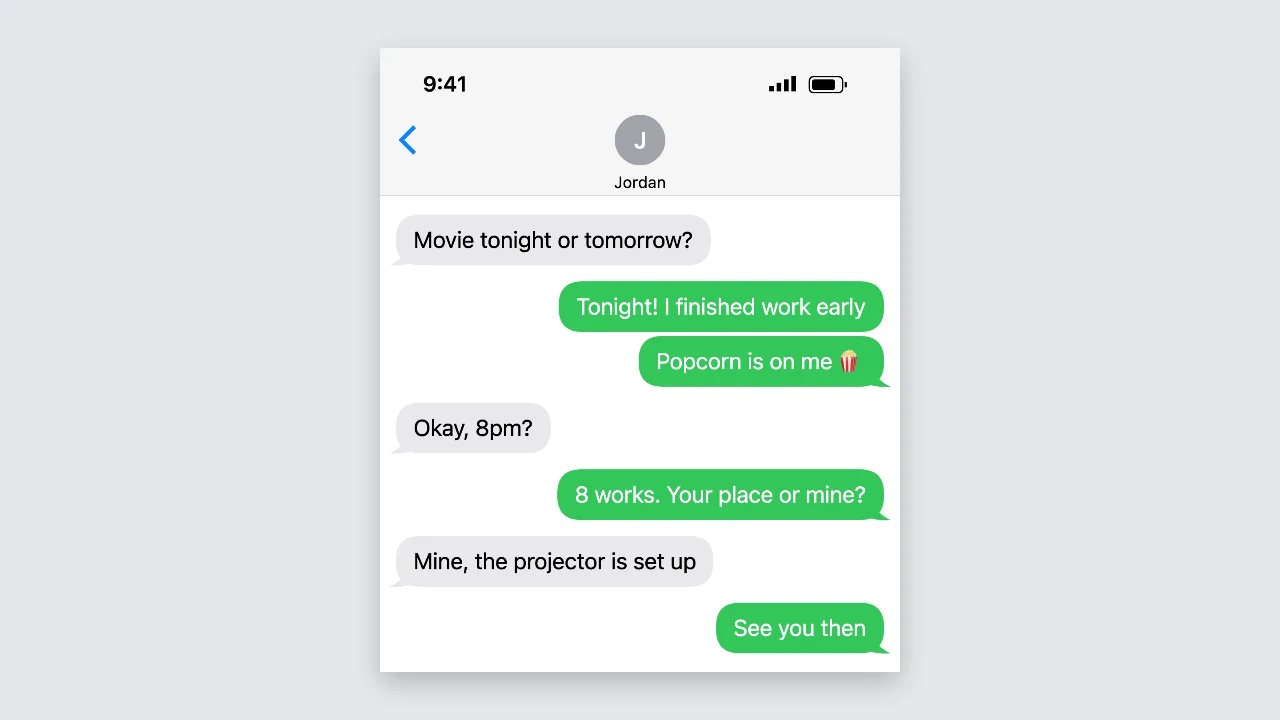
Light phone chat with several grey replies on the left and green messages on the right

Contact, photo, time and battery

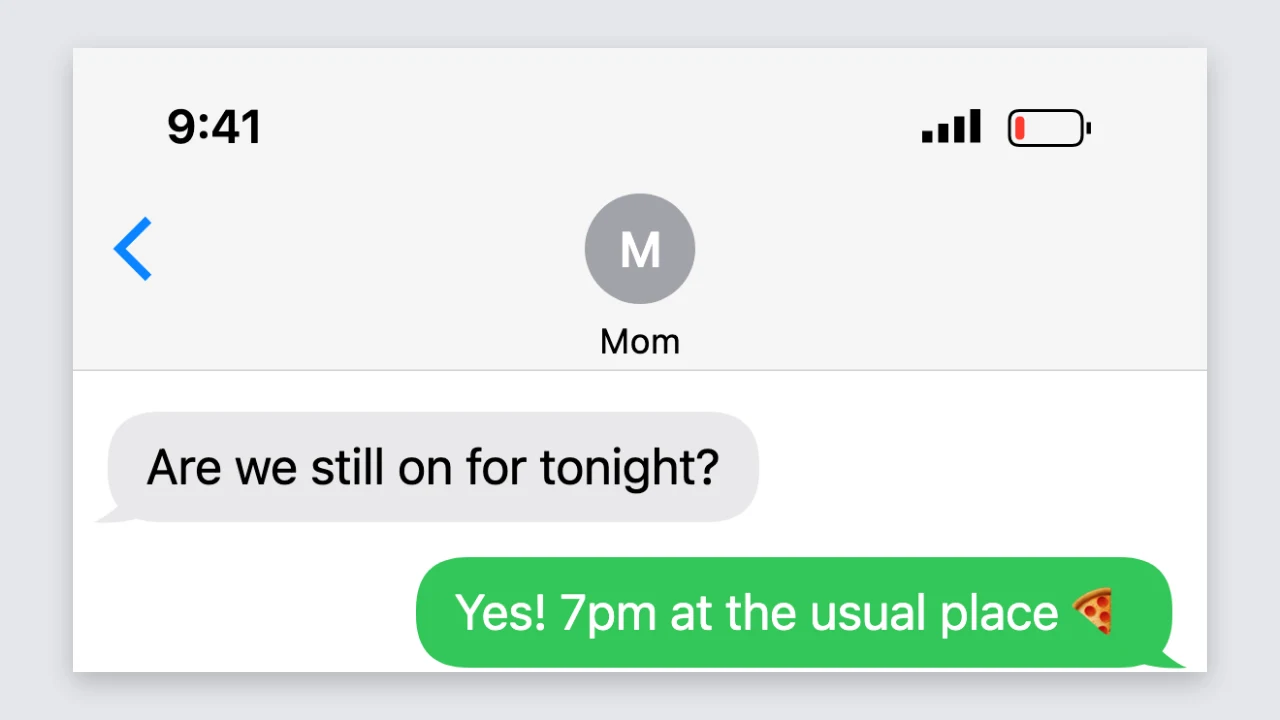
Type any contact name for the top of the screen and add a profile photo, or keep the grey initial. Set the status bar to any time, such as 9:41 or 11:58, and drag the battery from 1 to 100 percent; at 20 percent or less the fake text message generator turns the battery red.

Phone chat header with a contact initial, a 9:41 status bar and a red low battery

Light mode, dark mode and two bubble colours

Switch between a white and a black screen to match the look of your video or slide. Keep the green bubbles for a plain text message, or pick the iMessage-style option in the fake text message generator for blue bubbles and an iMessage placeholder in the input bar.

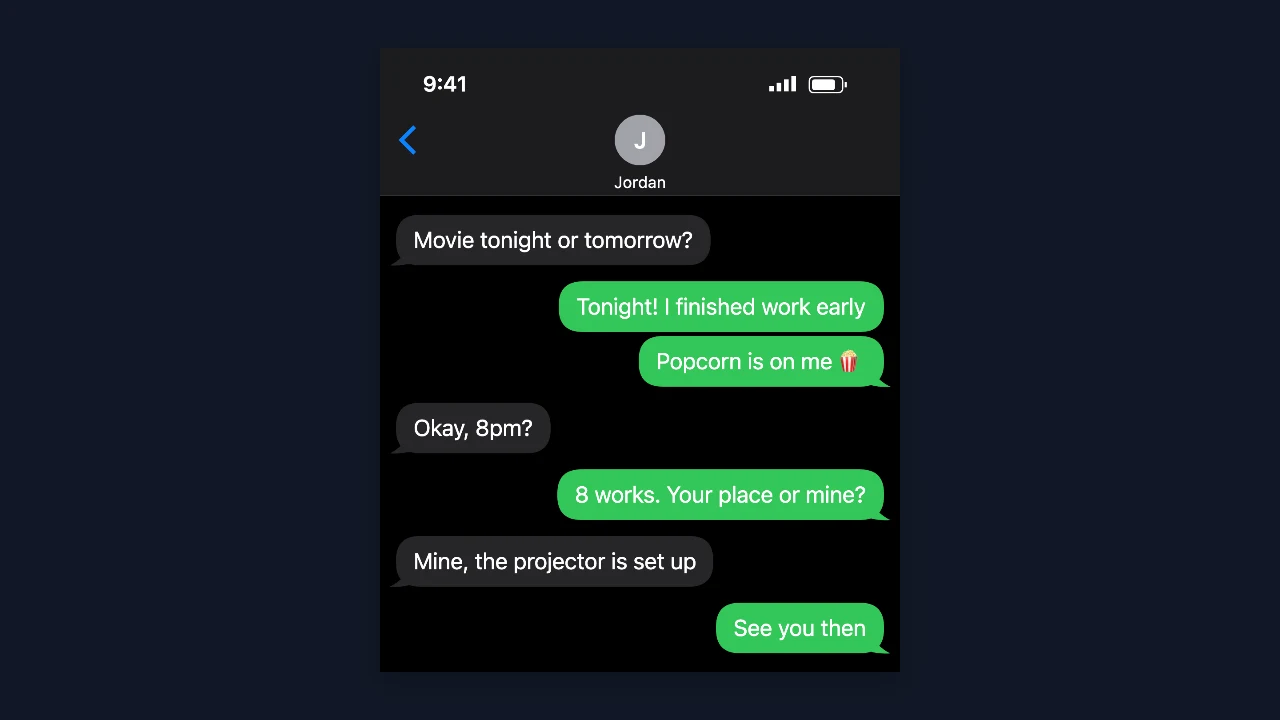
Dark mode phone chat with green bubbles on a black screen

A sharp PNG for any project

The fake text message generator downloads a PNG up to 1,170 pixels wide, so text stays crisp in a video edit or on a slide. Long conversations become one tall screenshot, and the download is free, needs no account and has nothing added to the image.

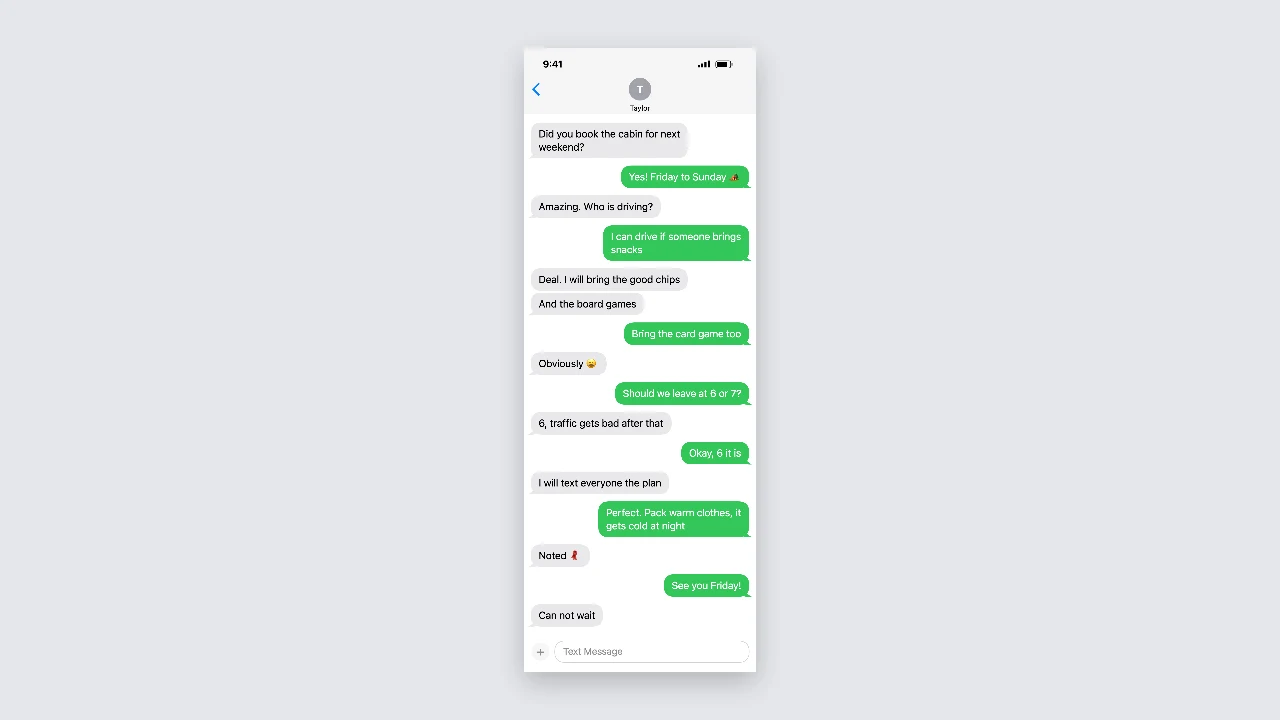
Tall phone screenshot of a long conversation shown on a plain backdrop

Where People Use a Fake Text Message

A fake text message is a quick way to tell a story or show an idea in a familiar format.

Memes and reaction posts

Write a short exchange with a perfect punchline and post it as an image. The fake text message generator makes a clean screenshot in seconds, so you can try three versions of the joke and keep the one that lands.

Story-time videos

Build the conversation that carries a TikTok, Reel or YouTube story, then cut it into your edit message by message. The fake text message generator exports sharp PNGs that stay readable when you zoom in on a phone screen.

App mockups and presentations

Show how an appointment reminder, a welcome message or a support reply would appear in a chat. Designers and product teams use the fake text message generator to drop clean, consistent conversations into slides and prototypes.

Fiction and creative writing

Tell part of a short story, comic or game through text messages. The fake text message generator lets writers stage a scene with names, times and a dying battery that add tension without a paragraph of description.

What Creators Say About the Fake Text Message Generator

My story-time videos are told through text conversations. I write the whole exchange in the fake text message generator, switch on dark mode to match my edit, and download each step as a PNG. Zooming in on the phone screen in CapCut stays sharp, even on a long chat.

Chloe Martin
TikTok storyteller

Fake Text Message Generator FAQ

Quick answers about the fake text message generator, its settings and the PNG you download.

You can make and download screenshots for free, without creating an account. The fake text message generator saves a full-resolution PNG, and nothing is added to the image.

People use the fake text message generator for memes, story-time videos, app mockups, classroom examples and fiction. It works best when viewers know the conversation is part of a joke, a story or a design.

Tap the sender button next to any message to switch it between you and the other person. You can also move messages up or down and delete them, up to 40 messages in one fake text message.

Choose an image to use as the contact photo, or keep the grey initial. The fake text message generator also lets you type any status bar time and set the battery from 1 to 100 percent.

The PNG is up to 1,170 pixels wide. Very long chats are saved smaller so the fake text message generator can still save them as one image.

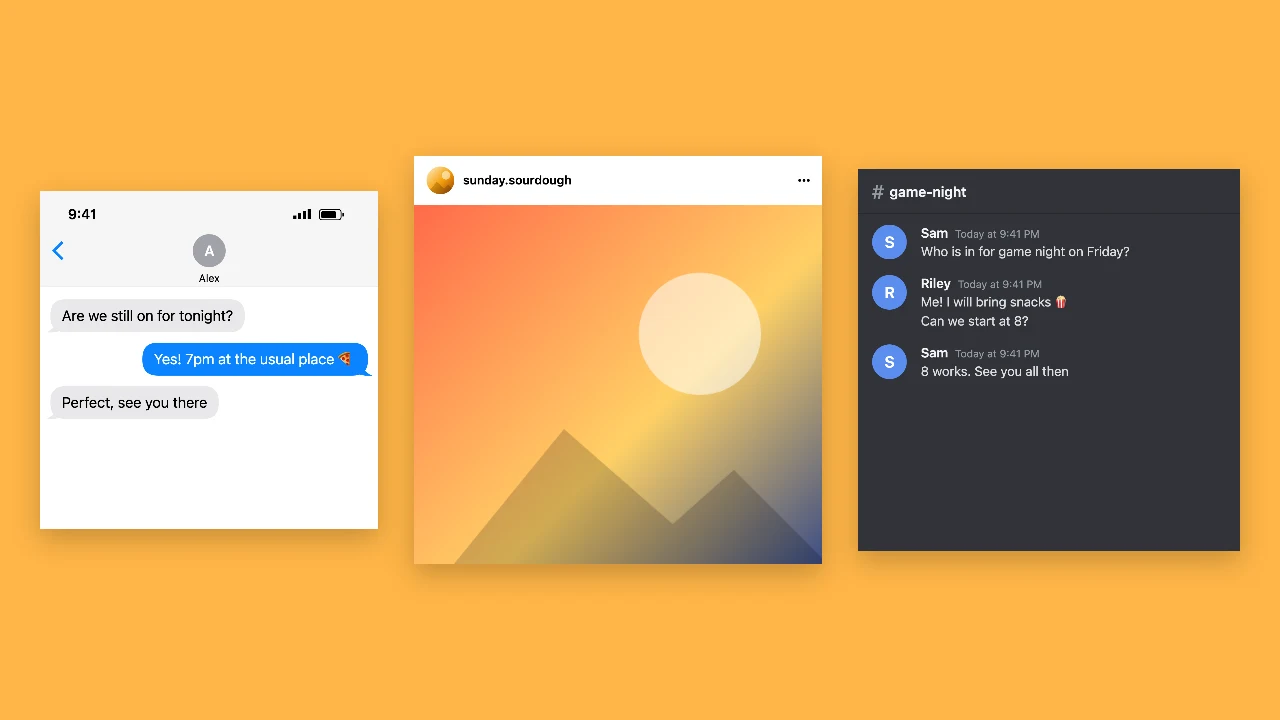
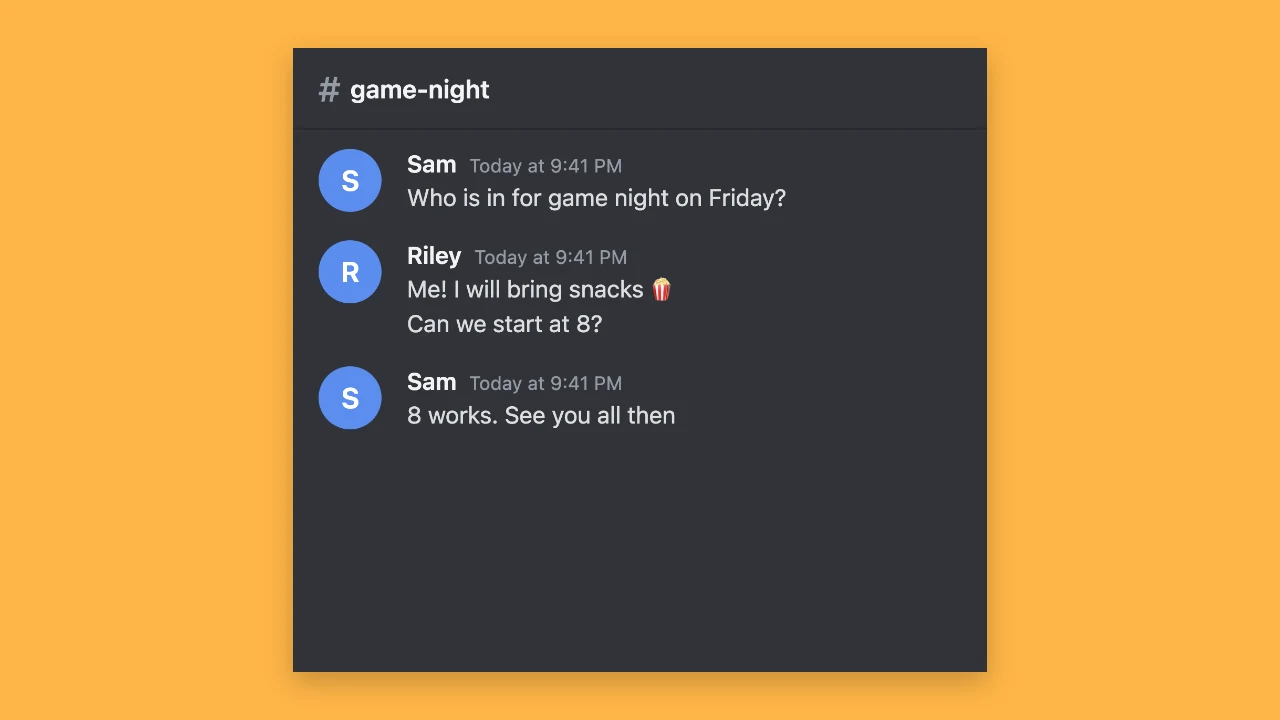
Switch on dark mode for a black screen, and pick the iMessage-style option for blue bubbles. The other styles in the workspace make Discord-style chats, posts and comment stickers.

Make Your Fake Text Message Now

Open the fake text message generator, write both sides of the conversation, set the contact, time and battery, and download a sharp PNG for your meme, video or mockup.

Start a conversation
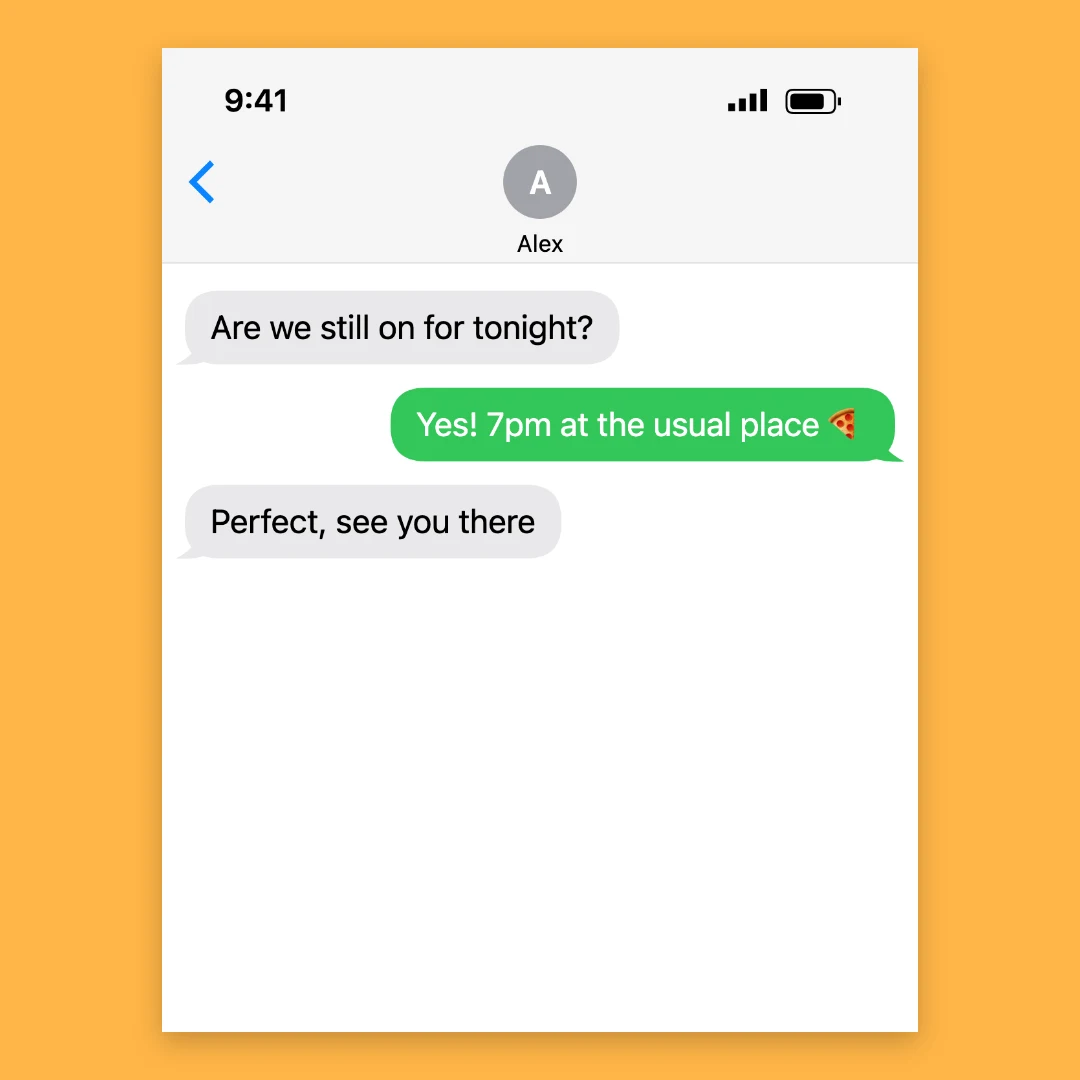
Phone text conversation centred on a square amber backdrop