
BLACK FRIDAY

2× credits · Ends Dec 1

Ends Dec 1, 11:59 pm PTGrab 2× credits
Image to Paper

Pick a mode, add your words or image, then export.

Mode
Your image

Showing a sample image until you choose your own.

Animation
Background
3.0 s
Shape
Format

Free · up to 720p and 15 seconds, with a small textanimation.org mark

Live preview
4.4 s

More Tools in This Family

Other tools in the same family, for the next clip in the same project.

Image to Paper Animation

Any image, folded and unfolded as paper

Turn an image into a paper cutout that unfolds onto the page, and export it as a GIF, MP4 or PNG.

Turn my image to paper
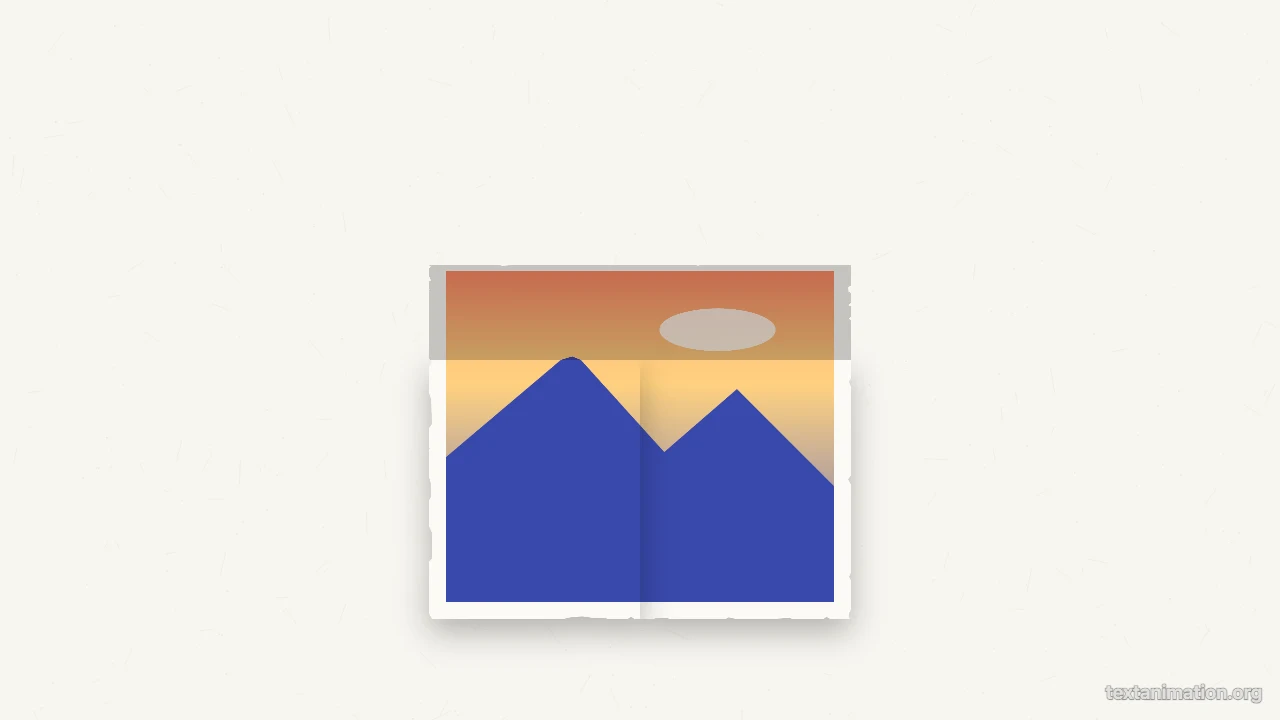
Image to paper preview: a sunset photo with torn white edges halfway through unfolding on white paper
Unfold, wobble or pop-in|GIF, MP4 and PNG|Free, no sign-up

How to Turn an Image to Paper in Three Steps

The image to paper tool draws the paper effect on screen; it does not print anything, and the preview is the file you export.

1

Choose your image

Add a JPG, PNG, WebP or GIF. With image to paper, a PNG with a transparent background gets a white outline around the subject, and a normal photo becomes a print with torn white edges.

2

Set the paper effect

Keep the unfold, or choose a stop-motion wobble or a pop-in, then pick kraft, newsprint, white paper, dark, amber or coral as the background and add an optional caption strip under the image.

3

Export it

Export an MP4 to use in CapCut or Premiere, a GIF for chats and slides, or a PNG of the finished paper cutout. Image to paper starts in a 9:16 frame, with square and wide frames too.

Try Another Kind of Text Animation

Tools from the other families: moving text, paper cut-outs and match cuts, chat mockups and speech bubbles.

What the Image to Paper Tool Lets You Do

Every setting in the image to paper tool changes the paper effect before you export.

A paper cutout effect for any image

Photos become prints with a white border and torn paper edges. PNGs with a transparent background, made in a background remover first, get a white outline that hugs the subject like a cut-out sticker. Image to paper keeps your picture unchanged inside the border and adds a soft shadow so it lifts off the page.
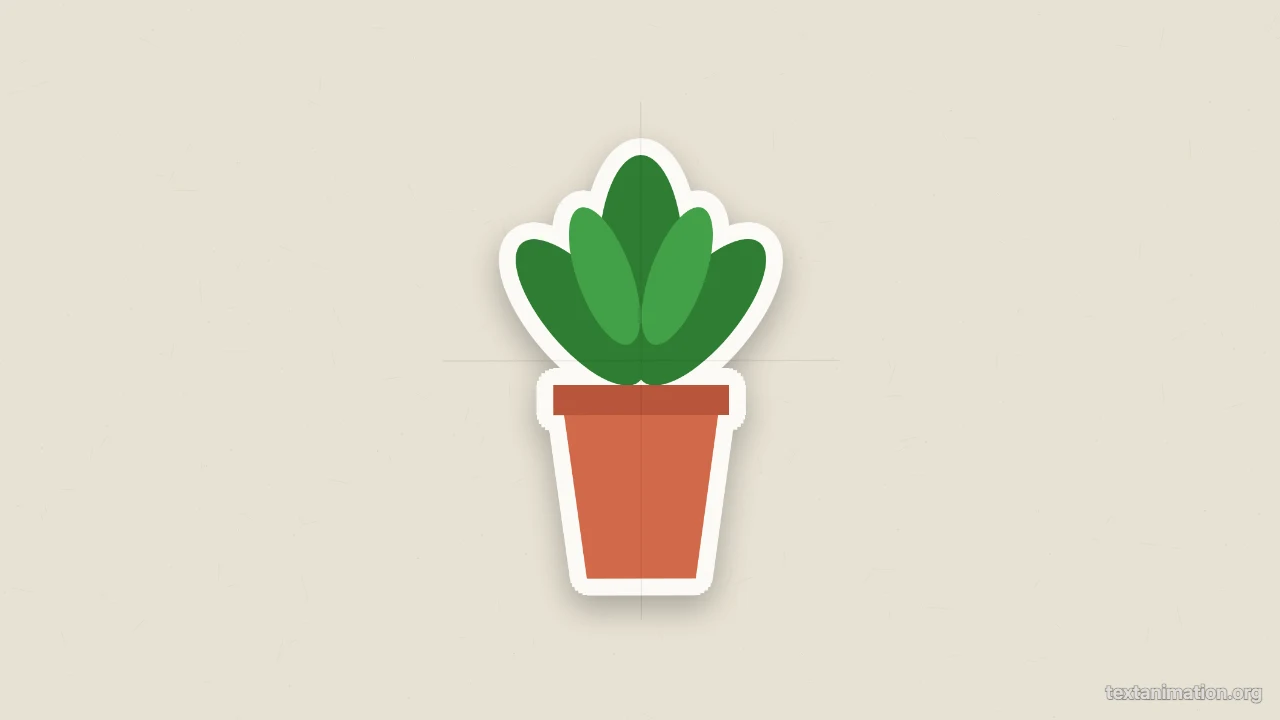
Potted plant cutout with a white outline casting a soft shadow on newsprint

A paper unfold animation

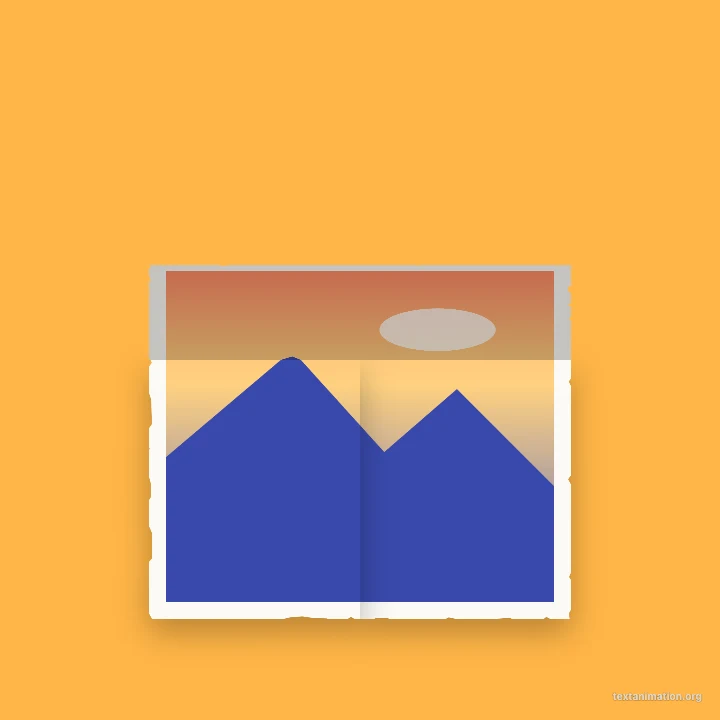
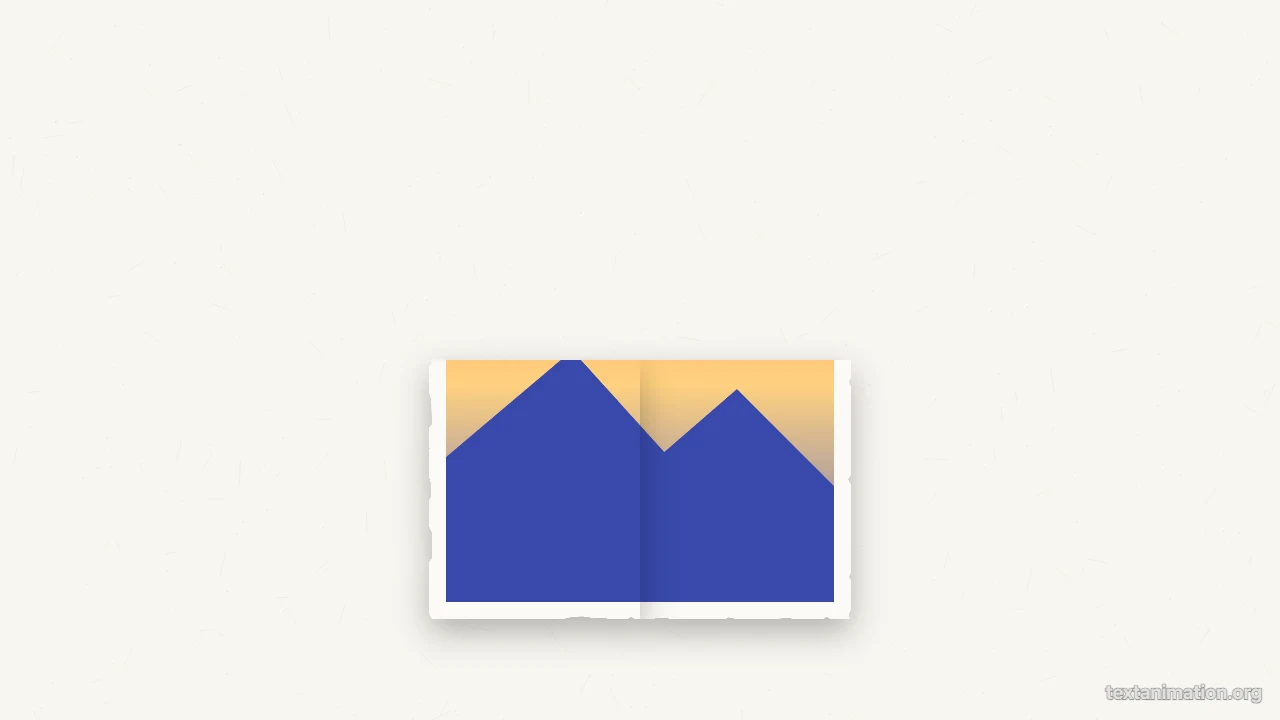
The image starts folded into quarters. The left half opens first, then the top half, with a darker tone on each flap while it turns, and faint crease lines stay once it is flat. Image to paper finishes the unfold in 1.4 seconds and then keeps a light stop-motion wobble.

Photo cutout with the left half opened and the top half still folded down

Wobble, pop-in and a caption

Prefer a looping stop-motion feel? Switch image to paper to the wobble, which changes pose eight times a second, or to a pop-in with a small bounce. Add a short caption and it appears on a torn strip of paper beneath the image, tilted as if glued by hand.

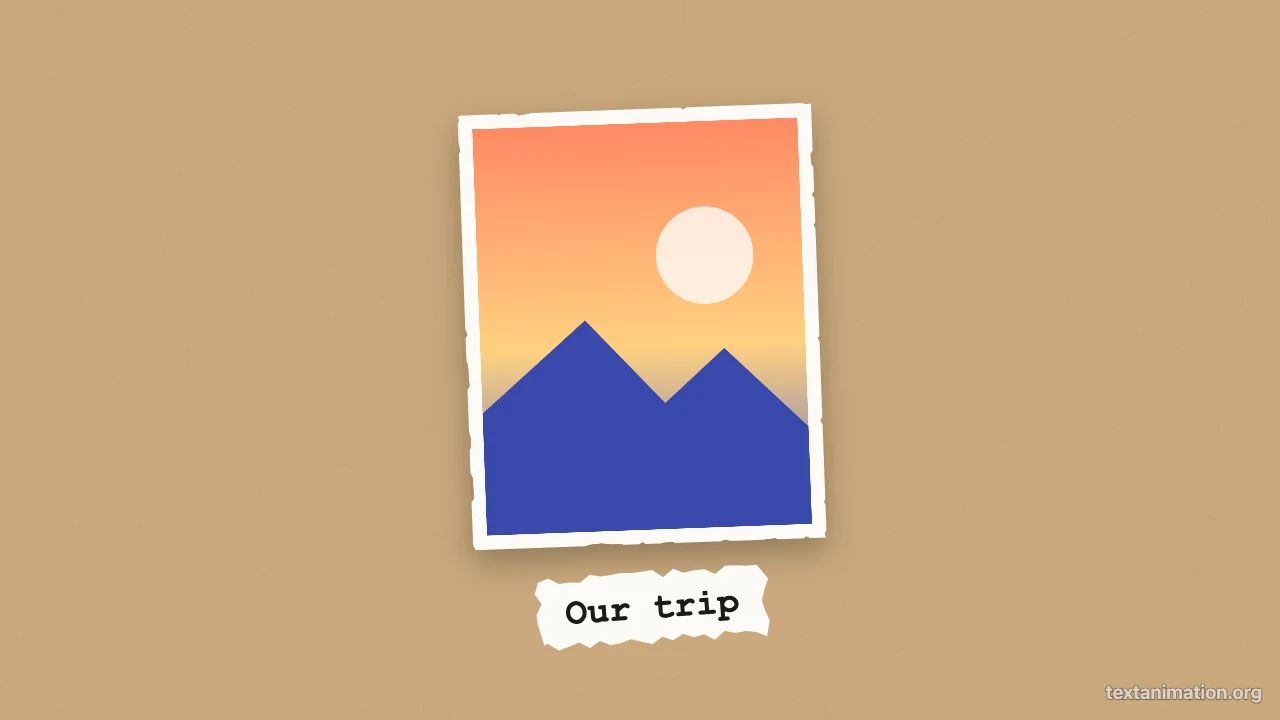
Photo cutout on kraft paper with a torn caption strip underneath

PNG to paper animation exports

Export the result as an MP4, a looping GIF or a PNG still in a 9:16, 1:1 or 16:9 frame. Image to paper gives free exports up to 720p and 15 seconds with a small textanimation.org mark; a subscription exports 1080p, up to 60 seconds, with no mark.

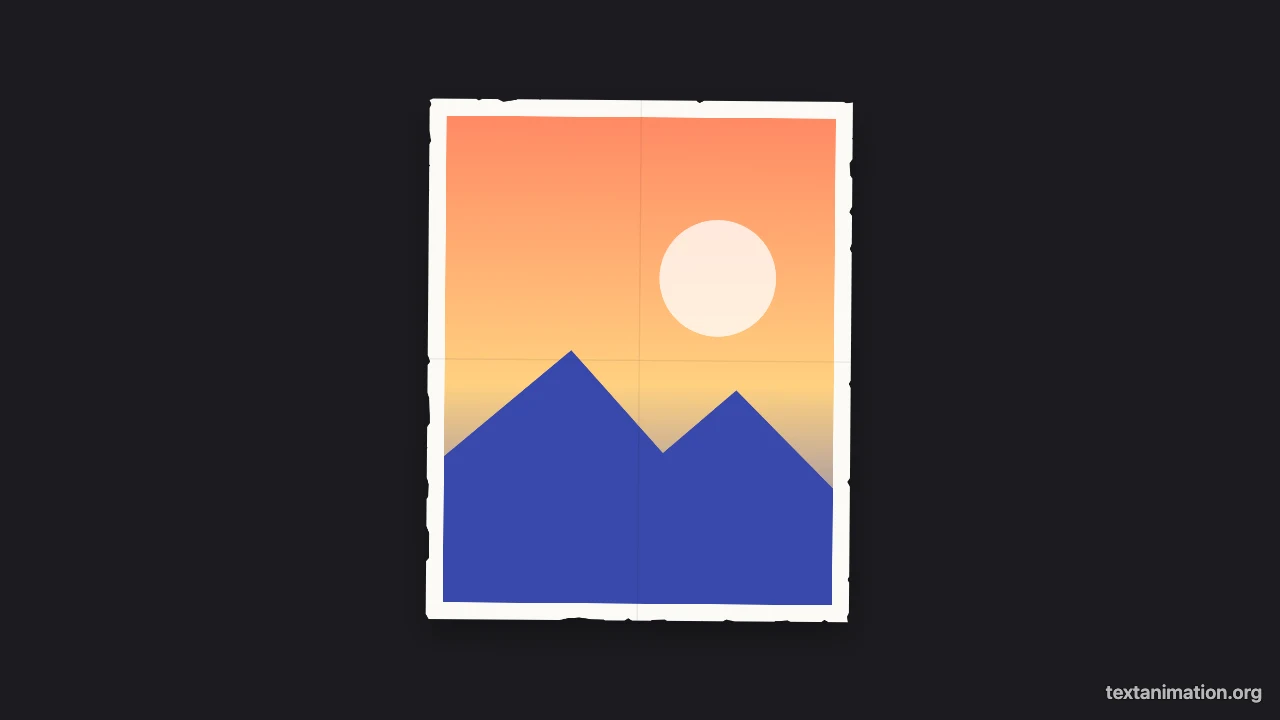
Photo cutout with torn edges on a dark background

Where People Use an Image to Paper Animation

An image to paper effect makes a plain photo feel handmade and tactile in a video.

Story and Reels openers

Unfold a holiday photo or a portrait at the start of a story. The image to paper animation reveals the picture in a little over a second, which grabs attention without a long intro or any extra editing.

Collage and scrapbook edits

Combine several paper cutouts in a collage-style video. Using image to paper on each photo gives them the same torn edges and texture, so the collage feels like one handmade piece rather than a pile of separate pictures.

Product and brand posts

Unfold a product shot or a logo PNG with a white cutout outline to introduce it on social media. Image to paper gives brand content a crafty, hand-assembled look that stands out from glossy ads.

Invitations and greetings

Send a birthday photo or a save-the-date that unfolds like a paper card. Export the image to paper animation as a GIF and share it in a message, a group chat or an email to friends.

What Creators Say About the Image to Paper Tool

I start each story with a photo unfolding onto white paper. Image to paper gives it torn edges and a little wobble after it opens, so my plain phone photos suddenly look like part of a scrapbook. Exporting the MP4 in the story frame means it is ready to post straight away.

Isla Murray
Lifestyle creator

Image to Paper FAQ

Quick answers about the image to paper tool and its paper effects.

You can make and export paper animations as GIFs, MP4s and PNGs for free without creating an account. Free animated exports from the image to paper tool go up to 720p and 15 seconds and carry a small textanimation.org mark in the corner.

Image to paper is a digital effect: it draws a paper look and animation on screen and exports a video or image file. To transfer a photo onto real paper you need a printer or a craft method.

The image to paper tool does not remove backgrounds. For a cutout that follows the subject, upload a PNG with a transparent background; other images become rectangular prints with torn edges.

Your image starts folded in quarters, the left half opens, then the top half, in about 1.4 seconds. Image to paper then keeps a gentle wobble during the pause you set.

You can choose a GIF, and image to paper uses its first frame as a still picture. The paper motion comes from the effect, not from the GIF animation.

The free export puts the paper on the background you choose, such as dark or white paper. Green screen and transparent video exports are not offered yet.

Turn Your Image to Paper Now

Open the image to paper tool, add a photo or a transparent PNG, choose unfold, wobble or pop-in and a paper background, then export a GIF or MP4 for your next post.

Turn my image to paper
Square amber frame with a photo cutout unfolding in the middle