
BLACK FRIDAY

2× credits · Ends Dec 1

Ends Dec 1, 11:59 pm PTGrab 2× credits
Handwriting Animation Generator

Type your text, pick the speed and look, then export.

Animation
24 / 280
12 characters per second
1.5 s
8%
Font
Text color
Background
Shape
Format

Free · up to 720p and 15 seconds, with a small textanimation.org mark

Live preview
 

Start from an example

Handwriting Animation Generator

Your words, written on screen

Type a message and export it as a write-on animation in a handwriting font, as a GIF, MP4 or PNG.

Write my text
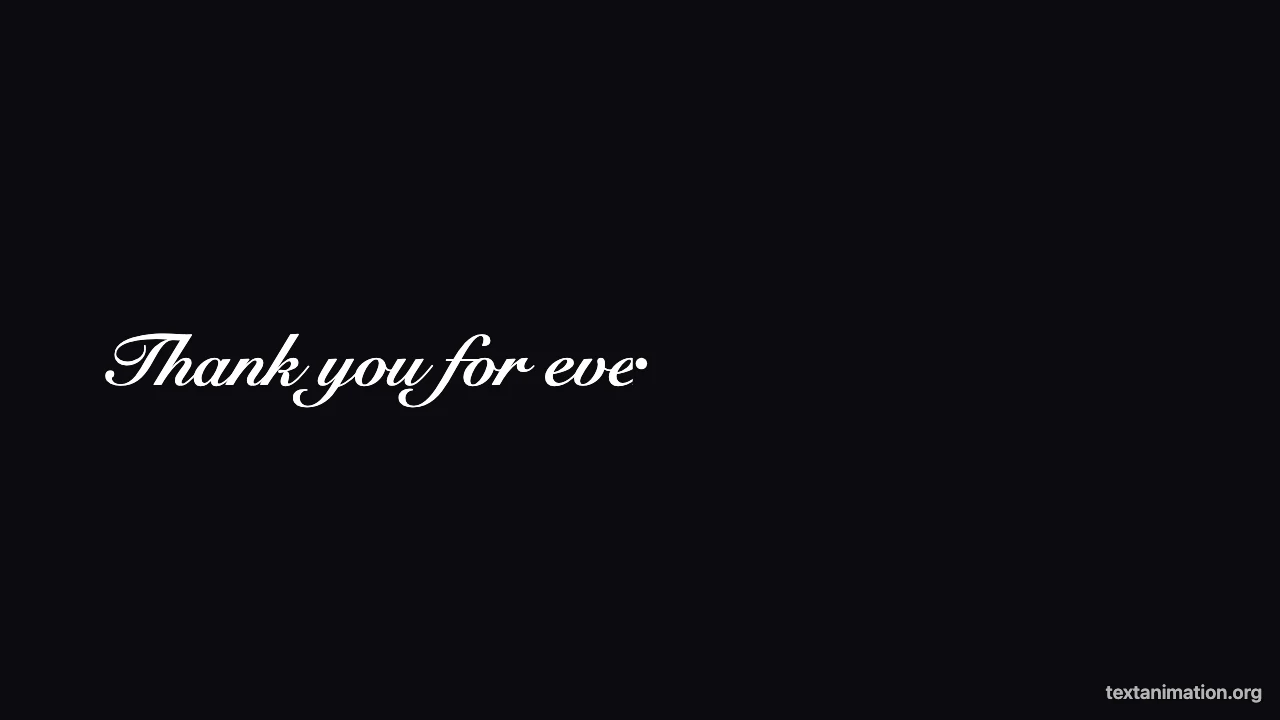
Handwriting animation generator preview: white script text being written on a dark background with a pen tip
Script font write-on|GIF, MP4 and PNG|Free, no sign-up

How to Make a Handwriting Animation in Three Steps

The handwriting animation generator writes your words on screen, so the preview you watch is the file you download.

1

Type your message

Write or paste up to 280 characters in the handwriting animation generator. Each line is written on from left to right in order, and long lines wrap to fit the frame, so a short note or a two-line quote both work.

2

Set the writing speed and look

Choose how many characters are written each second, from 2 to 40, and how long the finished message stays on screen. Keep the handwriting font or switch fonts, pick text and background colors, and show or hide the pen tip.

3

Export a GIF, MP4 or PNG

Choose GIF for chats, cards and slides, MP4 for video editors, or PNG for the finished note. The handwriting animation generator exports with the same timing as the preview, and the file is ready to download.

Try Another Kind of Text Animation

Tools from the other families: moving text, paper cut-outs and match cuts, chat mockups and speech bubbles.

What the Handwriting Animation Generator Lets You Control

Every setting changes the writing animation in the live preview before you export it.

Script text that writes itself on

Letters are revealed from left to right as if a pen were moving across the line, one line after another. The handwriting animation generator uses a system script font and sweeps across each word; it does not trace the separate strokes of every letter, which keeps the motion smooth for any text you type.
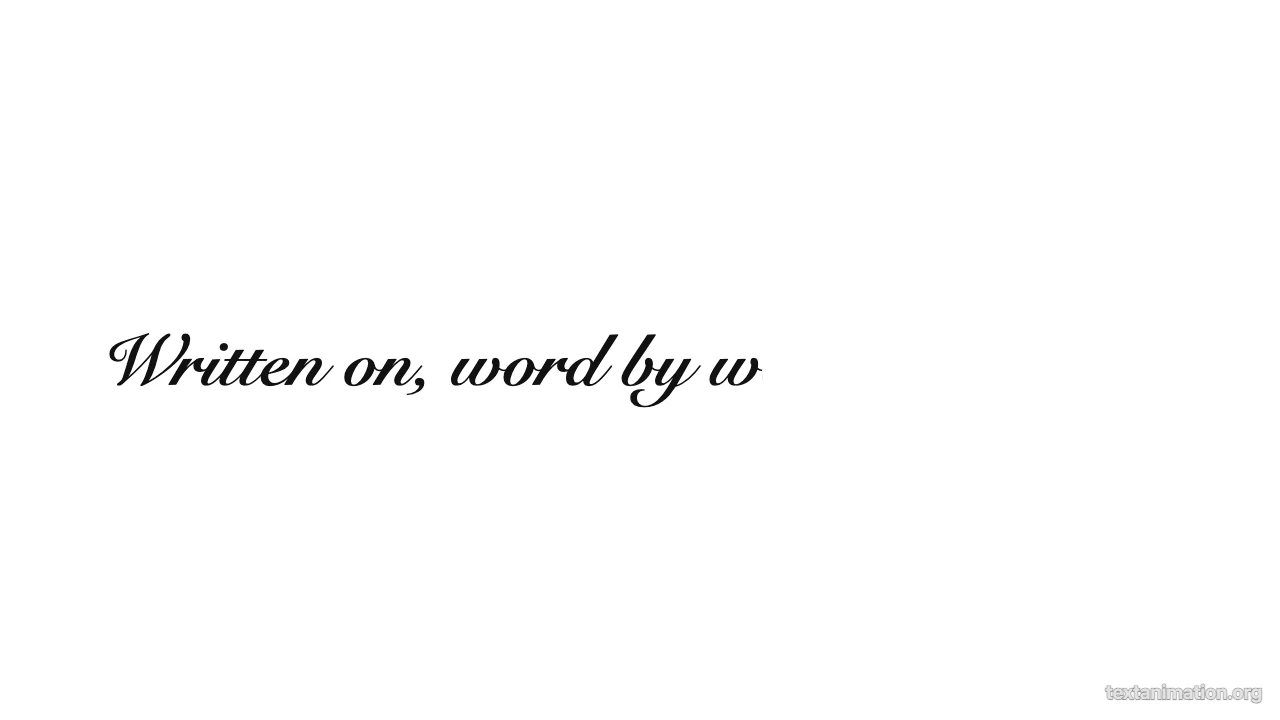
Black script words partly written on a white background, the rest still hidden

A pen tip that leads the writing

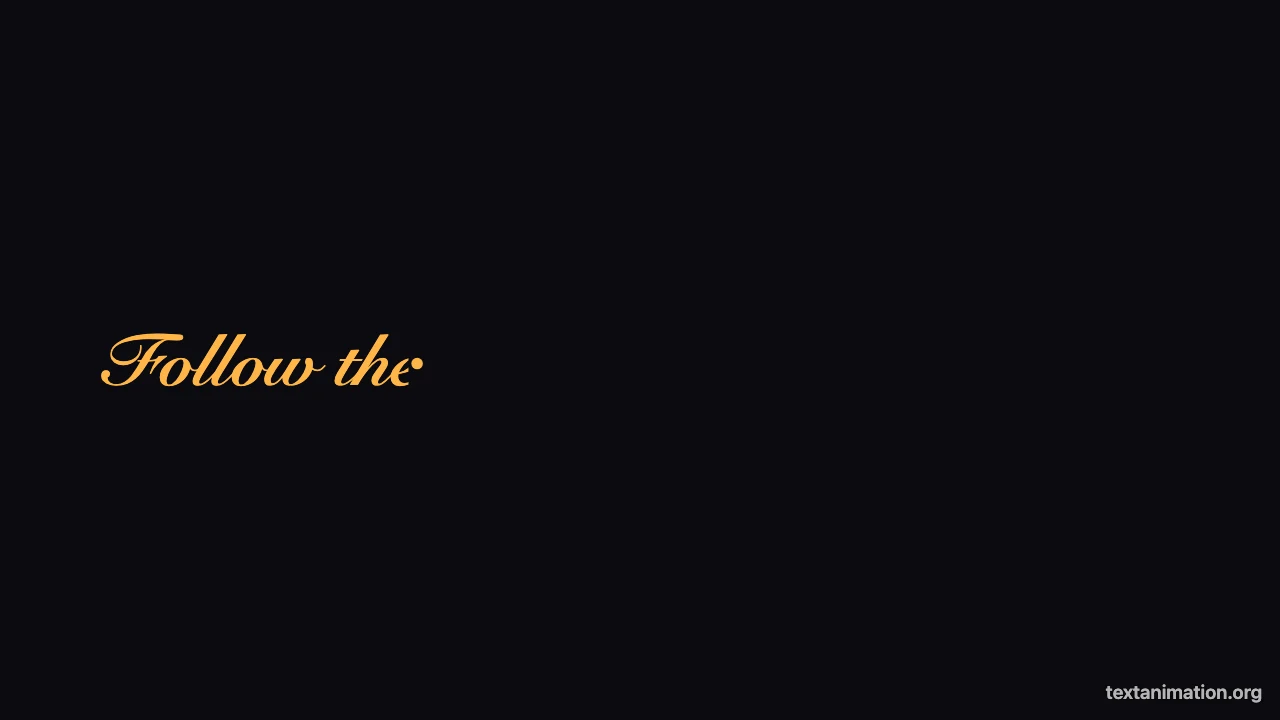
A small dot travels at the edge of the writing, like the tip of a pen, and disappears once a line is finished. Turn it off in the handwriting animation generator for a cleaner signature-style reveal, or keep it so viewers can follow the writing animation as it moves across the frame.

Amber script text being written on a dark background with a round pen tip at the writing edge

Writing speed and an end pause

Slow writing feels personal, like a note being signed; fast writing suits titles and captions. The handwriting animation generator writes 2 to 40 characters per second and holds the finished message for half a second up to five seconds before the loop restarts, so the reader can take in every word.

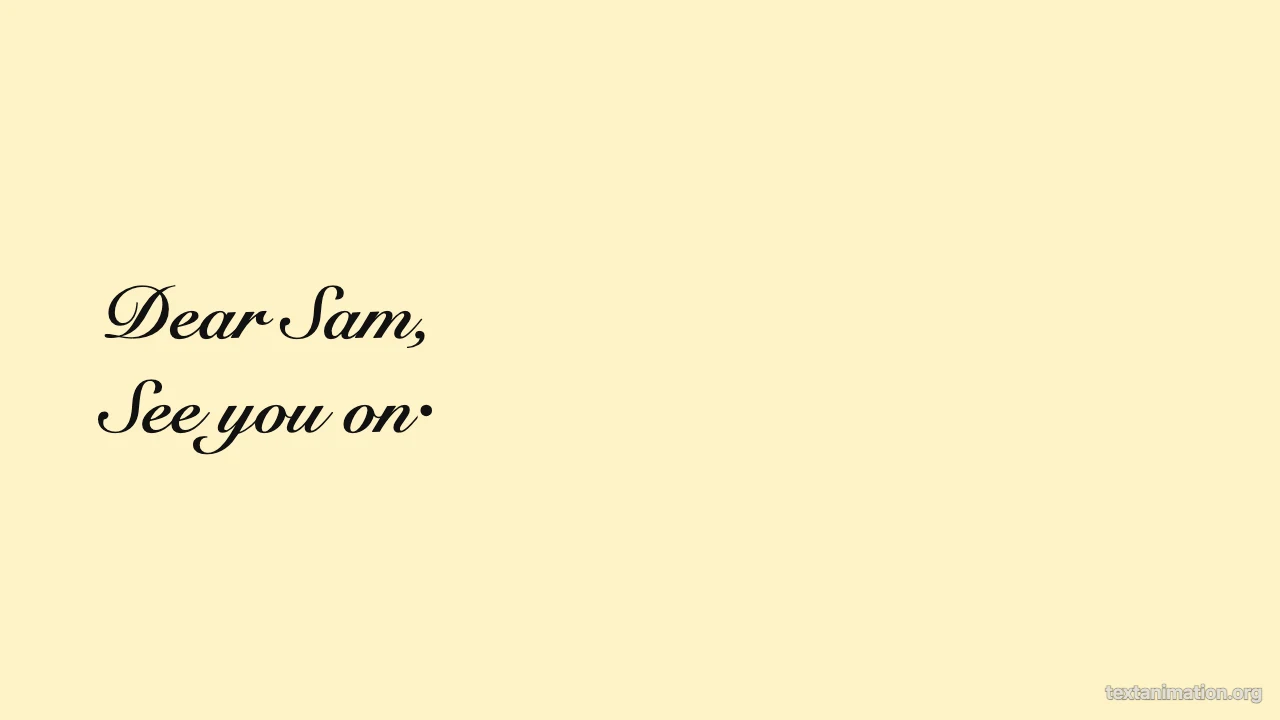
Two-line handwritten note in dark script on cream, second line being written

GIF, MP4 and PNG in three frame shapes

Export a looping GIF, an MP4 for CapCut or Premiere, or a PNG of the finished note in a square 1:1, story 9:16 or wide 16:9 frame. The handwriting animation generator gives free exports up to 720p and 15 seconds with a small textanimation.org mark; a subscription exports 1080p, up to 60 seconds, with no mark.

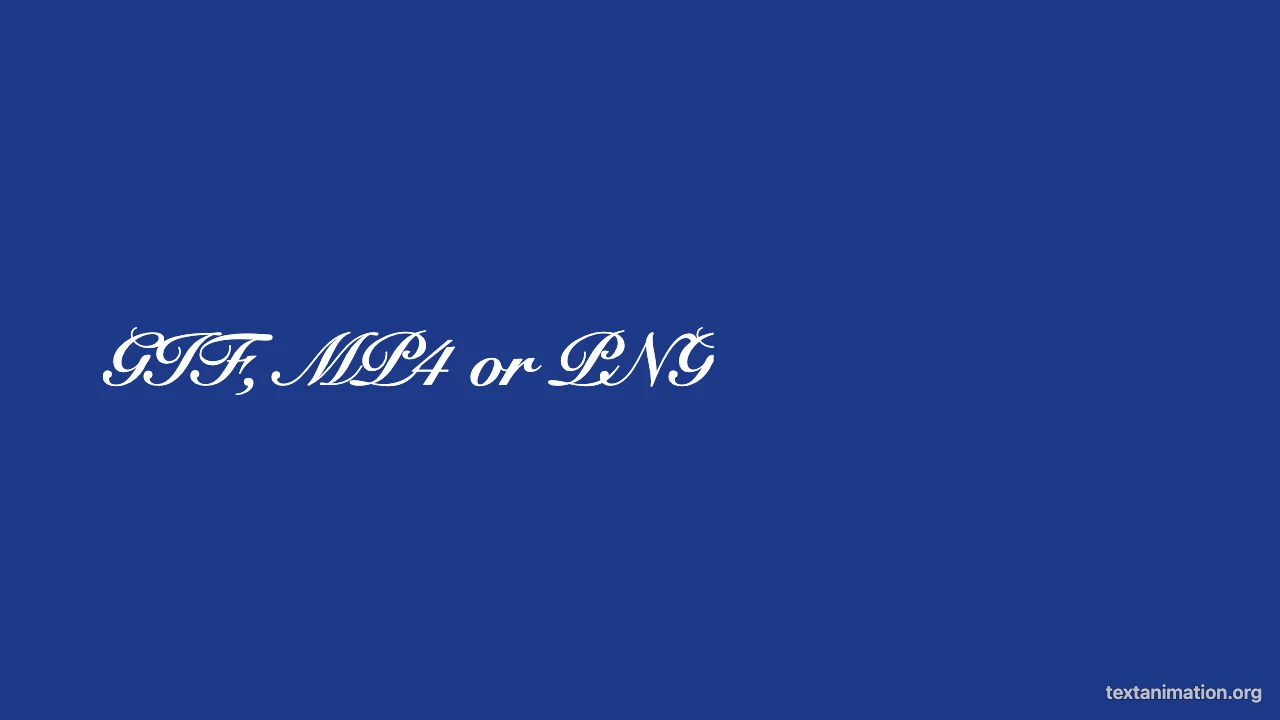
White script words “GIF, MP4 or PNG” fully written on a navy background

Where People Use a Handwriting Animation

A handwriting animation feels personal wherever it plays, because the message writes itself on.

Digital cards and invitations

Send a “Happy birthday”, “Thank you” or “Save the date” that writes itself on. Make it in the handwriting animation generator, export a GIF and drop it into a message, an email or an online card.

Video titles and signatures

Open a vlog, wedding film or travel video with a title written in script, or end it with your name. Export an MP4 from the handwriting animation generator and place it as a title card at the start or end of your video in CapCut, Premiere or iMovie.

Social posts and stories

Use the story frame for a quote or caption that writes on in Instagram Stories, Reels or TikTok. The handwriting animation generator keeps the text inside the frame and readable in a vertical format, clear of the stickers and music you add in the app.

Slides and lessons

Reveal a key word or a short quote in a presentation the way a teacher writes on a board. GIFs from the handwriting animation generator play inside Google Slides, Keynote and PowerPoint without plugins, on any classroom computer.

What Creators Say About the Handwriting Animation Generator

Every film I deliver opens with the couple's names written in script on a cream title card before the first shot. I make it with the handwriting animation generator, export an MP4 in the wide frame and drop it in front of the first clip in Premiere. Couples often mention that opening title first.

Sofia Rossi
Wedding videographer

Handwriting Animation Generator FAQ

Quick answers about the handwriting animation generator: how the writing works, fonts, formats and length.

You can make and export handwriting animations as GIFs, MP4s and PNGs for free without creating an account. Free animated exports from the handwriting animation generator go up to 720p and 15 seconds and include a small textanimation.org mark.

The handwriting animation generator reveals a script font from left to right with a pen tip at the edge, which reads as writing at normal viewing speed. It does not trace every individual stroke; that needs a vector animation tool with hand-drawn paths.

Type or paste your text and the handwriting animation generator writes it on in a script font straight away, so going from text to handwritten animation takes one step. It makes an animation, not a page that imitates real handwriting for printing or assignments.

The handwriting animation generator starts with a system script font, and you can switch to clean, classic or typewriter fonts. The same write-on motion works with every font.

It lasts as long as the writing plus the end pause, and the duration is shown under the preview. Free exports from the handwriting animation generator keep up to 15 seconds; a subscription allows up to 60 seconds.

Choose GIF for chats, cards and slides, where it loops anywhere images load. Choose MP4 from the handwriting animation generator for video editors and social uploads, where motion is smoother and the file is smaller.

Make Your Handwriting Animation Now

Open the handwriting animation generator, type the note, name or title you want written on screen, set the speed and colors, and export a GIF or an MP4 that is ready to send.

Start writing
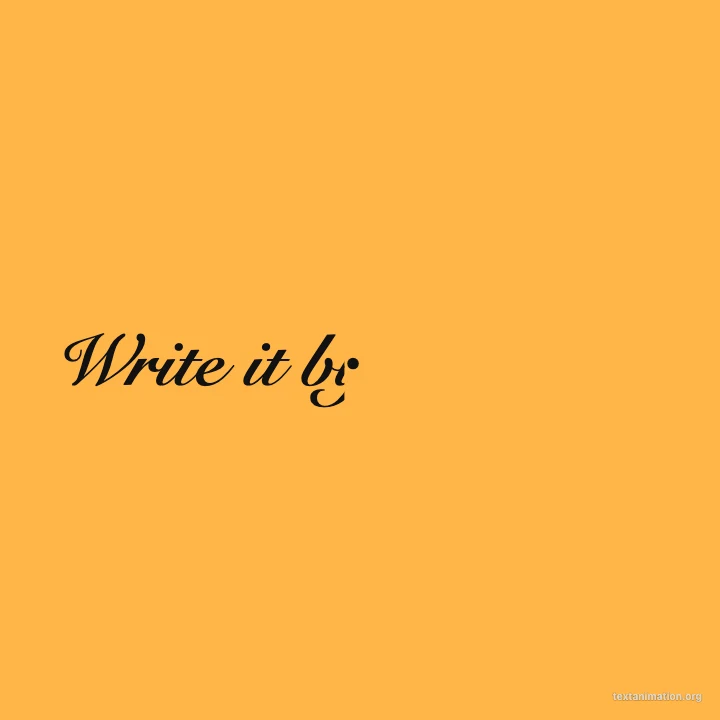
Square amber frame with dark script “Write it by hand” being written