BLACK FRIDAY

2× credits · Ends Dec 1

Ends Dec 1, 11:59 pm PTGrab 2× credits

Fake Chat & Posts Tools

Fake Chat and Post Generators for Memes, Stories and Videos

These fake chat and post generators make mockup screenshots for memes, skits, stories and video scripts. Write both sides of a conversation, set names, times and avatars, or fill in a post with likes and replies, then download a sharp PNG. Every screenshot is a fictional mockup in the style of a platform, not a real message.

Browse the Tools
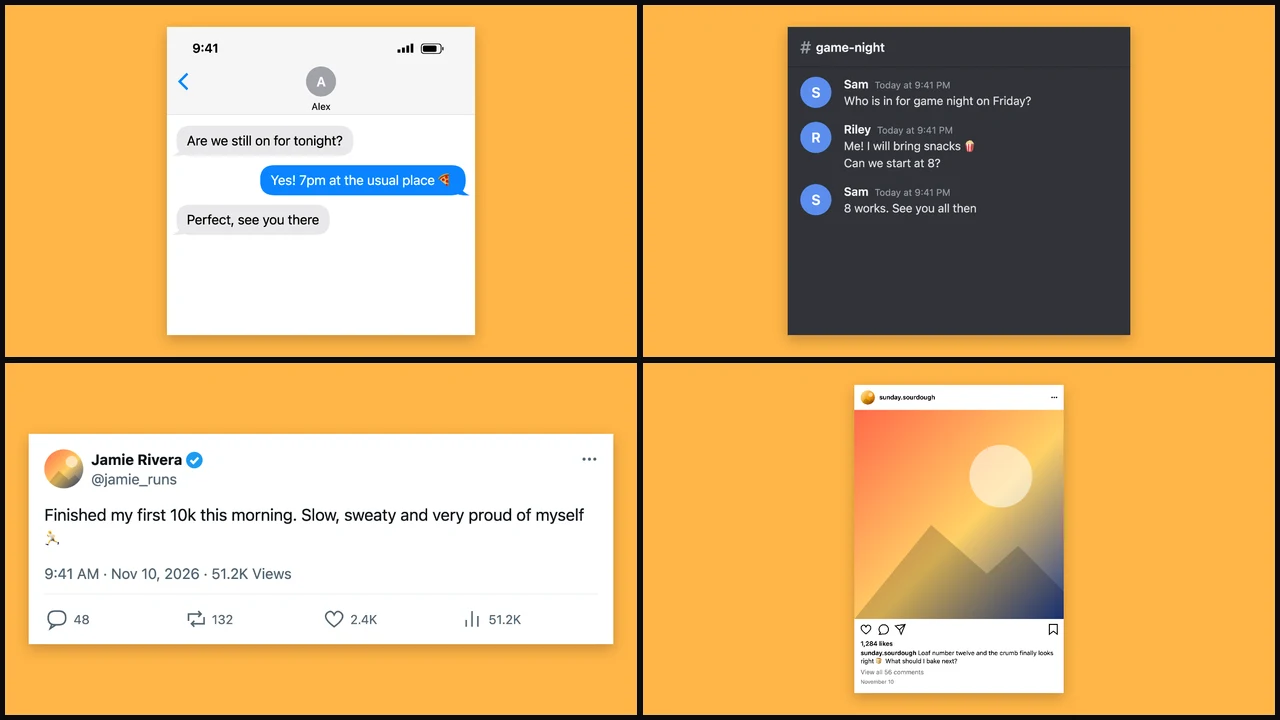
Grid of an iPhone-style chat, a Discord-style channel, an X-style post and an Instagram-style post on amber

Pick the Style of Screenshot You Need

Each row below matches one of the fake chat and post generators to the screenshot it makes, so start with the platform look you want.

Every Chat Style in One Place

The fake chat generator holds all six looks in one editor, and the text message and iPhone-style chats share one conversation, so you can switch between them without retyping. It is the place to start among the fake chat and post generators when you are not sure which style a skit or story needs.
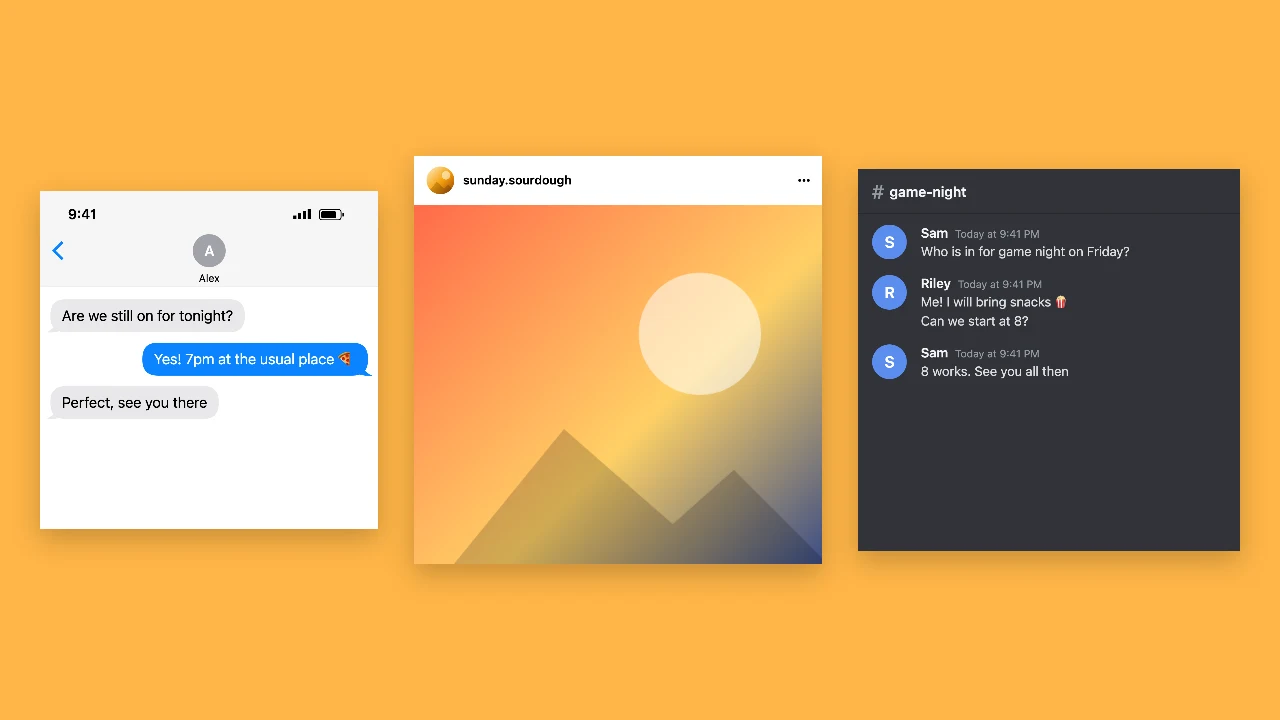
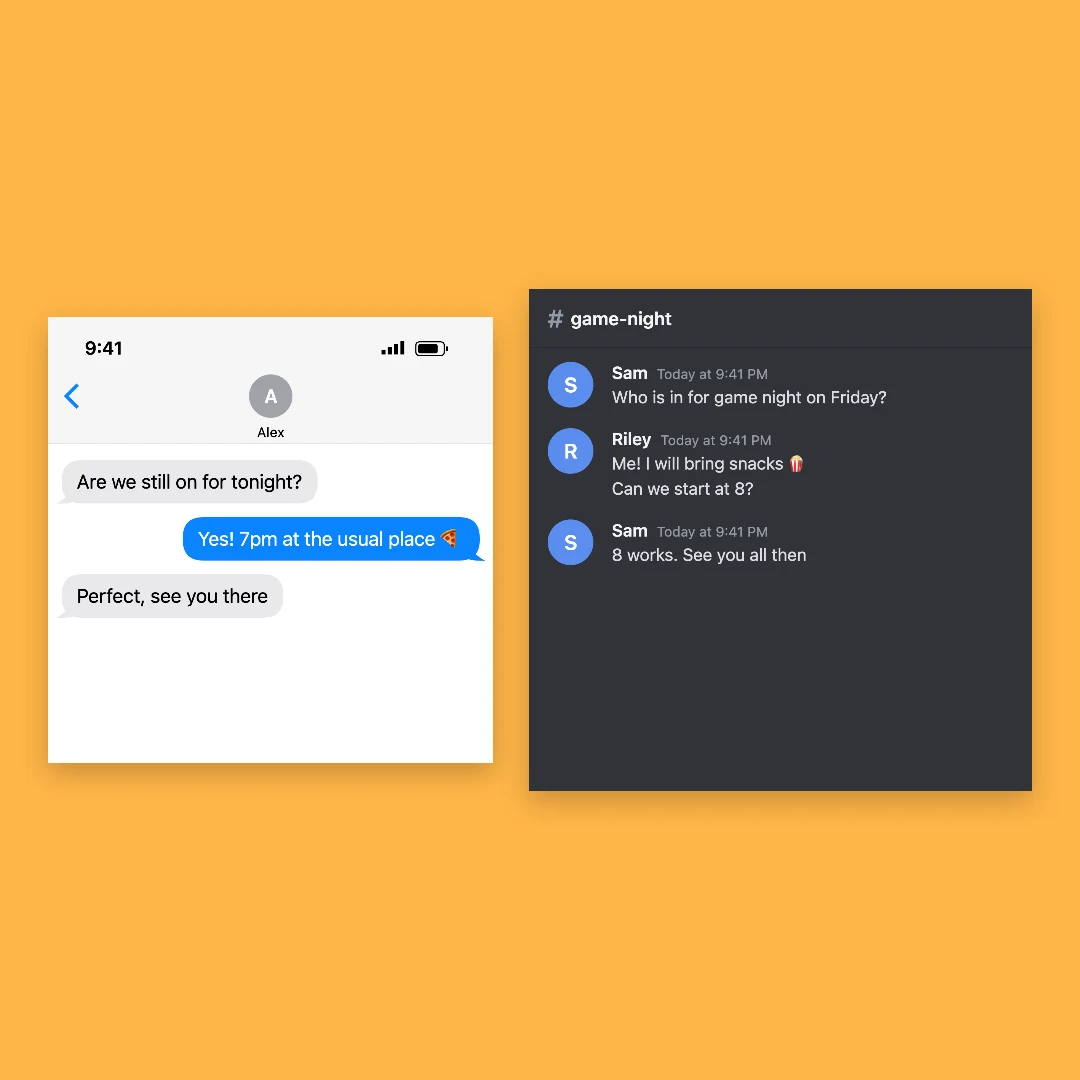
iPhone-style chat, Instagram-style post and Discord-style channel side by side on an amber backdrop

A Plain Text Message Thread

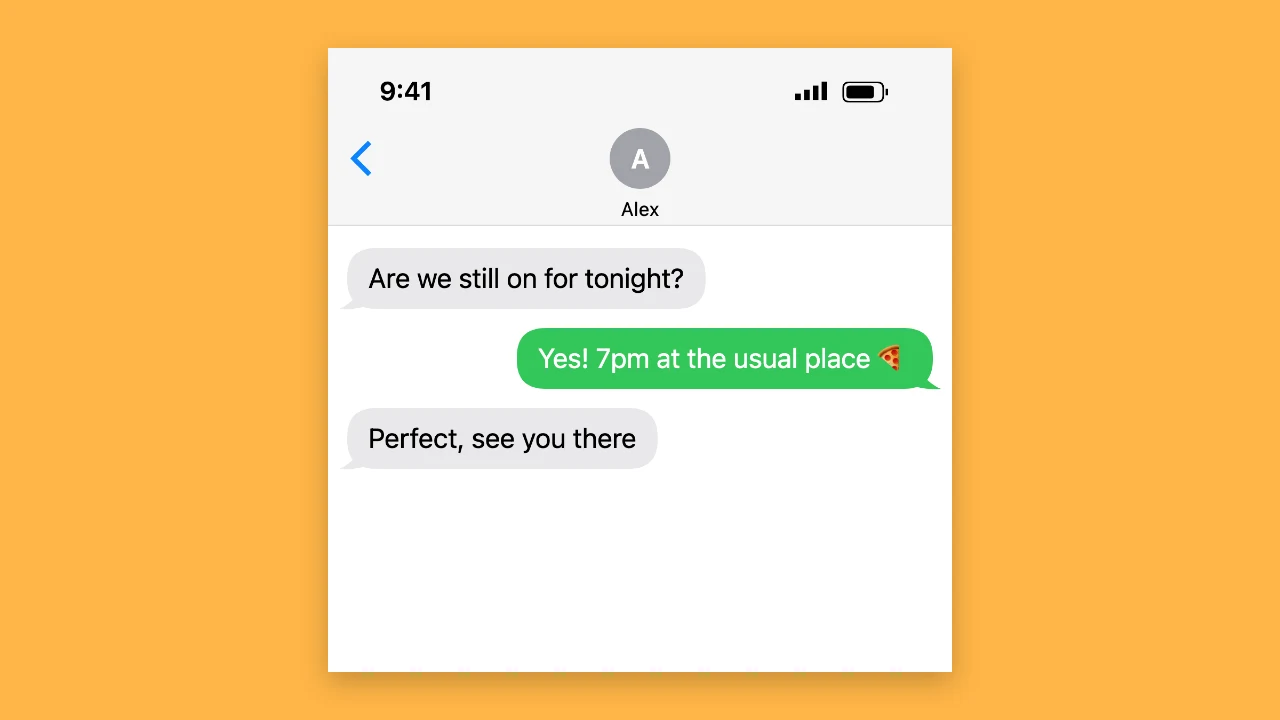
Green and grey bubbles, a contact name and a status bar make a phone text conversation for a story or a joke. Long threads become one tall screenshot, so a whole exchange fits in a single image you can post or put in a video.

Phone text conversation with green bubbles on an amber backdrop

An iPhone-Style Blue Bubble Chat

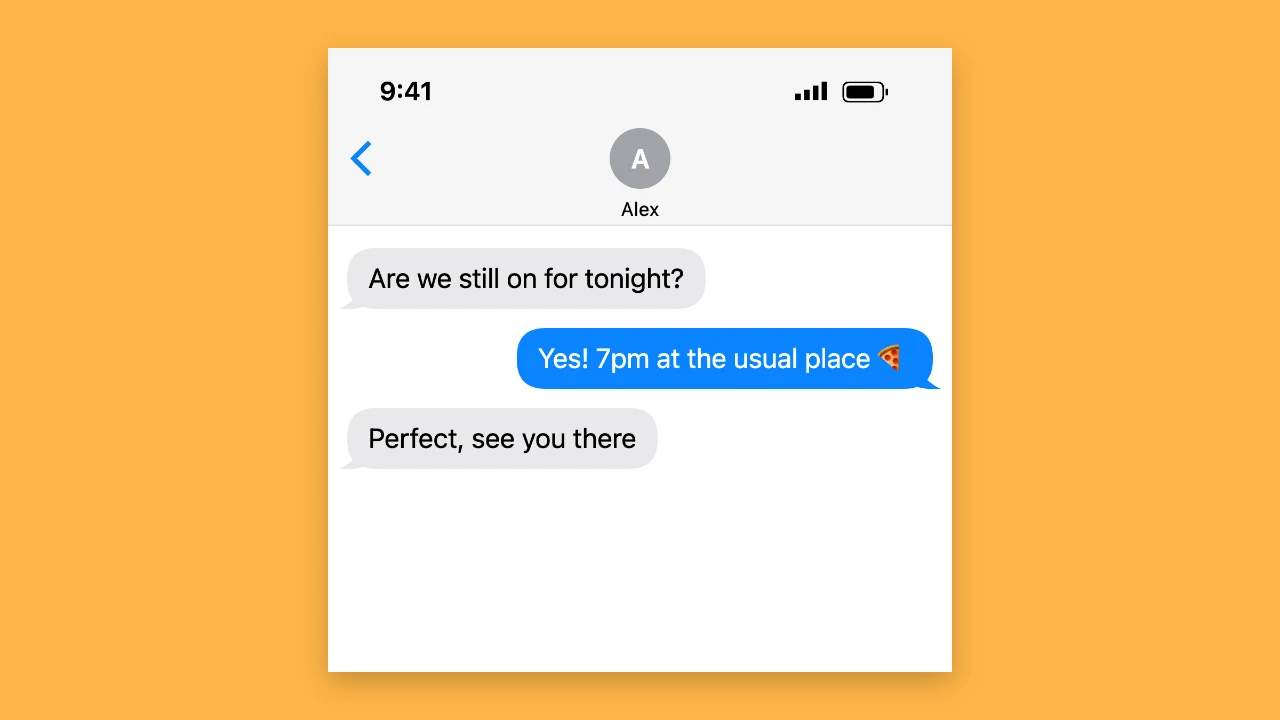
Blue and grey bubbles, the contact at the top and the time and battery in the corner give the iPhone look. Among the fake chat and post generators it suits memes and storytelling videos on TikTok and Reels, where each new screenshot reveals the next line of the story.

iPhone-style chat with blue bubbles on an amber backdrop

A Discord-Style Channel

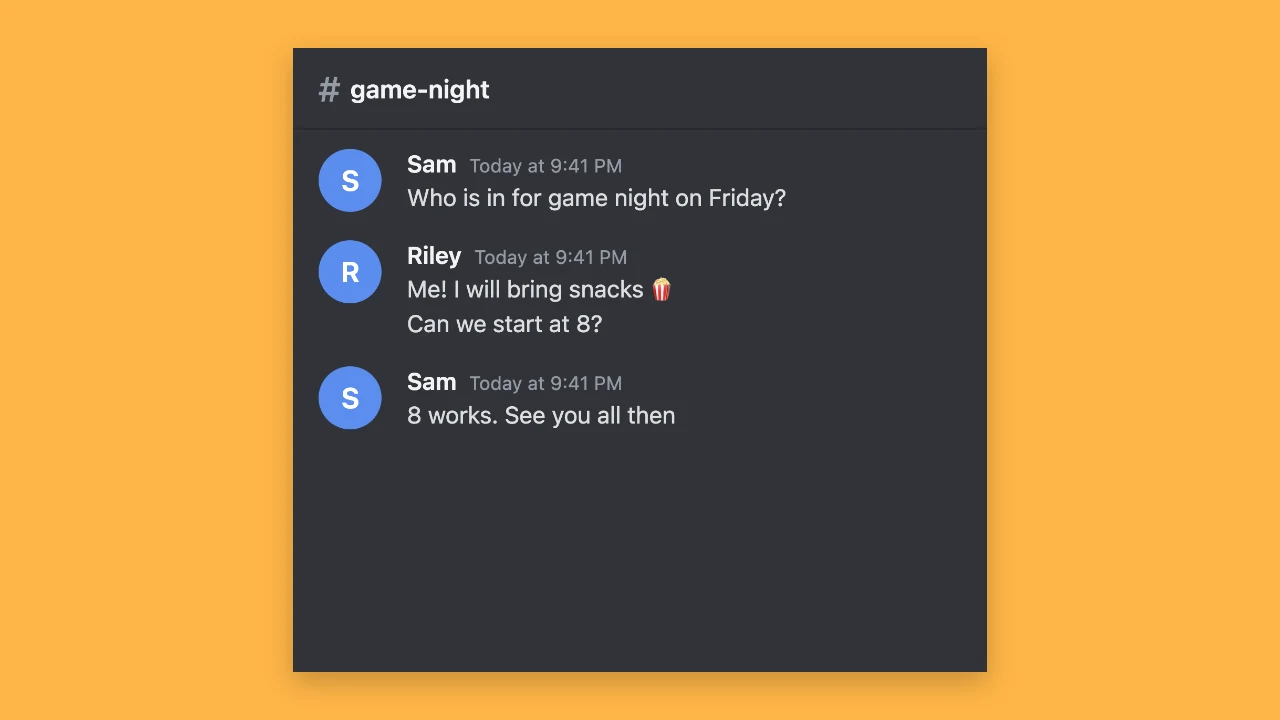
A channel name, two names with a profile photo or a coloured initial, and timestamps in a dark channel make a server conversation for a gaming clip or a community joke. Messages from the same person group under one name, and like the other fake chat and post generators it downloads the whole chat as one PNG.

Dark Discord-style channel screenshot on an amber backdrop

An X-Style Post

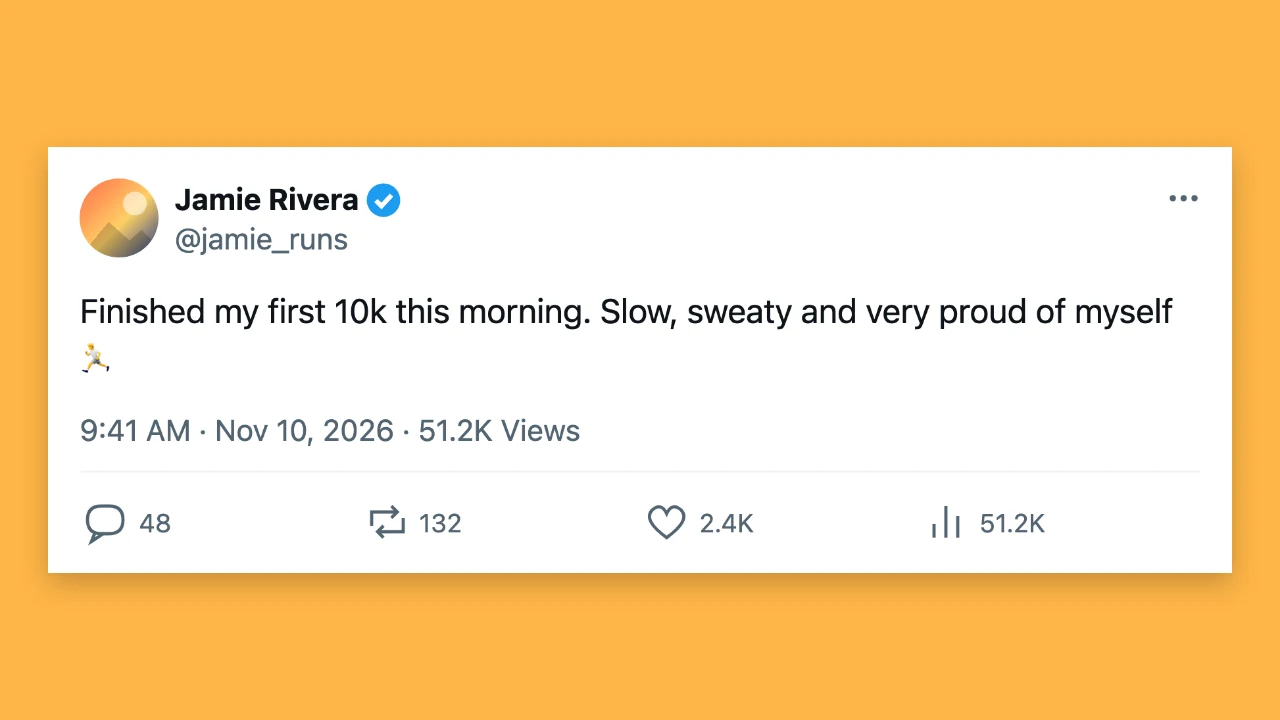
Write the post, set the display name, handle, date and counts for replies, reposts and likes, and choose light or dark. Among the fake chat and post generators it suits commentary videos, slides and parody posts for fictional accounts, where viewers know the post is part of the content.

X-style post card on an amber backdrop

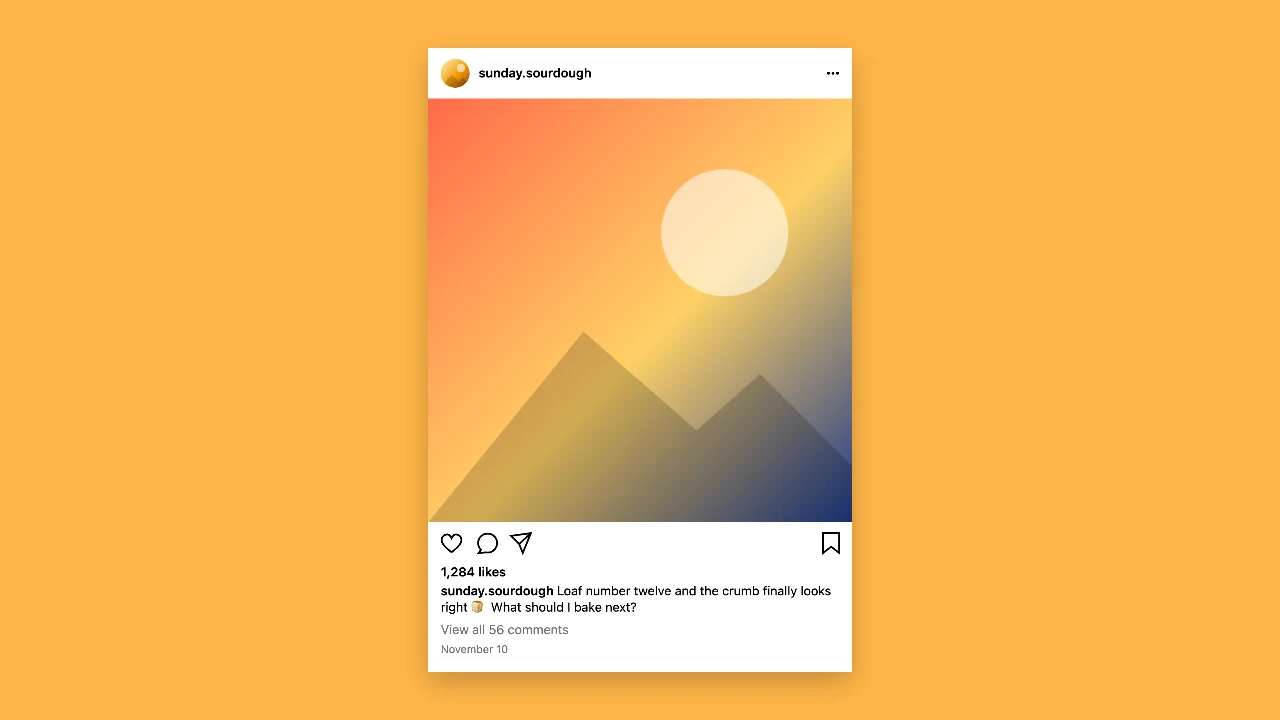
An Instagram-Style Post

Upload a photo, add the username, caption, likes and comments, and the post appears in the familiar square layout. People use it for client mockups, class projects and fictional accounts in stories, and the PNG drops straight into a slide deck or a video edit.

Instagram-style post card on an amber backdrop

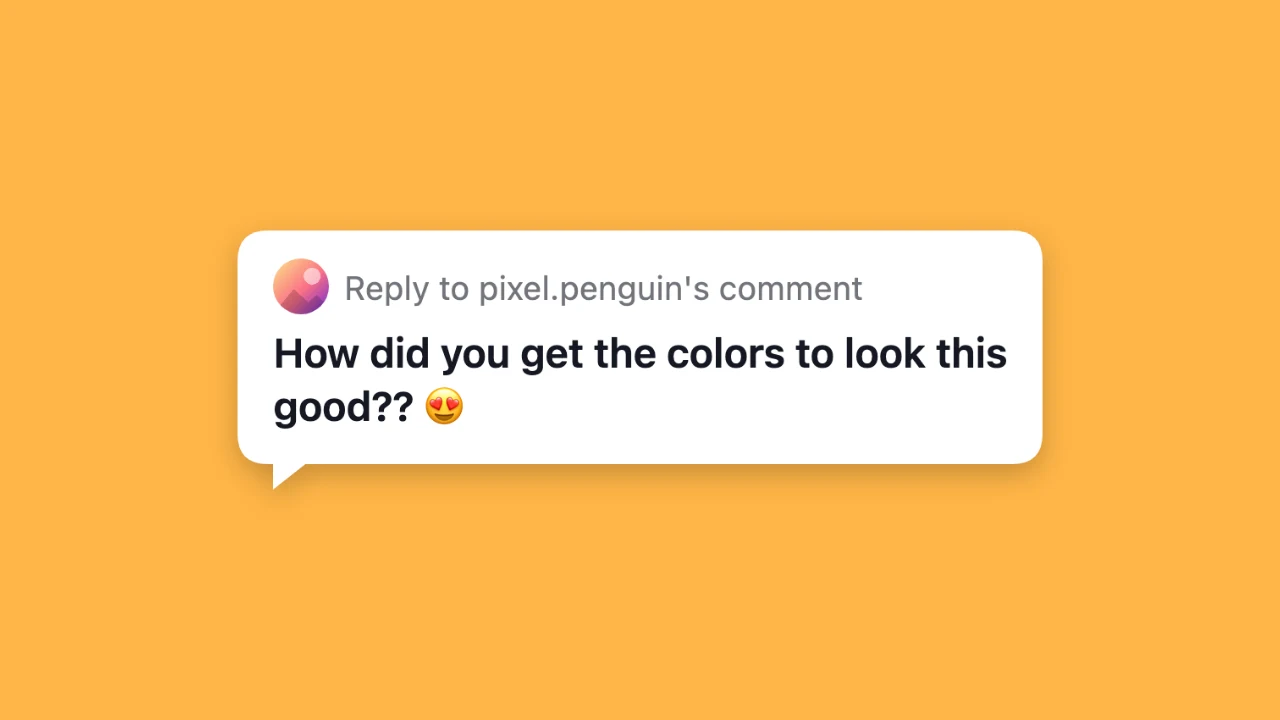
A Comment Reply Sticker

Type a comment and a username and get the white or dark reply sticker you see at the top of reply videos. Among the fake chat and post generators it is the one to open when a video answers a question from the comments.

White comment reply sticker on an amber backdrop

How to Make a Chat or Post Screenshot

All the fake chat and post generators open with an example already filled in, so you edit it instead of starting from a blank screen.

1

Choose the platform style

Open the chat, text, iPhone-style, Discord-style, X-style, Instagram-style or comment tool from the cards above. Each of the fake chat and post generators starts with a short example you can change.

2

Write the messages and details

Type both sides of the conversation or the post text, then set names, avatars, times, battery and counts. The fake chat and post generators update the preview with every change, so you see the final screenshot as you write.

3

Download the PNG

Download a sharp PNG and post it, put it in a slide or layer it over a video. Screenshots from the fake chat and post generators are free at full size, need no account and have nothing added to the image.

What People Make with Chat Mockups

People open the fake chat and post generators for stories, jokes and lessons that read better as a screenshot.

Storytelling and skit videos

Text stories on TikTok, Reels and Shorts are built from chat screenshots revealed one at a time. Make each step with the fake chat and post generators and line them up in your editor.

Memes and jokes

A made-up exchange between two characters or a post from a pet account is a quick meme. Download the PNG and share it in a group chat, on a story or on a forum.

Lessons and online safety

Teachers show what a scam message or an unkind comment looks like without using a real one. A mockup from the fake chat and post generators makes the example clear and keeps real people out of it.

App and design mockups

Designers and marketers show how a message or a post might look before it goes live. The fake chat and post generators give a realistic layout for pitch decks, client reviews and case studies.

Fake Chat and Post Generators FAQ

Quick answers on what the fake chat and post generators make, how to use them responsibly and what you can download.

The fake chat and post generators make iPhone-style chats, phone text messages, Discord-style channels, X-style posts, Instagram-style posts and comment reply stickers. Each one downloads as a PNG you can post, share or add to a video.

Yes. You can make and download screenshots from all the fake chat and post generators for free, at full size and without creating an account, and nothing is added to the image.

No. Every screenshot is a fictional mockup in the style of a platform, made for memes, skits, stories, lessons and design work. These tools are not affiliated with Apple, Discord, X, Instagram or TikTok.

No. Use the fake chat and post generators for jokes, stories and examples that people will understand as made up. Do not use them to impersonate a real person, fake evidence or spread false claims.

Yes. Add up to 40 messages and long chats become one tall screenshot that fits a whole story, so you can crop it into steps in your video editor.

Yes. The chat, post and comment tools let you choose a profile photo or keep a coloured initial, and the Instagram-style post also takes the photo for the post itself. The fake chat and post generators show the images in the preview exactly as they will appear in the PNG.

Write Your First Chat Screenshot

Open the fake chat generator, write both sides of a conversation and download the PNG, or pick any of the other fake chat and post generators for an X-style post or a comment sticker.

Open Fake Chat Generator
iPhone-style chat and Discord-style channel side by side on a square amber backdrop