
BLACK FRIDAY

2× credits · Ends Dec 1

Ends Dec 1, 11:59 pm PTGrab 2× credits
Typing Text GIF Maker

Type your text, pick the speed and look, then export.

Animation
56 / 280
12 characters per second
1.5 s
8%
Font
Text color
Background
Shape
Format

Free · up to 720p and 15 seconds, with a small textanimation.org mark

Live preview
 

Start from an example

Typing Text GIF Maker

Typewriter animation from your own words

Type a line, choose how fast it appears, and export a looping typing animation as a GIF, MP4 or PNG.

Make a typing GIF
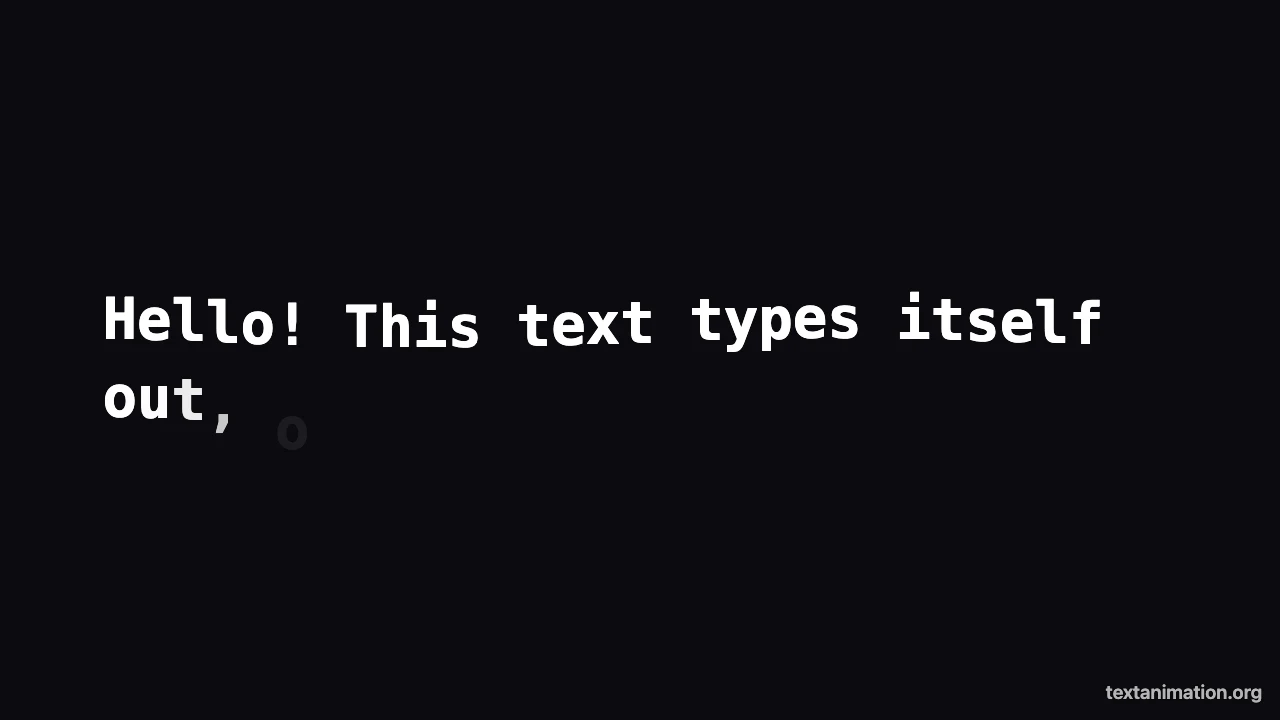
Typing text GIF maker preview: white typewriter text typing out on a dark background with a cursor
GIF, MP4 and PNG|Square, story and wide|Free, no sign-up

How to Make a Typing Text GIF in Three Steps

The typing text gif maker builds the animation from your words, so the preview you watch is the file you download.

1

Type your text

Write or paste up to 280 characters in the typing text gif maker. Line breaks stay where you put them, and long lines wrap to fit the frame. Emoji count as single characters, so they appear in one keystroke instead of breaking apart halfway through the typing animation.

2

Set speed, cursor and look

Pick a typing speed between 2 and 40 characters per second, choose how long the finished line stays on screen, and switch the blinking cursor on or off. Then choose a typewriter, clean or classic font, text and background colors, and a square, story or wide frame for your type animation.

3

Export the GIF, MP4 or PNG

Choose GIF for chats and slides, MP4 for video editors and social posts, or PNG for a still of the finished line. The typing text gif maker exports with the same timing as the preview, and the file is ready to post or drop into a project.

Try Another Kind of Text Animation

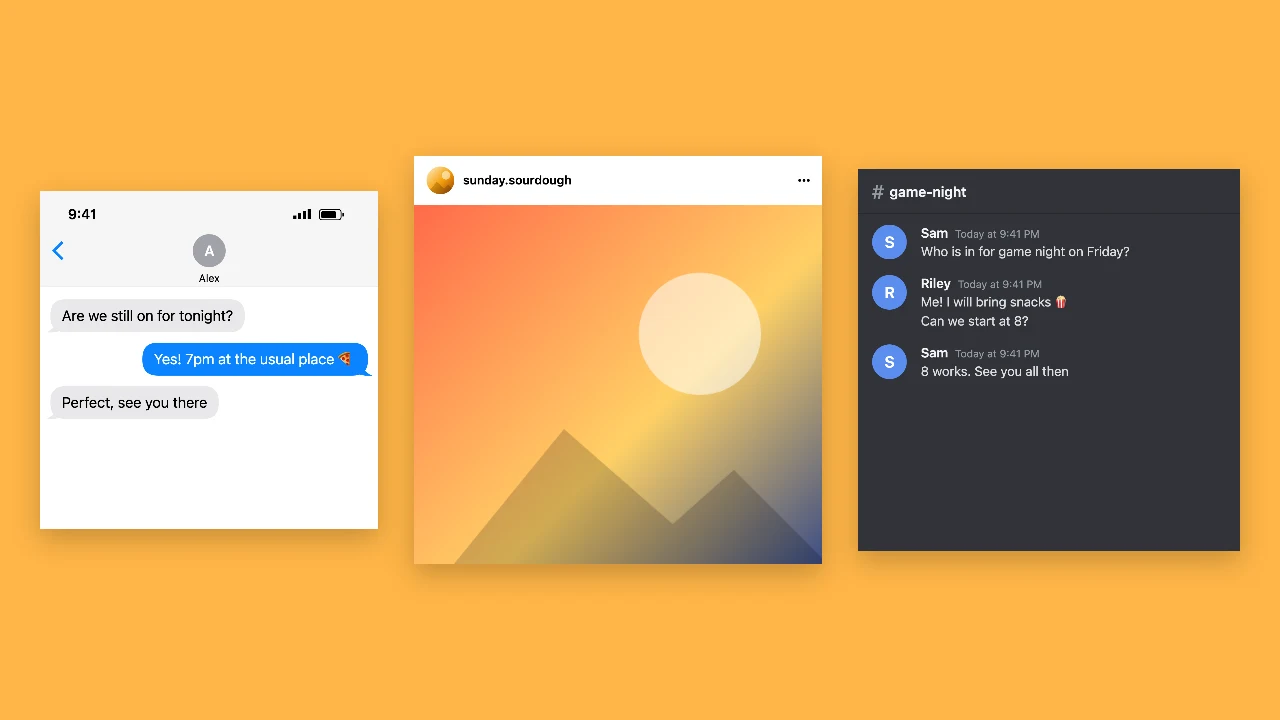
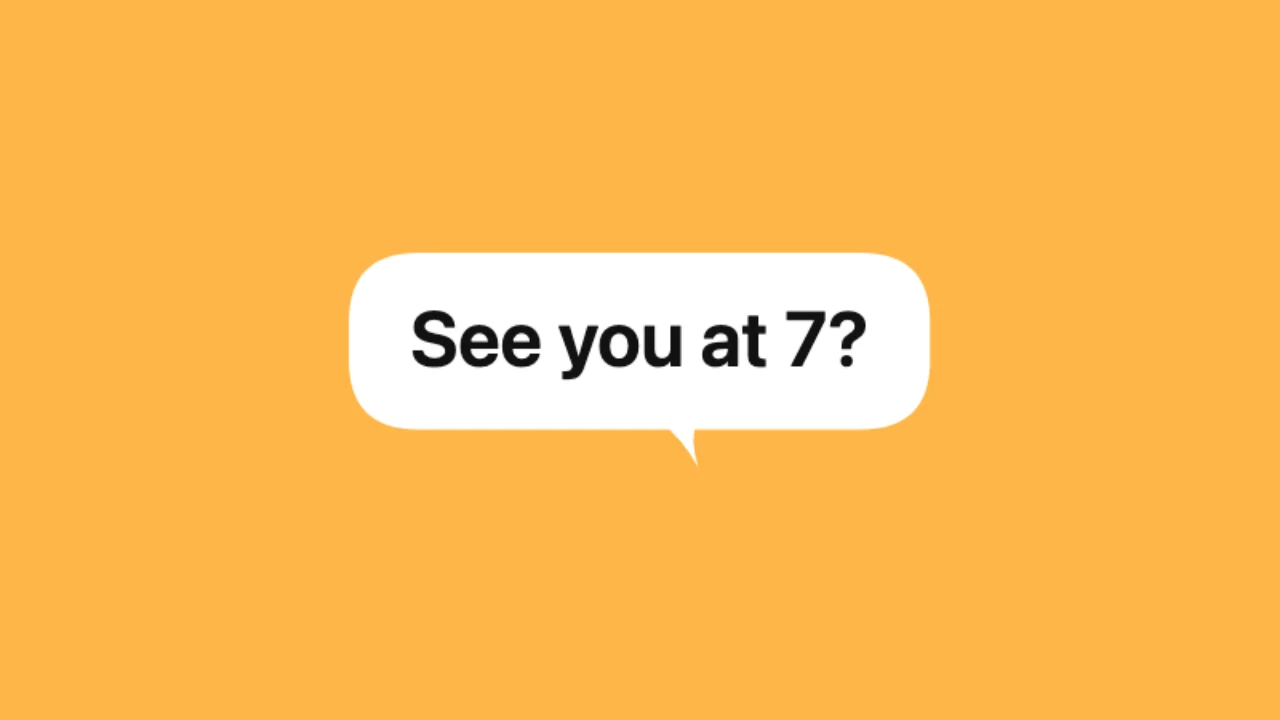
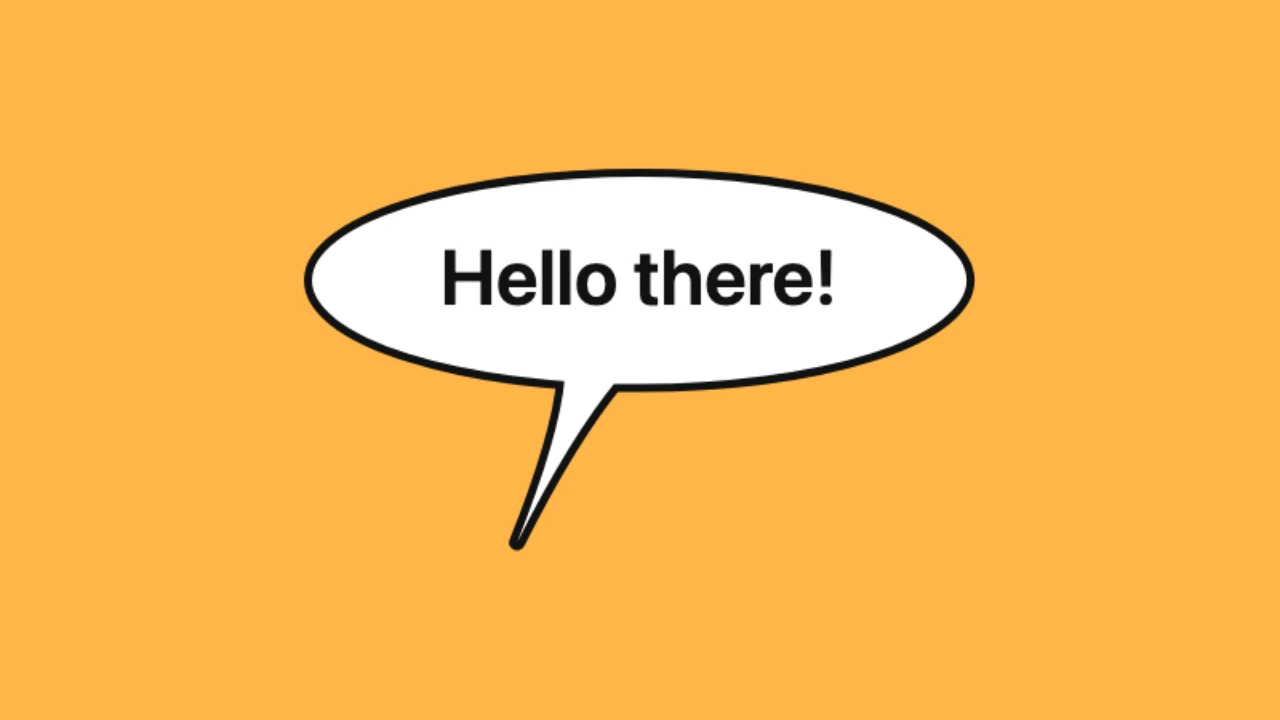
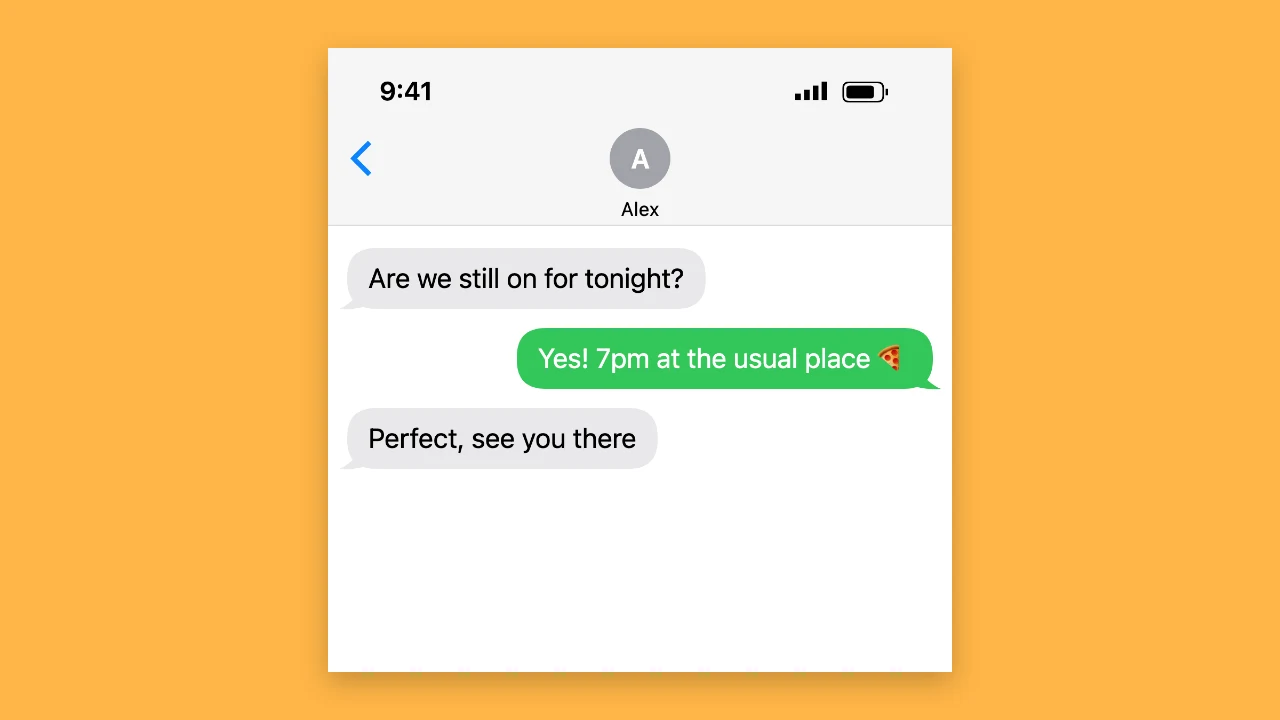
Tools from the other families: moving text, paper cut-outs and match cuts, chat mockups and speech bubbles.

What the Typing Text GIF Maker Lets You Control

Every setting changes the typing animation in the live preview before you export it.

Typing speed and end pause

Slow typing reads like someone thinking out loud; fast typing feels like a terminal or a chat reply. In the typing text gif maker the speed slider runs from 2 to 40 characters per second, and the end pause keeps the full sentence on screen for half a second up to five seconds before the loop starts again, so viewers have time to read it.
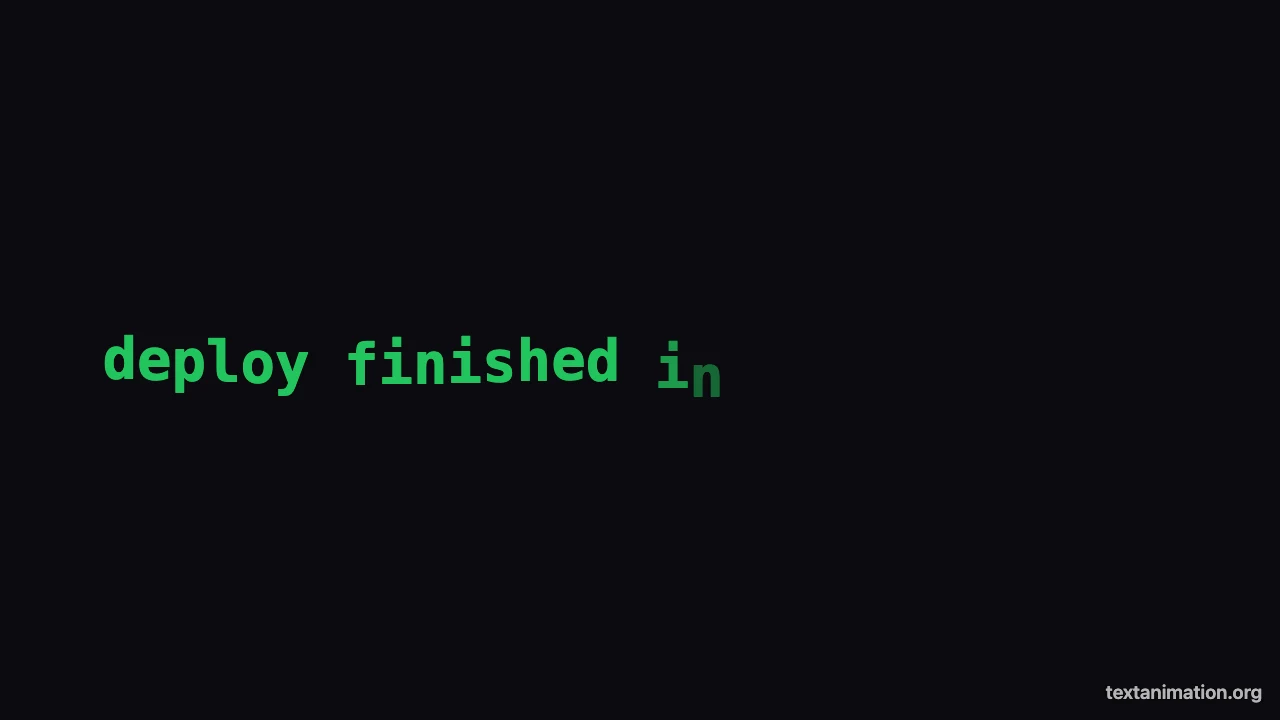
Fast terminal-style typing animation in green text on black, cursor after the last character

A blinking cursor that behaves like a real one

The cursor stays solid while letters appear and starts blinking once the line is complete, the way a text editor behaves. Turn it off in the typing text gif maker for a cleaner title card, or keep it for the classic look you would expect from a typewriter effect generator, which tells viewers the words are being typed live.

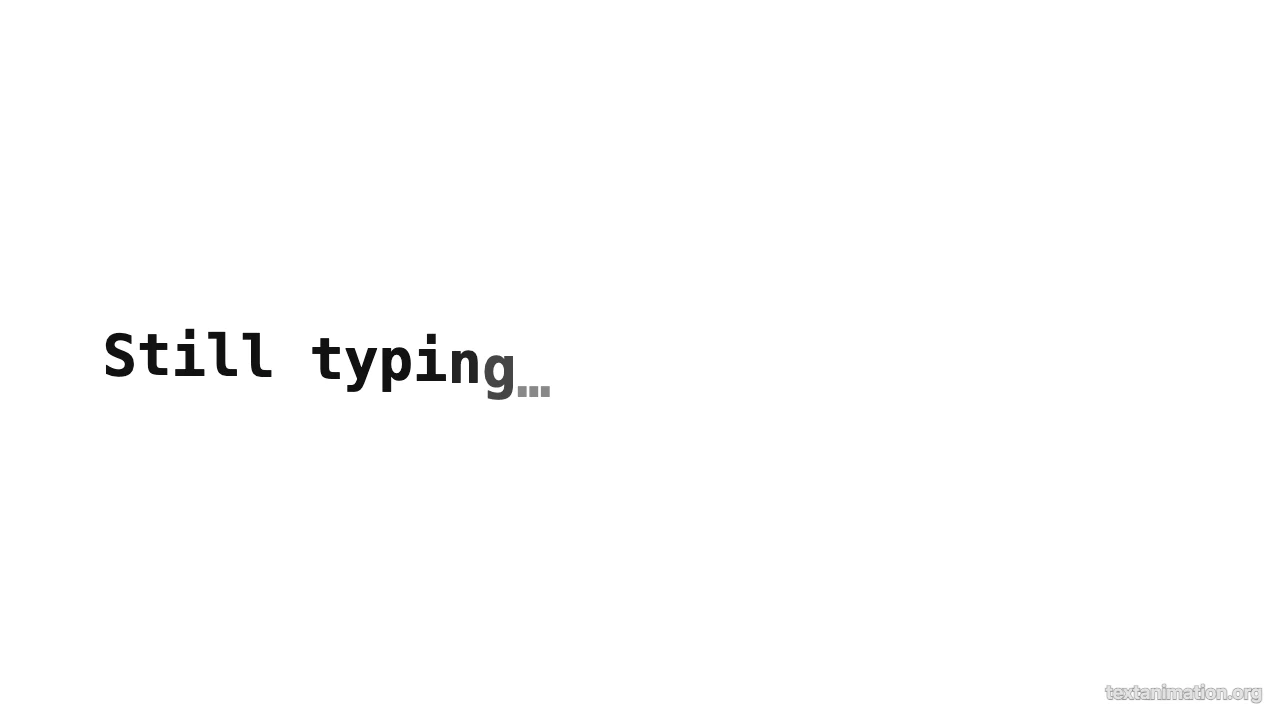
Finished line “Still typing…” in black on white with a blinking cursor at the end

Fonts, colors and three frame shapes

Choose a typewriter, clean or classic font and set the text and background colors from a palette of amber, coral, light and dark colors. Square 1:1 suits feeds and chats, story 9:16 fits Reels, Shorts and TikTok, and wide 16:9 fits slides, YouTube and website headers, so one typing text gif maker covers every place you post.

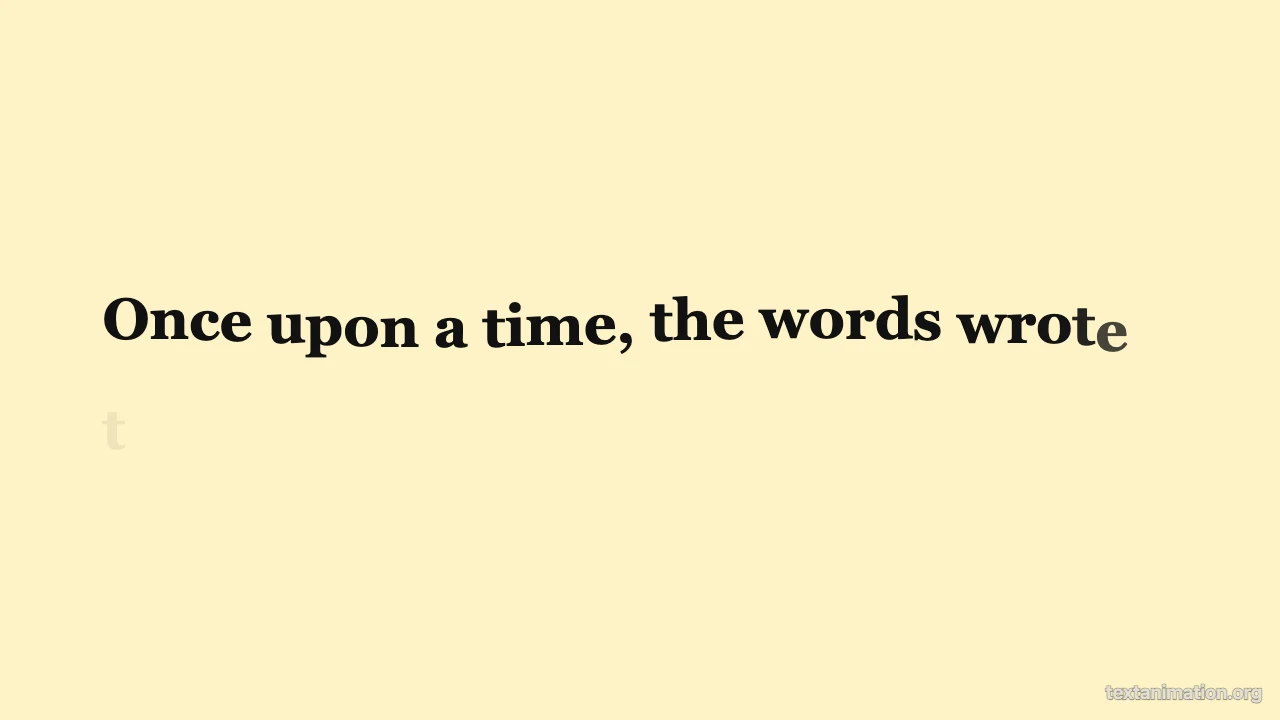
Classic serif typewriter animation on a cream background, three quarters typed

GIF, MP4 and PNG from one design

Export a looping GIF that plays anywhere images do, an MP4 for CapCut, Premiere or social uploads, or a PNG of the finished text. Free exports go up to 720p and 15 seconds with a small textanimation.org mark; a subscription exports in 1080p, up to 60 seconds, with no mark.

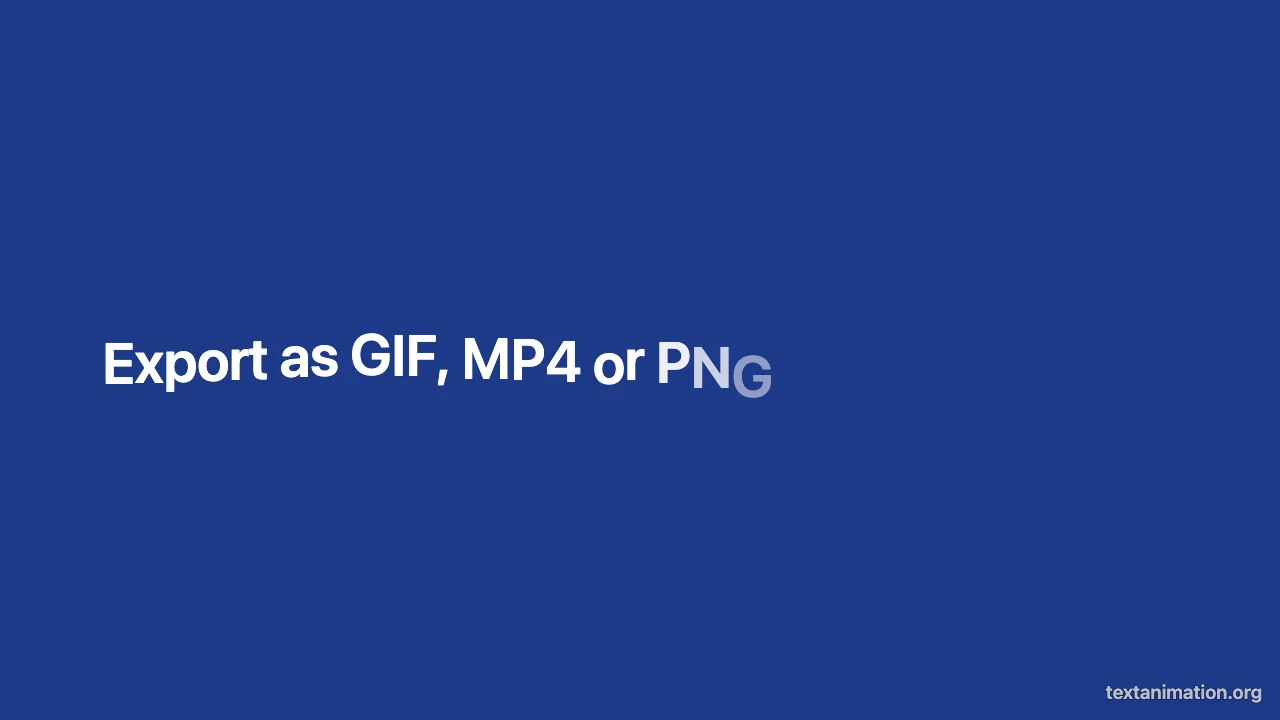
Navy frame with the finished line “Export as GIF, MP4 or PNG” in white

Where People Use a Typing Text Animation

A short typing text animation draws the eye to one line of text wherever it plays.

Intros for short videos

Open a Reel, Short or TikTok with a question typing itself out in the story frame. Make it in the typing text gif maker, export it as MP4, place it over the first seconds of your clip, and let the words build curiosity before the footage starts.

Slides and presentations

Drop a GIF from the typing text gif maker into Google Slides, Keynote or PowerPoint to reveal a key message one letter at a time. GIFs play inside slides without extra plugins, so the typing animation works on any computer you present from.

Chat replies and reactions

Send a typed-out "on my way…" or "we need to talk" as a GIF in Discord, Slack or a group chat. The typing text gif maker's square frame keeps the words readable in message threads and reaction pickers, and the blinking cursor makes the message feel live.

Website and newsletter headers

Use the wide frame for a typewriter headline on a landing page or an email banner. A GIF works in most email clients, where scripted typing effects usually do not run, so the same typing text animation looks right on the site and in the inbox.

What Creators Say About the Typing Text GIF Maker

I open most of my Reels with a question that types itself out. I used to fake it with keyframes in CapCut; now I use the typing text gif maker, export the MP4 in the story frame and lay it over the first two seconds. Every intro looks the same and takes a minute.

Priya Nair
Short-form video editor

Typing Text GIF Maker FAQ

Quick answers about making a typing animation, export formats and file sizes.

Yes, you can make and export typing text GIFs, MP4s and PNGs for free without creating an account. Free animated exports go up to 720p and 15 seconds and include a small textanimation.org mark in the corner.

Type your words in the text box and the preview starts the typing text animation immediately. Use the speed slider to control how many letters appear each second, then export it as a GIF or MP4.

Choose GIF when the typing animation needs to play in chats, slides or emails, because GIFs loop anywhere images load. Choose MP4 for video editors and social uploads, where it gives smoother motion and a smaller file.

Yes, press Enter to start a new line, and long lines wrap automatically to fit the frame. Emoji and accented letters appear as single characters, so they never split apart during the typing animation.

You can pick a square 1:1, story 9:16 or wide 16:9 frame for your typing animation. Free exports are scaled to 720p on the short side, and a subscription exports the full 1080p size.

A typing text GIF lasts as long as the typing time plus the end pause. Free exports keep up to 15 seconds, which covers about 160 characters at the default speed; a subscription allows up to 60 seconds.

Make Your Typing Text GIF Now

Open the typing text gif maker, type the line you want viewers to read, set the typing speed and cursor, and export a looping GIF or an MP4 that is ready to post.

Start typing
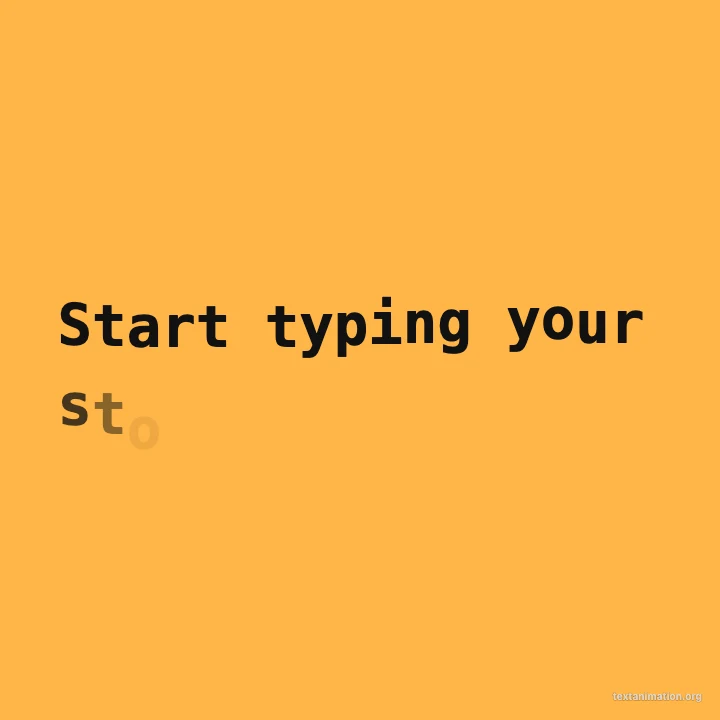
Square amber typing animation reading “Start typing your story” with a cursor