BLACK FRIDAY

2× credits · Ends Dec 1

Ends Dec 1, 11:59 pm PTGrab 2× credits
iMessage Generator

Pick a style, edit the messages or post, then download a PNG.

Style
82%
Profile photo
Messages

Free · full-resolution PNG · no sign-up

Live preview

iMessage Generator

Blue-bubble chats for memes, videos and mockups

Write an iPhone-style conversation with blue bubbles and download it as a sharp PNG screenshot.

Make an iMessage-style chat
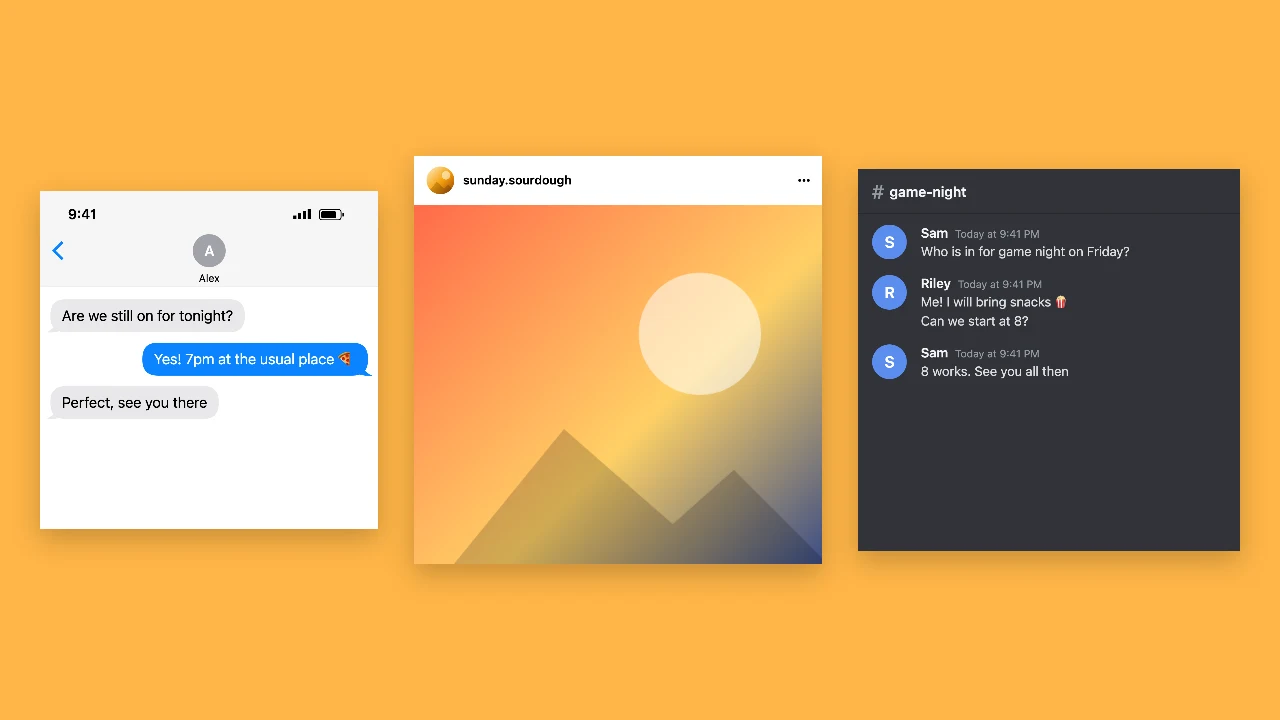
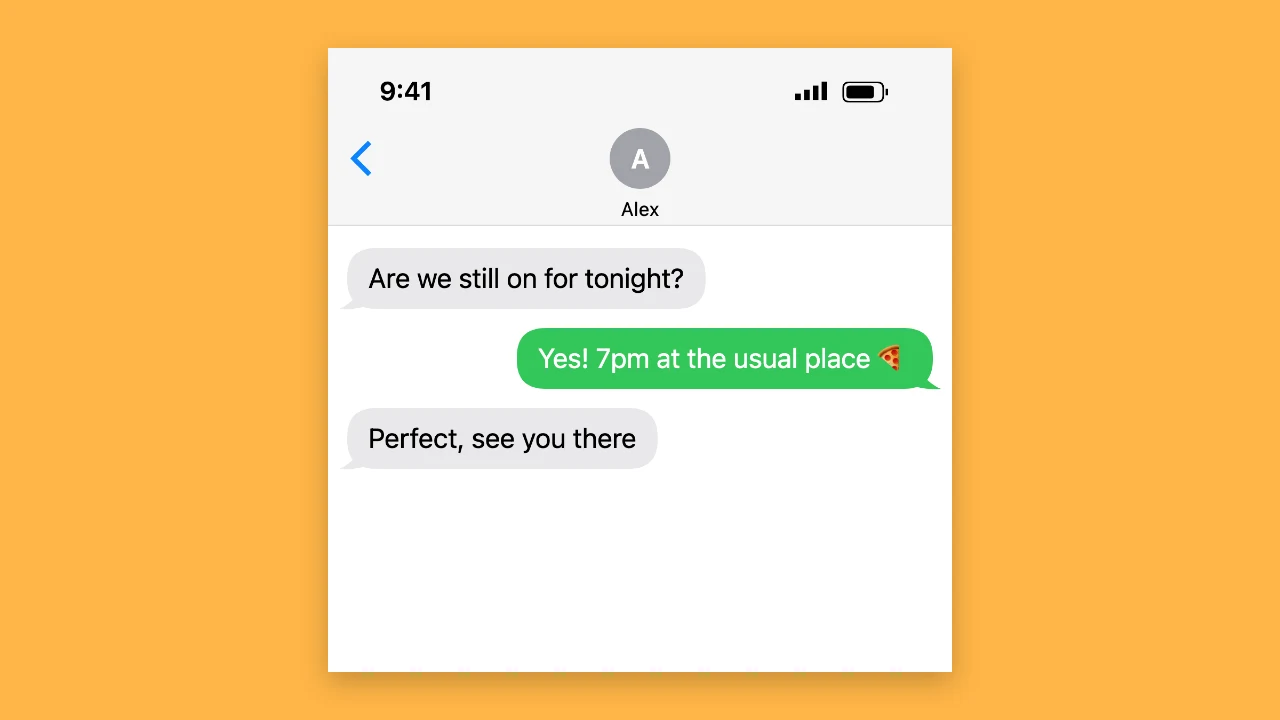
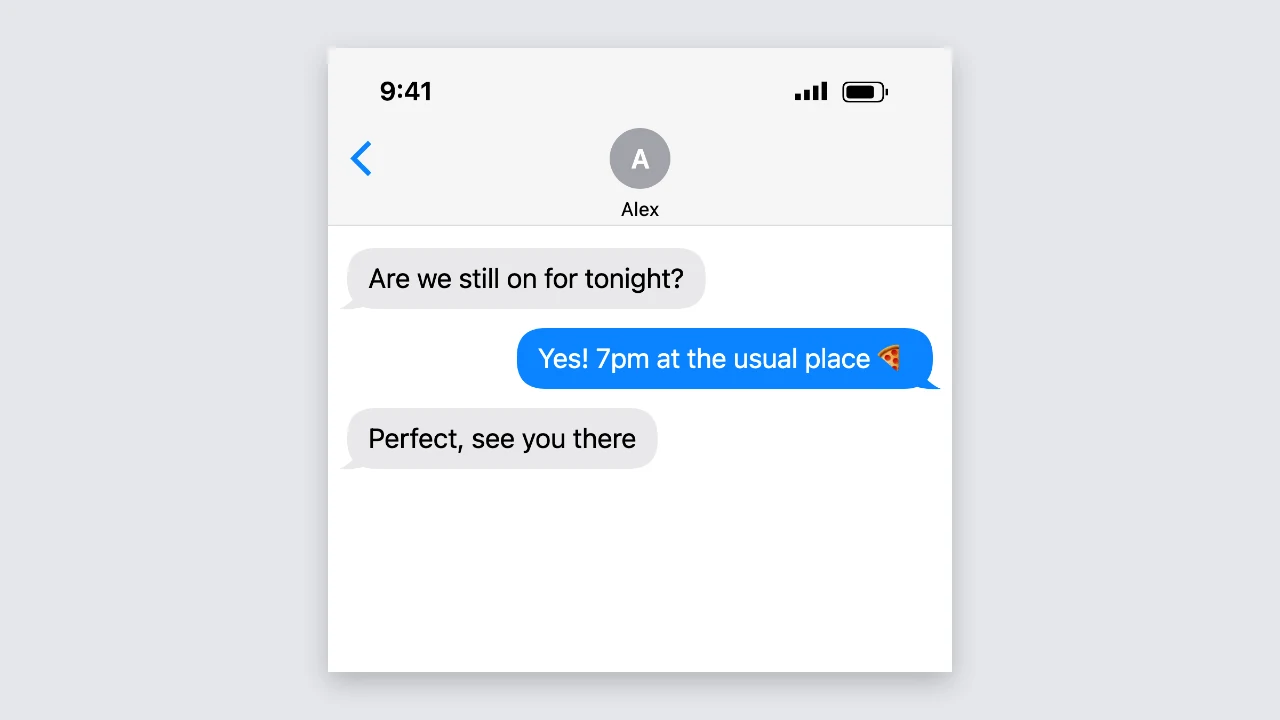
iMessage generator preview: a light iPhone-style chat with grey and blue bubbles
Blue and grey bubbles|Light and dark mode|Free PNG, no sign-up

How to Make an iMessage-Style Chat in Three Steps

The imessage generator draws your fake iMessage as you type, so the preview is the PNG you download.

1

Write both sides

Type each message and switch its sender between you and the other person with one tap. The imessage generator holds up to 40 messages, keeps your line breaks and lets you reorder or delete any bubble.

2

Set the iPhone-style details

Enter the contact name, choose a profile photo or keep the initial, and set the status bar time and battery. Turn on dark mode for a black screen, and the imessage generator updates the preview after every change.

3

Download the screenshot

Press download to save a sharp, high-resolution PNG that stays crisp when you zoom in. The imessage generator keeps long chats in one tall image, ready for a meme, a video edit or a slide.

Try Another Kind of Text Animation

Tools from the other families: moving text, paper cut-outs and match cuts, chat mockups and speech bubbles.

What the iMessage Generator Lets You Change

Every setting in this iPhone text message generator changes the screenshot before you download it.

Blue bubbles, grey replies and tails

Your messages appear on the right in blue and the other person replies on the left in grey, with a tail on the last bubble of each run. The imessage generator wraps long messages, keeps emoji in one piece and spaces messages the way an iPhone-style thread does.
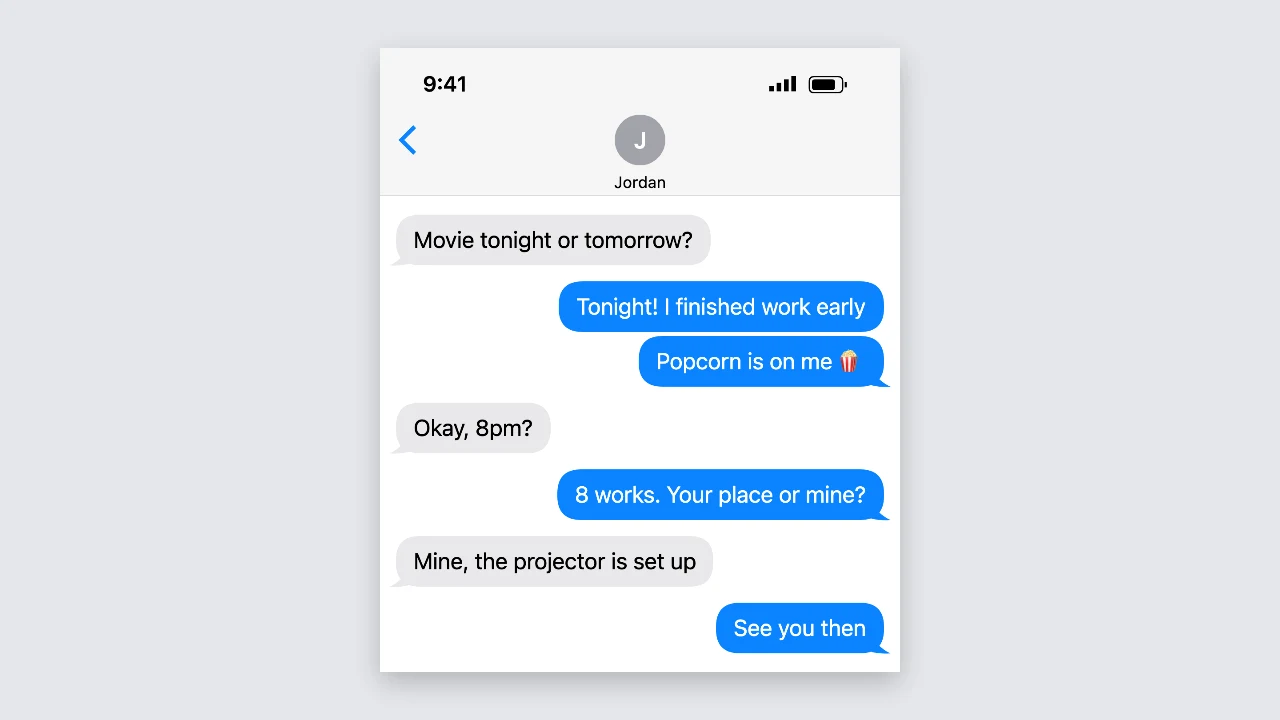
Light iPhone-style thread with grey replies and blue messages ending in tails

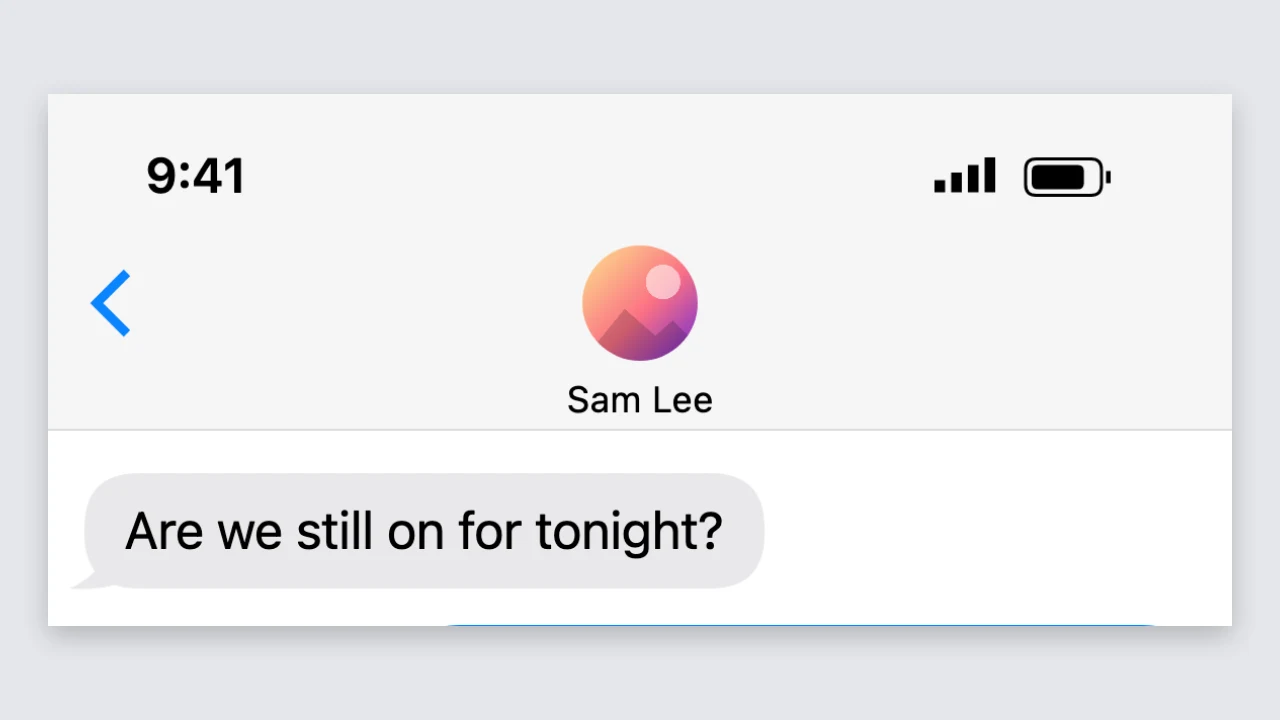
Contact header with a photo

The contact name sits under a round photo at the top of the screen. Choose any image for the photo, or the imessage generator shows the first letter of the name in a grey circle, so a fictional contact still looks finished in your screenshot.

Top of an iPhone-style chat with a round contact photo and name

Status bar time, battery and dark mode

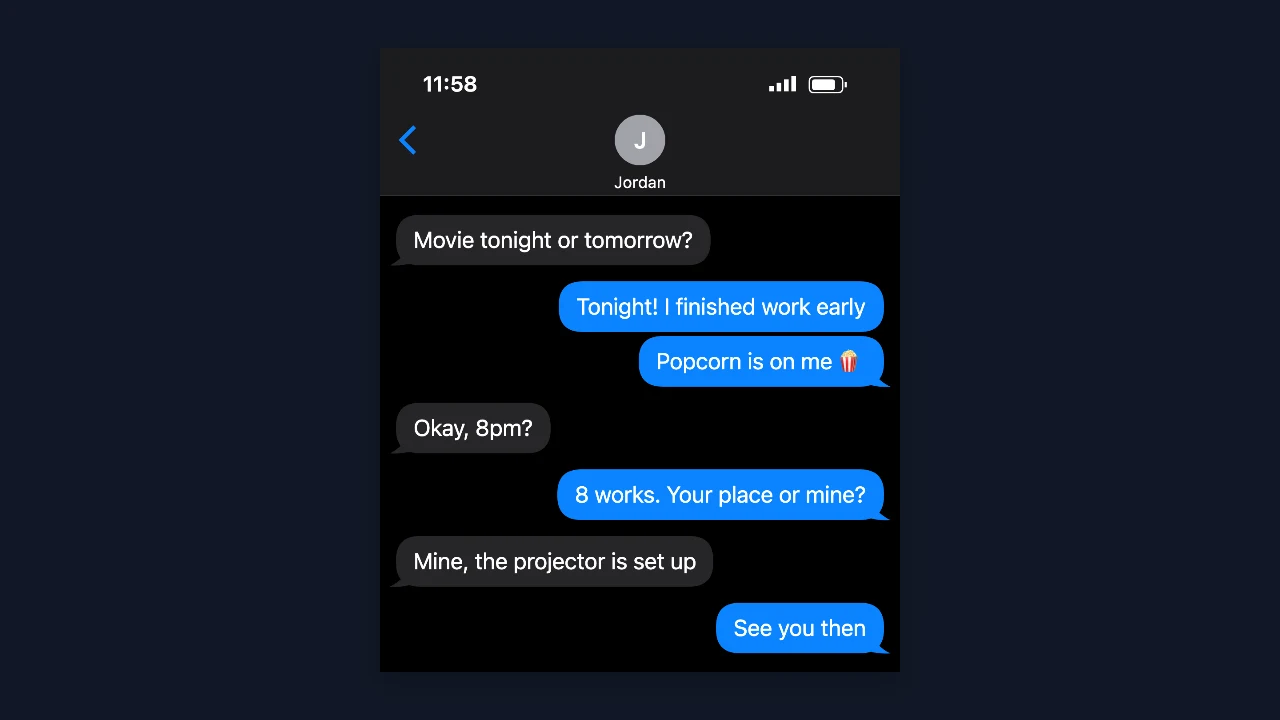
Type the time shown in the status bar, drag the battery from 1 to 100 percent and switch between light and dark screens. In the imessage generator a battery at 20 percent or less turns red, a small detail that helps a story video land.

Dark mode iPhone-style chat with blue bubbles and a status bar reading 11:58

A sharp, free PNG

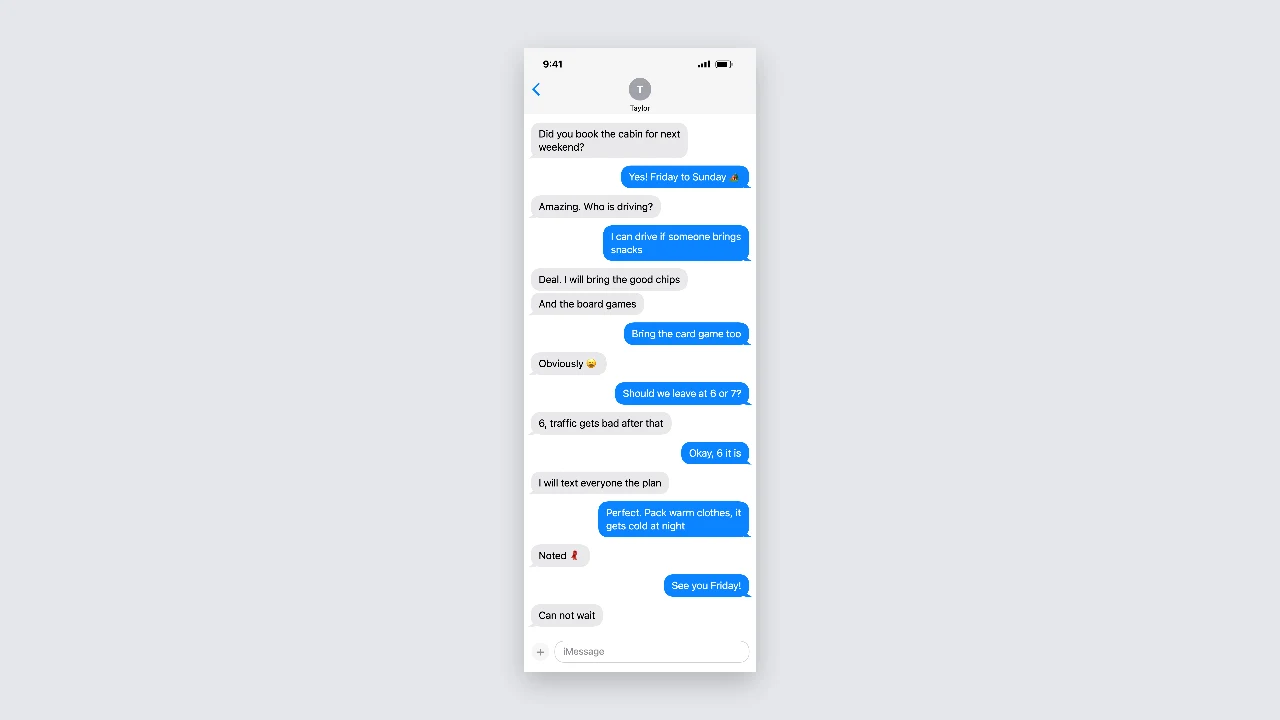
The imessage generator downloads a PNG up to 1,170 pixels wide, so text stays crisp in a video or presentation. Downloads are free, need no account and have nothing added to the image, and long chats become one tall screenshot that fits a whole story.

Tall iPhone-style screenshot of a long blue-bubble conversation on a plain backdrop

Where People Use an iMessage-Style Screenshot

An imessage generator turns a joke, a scene or a product idea into a chat everyone recognises.

Memes and group chat jokes

Write the setup and the punchline as a quick blue-bubble exchange and share it as an image. The imessage generator makes it easy to tweak one word and download again until the timing is right.

Story videos and skits

Plan the messages that drive a TikTok or YouTube story, then place each screenshot in your edit. PNGs from the imessage generator stay sharp when you zoom in, even in a vertical video on a small screen.

App and marketing mockups

Show how a notification, a booking confirmation you made up or a friendly reminder would look in an iPhone-style chat. The imessage generator gives designers clean, consistent screenshots for pitch decks, prototypes and app store presentations.

Lessons and creative writing

Teachers use the imessage generator to build classroom examples about online safety and how easily screenshots can be edited, and writers use it to tell part of a story through messages between characters in a chapter.

What Creators Say About the iMessage Generator

Every sketch I write has two friends texting, so I plan the chats in the imessage generator and drop the PNGs into my timeline. Blue bubbles read instantly to my audience, and the files stay crisp when I zoom in.

Ava Thompson
YouTube sketch creator

iMessage Generator FAQ

Quick answers about the imessage generator, its settings and the PNG you download.

You can make and download screenshots for free without creating an account. The imessage generator saves a full-resolution PNG, and nothing is added to the image.

People use the imessage generator for memes, story videos, product mockups, lessons about screenshots and creative writing, where viewers understand the chat is part of the joke or the story.

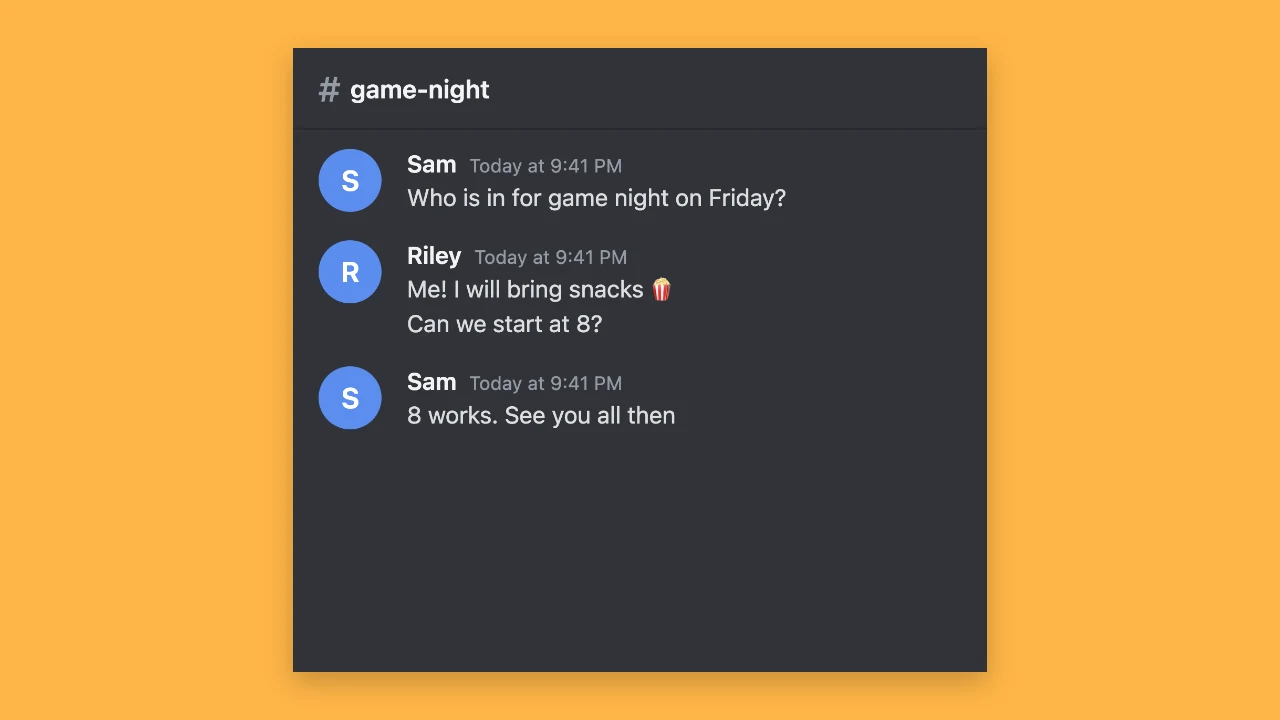
The imessage generator is an independent iPhone text generator that draws an iPhone-style chat layout. It does not use Apple logos or connect to any messaging service.

Pick the text message style in the workspace for green bubbles and a Text Message placeholder. You can switch back to the blue iMessage-style bubbles at any time.

The PNG is up to 1,170 pixels wide. Very long conversations are saved smaller so the imessage generator can still save them as one image.

Type any time for the status bar and set the battery from 1 to 100 percent. The imessage generator turns the battery red at 20 percent or less.

Make Your iMessage-Style Chat Now

Open the imessage generator, write both sides of the conversation, set the contact, time and battery, and download a sharp PNG for your meme, video or mockup.

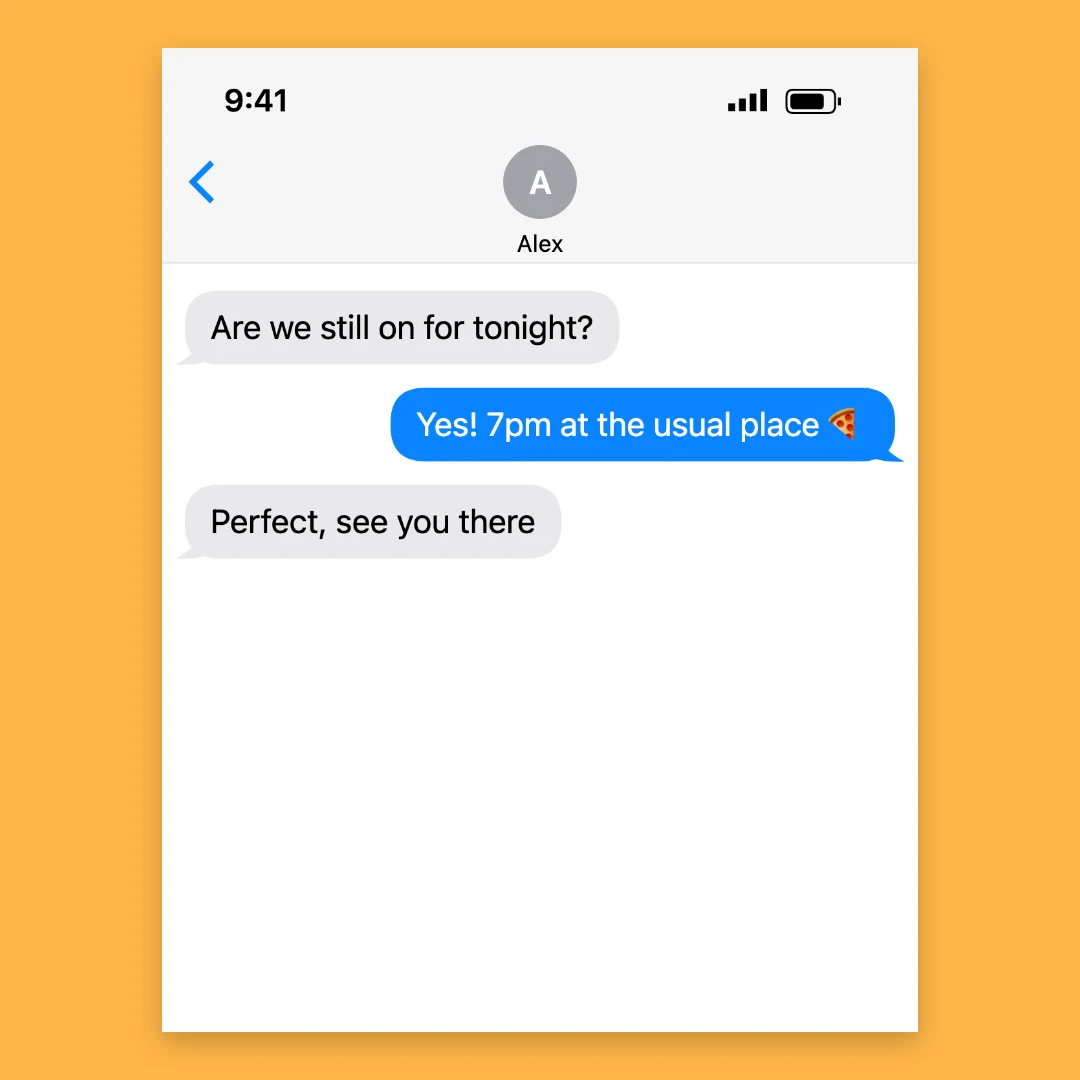
Start a chat
iPhone-style blue-bubble chat centred on a square amber backdrop