BLACK FRIDAY

2× credits · Ends Dec 1

Ends Dec 1, 11:59 pm PTGrab 2× credits

Text Animation Tools

Text Animation Styles for GIFs, Videos and Slides

Pick from the text animation styles below to make your words move. Four tools cover typing, scrolling and handwriting, and one of them adds fade, pop, slide up and wave. Type a line, choose a font, colours and a square, story or wide frame, then export a looping GIF, an MP4 or a PNG.

Browse the Tools
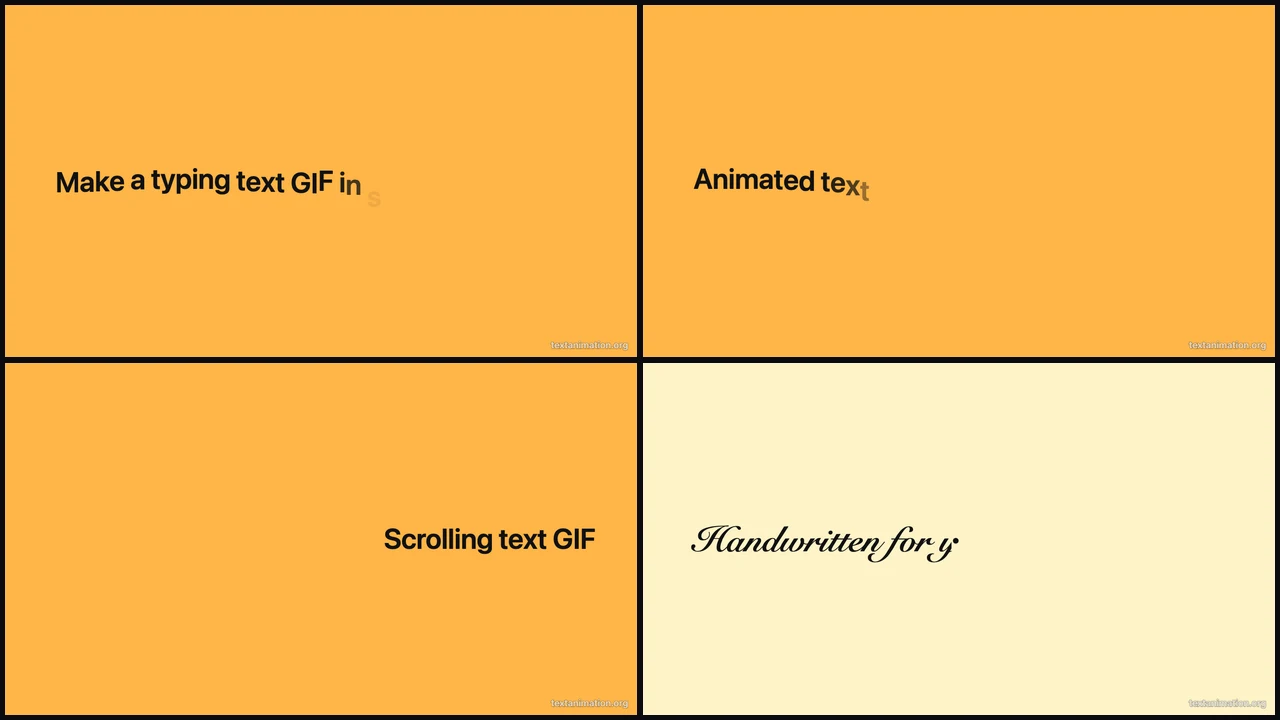
Four text animation styles in a grid: typing and wave on amber, scrolling on amber and handwriting on cream

Which Tool Fits Each Kind of Moving Text

Each row matches one of the text animation styles to the tool that makes it, so start with the movement you have in mind.

Words That Type Themselves Out

The typing style reveals one letter at a time with an optional blinking cursor, like a message being written live. Of all the text animation styles it suits hooks, quotes and terminal lines best, and you can set the speed from a slow, readable pace to a fast burst.
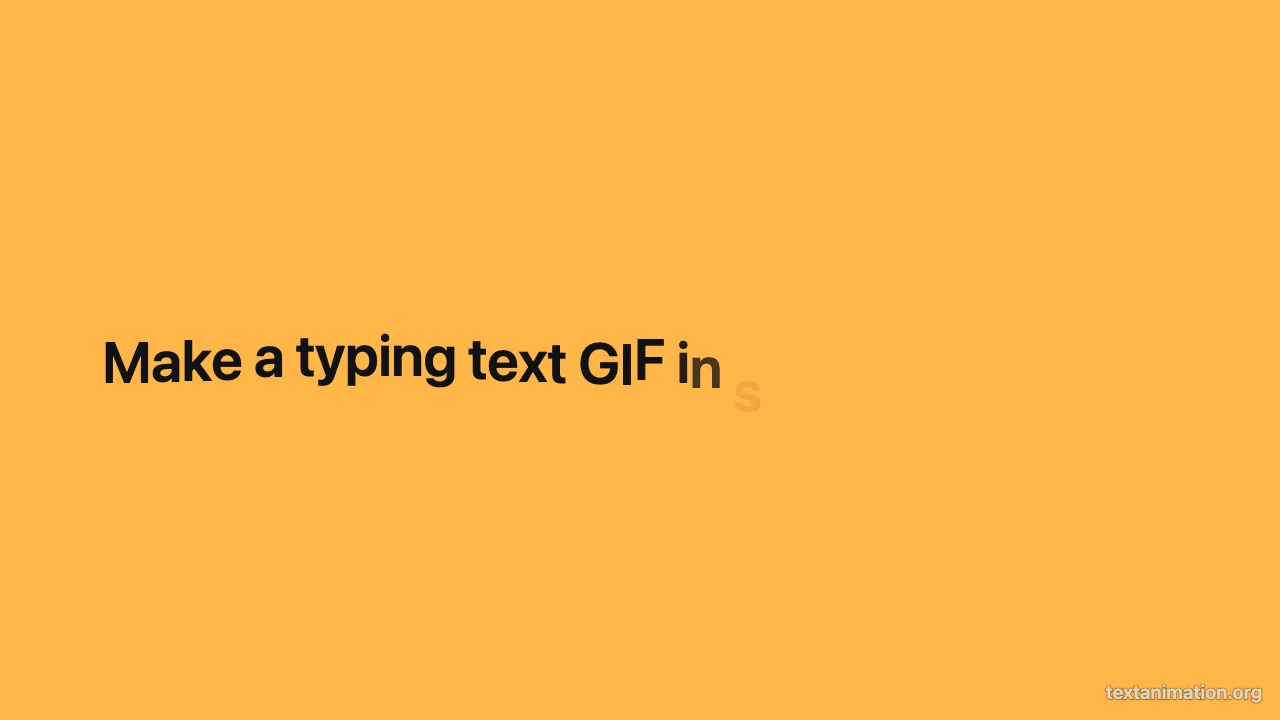
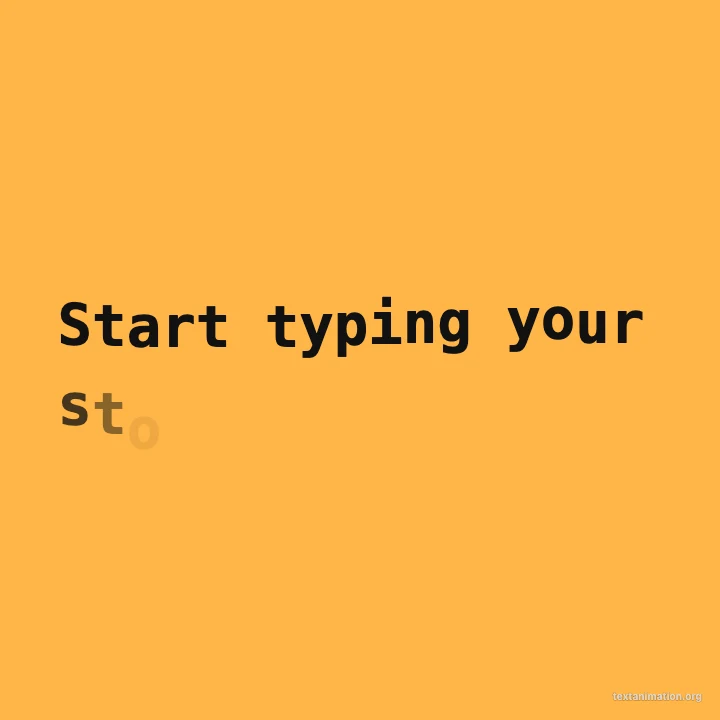
Amber typing text GIF card reading “Make a typing text GIF in seconds” mid-typing

Seven Styles in One Workspace

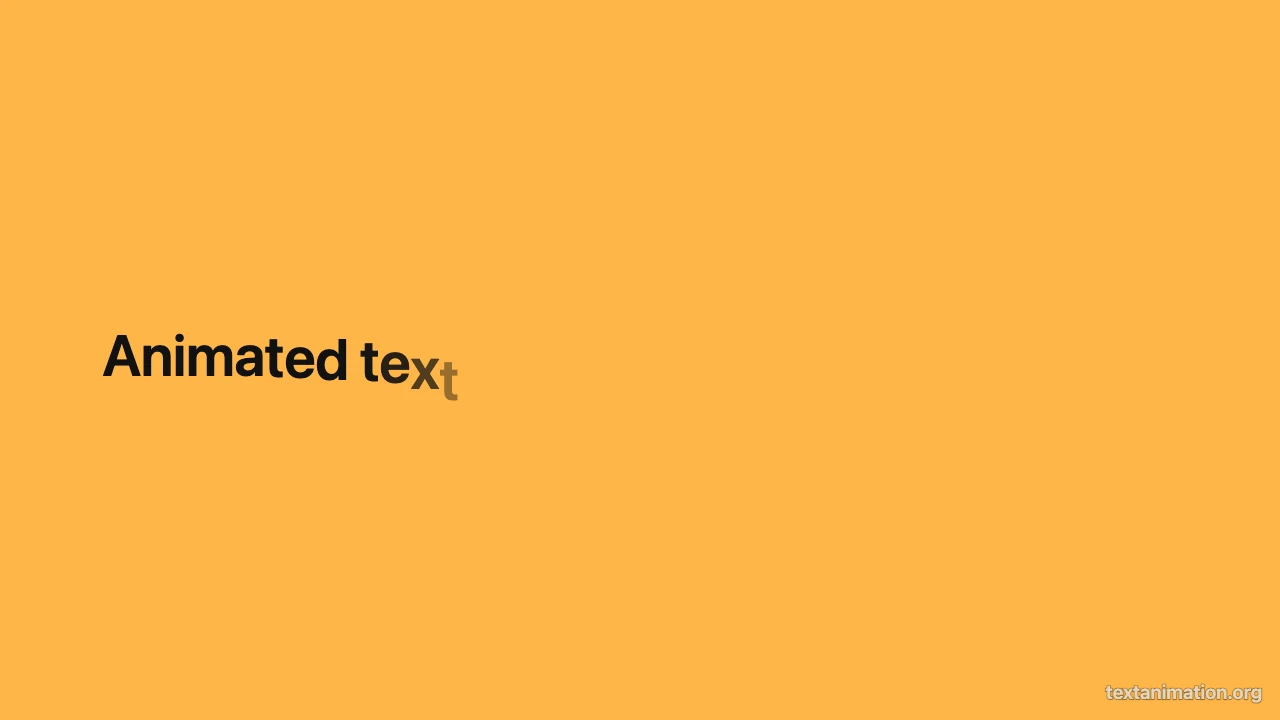
When you want to compare text animation styles side by side, this tool switches between typing, scrolling, handwriting, fade, pop, slide up and wave on the same words. Switch styles on the same line to pick the movement that fits a title card, a sticker or a short loop.

Amber card reading “Animated text GIFs” with the letters rising in a wave

A Line That Slides Across the Frame

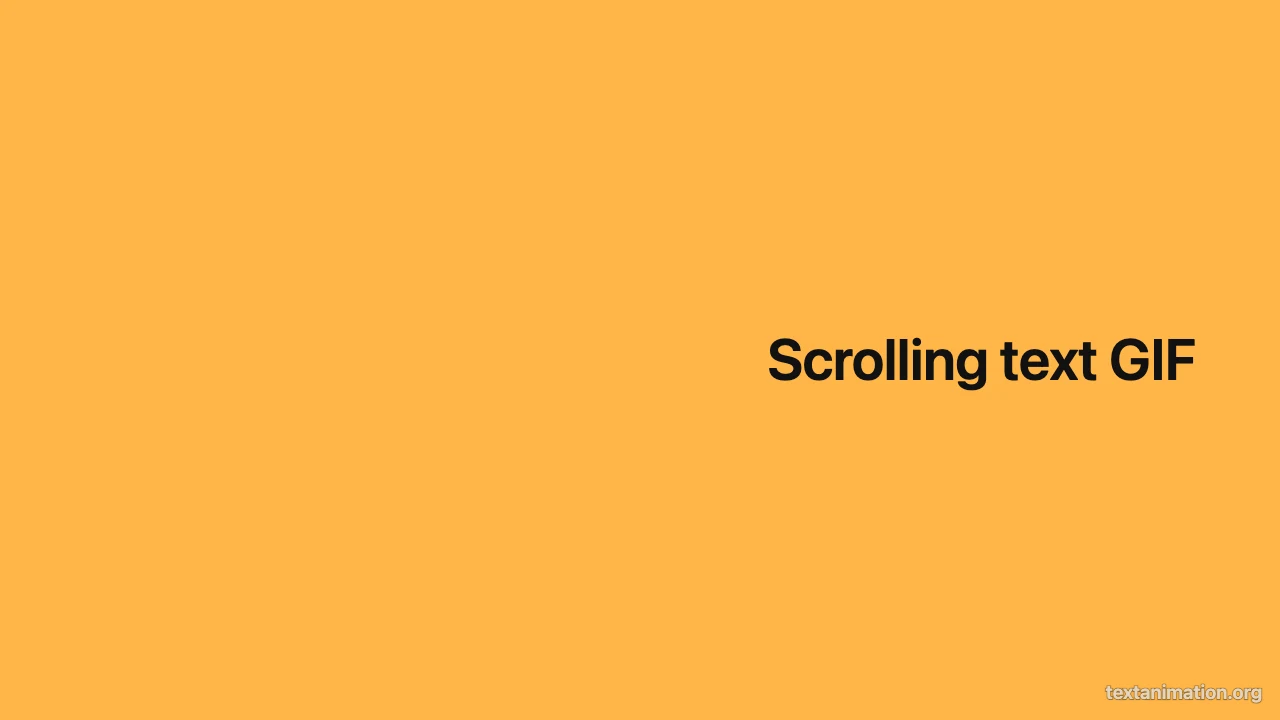
Scrolling text runs from one edge to the other like a ticker or a shop sign, and it loops cleanly for streams and window screens. Among the text animation styles here it suits announcements and schedules, because the speed decides how fast people can read the line.

Amber card with the words “Scrolling text GIF” sliding in from the right edge

Script That Writes Itself by Hand

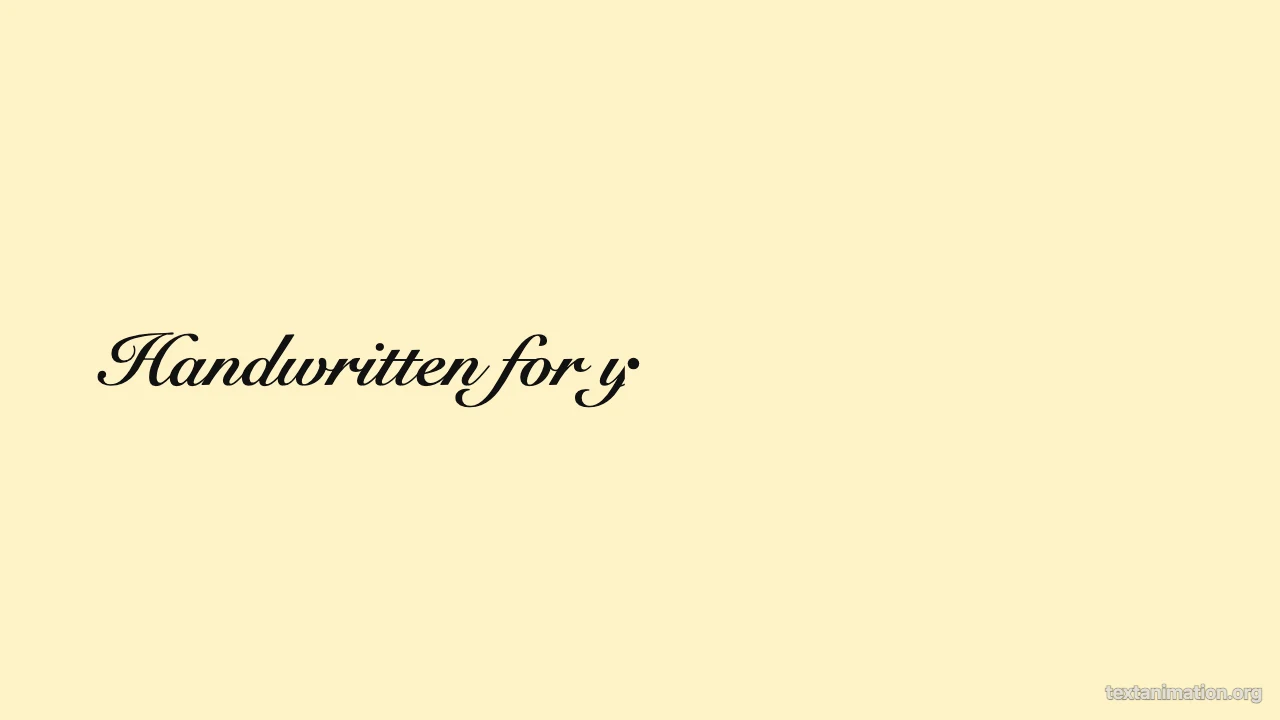
The handwriting style writes your words on from left to right in a script font, with an optional round pen tip at the writing edge. It is the warmest of the text animation styles, so people reach for it on greeting cards, invitations, lesson openers and signatures at the end of a video.

Cream card with black script text “Handwritten for you” half written

How to Make Moving Text in Three Steps

Every tool for these text animation styles opens on a ready-made example, so you only change the words and the look before you export.

1

Choose the style you want

Open the tool for typing, scrolling or handwriting, or the text animation GIF maker to switch between all seven text animation styles. Each one starts with an example already playing, so you see the movement before you type anything.

2

Type your words and set the look

Replace the example text, then pick a clean, classic, typewriter or handwriting font, a text colour and a background from the palette, and a square, story or wide frame. Speed and the pause before the loop change how the text animation styles feel.

3

Export a GIF, an MP4 or a PNG

Download a looping GIF for chats and slides, an MP4 for a video editor, or a PNG of the last frame. Free exports go up to 720p and 15 seconds with a small textanimation.org mark, and a subscription exports 1080p for up to 60 seconds without it.

Where People Use Each Style

These are the places where moving text earns its spot, and the text animation styles that people pick for each one.

Hooks and titles for short videos

A typed hook or a title that pops in gives a Reel or a TikTok its first second. Pick one of the text animation styles in the story frame, export an MP4 and drop it on the first track in CapCut, Premiere or any editor you already use.

Slides and lessons

Teachers and presenters use handwriting or slow typing so a class reads along as each word appears. A GIF in one of these text animation styles plays straight from Google Slides, PowerPoint or Keynote without extra software.

Chat reactions and stickers

A short square loop like GG or Tonight lands better in Discord, Slack or a group chat than plain text. Wave and pop suit reactions among the text animation styles, because they read in under a second.

Shop screens and streams

A scrolling line with opening hours, a daily special or a stream schedule loops on a TV or an overlay all day. Wide frames and calm text animation styles keep it readable from across a room.

Text Animation Styles FAQ

Quick answers on the text animation styles available here, which tool to open and what each export includes.

You can make seven text animation styles: typing, scrolling, handwriting, fade, pop, slide up and wave. Typing, scrolling and handwriting each have their own tool, and the text animation GIF maker switches between all seven on the same words.

Open the tool named after the movement you want, such as the typing text GIF maker for a typed line. If you are still choosing between text animation styles, start with the text animation GIF maker and switch styles until one fits.

Yes, every tool for these text animation styles is free to use and export without creating an account. Free exports go up to 720p and 15 seconds with a small corner mark; a subscription exports 1080p for up to 60 seconds with no mark.

Yes. Every style exports a looping GIF, an MP4 for video editors and a PNG of the final frame. The MP4 keeps the frame you chose, so a story frame stays 9:16 and a wide one stays 16:9 in your editor.

You can pick a clean, classic, typewriter or handwriting font and choose the text and background colours from a fixed palette that includes amber, coral, cream, navy, black and white. The same palette works across all the text animation styles.

The length follows your text and speed, plus the pause before it loops, and the preview shows it as you type. Free exports keep up to 15 seconds; a subscription allows up to 60 seconds for any of the text animation styles.

Make Your Words Move Today

Open the typing text GIF maker, type one line and watch it appear letter by letter, or switch to any of the other text animation styles. Export a GIF for chats and slides or an MP4 for your next video.

Open Typing Text GIF Maker
Square amber typing animation reading “Start typing your story” with a cursor