


BLACK FRIDAY

2× credits · Ends Dec 1

Ends Dec 1, 11:59 pm PTGrab 2× credits
Fake Tweet Generator

Pick a style, edit the messages or post, then download a PNG.

Style
Profile photo

Free · full-resolution PNG · no sign-up

Live preview

Fake Tweet Generator

X-style posts for memes, slides and mockups

Build a fake X post with your own name, text, date and counts, and download it as a PNG.

Make a post
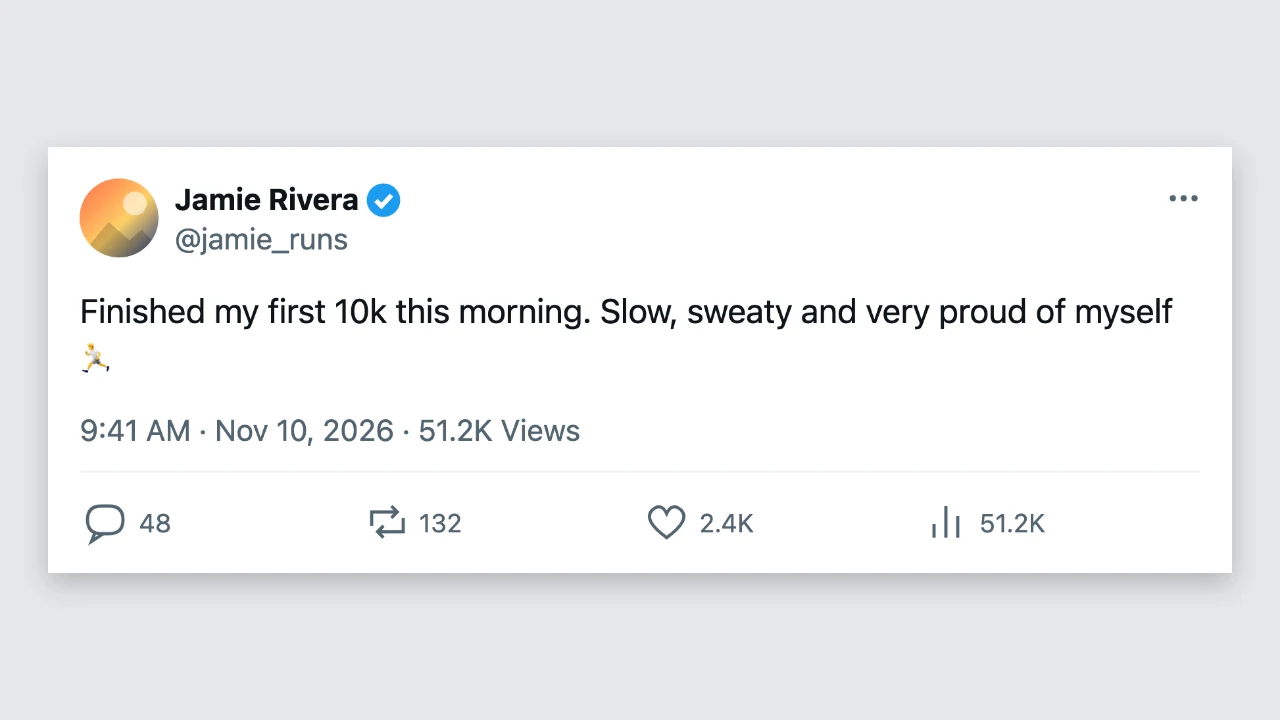
Fake tweet generator preview: a light X-style post with a name, verified badge, text and counts
Name, badge and counts|Light and dark mode|Free PNG, no sign-up

How to Make a Fake Tweet in Three Steps

The fake tweet generator draws the post as you type, so the preview is the PNG you download.

1

Add the account details

Type the display name and the username, switch the verified badge on or off, and choose a profile photo or keep the coloured initial. The fake tweet generator places them at the top of the post.

2

Write the post

Type up to 600 characters of post text with line breaks and emoji, then set the time, the date and the counts for replies, reposts, likes and views. Large counts are shortened to 2.4K or 3.1M automatically.

3

Download the PNG

Press download to save the X-style post as a PNG 1,800 pixels wide. The fake tweet generator makes the image as tall as the text needs, so short and long posts both fit.

Try Another Kind of Text Animation

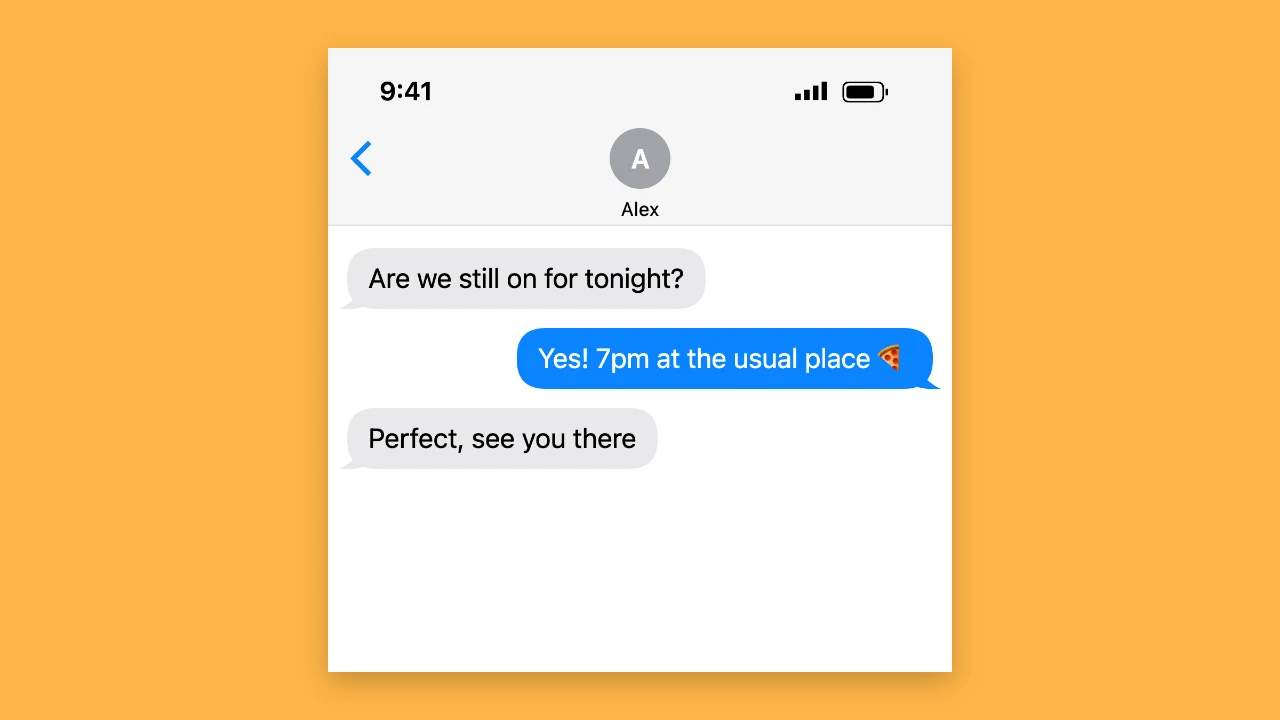
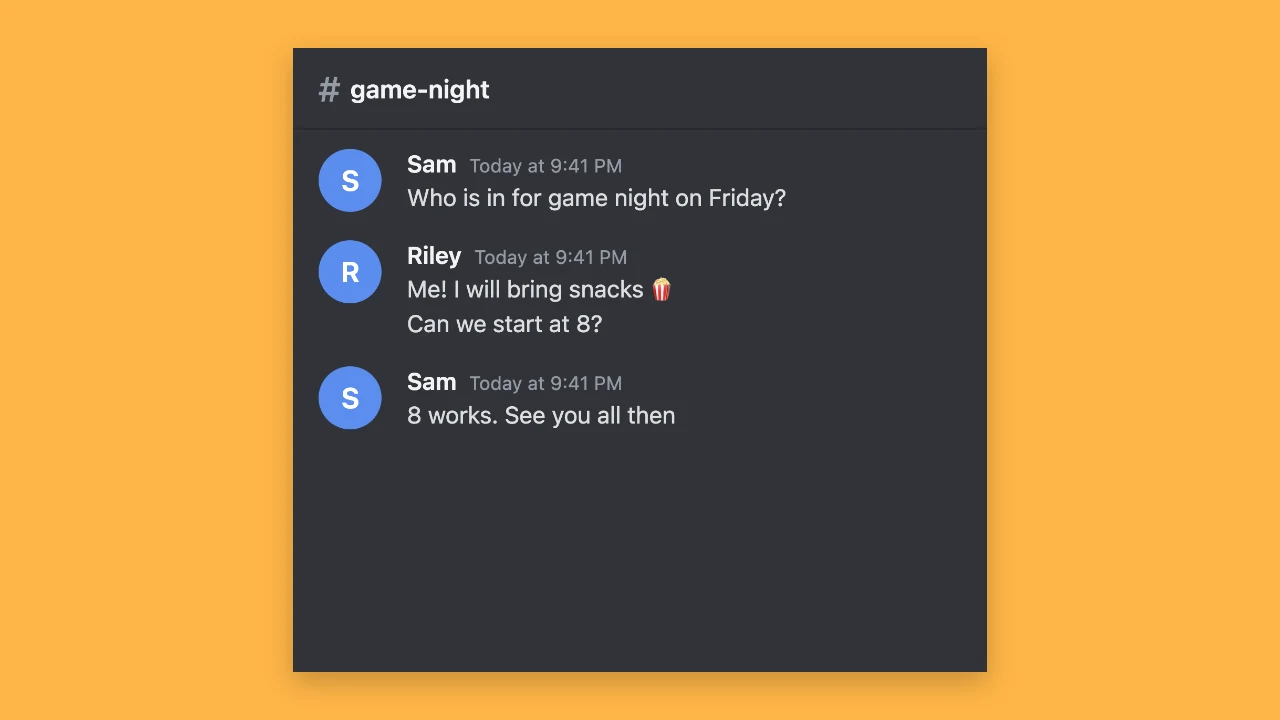
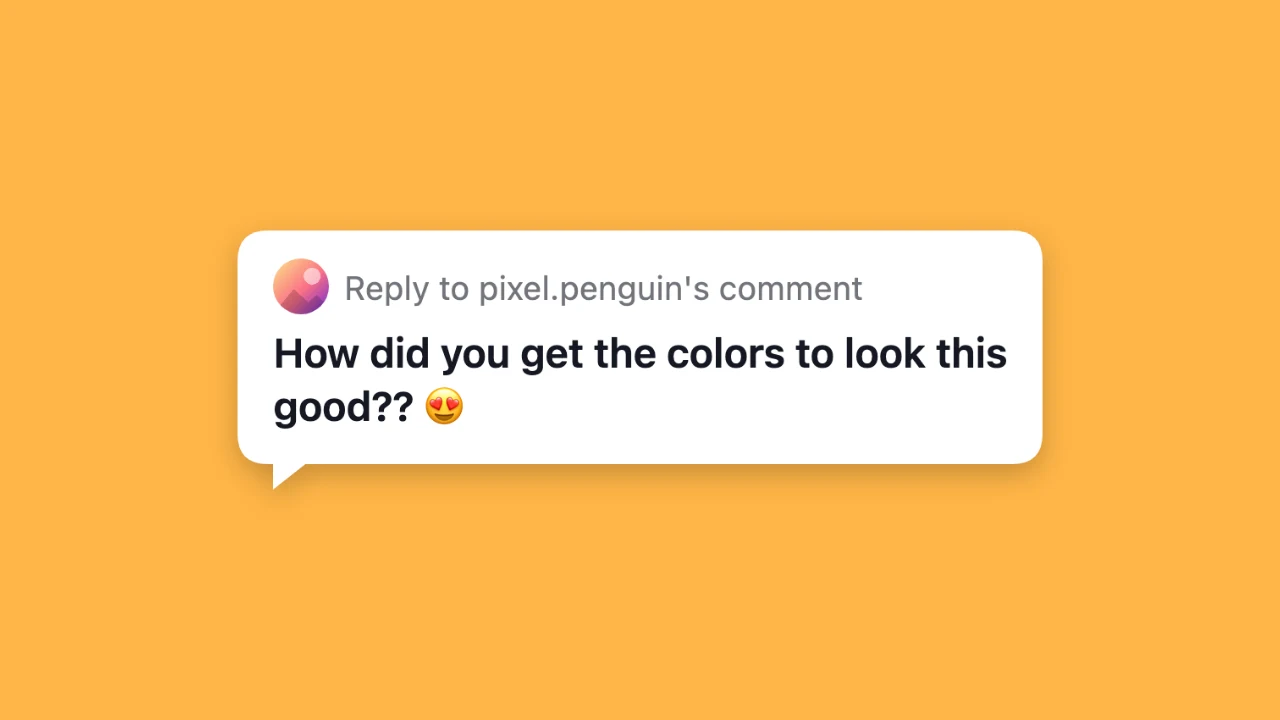
Tools from the other families: moving text, paper cut-outs and match cuts, chat mockups and speech bubbles.

What the Fake Tweet Generator Lets You Change

Every setting in the fake tweet generator updates the X-style post before you download it.

Name, username, photo and badge

Set any display name and username, and add a profile photo or let the fake tweet generator show a coloured initial. A simple blue check badge can sit after the name; it is a generic mark, not a copy of any platform badge, so it works for fictional accounts and mockups.
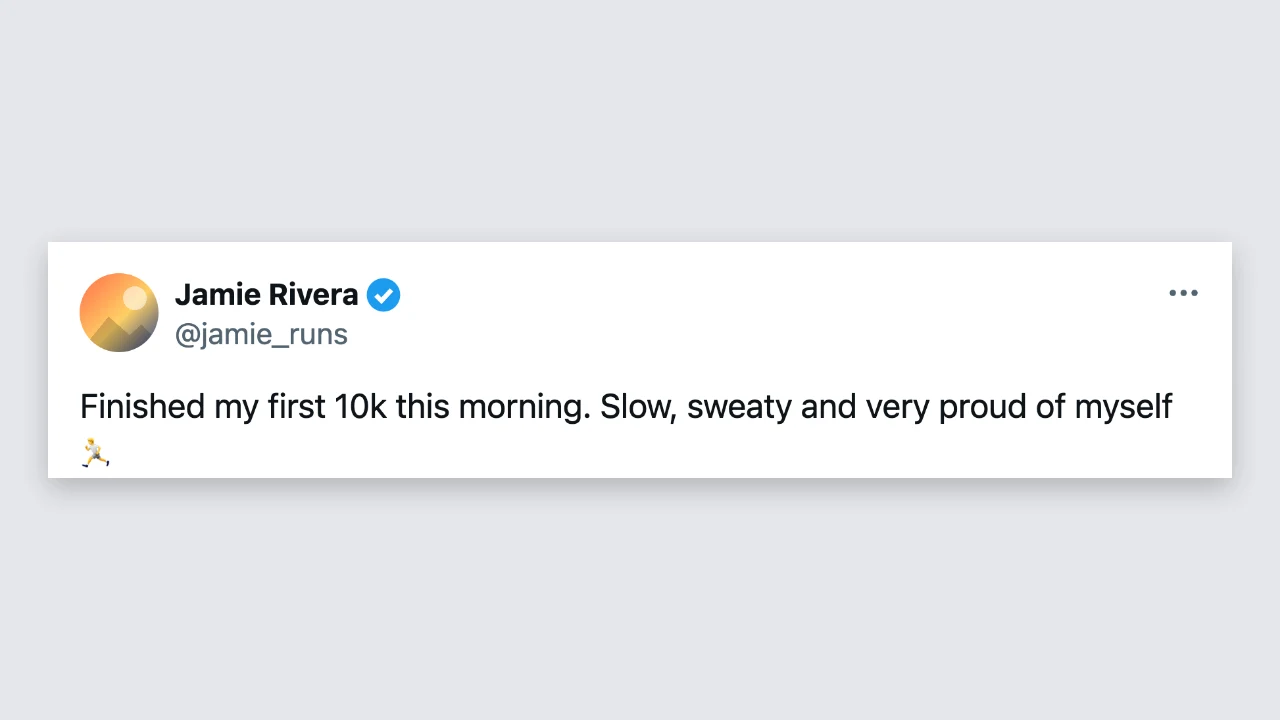
Top of an X-style post with a round photo, display name, blue check badge and username

Post text with line breaks and emoji

Write up to 600 characters. Line breaks stay where you put them, long lines wrap to the width of the post and emoji stay whole. The fake tweet generator grows the card to fit, so a one-liner and a short thread-style post both look tidy.

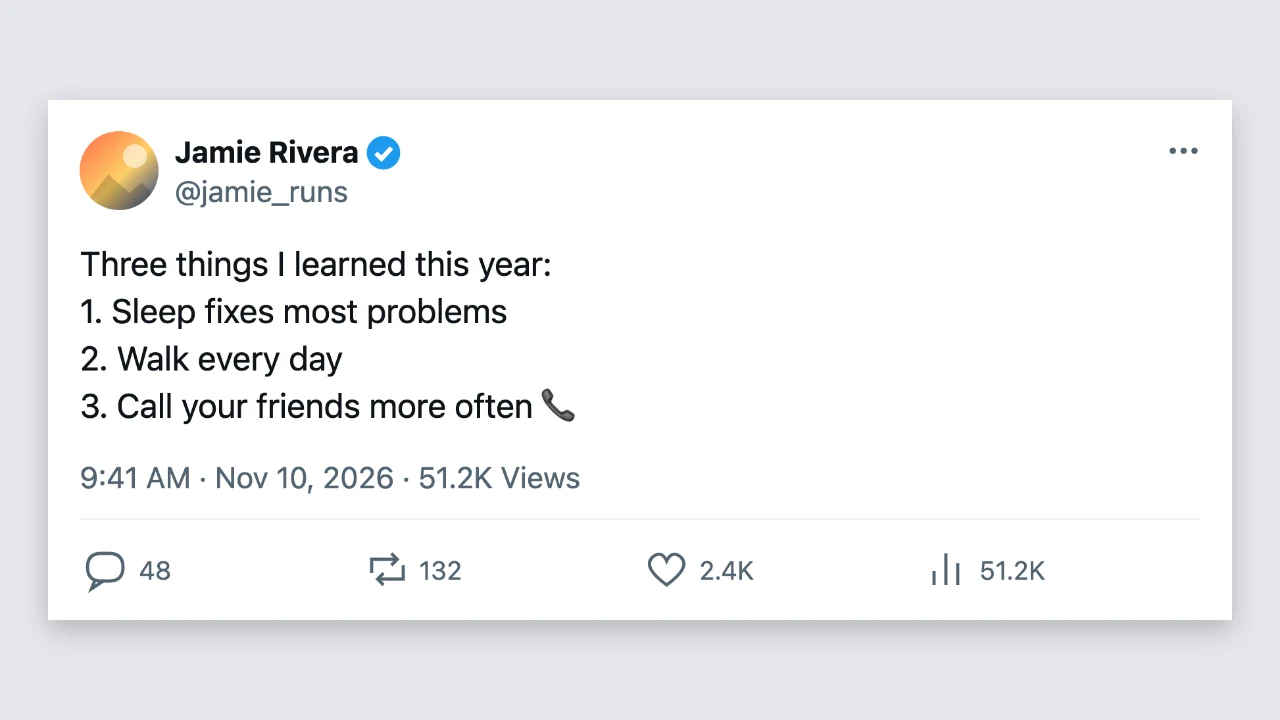
X-style post with several short lines of text and an emoji

Time, date and engagement counts

Type the time and date shown under the text and set the replies, reposts, likes and views. The fake tweet generator shortens big numbers to 51.2K or 3.4M, rounding down so a count never looks bigger than the number you typed, which keeps mockups honest.

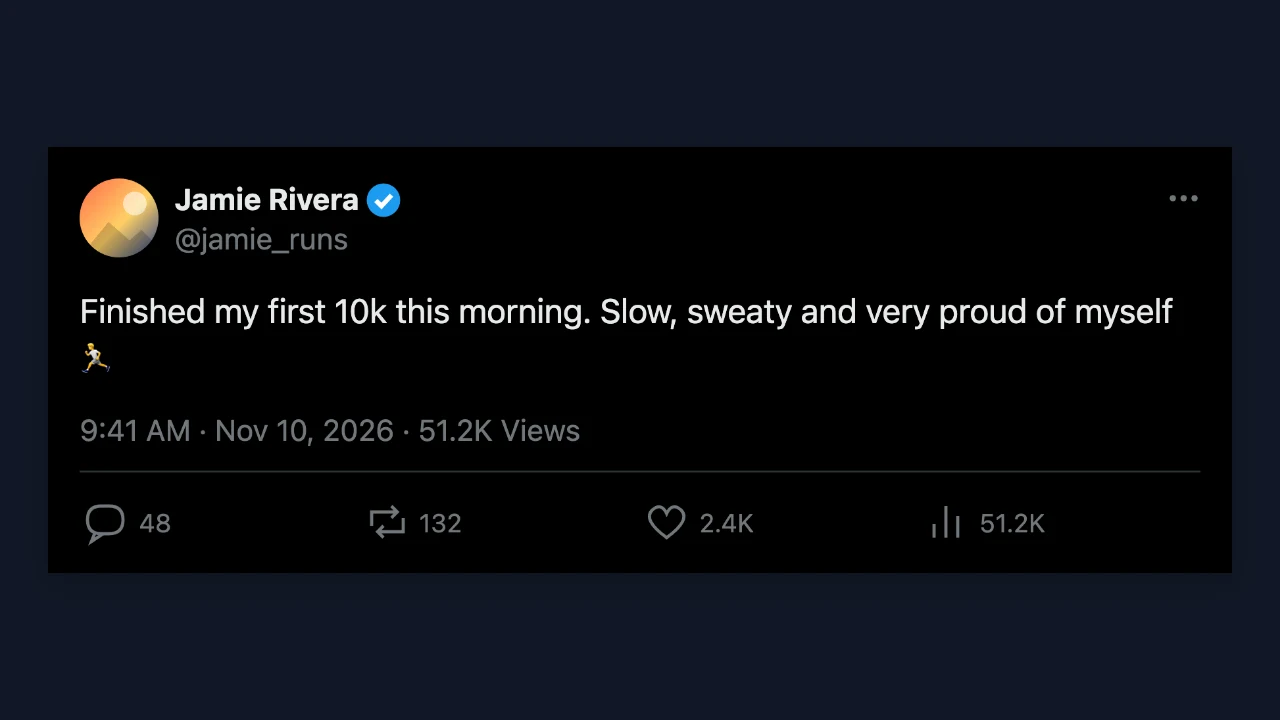
Dark X-style post with a time and date line and reply, repost, like and view counts

Light or dark, saved as a sharp PNG

Switch between a white and a black post to match your slide or video; every other setting stays as it is. The fake tweet generator downloads a PNG 1,800 pixels wide, free and without an account, with nothing added to the image, ready for slides and video edits.

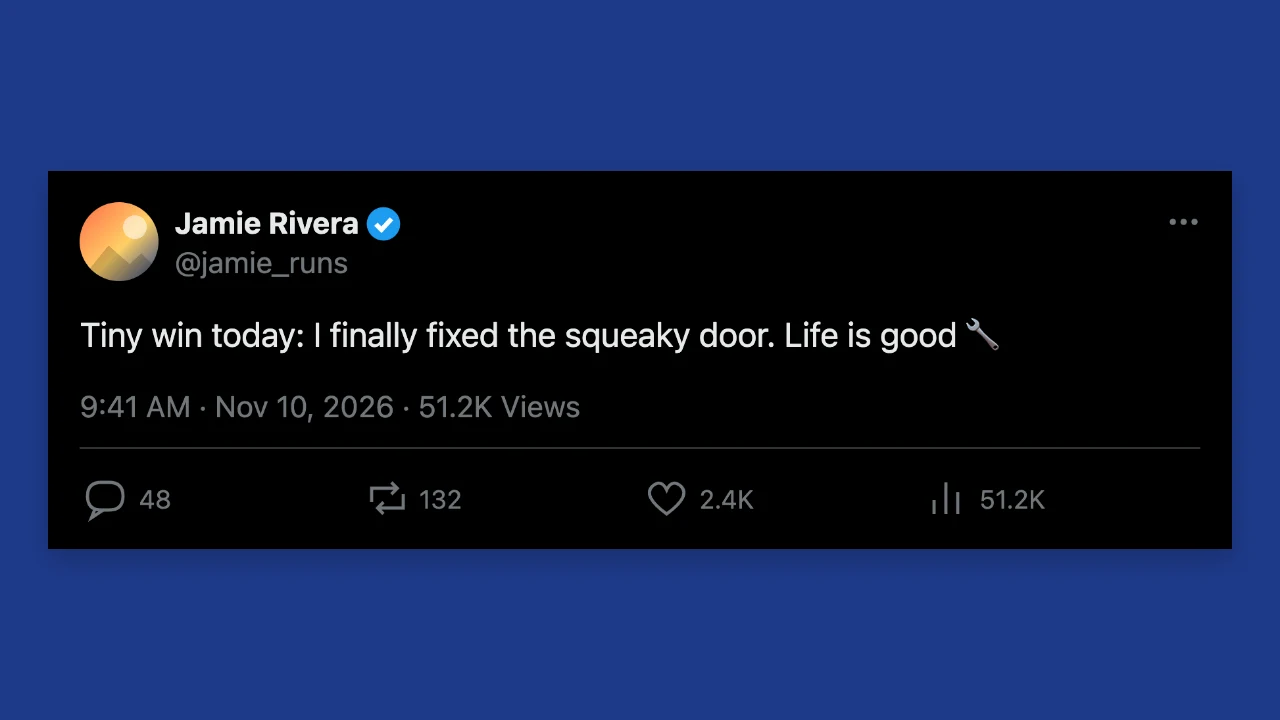
Dark X-style post shown on a plain backdrop

Where People Use a Fake Tweet

A fake tweet generator turns an idea, a joke or a headline into a post format everyone recognises.

Memes and parody posts

Write a playful post for a fictional account and share it as a clearly playful image. The fake tweet generator lets you adjust the wording and the counts until the joke reads right for your audience.

Slides, lessons and talks

Show an example post in a marketing class, a media literacy lesson or a conference talk. A PNG from the fake tweet generator is sharp on a projector and needs no internet connection to display.

Social media mockups

Preview a launch announcement or campaign post for a client before it goes live. The fake tweet generator shows how the text wraps and how long the post looks at a glance, in light or dark mode.

Videos and storytelling

Use posts as scene cards in a YouTube explainer, a TikTok story or a short film. The fake tweet generator makes each one as a separate PNG you can animate, crop or zoom in your editor.

What Creators Say About the Fake Tweet Generator

Clients approve launch posts faster when they can see them. I paste the draft into the fake tweet generator, set sensible counts, and drop the PNG into the deck, so they judge the wording, not a plain text box. Switching to dark mode for the evening version takes one click.

Rachel Green
Social media strategist

Fake Tweet Generator FAQ

Quick answers about the fake tweet generator, its options and the PNG you download.

You can make and download X-style posts for free without creating an account. The fake tweet generator saves a full-resolution PNG, and nothing is added to the image.

People use the fake tweet generator for memes and parody, lessons and talks, social media mockups and video storytelling, where the audience understands the post is an example or a joke.

Switch on the verified badge to place a blue check after the name. The fake tweet generator draws a simple generic check mark, so it suits mockups and clearly labelled parody.

Counts over 999 are shortened, so 2,408 becomes 2.4K and 3,450,000 becomes 3.4M. The fake tweet generator always rounds down rather than up.

This fake X post maker only draws an X-style post from what you type. It does not use the X logo, needs no X account and publishes nothing; the fake tweet generator gives you a PNG to download.

Switch on dark mode for a black post with light text. The fake tweet generator keeps every other setting when you switch between light and dark.

Make Your Fake Tweet Now

Open the fake tweet generator, add the name, username and badge, write the post, set the date and counts, and download a sharp PNG for your meme, slide or mockup.

Write a post
X-style post centred on a square amber backdrop