
BLACK FRIDAY

2× credits · Ends Dec 1

Ends Dec 1, 11:59 pm PTGrab 2× credits

Paper & Match Cut Tools

Paper and Match Cut Tools for Cutouts, Newspapers and Intros

These paper and match cut tools turn a photo, a headline or a single word into a short clip with a handmade look. Animate a paper cutout, unfold a photo as torn paper, spin a newspaper front page in, or flash page after page around one word. Each tool opens on a working example and exports a GIF, an MP4 or a PNG.

Browse the Tools
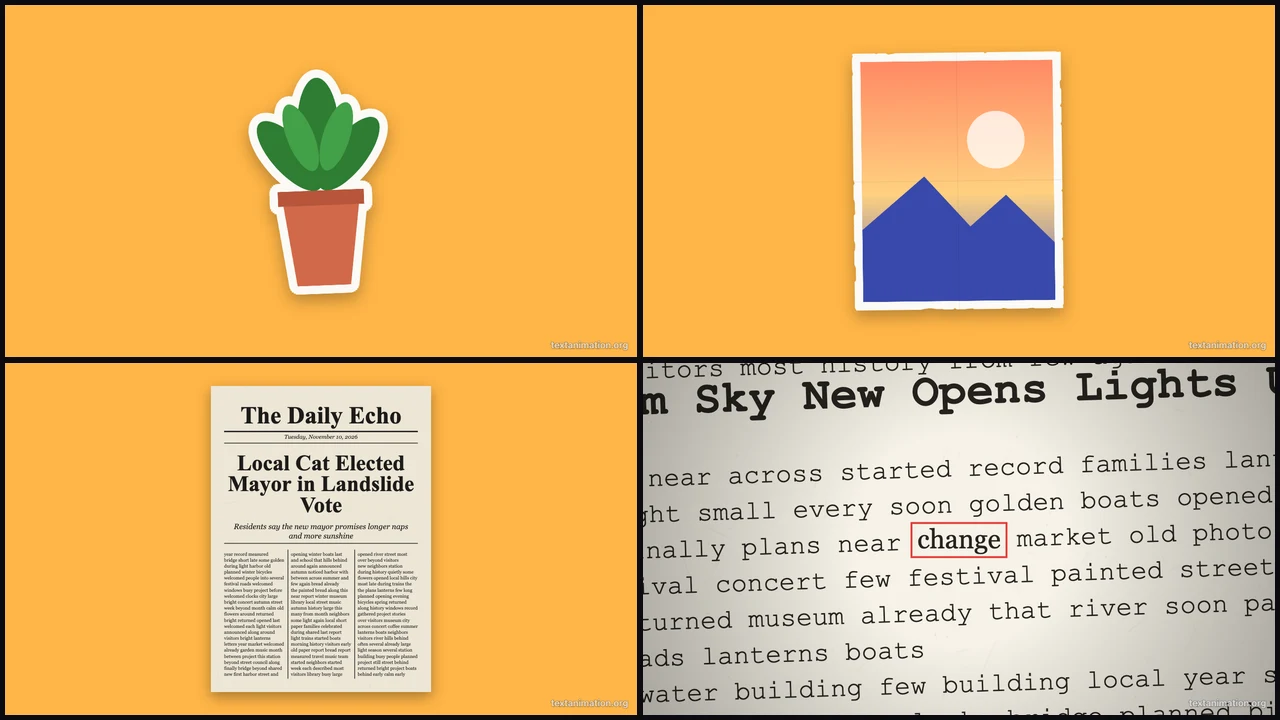
Grid of a paper plant cutout, a photo on torn paper, a newspaper front page and a match cut page with a boxed word

Pick the Effect You Want to Make

Each row below pairs one of the paper and match cut tools with the effect it makes, so start with the look you have in mind.

A Paper Cutout That Wobbles or Pops In

Upload a picture and it becomes a paper cutout, with a white outline around a transparent PNG or torn edges around a photo, then moves with a stop-motion wobble, an unfold or a pop-in. Of the paper and match cut tools it is the one for stickers, product shots and characters that should feel handmade.


Paper cutout of a potted plant with a white outline on an amber background

A Photo Printed on Torn Paper

Image to paper lays your photo on kraft, newsprint or white paper with torn edges and lets it unfold into place. It suits scrapbook posts, memory reels and slides where a flat photo would look too clean, and of the paper and match cut tools it is the one that keeps a whole photo visible, unfolding from quarters into place.

Photo printed on torn-edge paper resting on an amber background

A Front Page That Spins In

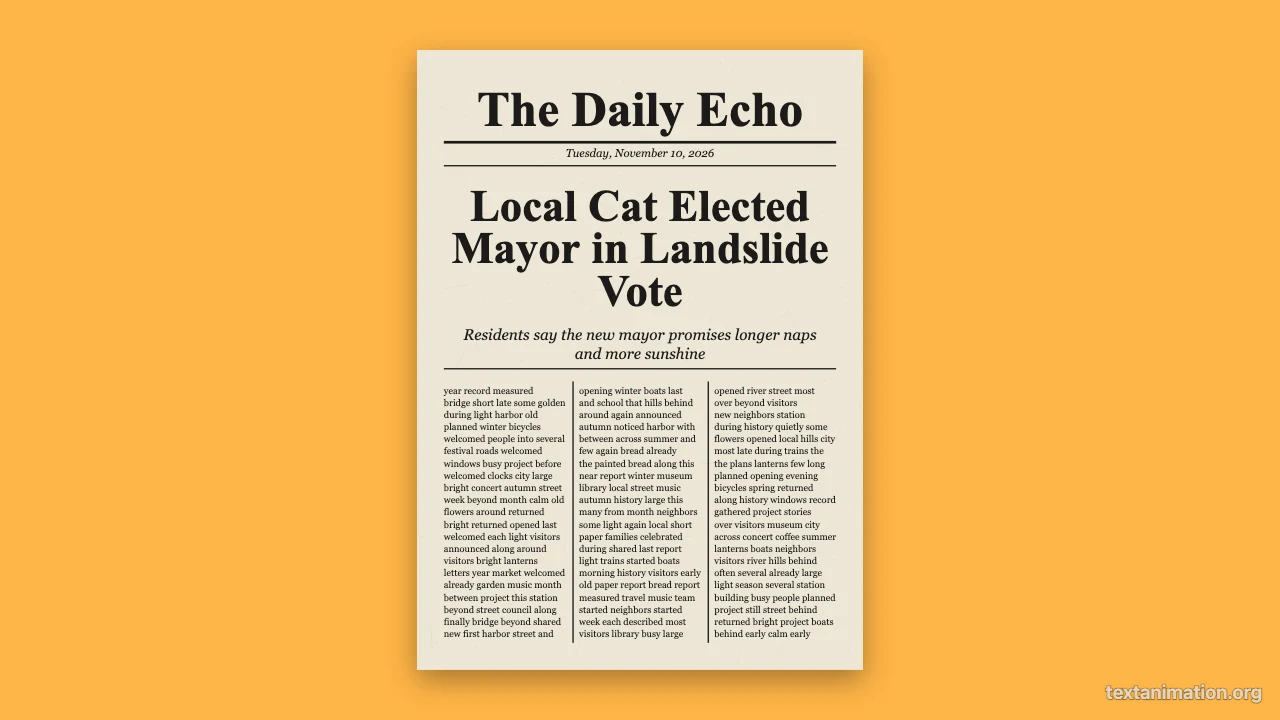
Write a masthead, a date line and a headline, add a photo if you like, and the front page spins or slides in like a breaking story in an old film. People use this one of the paper and match cut tools for announcements, birthdays and joke headlines about friends.

Newspaper front page with a big headline on an amber background

Page After Page Around One Word

The match cut generator flashes through mixed documents, from newspaper text to typewritten sheets, while one word stays in a red box at the centre. Among the paper and match cut tools it gives an intro the fast rhythm you see at the start of trailers and video essays.

Typewritten page with a boxed word at the centre

A Highlighted Word That Never Moves

Text match cut starts on newspaper and book pages with your keyword under a yellow marker, and keeps it perfectly still while the pages change. Switch to an underline or a box, set 6 to 40 pages and 0.05 to 0.5 seconds per page for a calmer or a faster cut.

Book page with the word dream highlighted at the centre

How to Make a Paper or Match Cut Clip

All the paper and match cut tools follow the same three steps, and each one starts with an example already playing.

1

Open the effect you want

Choose the cutout, torn paper, newspaper or match cut tool from the cards above. Each of the paper and match cut tools shows a working example first, so you can see the movement before you change anything.

2

Add your photo, headline or word

Upload a picture for a cutout or torn paper, type a headline for the newspaper, or a keyword for a match cut. Then pick the paper, background and motion for the cutout and newspaper tools, or the pages, highlight and timing for a match cut; the paper and match cut tools redraw the preview as you go.

3

Export and use it

Download a GIF, an MP4 or a PNG. Free exports from the paper and match cut tools go up to 720p and 15 seconds with a small textanimation.org mark, and a subscription exports 1080p for up to 60 seconds without it.

Where These Effects Work Best

People use the paper and match cut tools wherever a clip needs a handmade or cinematic feel in a few seconds.

Video essay and trailer intros

A match cut on one word sets the theme before the first sentence. Creators export a wide MP4 from the paper and match cut tools and place it at the start of a YouTube essay, a trailer or a course module.

Announcements and invitations

A spinning front page with your own headline makes a birthday, a launch or a wedding date feel like news. Share it as a GIF in a group chat or post the square MP4 on Instagram.

Scrapbook and memory reels

Photos on torn kraft paper and cutouts that wobble give a holiday or family reel the look of a scrapbook. The paper and match cut tools keep each clip short, so you can line several up in one edit.

Product and sticker clips

A product photo that pops in as a paper cutout stands out in a feed full of flat images. Small shops use the paper and match cut tools for launches, sales and stickers on Stories.

Paper and Match Cut Tools FAQ

Quick answers on what the paper and match cut tools make, which one to pick and what each export includes.

The paper and match cut tools make five effects: a paper cutout that wobbles, unfolds or pops in, a photo on torn paper, a spinning newspaper front page, a match cut around one boxed word, and a text match cut with a highlighted word. Each exports a GIF, an MP4 or a PNG.

Both lock one word at the centre while pages flash around it, and both let you change the pages, the highlight and the timing. The match cut generator starts with mixed documents and a red box, while text match cut starts with newspaper and book pages and a yellow marker.

Yes, you can use and export with all the paper and match cut tools for free without creating an account. Free exports go up to 720p and 15 seconds with a small corner mark, and a subscription exports 1080p for up to 60 seconds with no mark.

Only for the paper animator and image to paper. The animated newspaper works with a headline alone, and photos are optional, while the match cut tools need nothing but a keyword.

The paper and match cut tools offer kraft, newsprint and white paper with a subtle fibre texture, plus flat dark, amber and coral backgrounds, so the same clip can feel vintage, clean or bold.

Yes. Export an MP4 and place it on a track in CapCut, Premiere, DaVinci Resolve or any editor. The wide frame fits YouTube and trailers, and the square and story frames fit social posts.

Make a Handmade Clip from One Picture

Open the paper animator, upload one picture and watch it wobble in as a paper cutout, or pick any of the other paper and match cut tools for a newspaper or a match cut intro.

Open Paper Animator
Square amber frame with a photo cutout popping in, torn white edges