BLACK FRIDAY

2× credits · Ends Dec 1

Ends Dec 1, 11:59 pm PTGrab 2× credits
Chat Bubble Generator

Pick a bubble, type your words, drag the tail, then download a PNG.

Bubble
Font
48 px
Bubble colour
Text colour
Outline
0 px
115°
26 px
50%
42%
Base image (optional)

Free · full-resolution PNG · no sign-up

Without an image, the PNG is cropped to the bubble with a transparent background.

Live preview

Drag the bubble or the tip of its tail in the preview.

Chat Bubble Generator

Single message bubbles for posts, videos and designs

Make a single chat or text bubble with your own words and colours, and download it as a transparent PNG.

Make a chat bubble
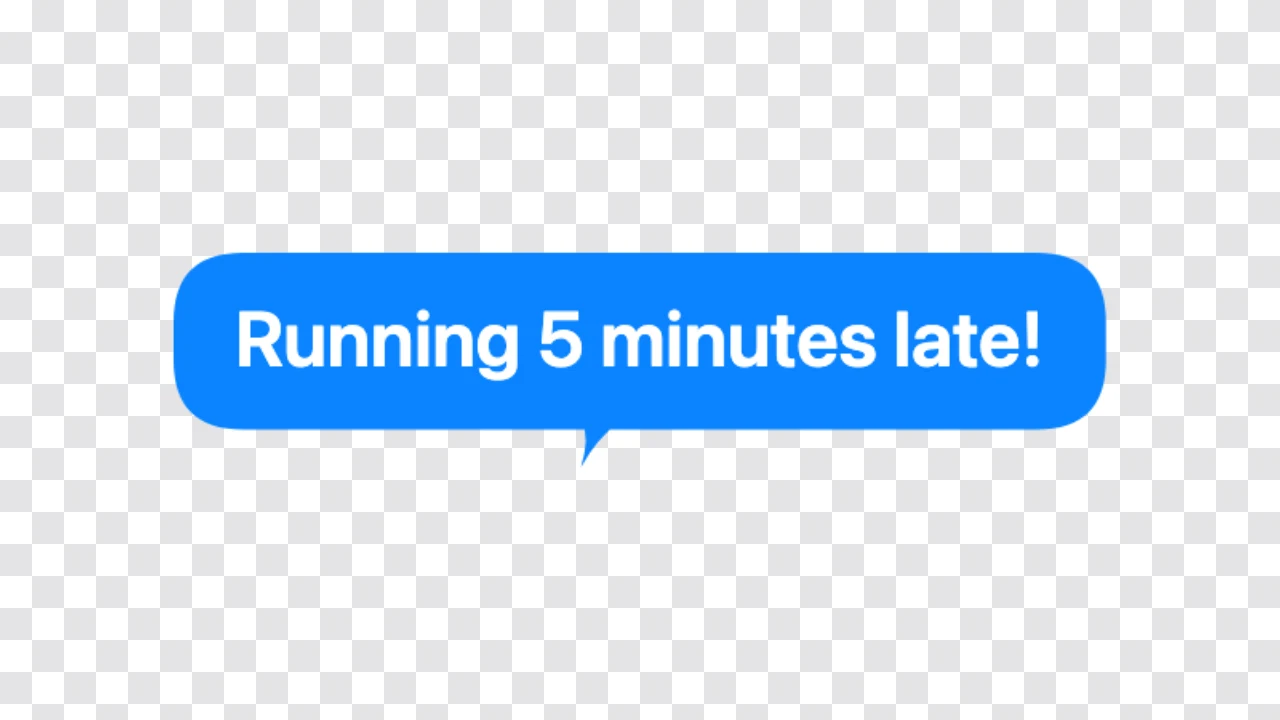
Chat bubble generator preview: a blue rounded chat bubble with white text and a small tail on a checkerboard
Transparent background|Colours and tail side|Free PNG, no sign-up

How to Make a Chat Bubble in Three Steps

The chat bubble generator shapes the bubble around your message, so the preview is the PNG you download.

1

Type the message

Write up to 200 characters. The chat bubble generator wraps long messages into neat lines and sizes the rounded bubble to fit, just like a message in a chat app.

2

Pick colours and the tail side

Choose the bubble and text colours, such as blue with white text or white with black text, then drag the small tail to the side it should point from. The chat bubble generator updates as you go.

3

Download the PNG

Download a transparent PNG cropped to the bubble, or add a photo first and download the photo with the bubble on it. The chat bubble generator adds nothing else to the image.

Try Another Kind of Text Animation

Tools from the other families: moving text, paper cut-outs and match cuts, chat mockups and speech bubbles.

What the Chat Bubble Generator Lets You Change

Every setting in the chat bubble generator changes the bubble before you download it.

Rounded chat bubbles with a small tail

The chat style draws a rounded rectangle with a short curved tail, the shape people know from messaging apps. Drag the tail to point left or right, up or down, and the chat bubble generator keeps the corners smooth and the padding even however long the message gets.
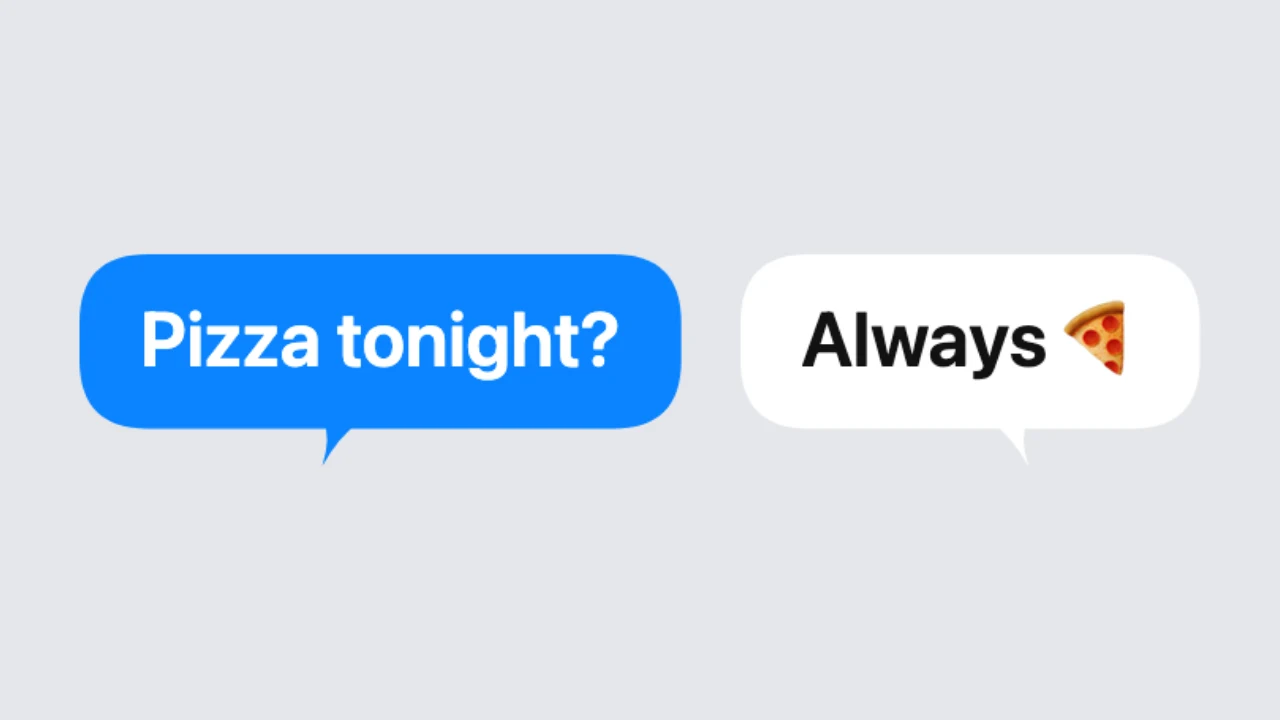
Blue chat bubble with white text and a white chat bubble with dark text

Colours, font and size

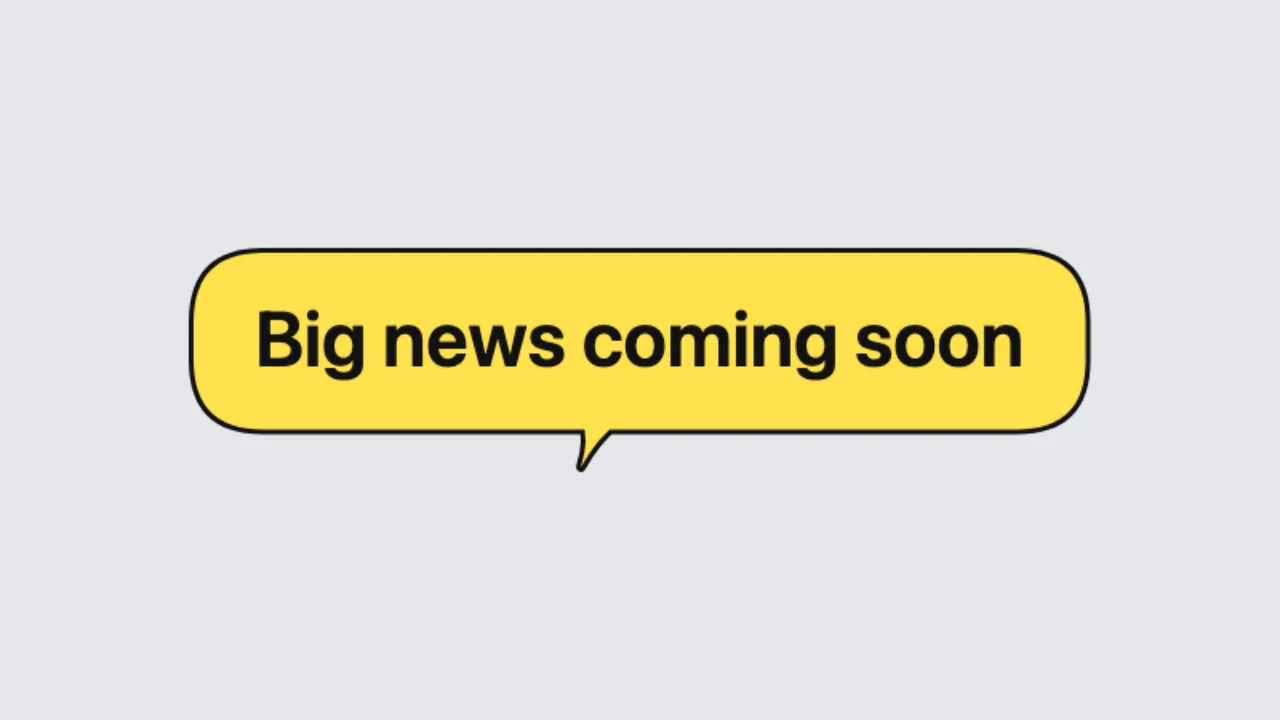
Pick blue, white, black, yellow, coral or red for the bubble and the text, choose a clean, comic, handwritten or pixel font, and set the text size from 16 to 120 pixels. An optional outline gives the text bubble maker look a drawn edge when you need one.

Yellow chat bubble with black text and a thin outline

Other bubble shapes in the same tool

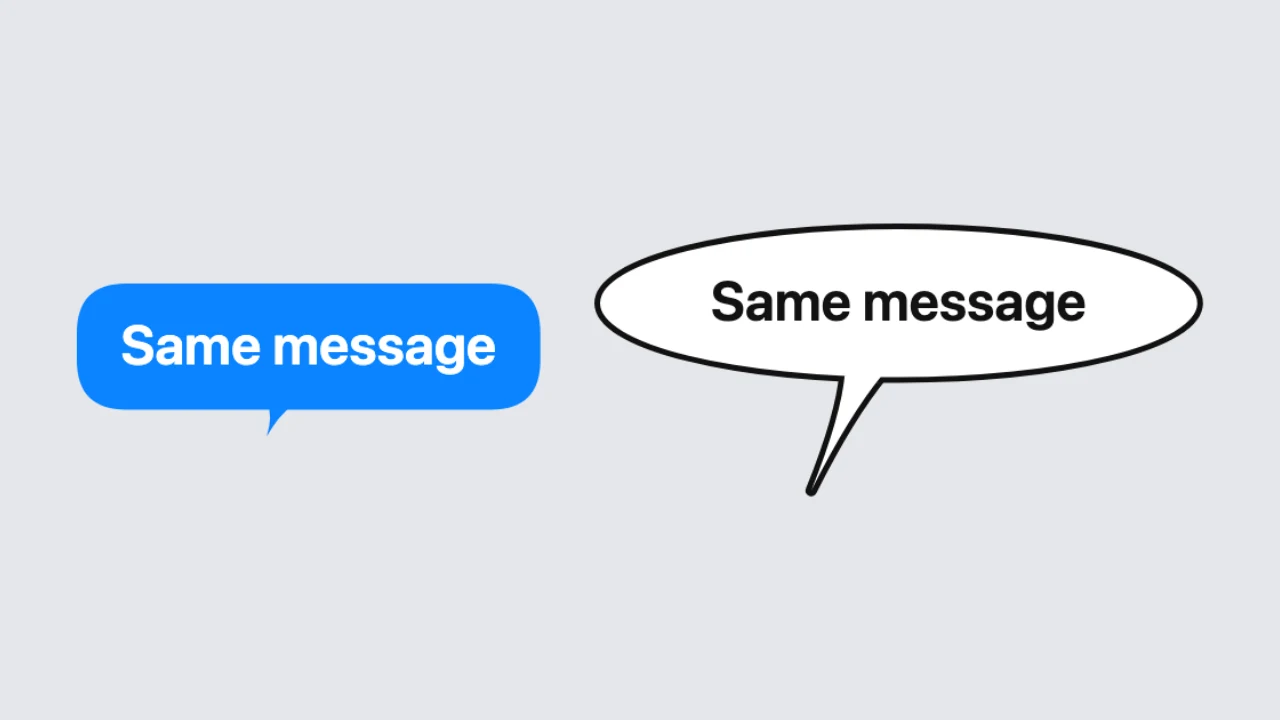
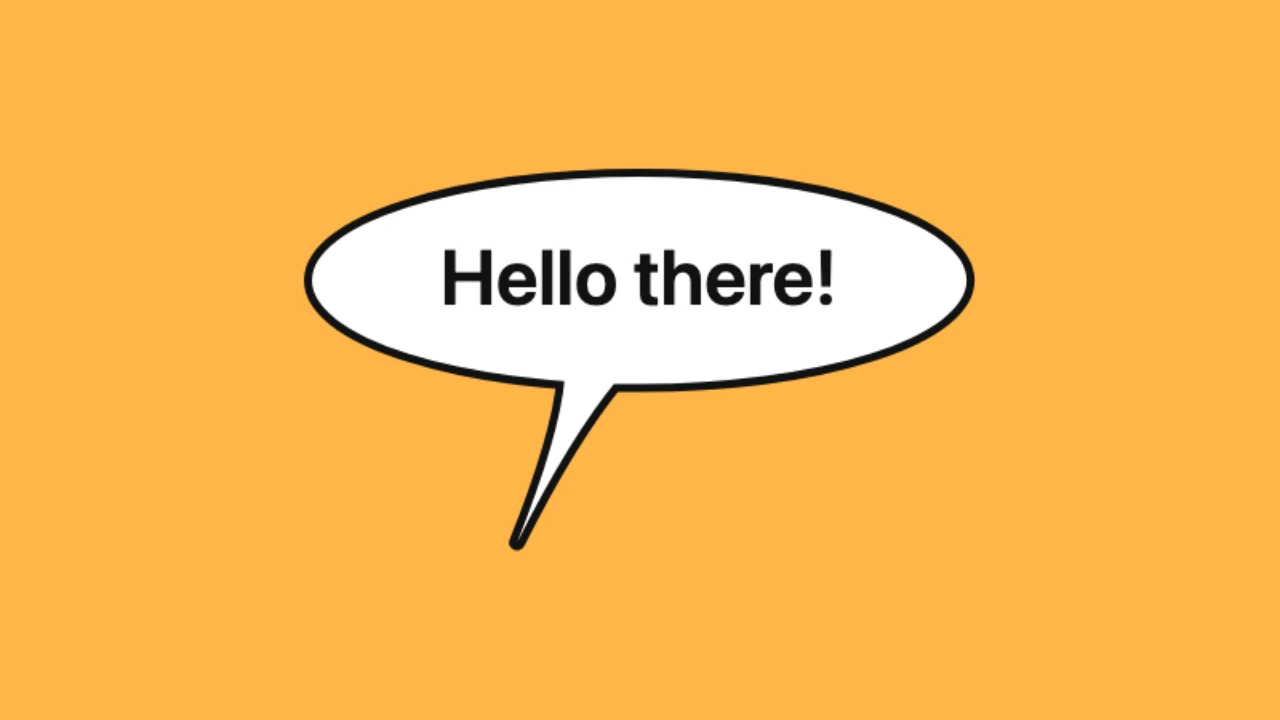
Need a different look? Switch the chat bubble generator to a speech balloon, a thought cloud, a shout burst, a pixel bubble or a meme bubble. Your text carries over and each shape starts with its own colours, so you can compare text bubble shapes in seconds.

The same message shown in a chat bubble and in a speech balloon

Transparent PNG or on a photo

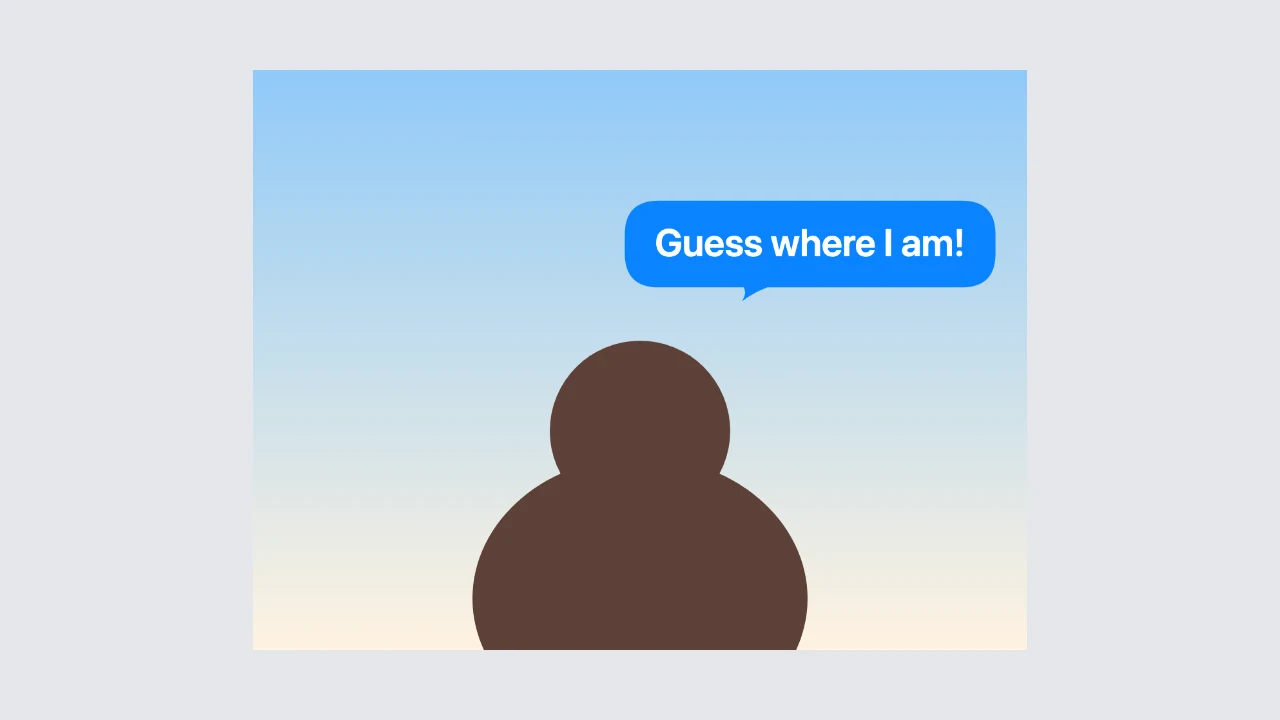
Without a photo, the chat bubble generator crops the PNG around the bubble with a transparent background, ready for stories, videos and mockups. Add a photo and drag the bubble into place to download the photo with the chat bubble on it, up to 2,048 pixels on the long side.

Blue chat bubble placed next to a person in a photo

Where People Use a Chat Bubble

A single chat bubble or text bubble adds a message to any picture or clip.

Instagram and TikTok stories

Add a message bubble to a story to ask a question or share a thought. A transparent PNG from the chat bubble generator layers cleanly over photos and video in any story editor, on any background colour.

Video captions and reactions

Show what someone is texting in a skit or reaction video by placing a chat bubble next to them. The chat bubble generator exports transparent PNGs that layer cleanly over any clip in CapCut or Premiere.

App mockups and presentations

Drop a single message into a slide or a design mockup to explain a feature or a notification. The chat bubble generator makes clean, simple bubbles that match a modern messaging style without opening a design app.

Social graphics and thumbnails

Put a short quote in a coloured bubble on a YouTube thumbnail or a social post. The chat bubble generator works as a quick text bubble generator for any design, in six colours and four fonts.

What Creators Say About the Chat Bubble Generator

I add a single blue chat bubble to my stories when I ask followers a question. The chat bubble generator gives me a transparent PNG that sits cleanly on any photo, and the tail can point toward my face. Replies to those stories have gone up noticeably.

Nina Petrova
Instagram creator

Chat Bubble Generator FAQ

Quick answers about the chat bubble generator and its PNGs.

You can make and download chat bubbles for free without creating an account. The chat bubble generator saves a PNG with nothing added to the image.

Without a photo, the chat bubble generator crops the PNG around the bubble and keeps the background transparent. Tick the white background option if you want a solid background instead.

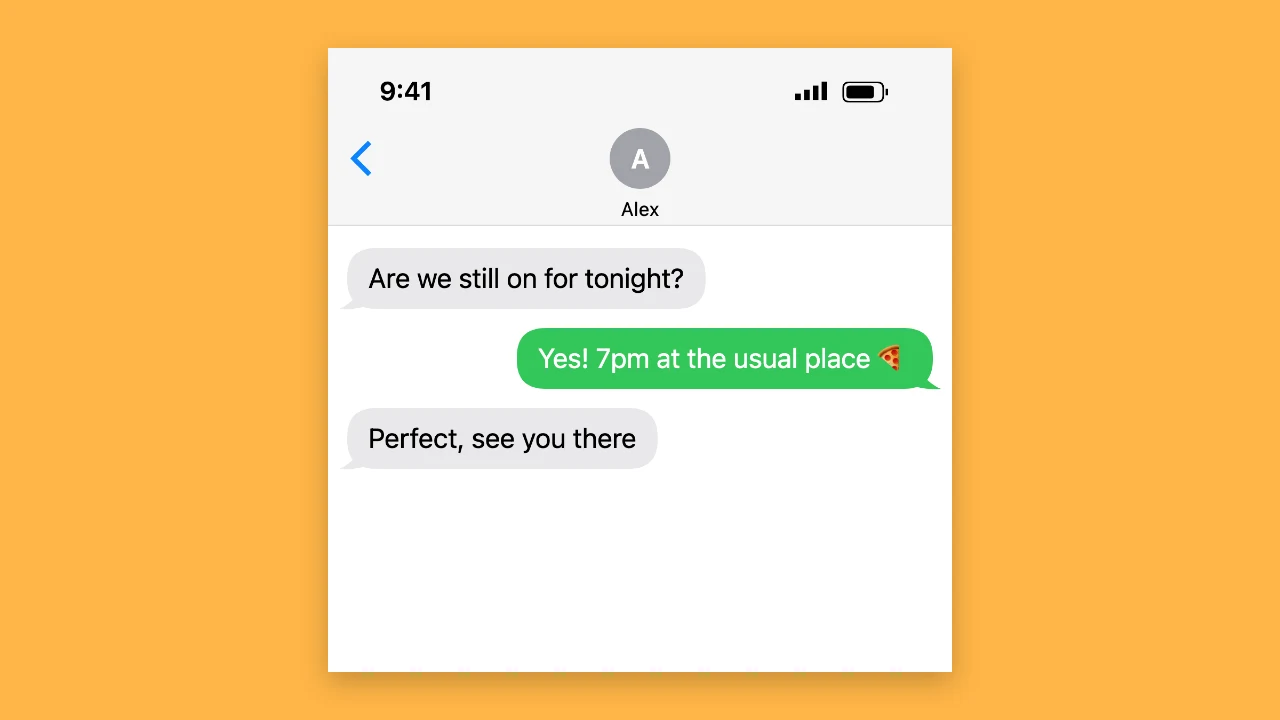
The chat bubble generator makes one bubble at a time. For a full conversation screenshot with both sides, use the Text Animation fake text message generator.

Choose a JPG, PNG, WebP or GIF as the base image and drag the bubble where you want it. The chat bubble generator downloads the photo with the bubble on it, up to 2,048 pixels on the long side.

Pick white, black, yellow, coral, blue or red for the bubble, the text and the optional outline. The chat bubble generator starts with a blue bubble and white text.

Drag the tail tip in the preview or use the tail direction slider. The chat bubble generator moves the tail to the edge of the bubble in the direction you choose.

Make Your Chat Bubble Now

Open the chat bubble generator, type your message, choose the colours and tail side, add a photo if you like and download a clean PNG for your story, video or mockup.

Make a chat bubble
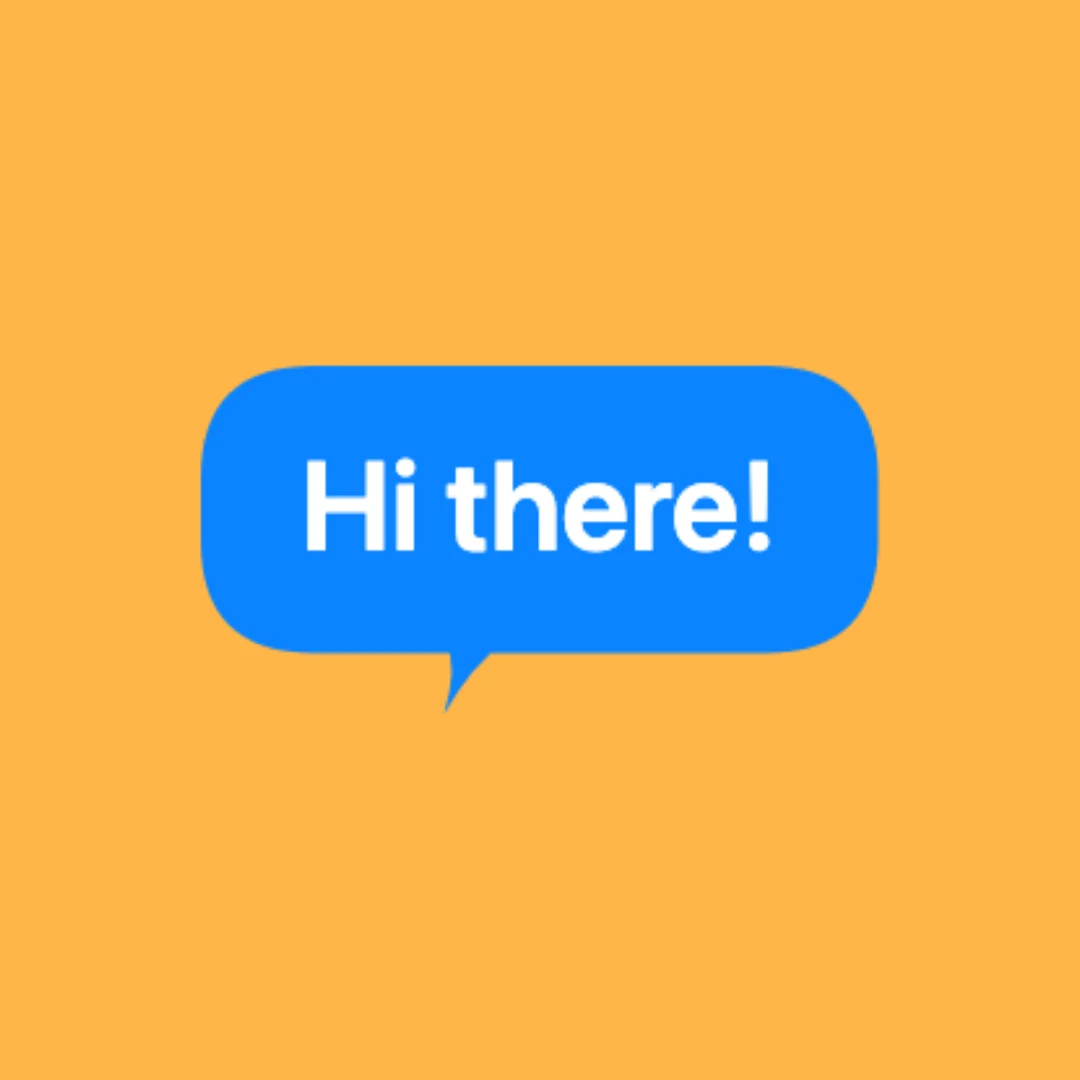
Blue chat bubble on a square amber backdrop