

BLACK FRIDAY

2× credits · Ends Dec 1

Ends Dec 1, 11:59 pm PTGrab 2× credits
Match Cut Generator

Pick a mode, add your words or image, then export.

Mode
Pages
Highlight
12 pages
0.12 s
0.6 s
Shape
Format

Free · up to 720p and 15 seconds, with a small textanimation.org mark

Live preview
2.0 s

More Tools in This Family

Other tools in the same family, for the next clip in the same project.

Match Cut Generator

A match cut built around one word

Make a text-based match cut where one word stays in place across mixed documents, ready to drop between your clips.

Make a match cut
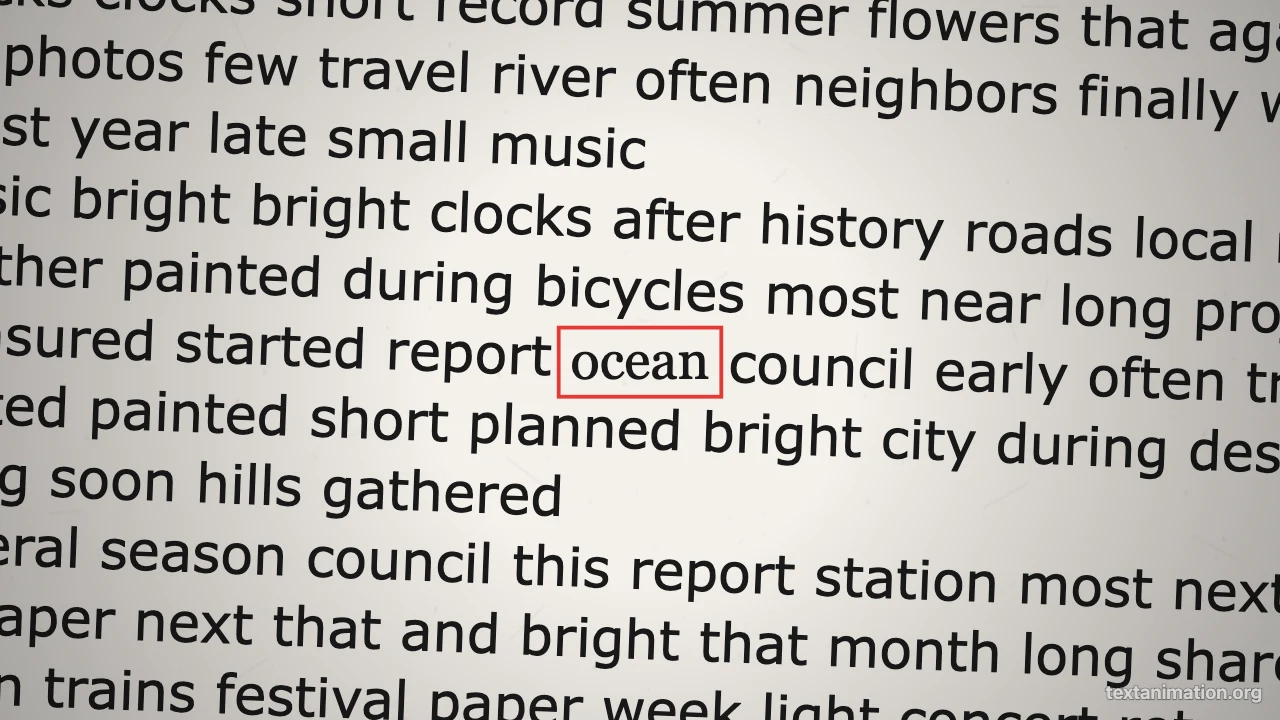
Match cut generator preview: the word ocean in a red box at the centre of a magazine page
Mixed document pages|GIF, MP4 and PNG|Free, no sign-up

How to Make a Match Cut in Three Steps

A match cut joins two shots through something they share; this match cut generator uses one word as the shared element.

1

Type the matching word

Enter the word or short phrase that ties your shots together. The match cut generator keeps it in the exact centre at one size on every page, so it acts as the visual link between frames.

2

Choose the documents and pace

Pick mixed documents or newspaper and book pages, a red box, marker or underline, the number of pages and the time per page. The match cut preview loops while you adjust it.

3

Export and place it between clips

Export an MP4 and drop it on your timeline between two scenes, or a GIF for slides. The match cut generator also saves a PNG of the first page for thumbnails.

Try Another Kind of Text Animation

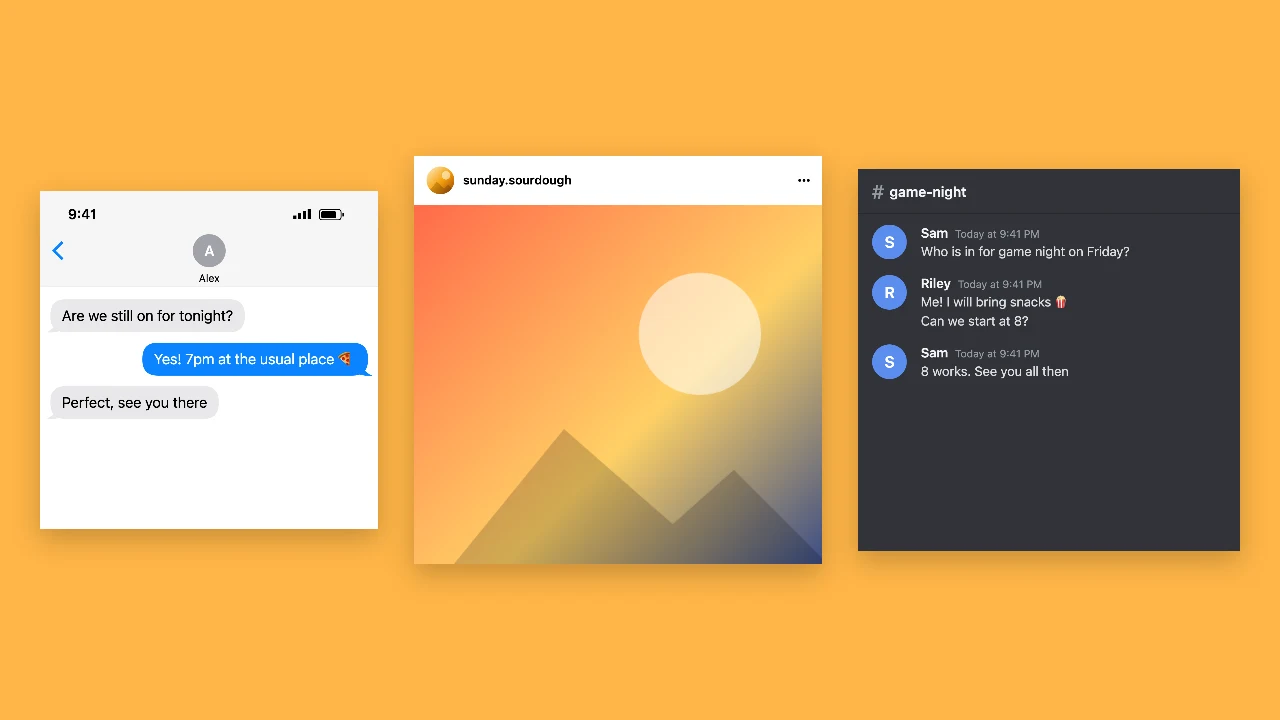
Tools from the other families: moving text, paper cut-outs and match cuts, chat mockups and speech bubbles.

What the Match Cut Generator Does

Every setting in the match cut generator changes the match cut animation in the preview before you export.

One word as the matching element

In a classic match cut, a shape or movement carries over from one shot to the next. Here the shared element is your word: it stays in the same spot and size while the page behind it changes, so the match cut reads clearly even at a fraction of a second per page.
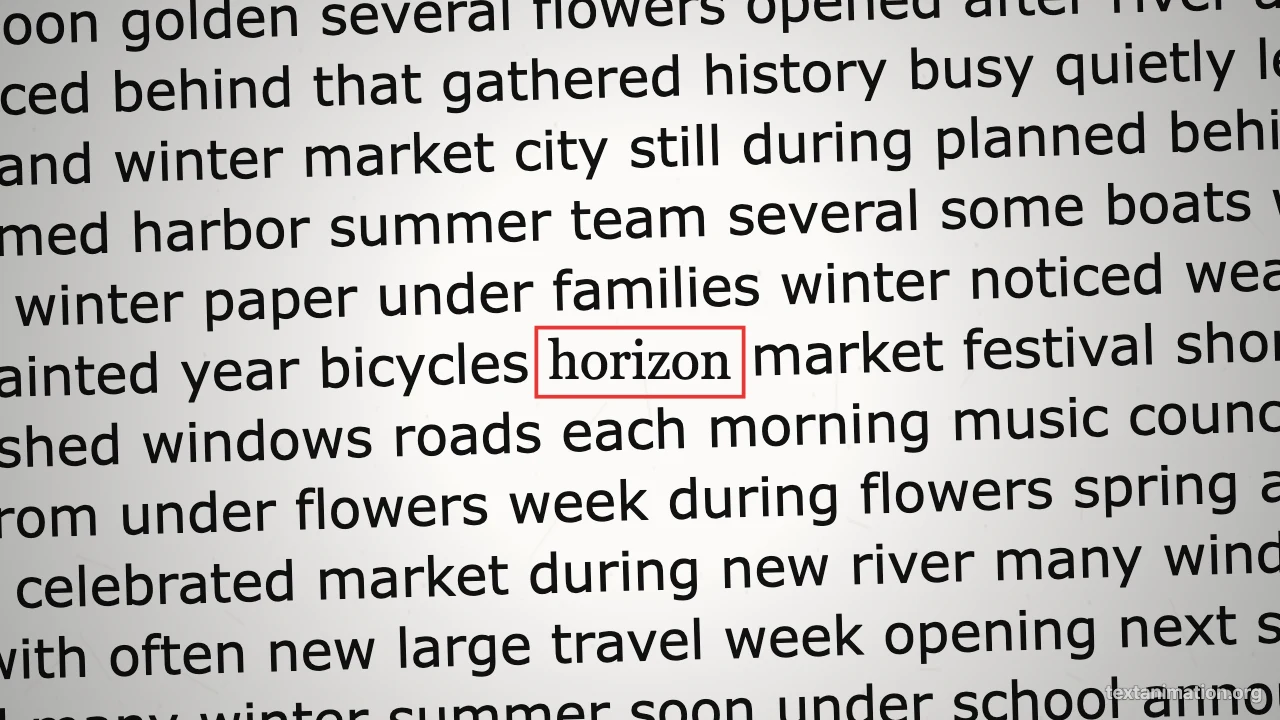
Magazine page with the word horizon boxed in red at the centre

Mixed documents behind the word

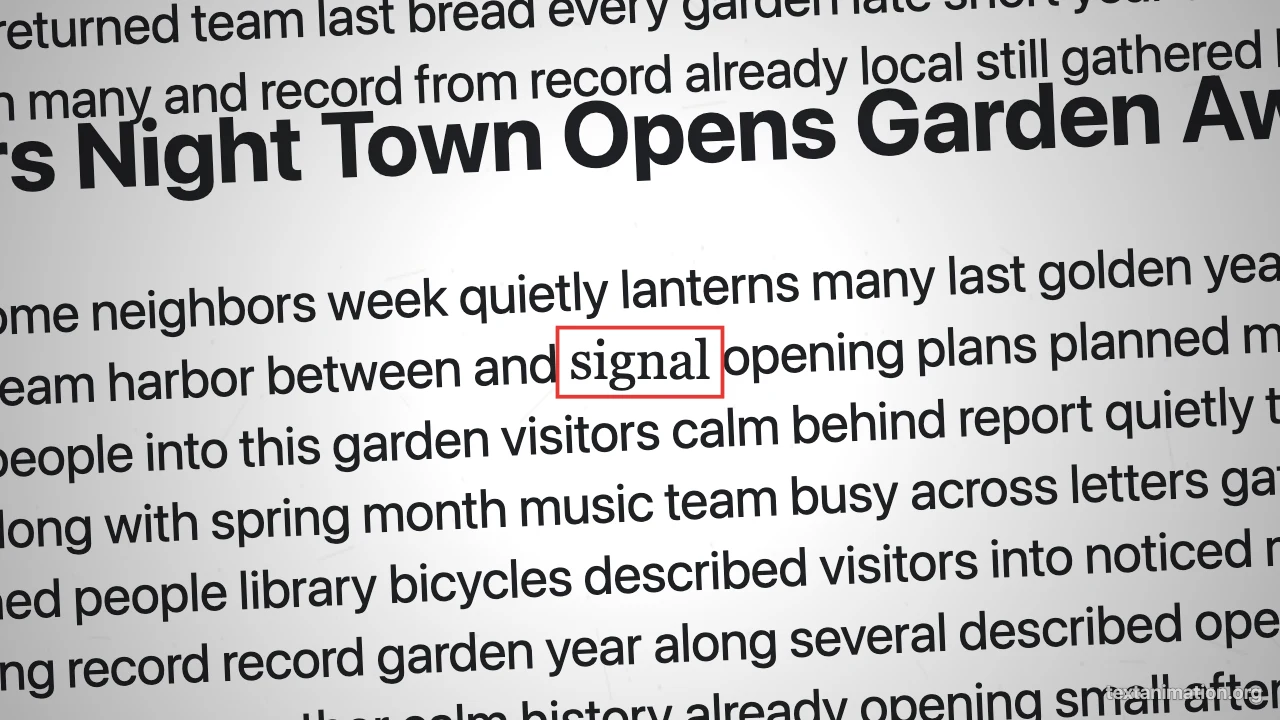
Choose mixed documents for newspaper text, book pages, web articles, magazine text and typewritten sheets, or keep to newspaper and book pages. The match cut generator makes every page itself with made-up filler text, so nothing is copied from real publications and every frame is safe to publish.

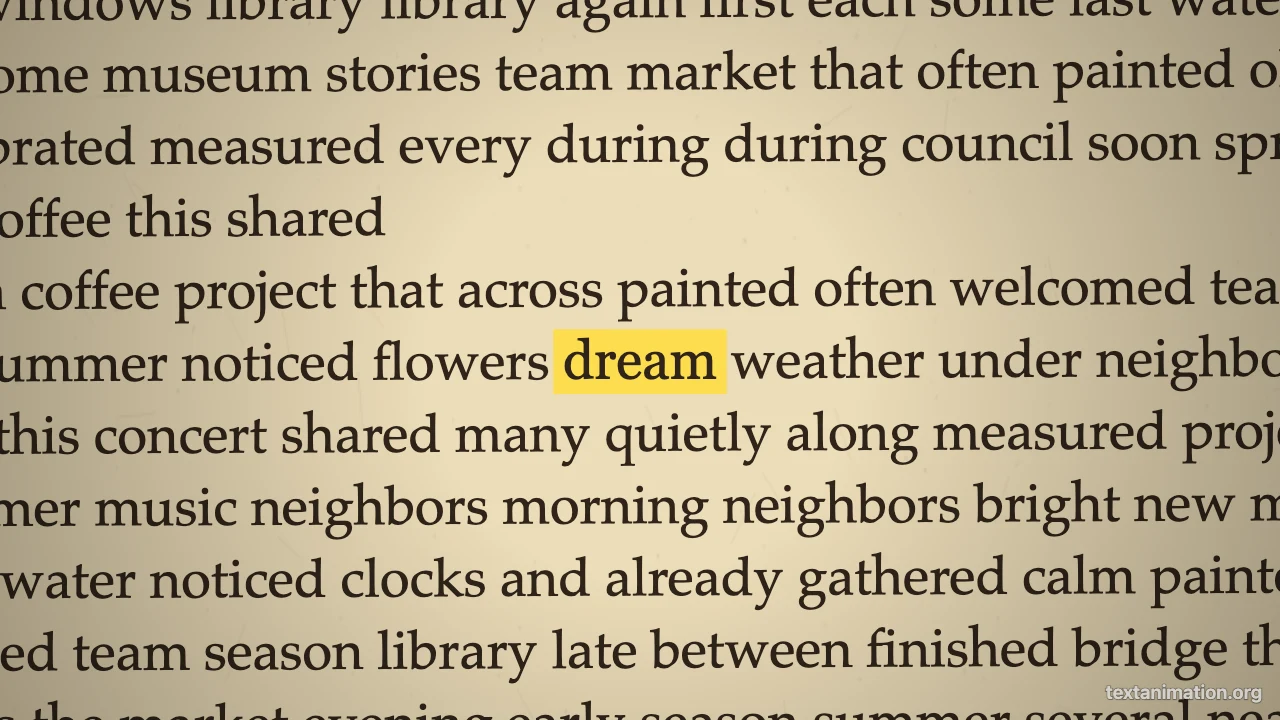
Clean web-article page with a boxed word in the middle

Pace and highlight for your edit

Set 6 to 40 pages, 0.05 to 0.5 seconds each and a pause on the last page. Frame the word with a red box, a yellow marker, an underline or nothing, so the match cut fits a documentary opener, a hype edit or a calm explainer.

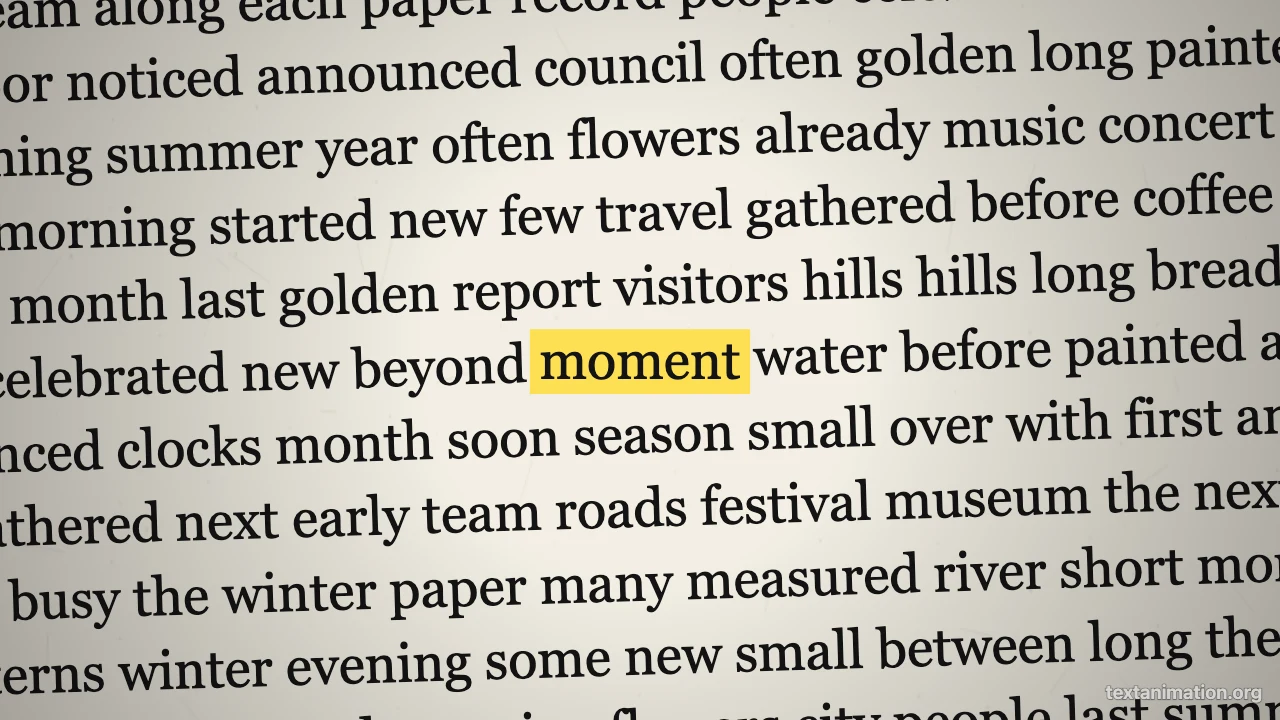
Newspaper page with a word highlighted in yellow marker

Exports that fit your video editor

Export the match cut as an MP4 for CapCut, Premiere, DaVinci Resolve or TikTok, as a GIF for slides, or as a PNG still. Free exports go up to 720p and 15 seconds with a small textanimation.org mark; a subscription exports 1080p, up to 60 seconds, with no mark.

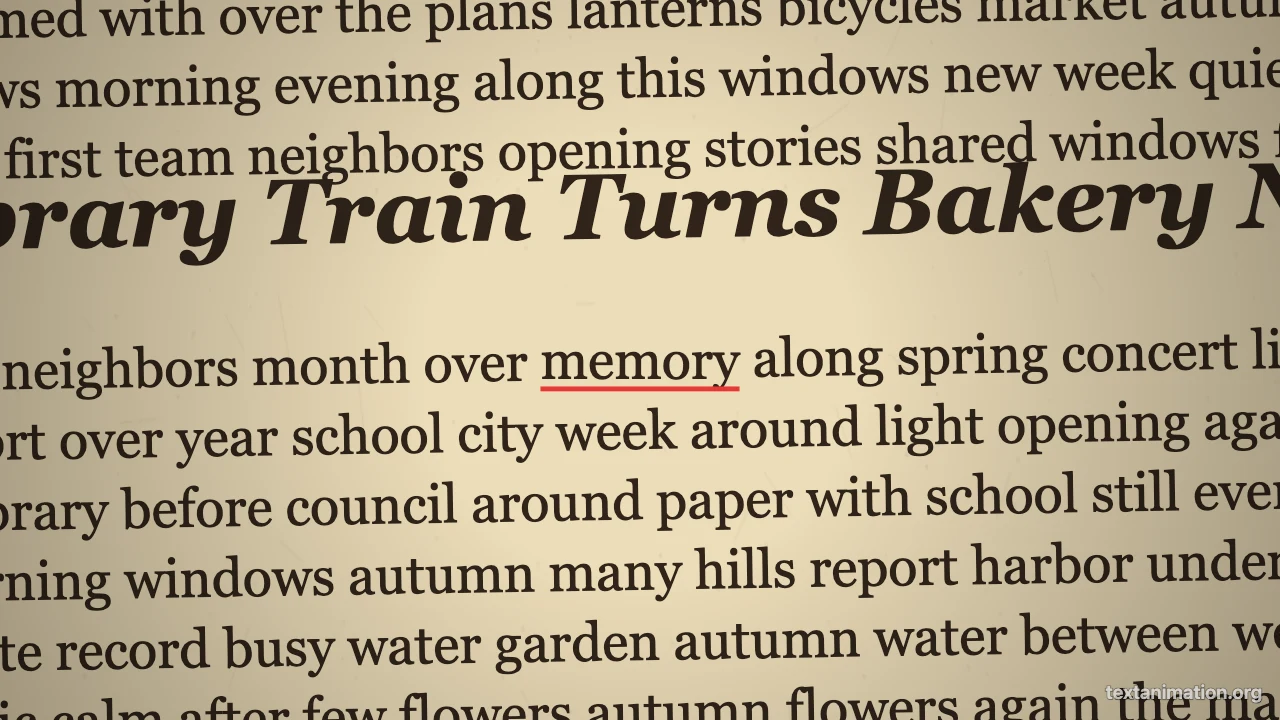
Yellowed book page with an underlined word at the centre

Where People Use a Match Cut

A match cut links two moments; this match cut paper animation links them through one word on paper pages.

Transitions between scenes

Place a quick match cut between two clips that share a theme, such as a word that names the next chapter. The match cut generator gives you a two-second bridge that keeps the audience oriented.

Video essay and documentary openers

Start with the word your essay is about flashing through documents. A word-based cut like this signals research and weight before the narration begins, and it takes only a few minutes to make and export.

Short-form hooks

Open a TikTok, Reel or Short with a fast match cut on a single word, then cut to the first shot. The match cut generator exports 9:16 by default, so it fits vertical video straight away.

Film class examples

Teachers explaining editing can show a word-based example next to a classic shape-based one from a famous film. Make the example with the match cut generator and play the GIF inside the lesson slides for the whole class.

What Editors Say About the Match Cut Generator

For an editing assignment I needed to show different kinds of match cuts. I made the word-based example with the match cut generator, placed it next to a shape match from a classic film, and the comparison made the idea clear for everyone.

Noah Fischer
Film student

Match Cut FAQ

Quick answers about match cuts and this match cut generator.

You can make and export match cuts as GIFs, MP4s and PNGs for free without creating an account. Free animated exports from the match cut generator go up to 720p and 15 seconds and carry a small textanimation.org mark in the corner.

A match cut is an edit that joins two shots through something they share, such as a shape, a movement or a sound, so the change feels connected. This match cut generator makes the text version, where one word is the shared element.

A match cut connects two different shots through a matching element, while a jump cut skips forward within the same shot. The match cut generator only makes match cuts built around a word.

The match cut generator makes text match cuts from generated pages; it does not edit your footage. For a shape or motion match cut between your own clips, line them up in a video editor.

Export an MP4, import it into your editor and place it where you want the transition. A match cut of two to three seconds usually works best between scenes.

Pick story 9:16 for TikTok, Reels and Shorts, square 1:1 for feeds, or wide 16:9 for YouTube. Free animated exports are scaled to 720p on the short side, and a subscription exports 1080p.

Make Your Match Cut Now

Open the match cut generator, type the word that links your scenes, choose the documents, pace and highlight, and export an MP4 to drop straight into your edit.

Make a match cut
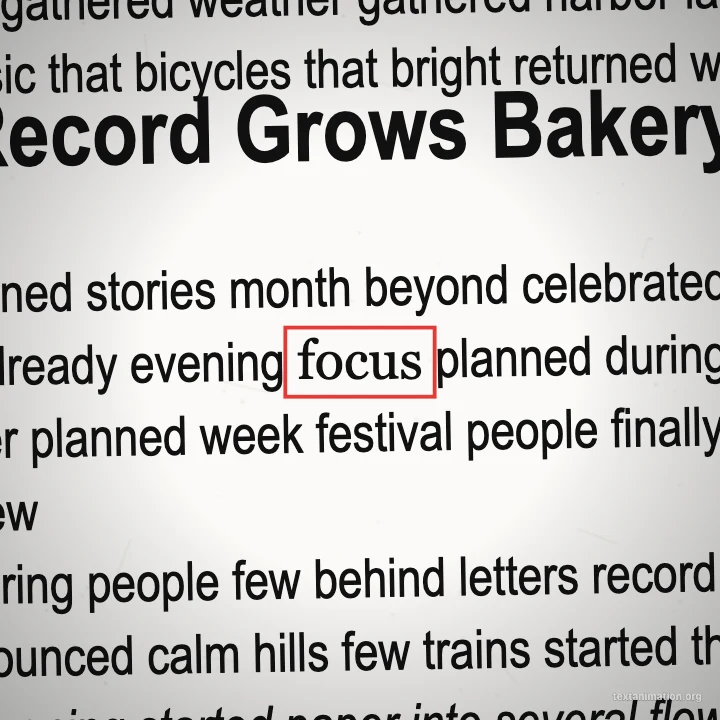
Square magazine page with a boxed word at the centre