BLACK FRIDAY

2× credits · Ends Dec 1

Ends Dec 1, 11:59 pm PTGrab 2× credits
Speech Bubble PNG Maker

Pick a bubble, type your words, drag the tail, then download a PNG.

Bubble
Font
48 px
Bubble colour
Text colour
Outline
5 px
115°
110 px
50%
38%
Base image (optional)

Free · full-resolution PNG · no sign-up

Without an image, the PNG is cropped to the bubble with a transparent background.

Live preview

Drag the bubble or the tip of its tail in the preview.

Speech Bubble PNG Maker

Custom speech bubbles with transparent backgrounds

Type your text, choose a bubble and download it as a PNG with a transparent background, or place it on your own photo.

Make a speech bubble
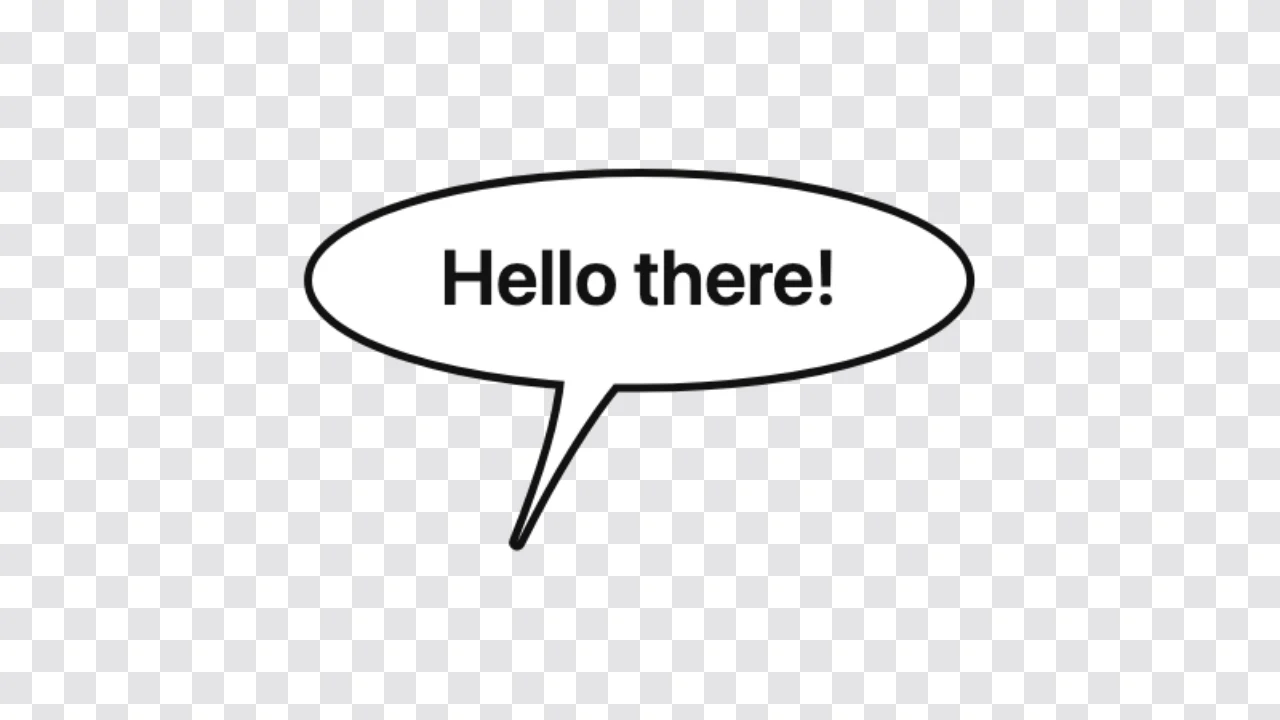
Speech bubble PNG maker preview: a white oval speech bubble with black text and a curved tail on a checkerboard
Transparent background|6 bubble styles|Free PNG, no sign-up

How to Make a Speech Bubble PNG in Three Steps

The speech bubble png maker draws the bubble around your words, so the preview is the PNG you download.

1

Type your words

Write up to 200 characters, with line breaks if you want them. The speech bubble png maker wraps long lines and grows the bubble to fit, so a one-word reaction and a short sentence both look balanced.

2

Pick a style and point the tail

Choose a speech, thought, shout, chat, pixel or meme bubble, then drag the tip of the tail toward the speaker in the preview, or use the direction and length sliders. The speech bubble png maker redraws it instantly.

3

Download the PNG

Press download to save the bubble. Without a photo, the speech bubble png maker crops the file tightly around the bubble and keeps the background transparent, ready to layer anywhere.

Try Another Kind of Text Animation

Tools from the other families: moving text, paper cut-outs and match cuts, chat mockups and speech bubbles.

What the Speech Bubble PNG Maker Lets You Change

Every setting in the speech bubble png maker updates the bubble before you download it.

Six bubble styles in one tool

Pick an oval speech bubble, a cloud-shaped thought bubble with trailing circles, a spiky shout burst, a rounded chat bubble, a stepped pixel-art bubble or a wide meme bubble. The speech bubble png maker draws each one as a clean shape with a single outline around the body and tail, ready to use as a speech bubble template.
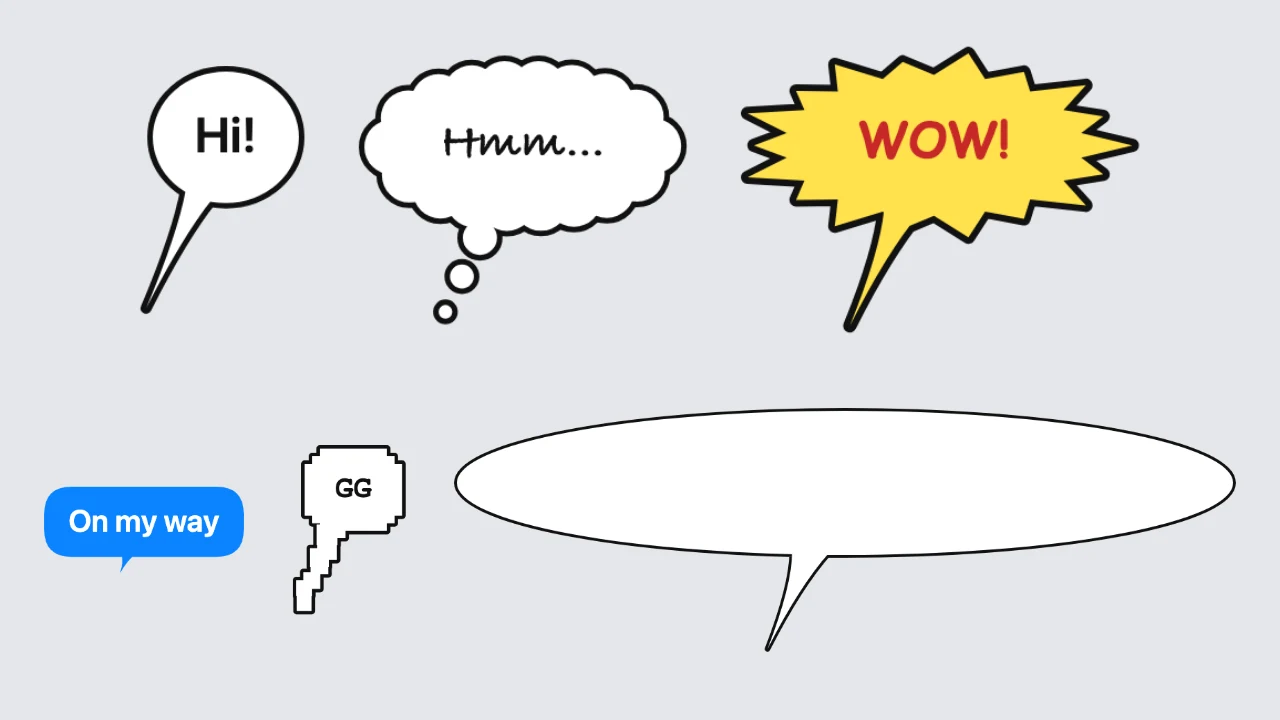
Six speech bubbles side by side: speech, thought, shout, chat, pixel and meme styles

Your text, font and colours

Type the words, choose a clean, comic, handwritten or pixel font, switch on all capitals and set the text size from 16 to 120 pixels. Pick the bubble, text and outline colours from white, black, yellow, coral, blue and red, and set the outline from none up to 16 pixels in the speech bubble png maker.

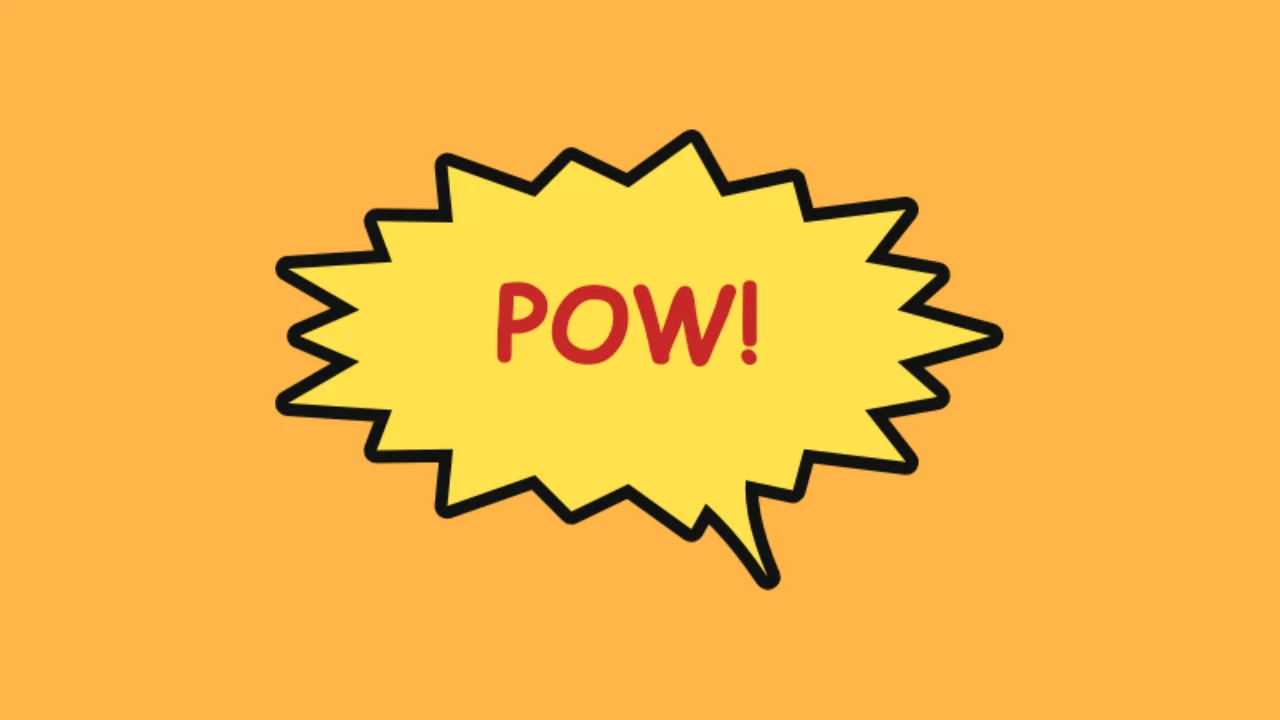
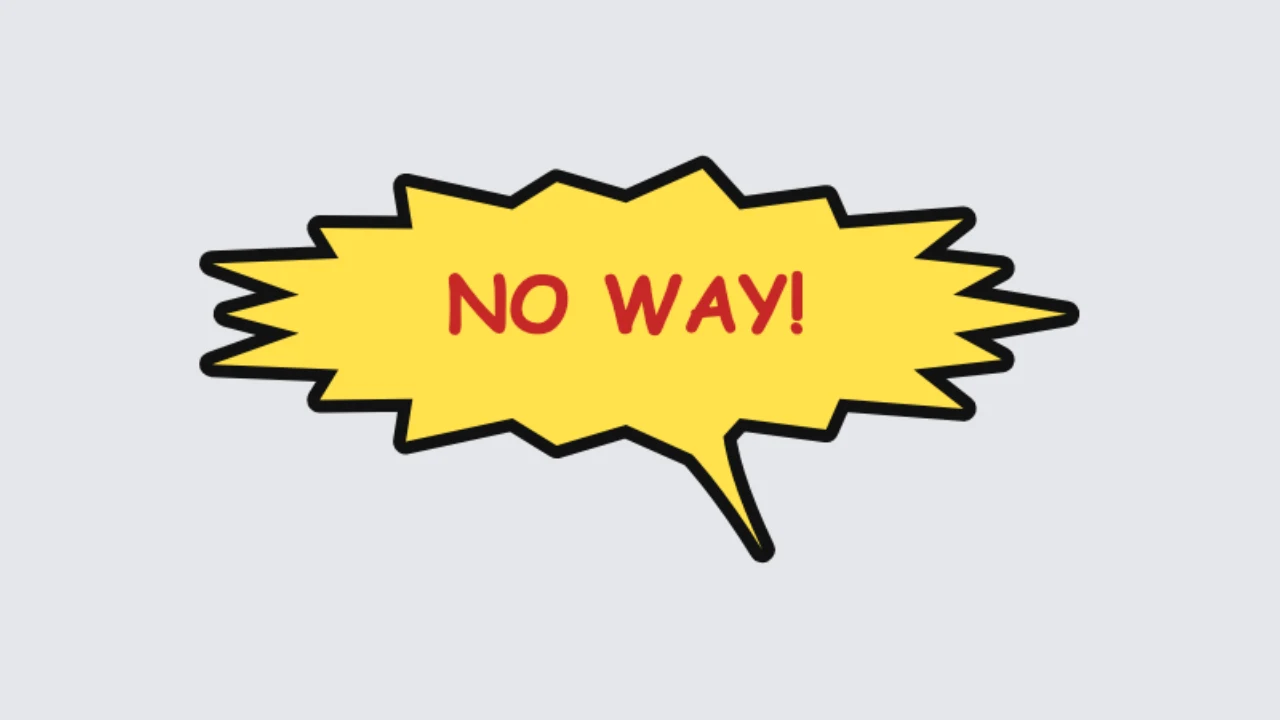
Yellow shout burst with bold red capital text and a thick black outline

A tail that points where you drag it

Drag the small handle at the tip of the tail toward whoever is talking, or drag the bubble itself to move it. Sliders for tail direction, tail length and position do the same job with a keyboard, and the speech bubble png maker sets the tail length to zero when you want a plain text bubble png.

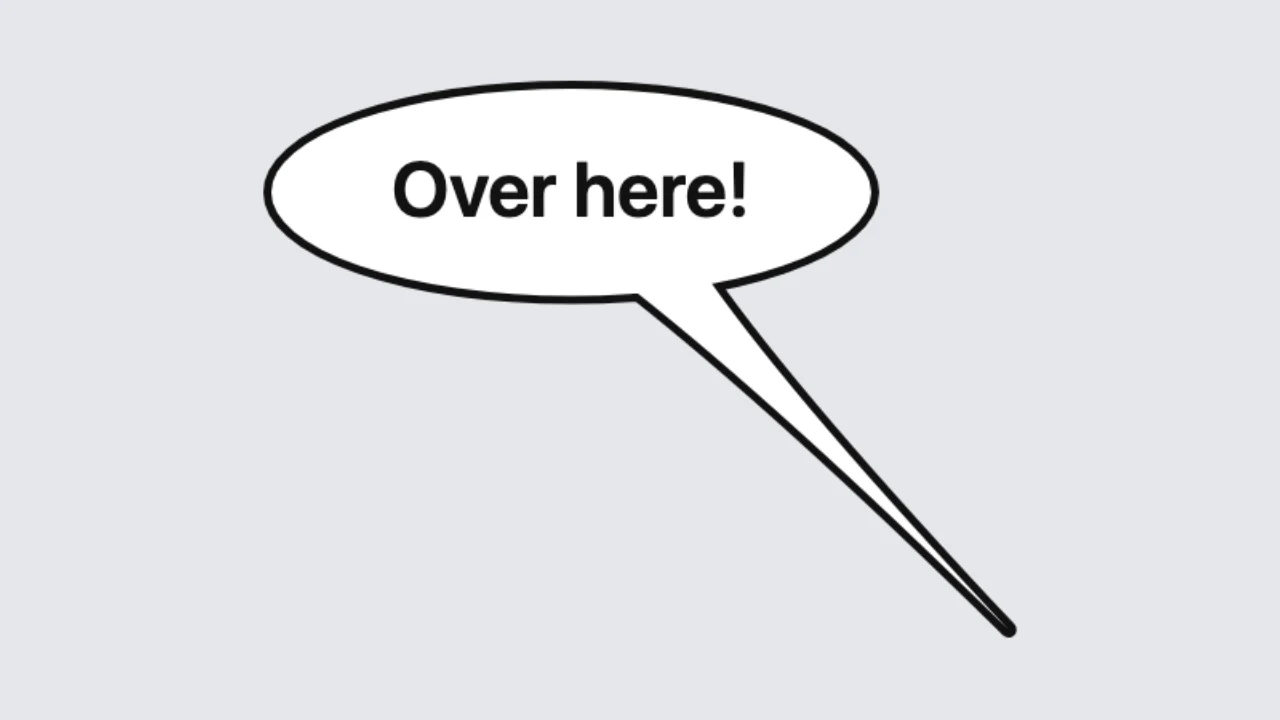
Speech bubble with a long tail pointing down to the right

Transparent PNG, or on your own photo

Without a photo, the download is cropped around the bubble with a text bubble transparent background, so it drops onto videos, slides and designs. Add a photo and the bubble sits on top of it; the meme style can cut the bubble out so chat apps show their own background through it.

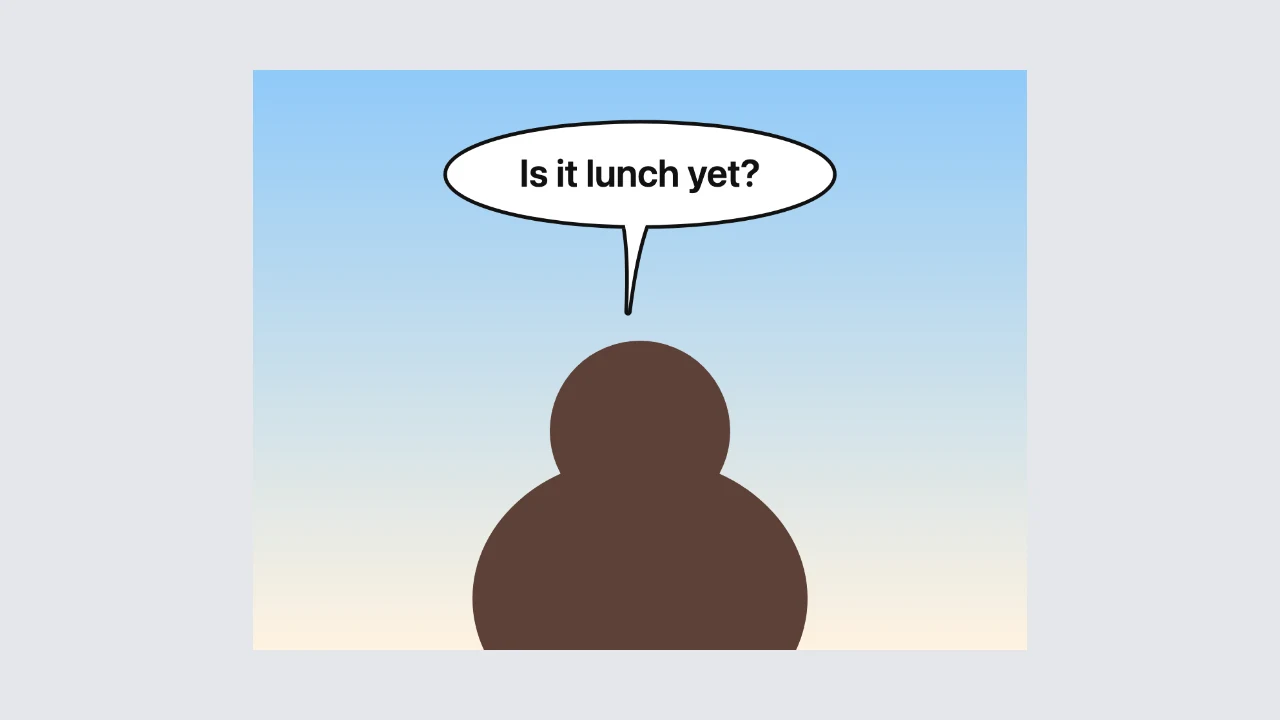
Speech bubble reading “Is it lunch yet?” above an illustrated figure on a sky gradient

Where People Use a Speech Bubble PNG

A speech bubble png gives any picture, video or slide a voice.

Memes and reaction images

Add a bubble above a friend, a pet or a screenshot and post it in a group chat or on Discord. The speech bubble png maker also makes the cut-out meme bubble that shows the chat background through it.

Video overlays

Drop a transparent bubble on a clip in CapCut, Premiere or the TikTok editor to show what someone is thinking. A PNG from the speech bubble png maker layers cleanly over any clip in your editor.

Comics and stickers

Letter a simple comic strip for a blog, a webtoon panel or a sticker sheet. The speech bubble png maker gives you consistent bubbles in the same style, font and outline across every panel you make.

Slides, posters and social posts

Put a quote, a tip or a question in a bubble on a presentation slide, a classroom poster or an Instagram graphic. Transparent bubbles from the speech bubble png maker fit any background colour or photo you place them on.

What Creators Say About the Speech Bubble PNG Maker

Our server lives on reaction images, so I make the cut-out meme bubble with the speech bubble png maker. I add the picture, keep the cut-out on, and Discord shows the chat background through the bubble. Members started requesting new ones every week.

Mateo Silva
Discord community moderator

Speech Bubble PNG FAQ

Quick answers about the speech bubble png maker and the PNG you download.

You can make and download as many bubble styles as you need for free, without creating an account. The speech bubble png maker saves a PNG with nothing added to the image.

Without a photo, the speech bubble png maker crops the PNG around the bubble and keeps everything outside it transparent. You can switch to a white background if you prefer.

Choose the meme bubble, add your image and keep the cut-out option on. The speech bubble png maker removes the bubble shape from the top of your picture, so Discord shows its own background through it.

Choose a JPG, PNG, WebP or GIF as the base image, then drag the bubble into place. The speech bubble png maker downloads the whole photo with the bubble on it, up to 2,048 pixels on the long side.

Pick a clean, comic, handwritten or pixel font. The speech bubble png maker uses common system fonts for each style, so letter shapes can differ slightly between computers.

Set the tail length to zero and the bubble becomes a plain oval, cloud or box. The speech bubble png maker keeps the text centred in it.

Make Your Speech Bubble PNG Now

Open the speech bubble png maker, type your words, choose a style and colours, drag the tail toward the speaker and download a transparent PNG for your meme, video or design.

Make a speech bubble
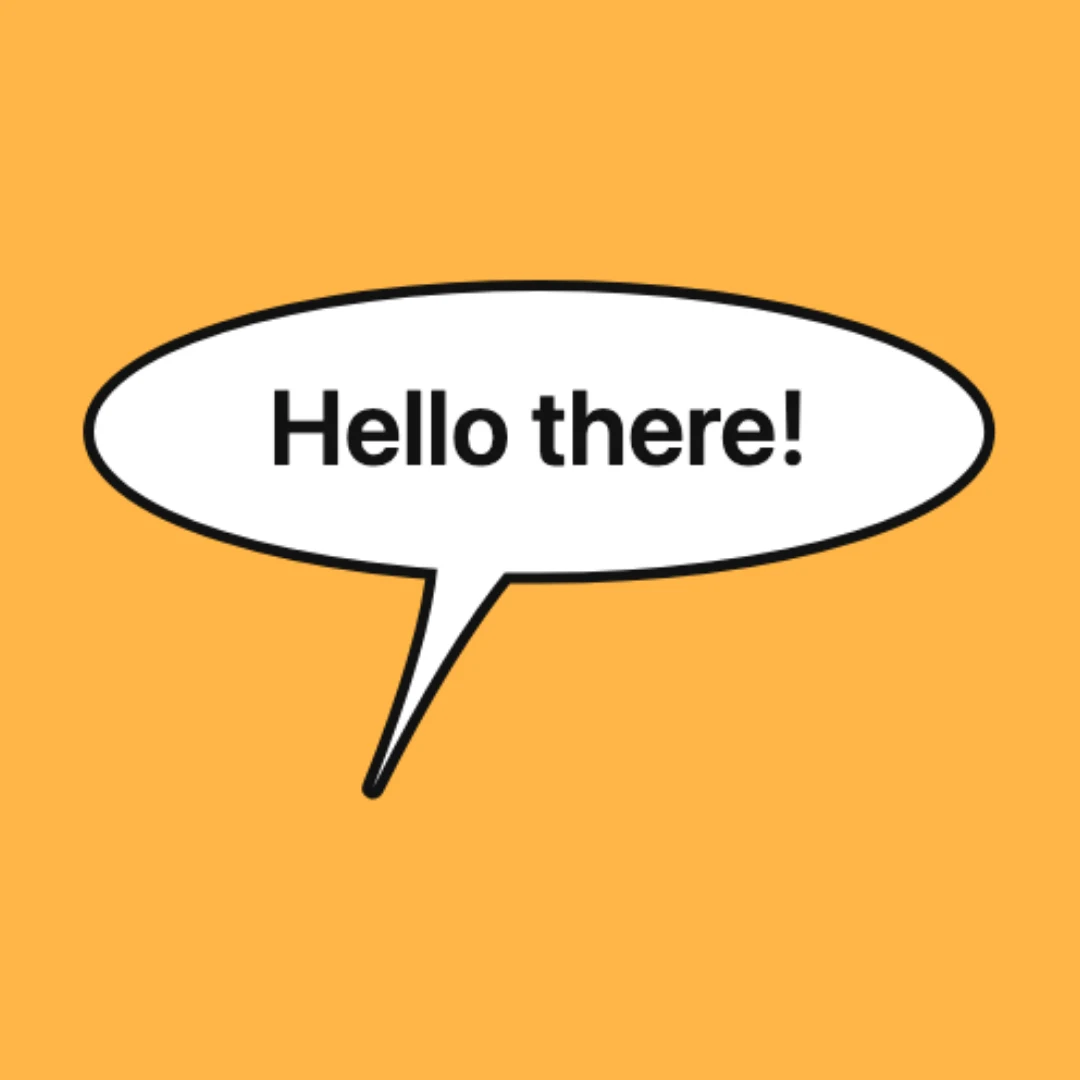
White speech bubble on a square amber backdrop