BLACK FRIDAY

2× credits · Ends Dec 1

Ends Dec 1, 11:59 pm PTGrab 2× credits

Speech Bubbles Tools

Speech Bubble Tools for Comics, Memes and Videos

These speech bubble tools make the bubble you need for a comic panel, a meme, a thumbnail or a video. Type your words, pick the shape, tail, font and colours, and download a transparent PNG to place over any picture, or put the bubble straight onto your own image.

Browse the Tools
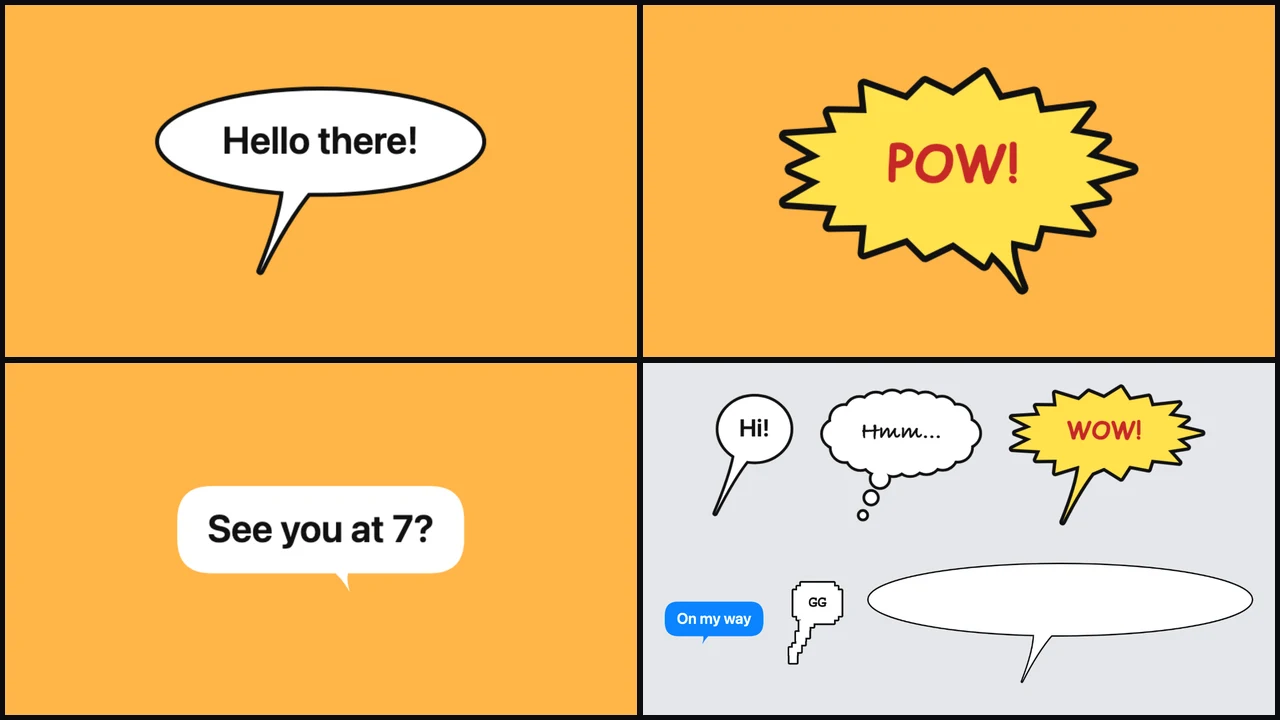
Grid of a speech bubble, a POW comic burst, a rounded chat bubble and six bubble shapes side by side

Pick the Bubble You Need

Each row below matches one of the speech bubble tools to the bubble it makes, so start with the look your picture needs.

A Transparent PNG Bubble

Make a classic speech, thought or shout bubble with your words and download it as a transparent PNG. Of the speech bubble tools it is the one to use for thumbnails, slides and memes, because the PNG sits over any picture in any editor.
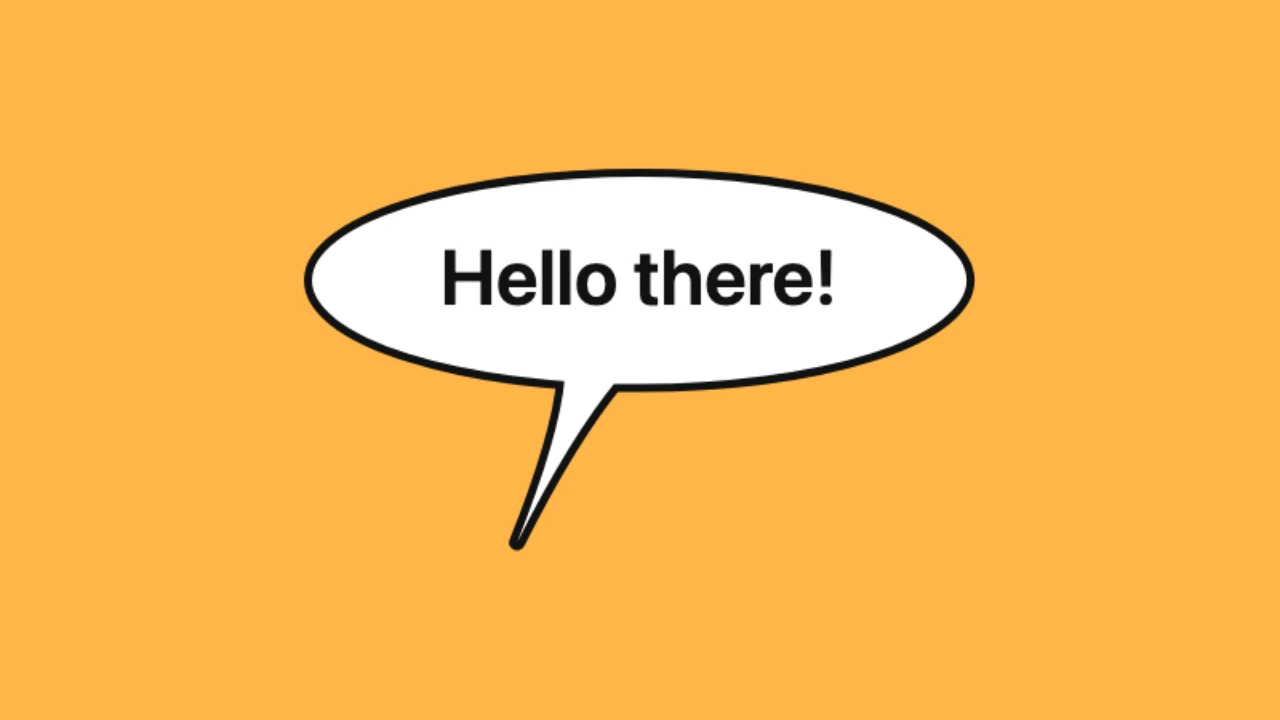
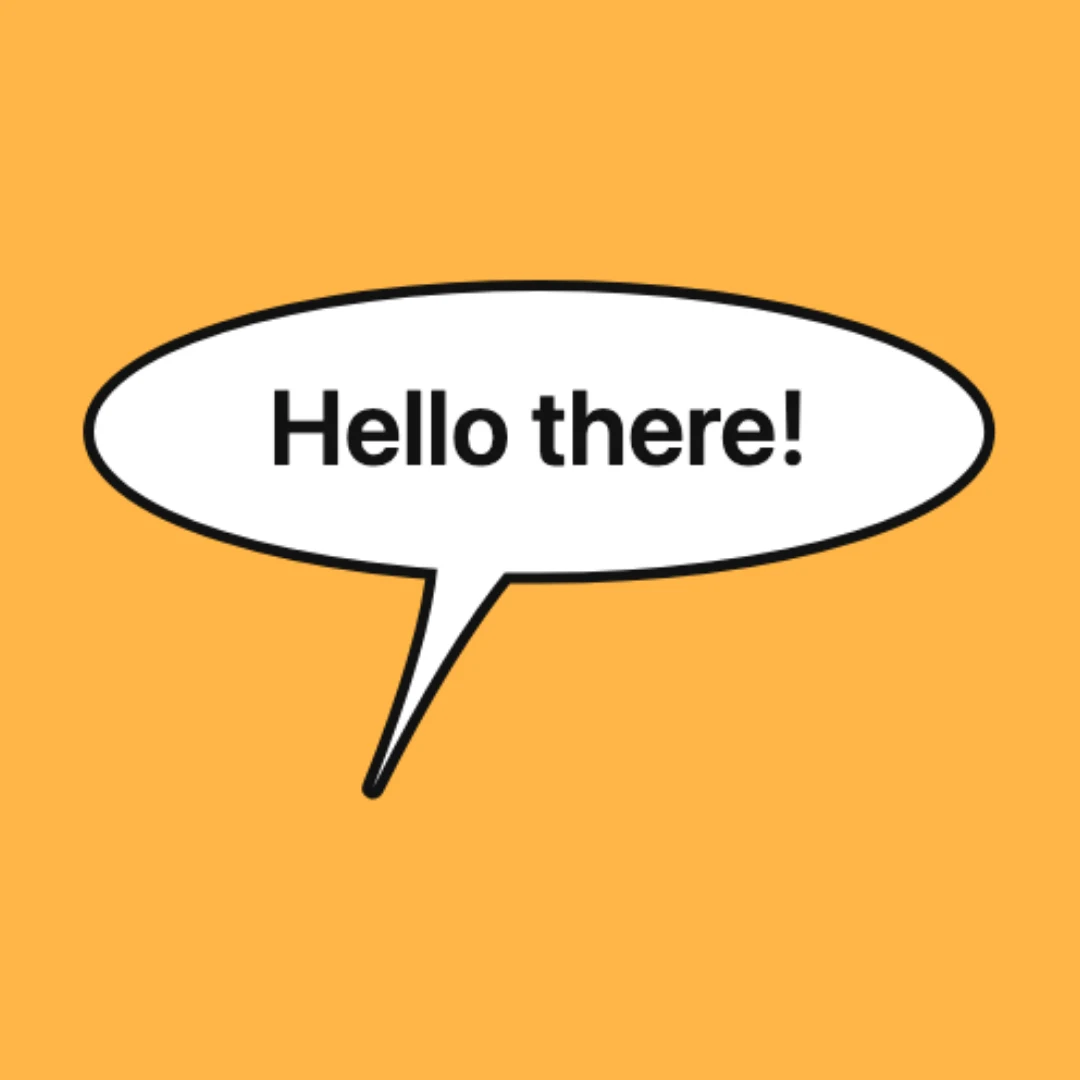
White speech bubble with a black outline on an amber backdrop

Comic Balloons and Shout Bursts

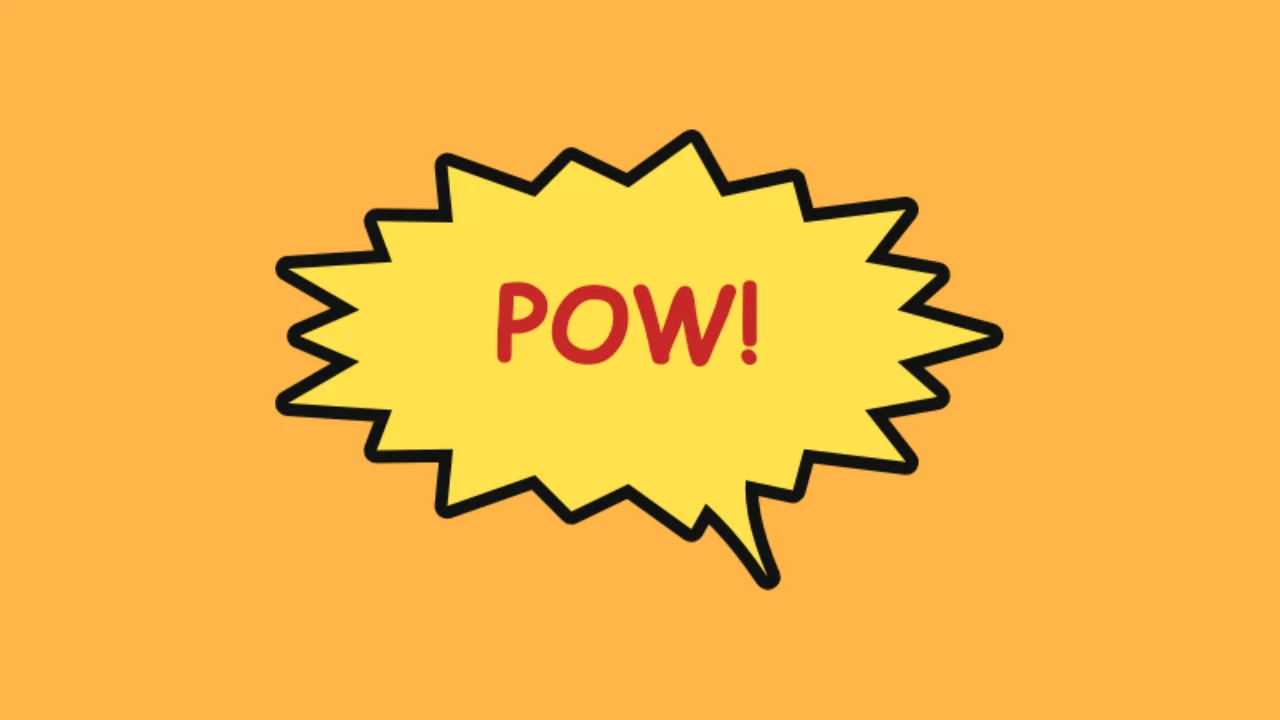
Comic balloons with capital lettering, thought clouds and spiky bursts like POW give a panel the look of a printed comic. Set a bold outline, fill a burst with yellow or coral, and place it on your own panel image or keep it transparent.

Yellow comic shout burst reading POW on an amber backdrop

A Rounded Chat Bubble

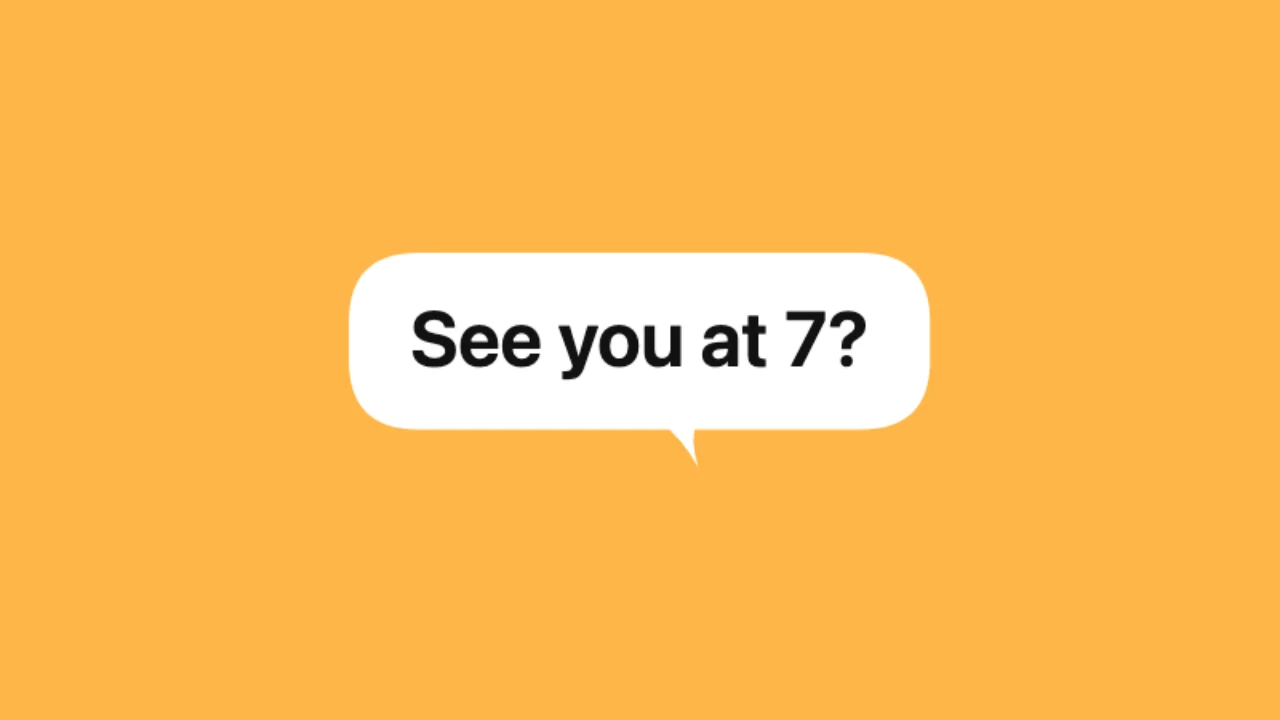
A rounded chat bubble with a small tail looks like a message on a phone. Among the speech bubble tools it is the one for reaction images, explainers and short videos where a line of dialogue should read like a text.

White chat bubble with dark text on an amber backdrop

How to Make a Speech Bubble

All the speech bubble tools work the same way: type, style and download, starting from an example bubble.

1

Choose the bubble type

Open the PNG, comic or chat bubble tool from the cards above. Each of the speech bubble tools starts with an example bubble so you can see the shape and the tail before you type.

2

Type your words and set the style

Write the line, choose a clean, comic, handwritten or pixel font, switch on all capitals if you like and set the text size. The speech bubble tools let you pick the bubble, text and outline colours and move the tail.

3

Download the PNG

Download a transparent PNG to place over a picture, or add your own image and download the bubble already on it. PNG downloads from the speech bubble tools are free at full size and need no account.

Where Speech Bubbles Help

People open the speech bubble tools whenever a picture needs a line of dialogue or a reaction.

Comics and webtoons

Artists letter their panels with balloons, thought clouds and bursts, then drop them onto the page in Clip Studio, Procreate or Photoshop. The speech bubble tools keep each balloon a separate PNG so it stays easy to move.

Memes and reaction images

A bubble over a pet, a friend or a movie still turns a picture into a meme. Type the line, download the PNG and share it in a group chat or on a forum.

Thumbnails and short videos

A bold bubble on a YouTube thumbnail or a Short tells viewers what the person is thinking. Creators layer the PNG from the speech bubble tools in their video editor and time it to the line.

Lessons and presentations

Teachers add bubbles to characters in a slide to show a dialogue in a language lesson or a story. The speech bubble tools let you pick a large, clean font so each line stays easy to read on a projector.

Speech Bubble Tools FAQ

Quick answers on what the speech bubble tools make, which one to choose and what you can download.

The speech bubble tools make classic speech, thought and shout bubbles, comic balloons and bursts, and rounded chat bubbles. Each one downloads as a PNG, transparent or placed on your own picture.

Use Speech Bubble PNG for a general bubble over any picture, the comic bubble maker for comic panels and bursts, and the chat bubble generator for a line that should look like a text message.

Yes. You can make and download bubbles from all the speech bubble tools for free, at full size and without creating an account, and nothing is added to the image.

Yes, by default the PNG has a transparent background, so the bubble sits over any picture in Photoshop, Canva, CapCut or a slide. You can also add your own image and download the bubble already on it.

Yes. The speech bubble tools offer clean, comic, handwritten and pixel fonts, text sizes from 16 to 120 pixels, all capitals, and colours for the bubble, the text and the outline.

Yes. Point the tail toward the person speaking so the line reads naturally, and the speech bubble tools redraw the bubble in the preview as you move it.

Add a Speech Bubble to Your Picture

Open Speech Bubble PNG, type your line and download a transparent bubble, or pick any of the other speech bubble tools for a comic balloon or a chat bubble.

Open Speech Bubble PNG
White speech bubble on a square amber backdrop