BLACK FRIDAY

2× credits · Ends Dec 1

Ends Dec 1, 11:59 pm PTGrab 2× credits
Paper Animator

Pick a mode, add your words or image, then export.

Mode
Your image

Showing a sample image until you choose your own.

Animation
Background
3.0 s
Shape
Format

Free · up to 720p and 15 seconds, with a small textanimation.org mark

Live preview
3.0 s

More Tools in This Family

Other tools in the same family, for the next clip in the same project.

Paper Animator

Your image as a moving paper cutout

Add an image, pick how the paper moves, and export a stop-motion style paper animation as a GIF, MP4 or PNG.

Animate my image
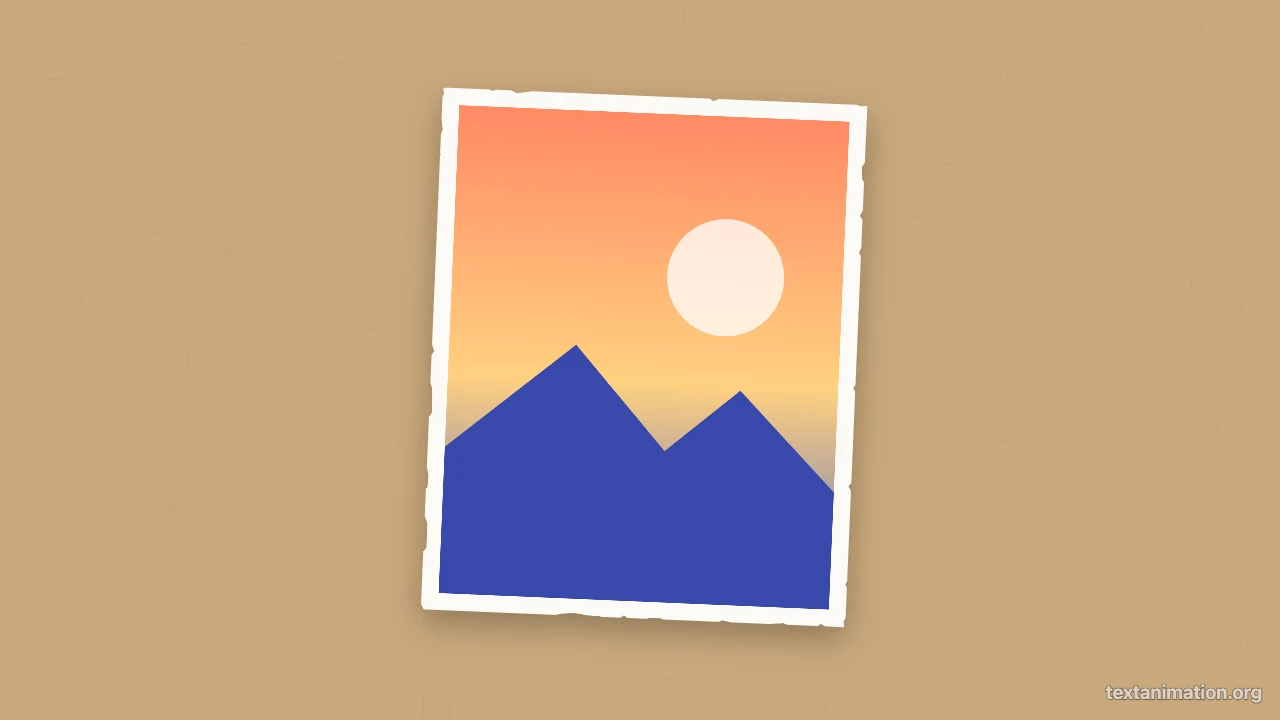
Paper animator preview: a sunset photo with torn white paper edges tilted on kraft paper
Cutout, match cut and newspaper|GIF, MP4 and PNG|Free, no sign-up

How to Make a Paper Animation in Three Steps

The paper animator builds every frame from your image, so the preview you watch is the file you export.

1

Add your image

Choose a JPG, PNG, WebP or GIF image. In the paper animator, a PNG with a transparent background gets a white outline that follows the subject, and an ordinary photo becomes a paper print with torn edges.

2

Choose the motion and paper

Pick a stop-motion wobble, an unfold or a pop-in, then choose kraft, newsprint or white paper, a dark, amber or coral background, and add an optional caption strip under the image. The preview loops as you change things.

3

Export the animation

Export a GIF for chats and slides, an MP4 for TikTok, Reels and video editors, or a PNG still. The paper animator uses a 9:16 story frame by default, with square and wide frames one tap away.

Try Another Kind of Text Animation

Tools from the other families: moving text, paper cut-outs and match cuts, chat mockups and speech bubbles.

What the Paper Animator Can Do

Every setting in the paper animator changes the preview before you export.

A white paper border around your image

Upload a PNG that already has a transparent background, for example from a background remover, and the paper animator traces a white outline around the subject like a hand-cut sticker. Regular photos keep their rectangle and get a white border with torn paper edges. The tool does not remove backgrounds itself.

Potted plant cutout with a thick white outline lying on white paper

Stop-motion wobble, unfold or pop-in

The wobble changes the pose eight times a second, the way hand-moved paper looks in stop motion. Unfold starts the paper folded in quarters and opens it out, leaving soft crease lines, and pop-in drops it onto the page with a small bounce. The paper animator keeps a gentle wobble after the entrance.

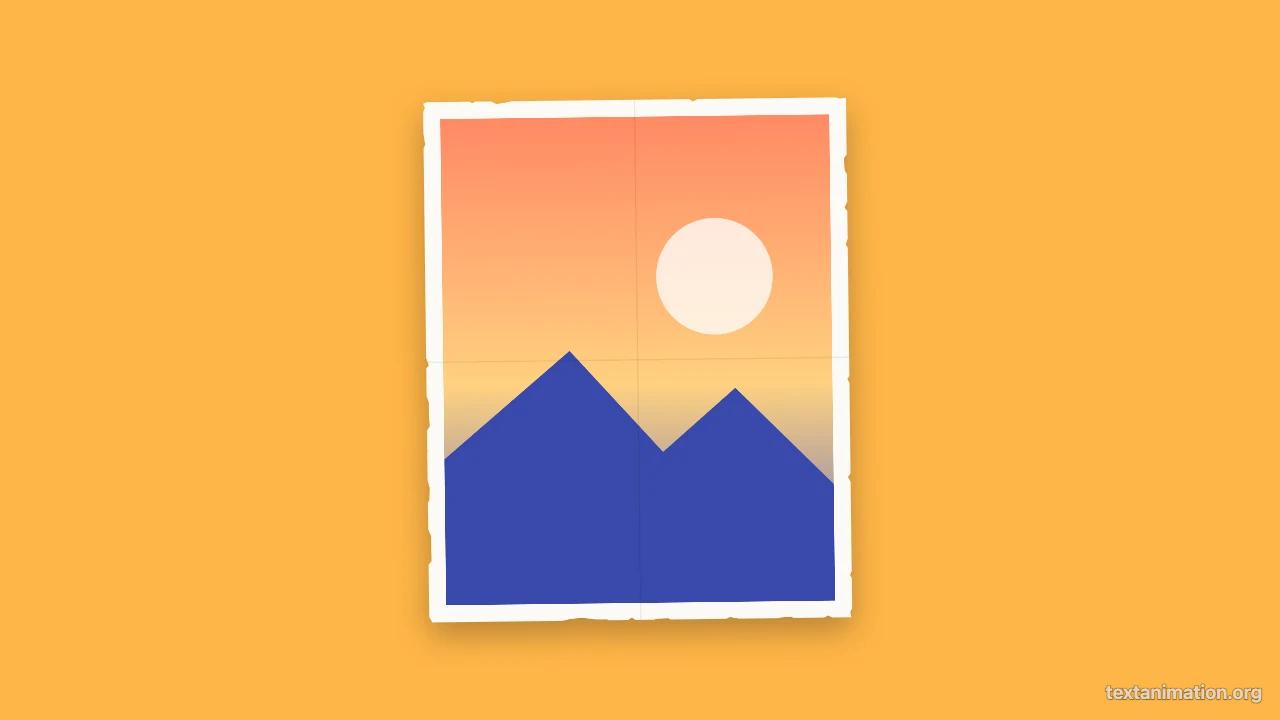
Photo cutout halfway through unfolding on newsprint, the top half still folded

Paper backgrounds and a caption strip

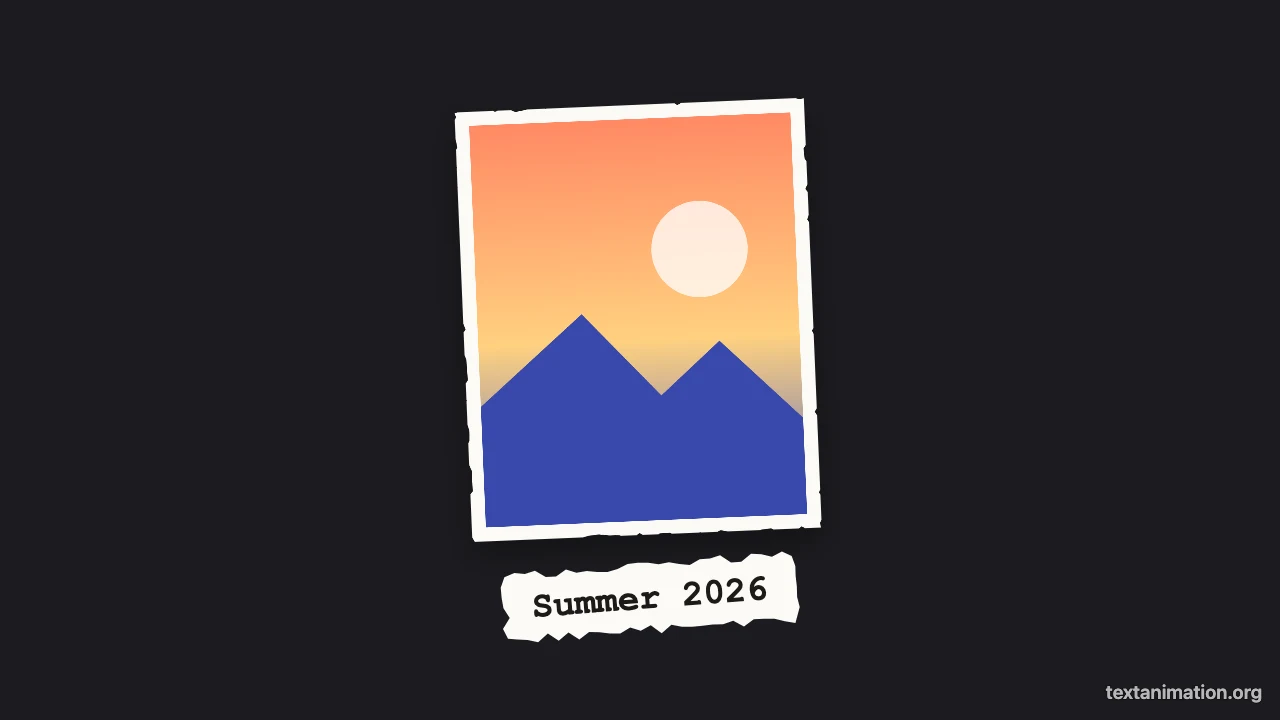
Lay the cutout on kraft paper, newsprint or white paper with a subtle fibre texture, or on a flat dark, amber or coral background. Type a short caption and the paper animator prints it on a torn strip of paper under the image, tilted slightly as if glued on by hand.

Photo cutout on a dark background with a torn paper caption strip reading Summer 2026

Three paper tools and three export formats

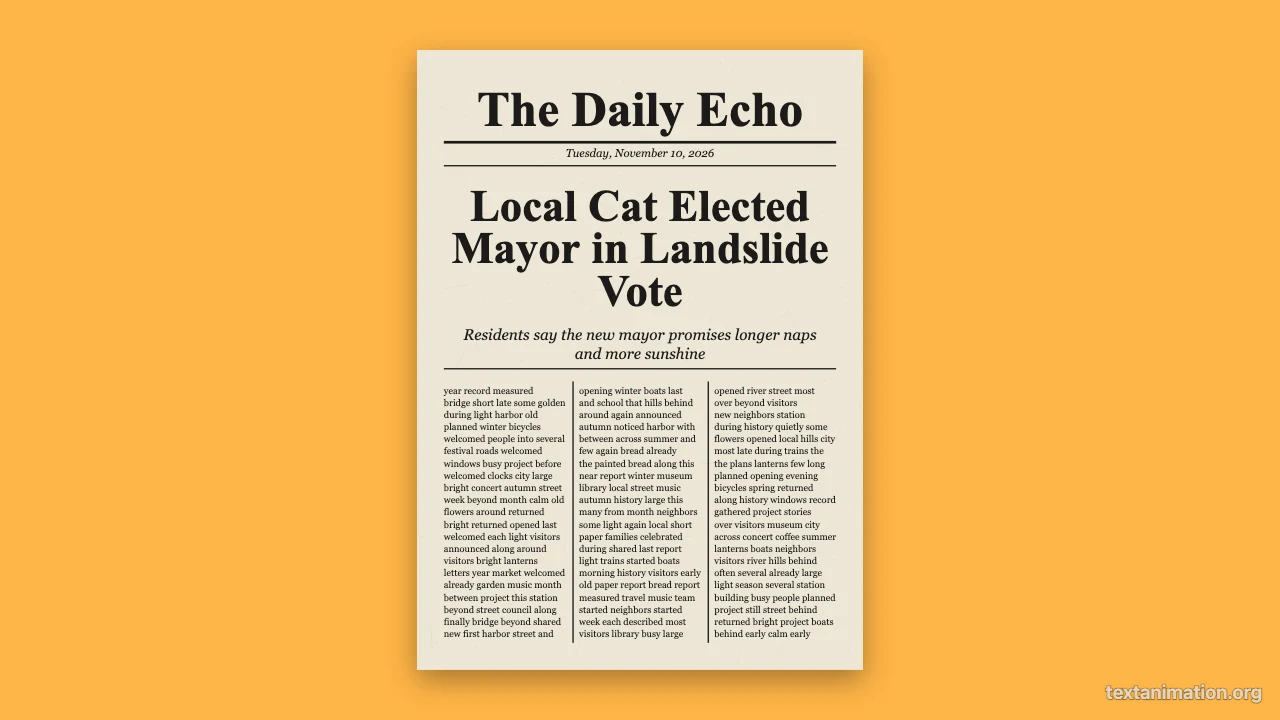
Switch the paper animator to a text match cut or an animated newspaper without leaving the page. Export a GIF, an MP4 or a PNG; free exports go up to 720p and 15 seconds with a small textanimation.org mark, and a subscription exports 1080p up to 60 seconds with no mark.

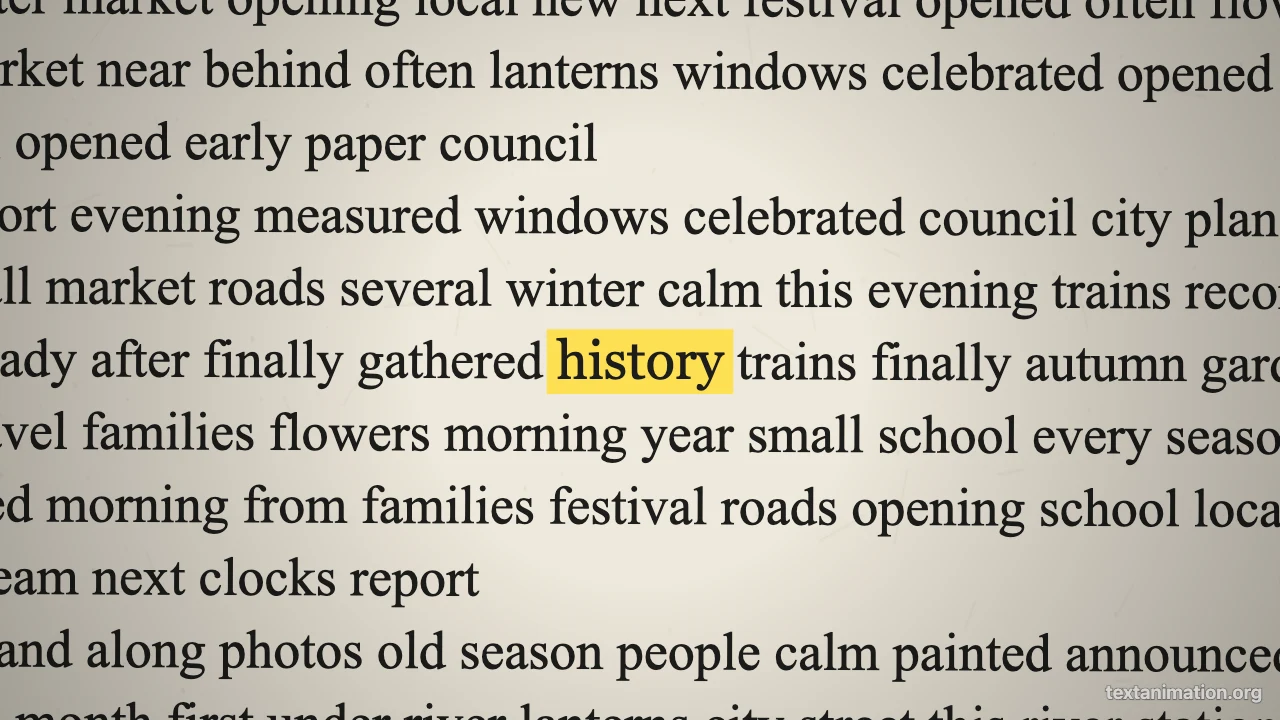
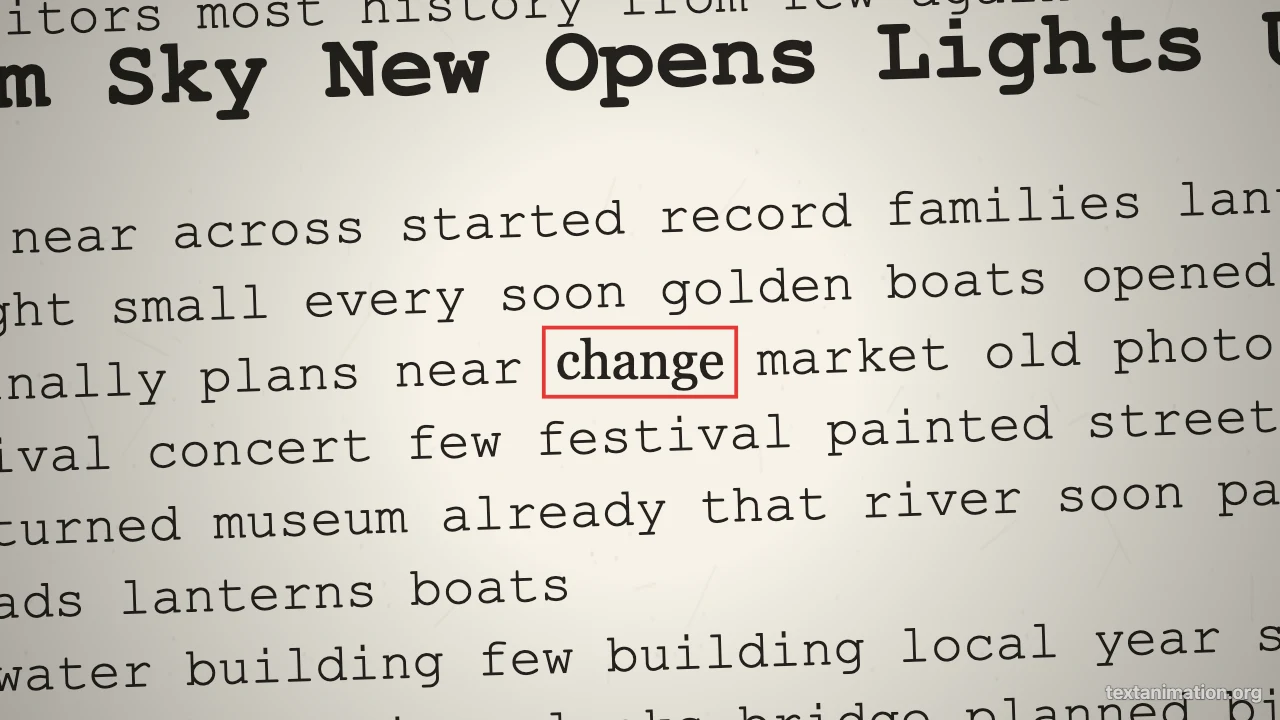
Text match cut frame with the word history highlighted in the middle of a newspaper page

Where People Use a Paper Animation

A paper animator gives photos a handmade, scrapbook feel in short videos.

TikTok and Reels intros

Open a video with your photo popping onto kraft paper and a caption naming the trip or the topic. Make it with the paper animator in the story frame, export an MP4 and place it at the start of your edit.

Scrapbook and memory videos

Turn holiday photos, baby pictures or graduation shots into paper cutouts that wobble like a stop-motion scrapbook. The paper animator keeps every photo in the same paper style, so a montage of a whole year looks consistent.

YouTube explainers

Introduce a person, a product or a place with a paper cutout instead of a plain photo. A cutout from the paper animator stands out on screen and fits the collage look many explainer channels use.

Slides and classroom projects

Drop a GIF from the paper animator into Google Slides or PowerPoint to make a portrait or a map wobble on paper. Students use it for presentations that need a handmade look without cutting real paper.

What Creators Say About the Paper Animator

I open every trip video with a photo from the day popping onto kraft paper. The paper animator gives my pictures torn white edges and a caption strip with the city name, and I export the MP4 in the story frame. It takes two minutes and every intro matches.

Riya Sharma
Travel vlogger

Paper Animator FAQ

Quick answers about the paper animator, its motions and exports.

You can make and export paper animations as GIFs, MP4s and PNGs for free without creating an account. Free animated exports from the paper animator go up to 720p and 15 seconds and carry a small textanimation.org mark in the corner.

The paper animator does not remove backgrounds. Upload a PNG with a transparent background and the white outline follows the subject; an ordinary photo becomes a rectangular paper print with torn edges.

This is the Text Animation paper animator, a separate tool from the PaperAnimator.com app. It makes paper cutout animations, text match cuts and animated newspapers in one editor.

The paper animator does not use AI. It draws the paper border, texture and motion with fixed rules, so the same image and settings always give the same result.

Choose wobble for a looping stop-motion feel, unfold for a reveal at the start of a video, and pop-in for a quick entrance. The paper animator adds a light wobble after unfold and pop-in.

Pick a story 9:16, square 1:1 or wide 16:9 frame. Free animated exports from the paper animator are scaled to 720p on the short side, and a subscription exports the full 1080p size.

Make Your Paper Animation Now

Open the paper animator, add your image, choose a wobble, unfold or pop-in on the paper you like, and export a GIF or an MP4 that is ready for your next video.

Animate my image
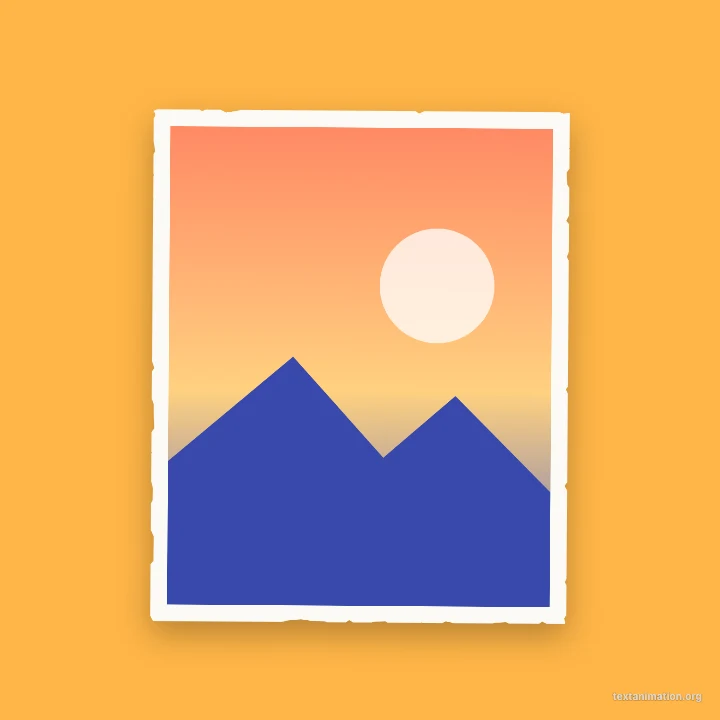
Square amber frame with a photo cutout popping in, torn white edges