BLACK FRIDAY

2× credits · Ends Dec 1

Ends Dec 1, 11:59 pm PTGrab 2× credits
TikTok Comment Generator

Pick a style, edit the messages or post, then download a PNG.

Style
Profile photo

Free · full-resolution PNG · no sign-up

Exports as a PNG with a transparent background.

Live preview

TikTok Comment Generator

Comment reply stickers for your videos

Type a comment and username and download a reply-style comment sticker as a transparent PNG for your video.

Make a comment sticker
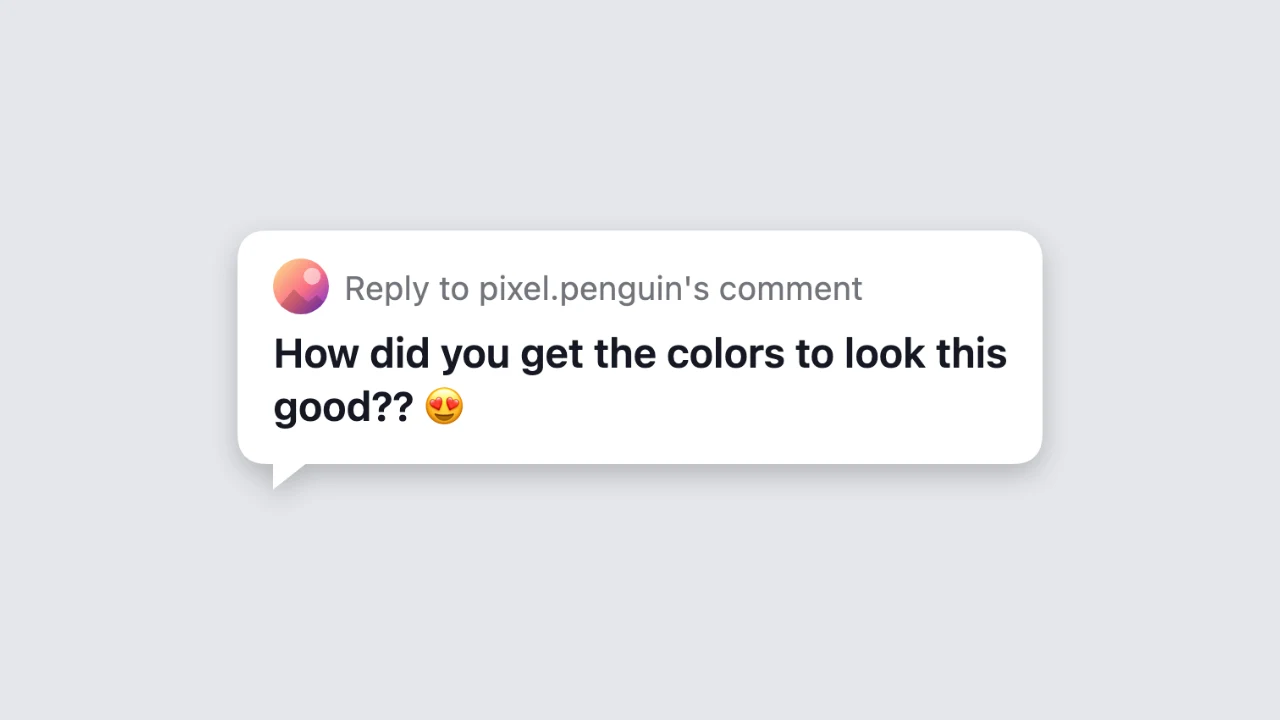
TikTok comment generator preview: a white reply sticker with a small avatar, a reply heading and a bold comment
Transparent background|Light and dark sticker|Free PNG, no sign-up

How to Make a TikTok Comment Sticker in Three Steps

The tiktok comment generator draws the sticker as you type, so the preview is the PNG you download.

1

Type the username and comment

Enter the username of the commenter and the comment text, up to 600 characters with emoji. The tiktok comment generator writes a reply heading with the username above the comment, like the sticker on a reply video.

2

Add a photo and pick a colour

Choose an image for the small round avatar or keep the coloured initial, then pick a white sticker or a dark one. Long comments wrap onto new lines, and the sticker narrows to fit short ones.

3

Download the transparent PNG

Press download to save the sticker as a PNG with a transparent background. The tiktok comment generator saves it as a sharp, high-resolution image, ready to place on your video.

Try Another Kind of Text Animation

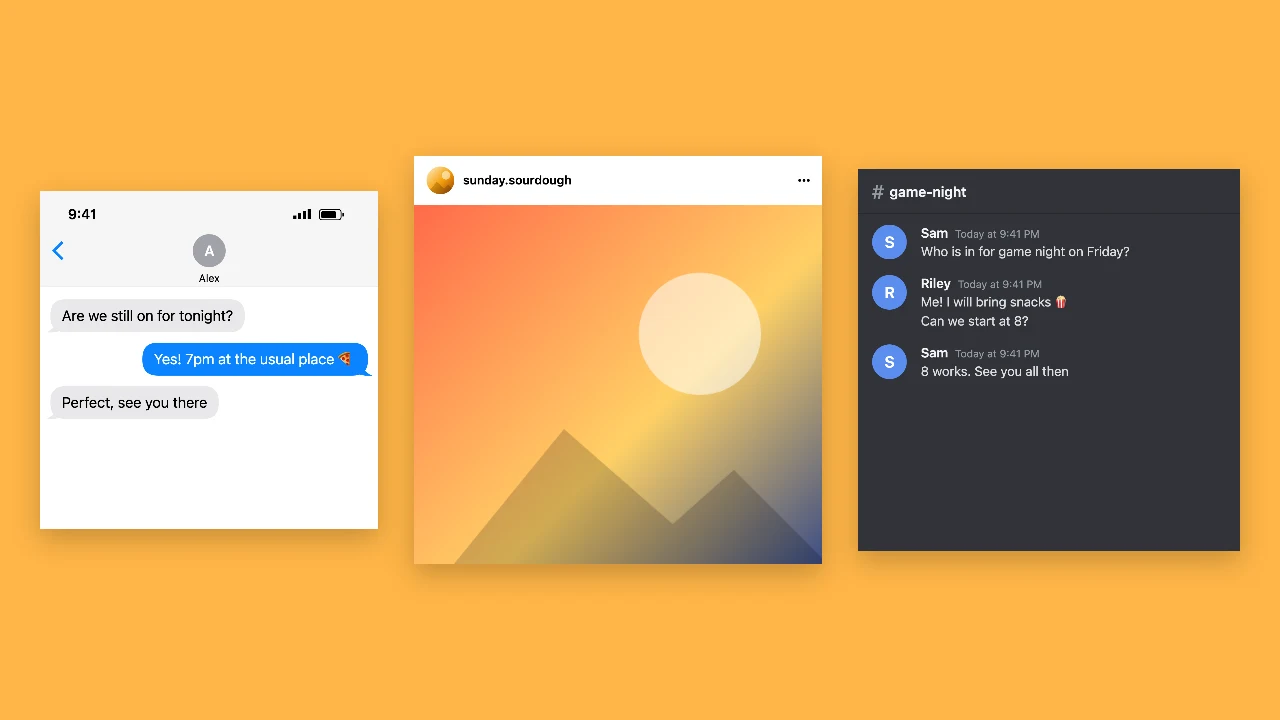
Tools from the other families: moving text, paper cut-outs and match cuts, chat mockups and speech bubbles.

What the TikTok Comment Generator Lets You Change

Every setting in this fake tiktok comment generator updates the sticker before you download it.

A reply sticker with the commenter’s name

The sticker shows a small round avatar and a heading such as Reply to pixel.penguin’s comment, with the comment underneath in bold. The tiktok comment generator adds a small tail in the corner, the shape viewers expect on a comment reply video, and keeps it readable on a phone.
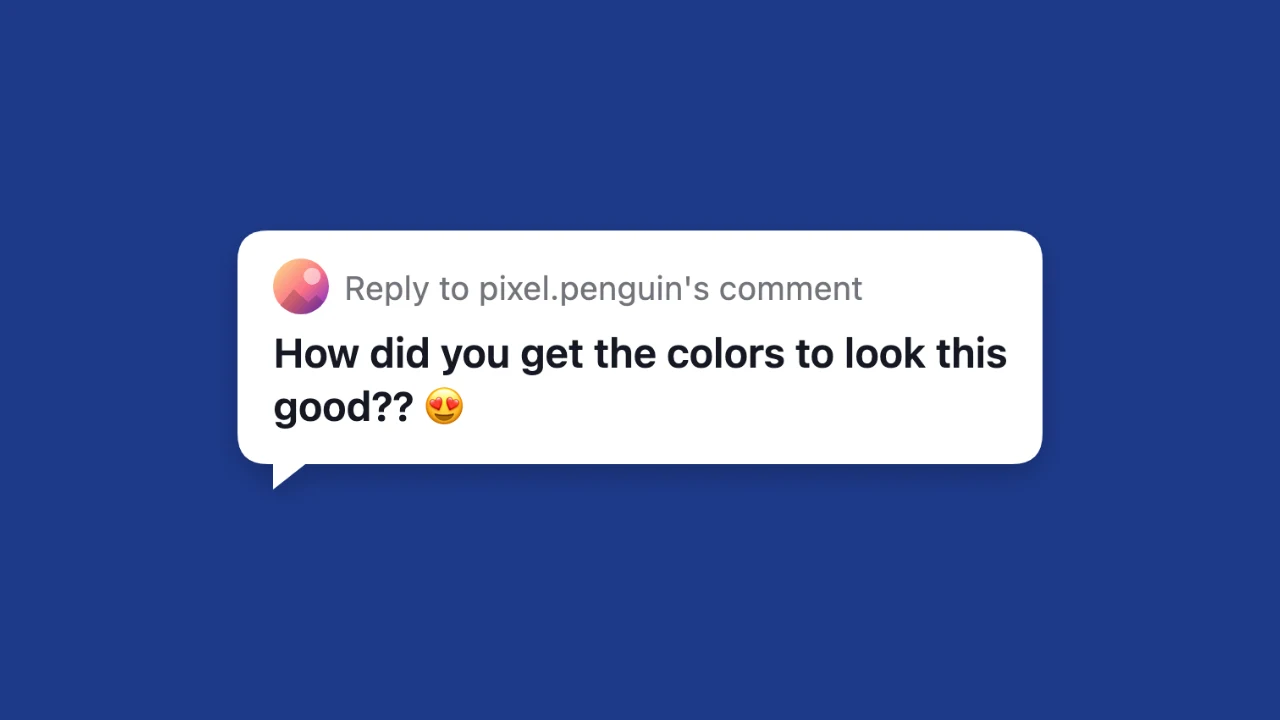
White comment reply sticker with an avatar, a reply heading and a bold two-line comment

A transparent background for video

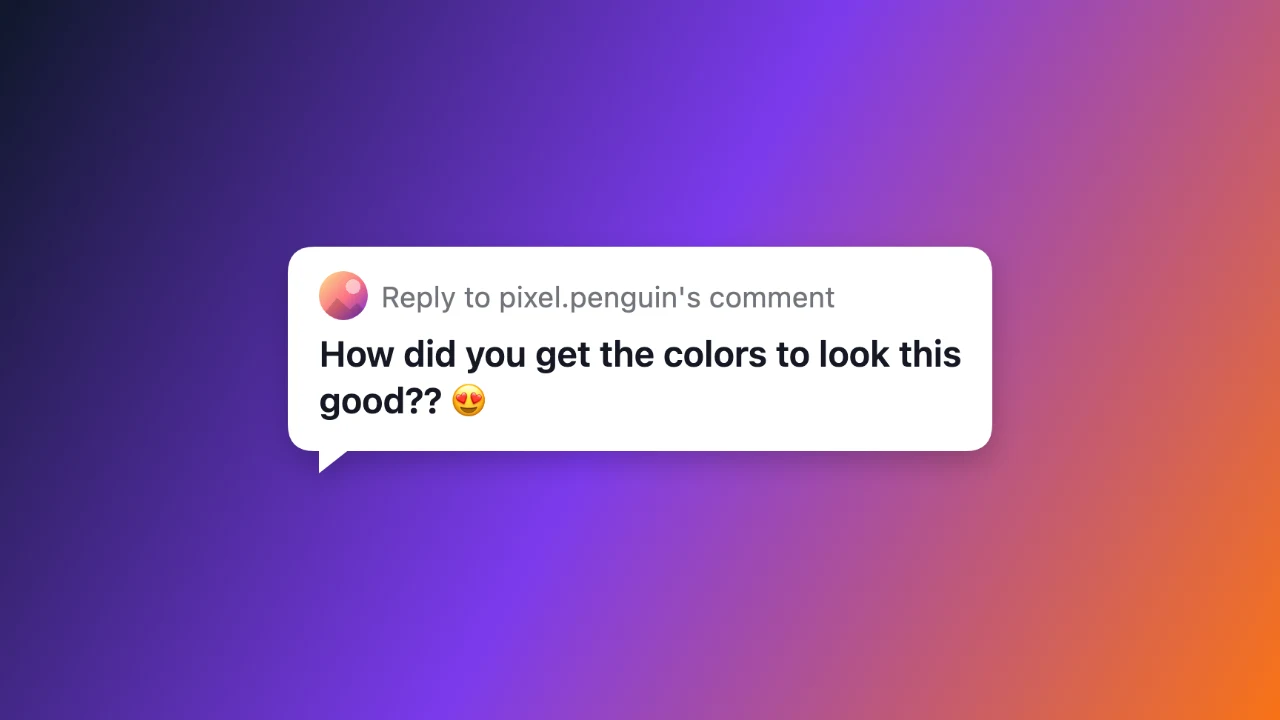
Everything around the sticker is transparent, so you can drop the PNG straight onto your clip in CapCut, Premiere or the TikTok editor without cutting it out first. The tiktok comment generator shows a checkerboard in the preview so you can see what stays clear.

Comment reply sticker placed over a colourful video frame

White or dark sticker and a photo

Choose the white sticker for bright videos or the dark one for night scenes and dark edits. Add a photo for the avatar or let the tiktok comment generator show a coloured initial taken from the username, which keeps a fictional commenter looking tidy in every video.

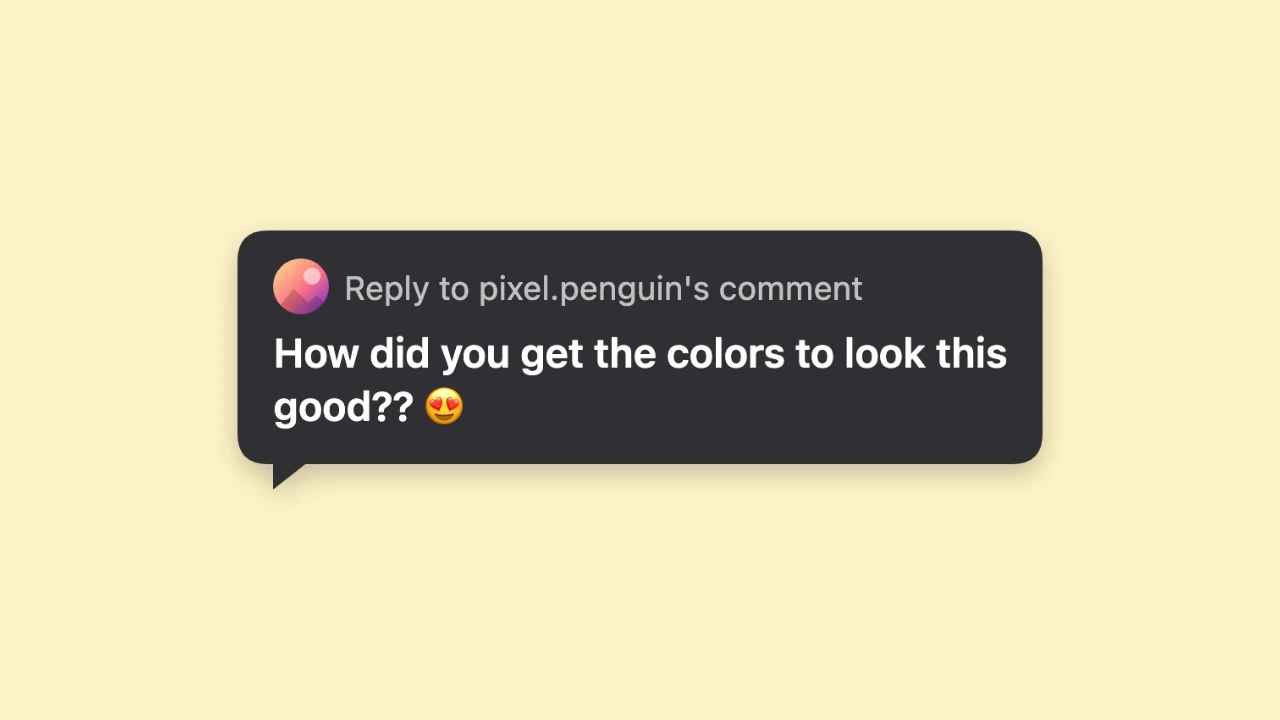
Dark comment reply sticker with light text and a round avatar

Long comments that wrap neatly

Short comments make a compact sticker that sits neatly in a corner, and long ones wrap at a comfortable width so they stay readable on a phone screen. The tiktok comment generator downloads the sticker at high resolution, free and without an account, with nothing added to the image.

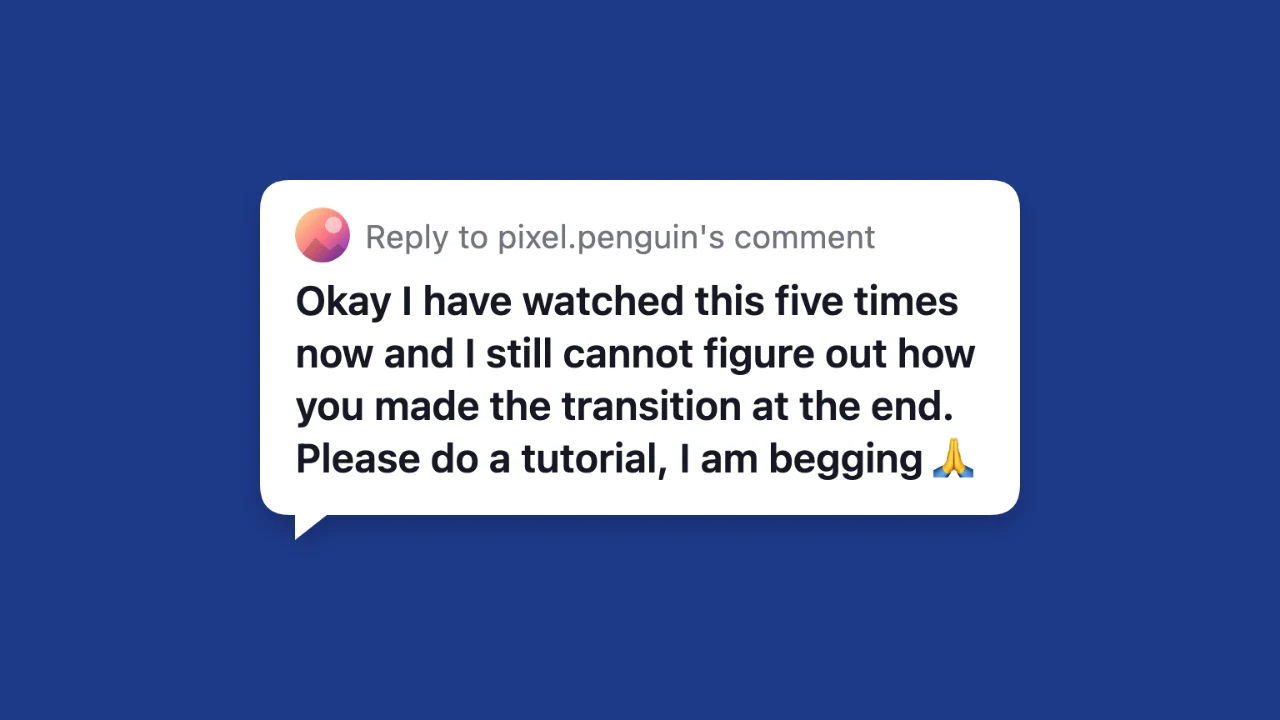
Comment reply sticker with a four-line comment wrapped neatly

Where People Use a TikTok Comment Sticker

A tiktok comment sticker frames a question or a prompt at the start of a video.

Reply-style videos

Open a video by showing the question you are answering, such as a request for a recipe or a tutorial. The tiktok comment generator lets you write the prompt yourself when you want to answer a common question.

Story and skit openers

Start a skit with a comment that sets up the joke or the story. Creators use the tiktok comment generator to script the prompt so the video opens with exactly the right line, every time.

Reels and Shorts with the same look

The transparent sticker works on Instagram Reels and YouTube Shorts too, so one design covers every vertical video you publish. Make it once with the tiktok comment generator and place it on every version of your video, without remaking it for each app.

Thumbnails and course slides

Put a viewer question on a thumbnail or a slide in a social media course. A PNG from the tiktok comment generator stays sharp when you resize it in a design tool like Canva or Figma.

What Creators Say About the TikTok Comment Generator

Viewers keep asking the same questions, so I start answer videos with a comment sticker from the tiktok comment generator. The transparent PNG sits on top of my clip in CapCut without any cutting out. I keep the username and photo the same so my series looks consistent.

Mia Johnson
Recipe creator

TikTok Comment Generator FAQ

Quick answers about the tiktok comment generator and the sticker you download.

You can make and download comment stickers for free without creating an account. The tiktok comment generator saves a full-resolution PNG, and nothing is added to the image.

People use the tiktok comment generator for reply-style videos, skit openers, Reels and Shorts, thumbnails and course slides, where the comment introduces the topic of the video.

The area around the sticker is fully transparent in the downloaded PNG. Place it on any video in your editor, and the tiktok comment generator preview shows the clear area as a checkerboard.

Type any username for the reply heading and choose an image for the avatar, or keep the coloured initial. The tiktok comment generator updates the sticker as you type.

The tool only draws a TikTok-style comment sticker from what you type. It does not use the TikTok logo, needs no TikTok account and posts nothing; the tiktok comment generator gives you a PNG.

Each tiktok comment sticker shows one comment. For several comments, make a sticker for each and arrange them in your video editor.

Make Your TikTok Comment Sticker Now

Open the tiktok comment generator, type the username and the comment, choose a white or dark sticker, and download a transparent PNG to place on your next video.

Write a comment
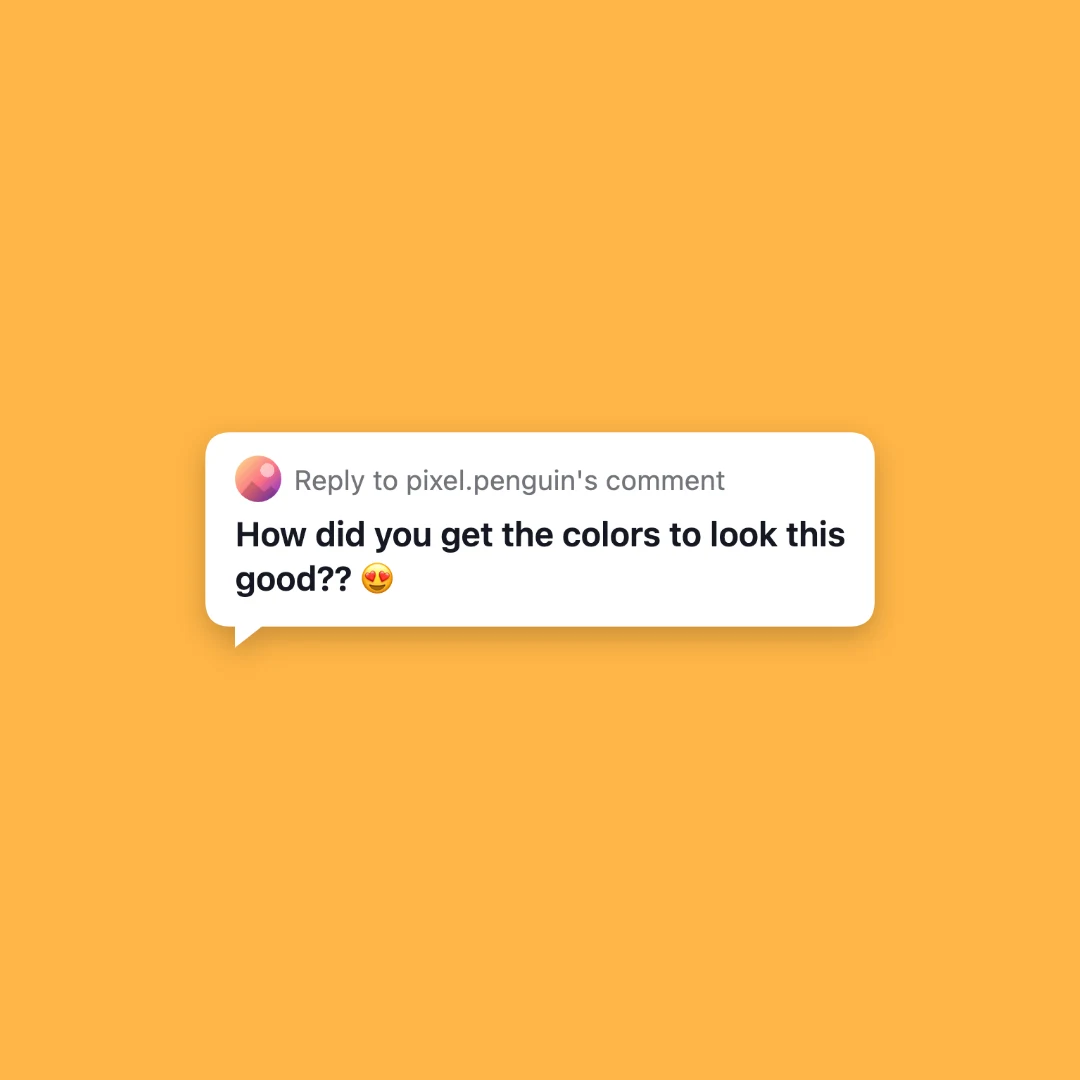
Comment reply sticker centred on a square amber backdrop