

BLACK FRIDAY

2× credits · Ends Dec 1

Ends Dec 1, 11:59 pm PTGrab 2× credits
Text Match Cut

Pick a mode, add your words or image, then export.

Mode
Pages
Highlight
12 pages
0.12 s
0.6 s
Shape
Format

Free · up to 720p and 15 seconds, with a small textanimation.org mark

Live preview
2.0 s

More Tools in This Family

Other tools in the same family, for the next clip in the same project.

Text Match Cut

One word, locked in place, pages flying past

Type a word and export a text match cut where it stays locked in the middle while newspaper and book pages flash past.

Make a match cut
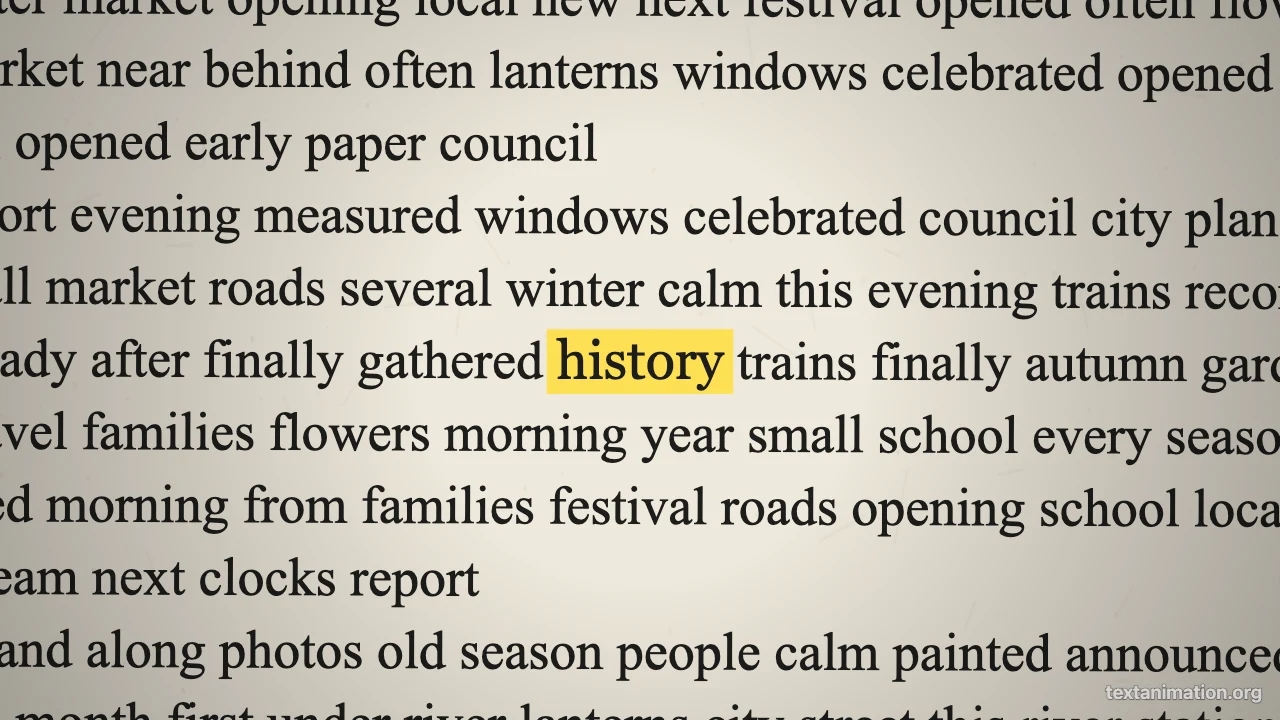
Text match cut preview: the word history highlighted in yellow in the middle of a newspaper page
Word locked in the centre|GIF, MP4 and PNG|Free, no sign-up

How to Make a Text Match Cut in Three Steps

The text match cut generator builds every page from your word, so the preview you watch is the file you export.

1

Type your word

Enter a word or short phrase of up to 40 characters. The text match cut generator places it at the exact centre of every page, at the same size, so it stays perfectly still while everything around it changes.

2

Set the pages and pace

Choose newspaper and book pages or mixed documents, pick a highlight, and set 6 to 40 pages, 0.05 to 0.5 seconds per page and a pause on the last page. The preview of your text match cut loops as you adjust it.

3

Export and drop it in

Export an MP4 for CapCut, Premiere or TikTok, a GIF for slides and chats, or a PNG of the first page. The text match cut uses a 9:16 story frame by default, with square and wide frames available.

Try Another Kind of Text Animation

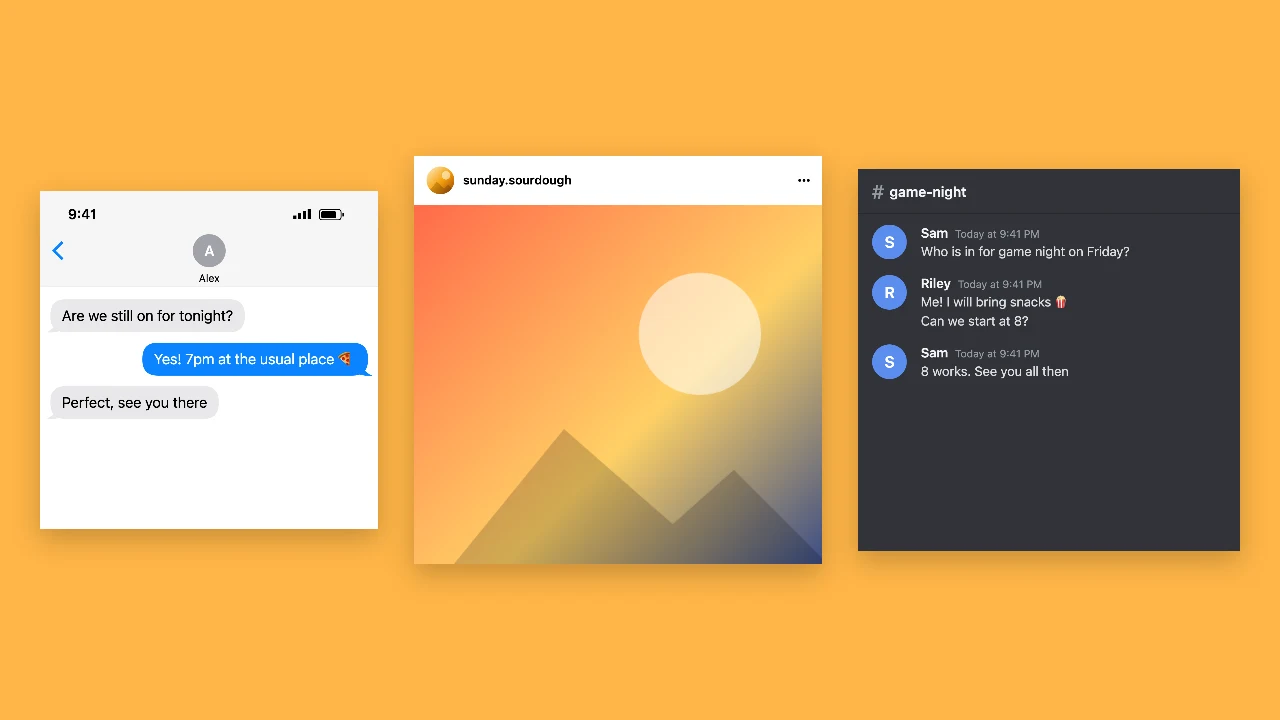
Tools from the other families: moving text, paper cut-outs and match cuts, chat mockups and speech bubbles.

What the Text Match Cut Generator Lets You Control

Every setting in this match cut text generator changes the preview before you export.

Your word locked in the centre of every page

The keyword is drawn at the same size in the exact middle of each page, inside a line of surrounding text, while the page around it changes font, paper colour and tilt. That is what makes a text match cut feel like the camera found the same word in a pile of different documents.
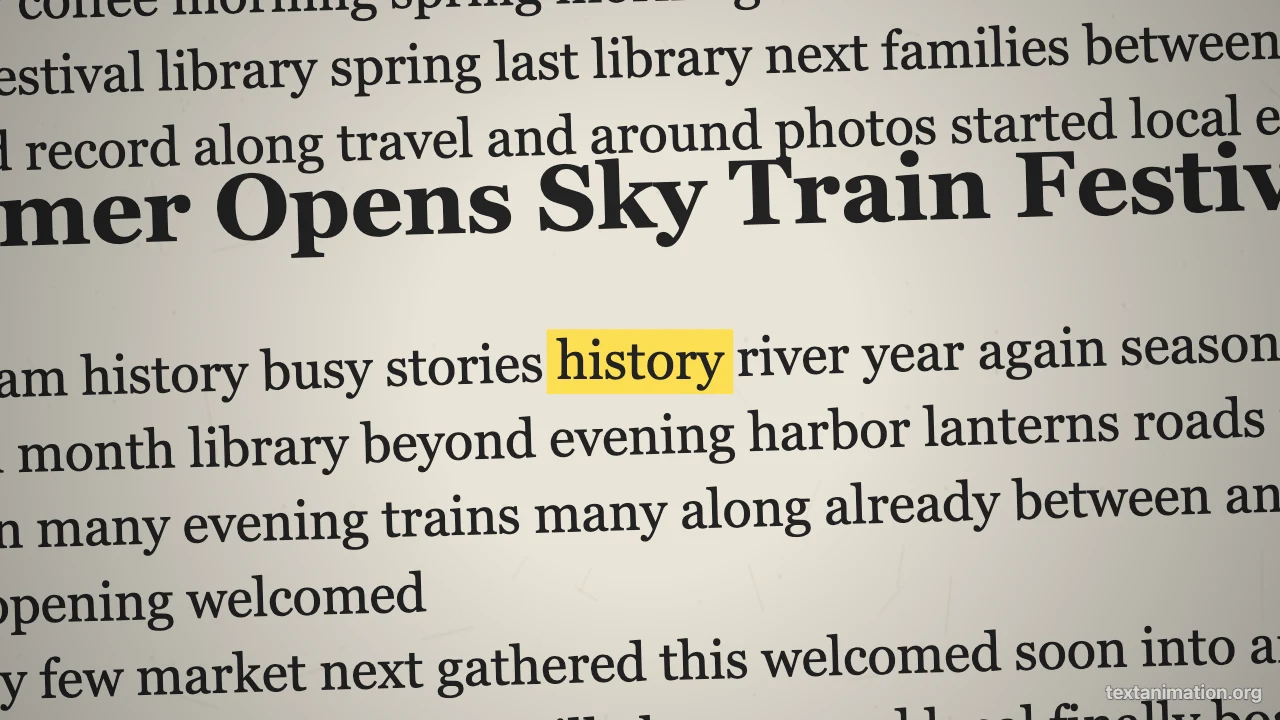
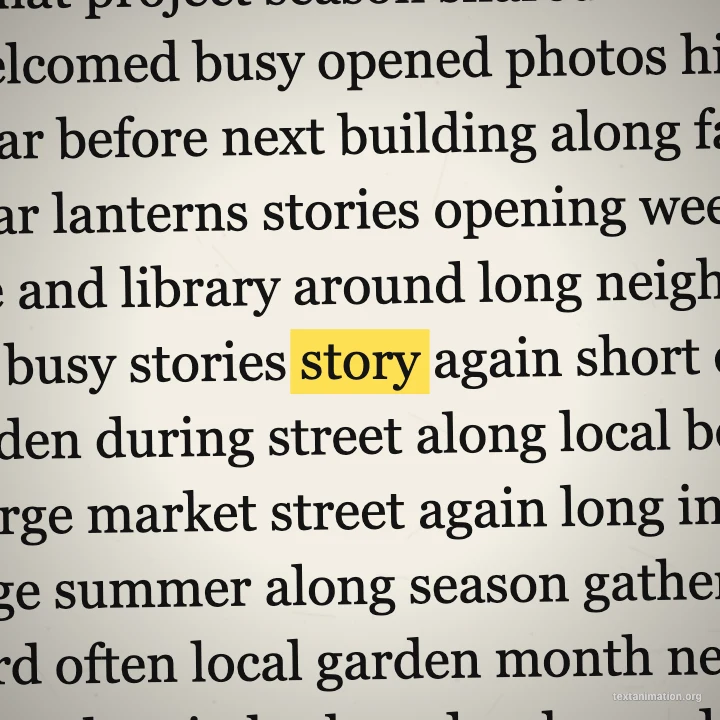
Newspaper page with the word history centred and highlighted in yellow

Pages made fresh for your word

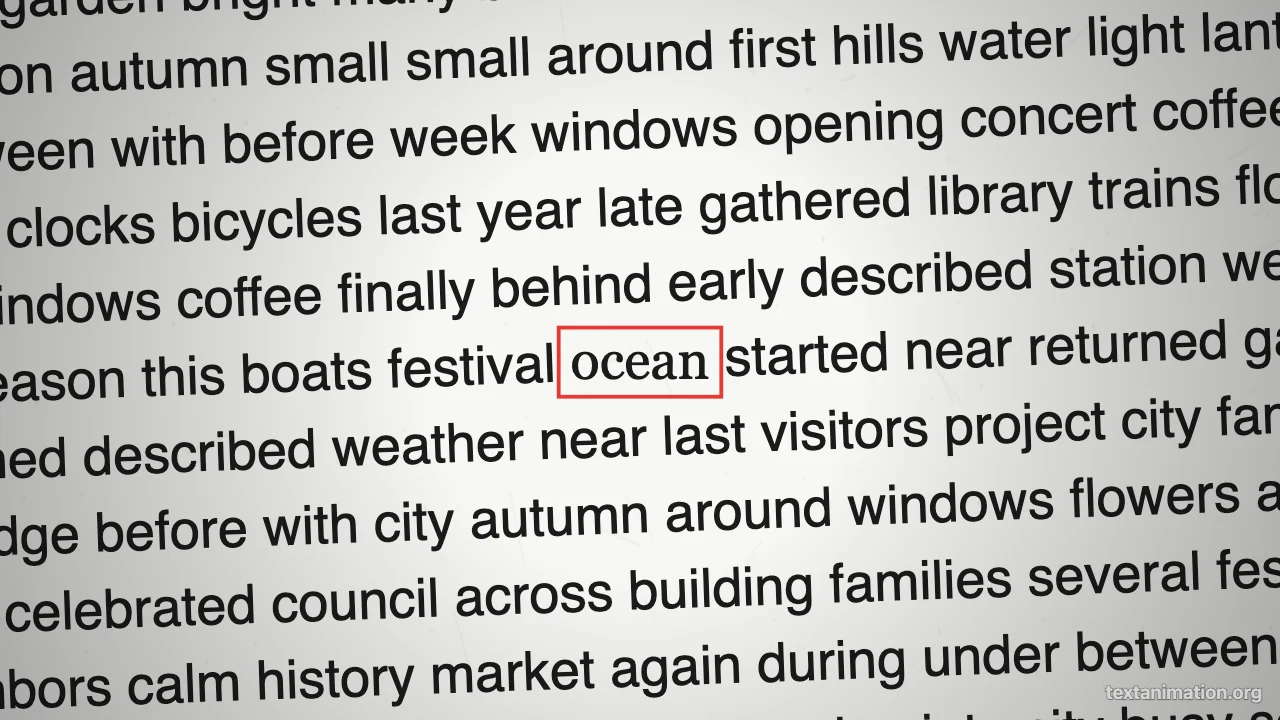
Each page is generated on the spot from a mix of layouts, fonts and paper tones: newspaper text, yellowed book pages, clean web articles, magazine text and typewritten sheets. The text match cut never copies real articles, so the filler text around your word is made up and safe to show.

White web-article page with the word ocean centred and boxed in red

Pace, page count and highlight

Fast cuts of 0.07 seconds feel frantic, while 0.3 seconds lets viewers glimpse each page. Set 6 to 40 pages, add a pause of up to three seconds on the last one, and mark the word with a yellow marker, a red box, an underline or nothing in the text match cut generator.

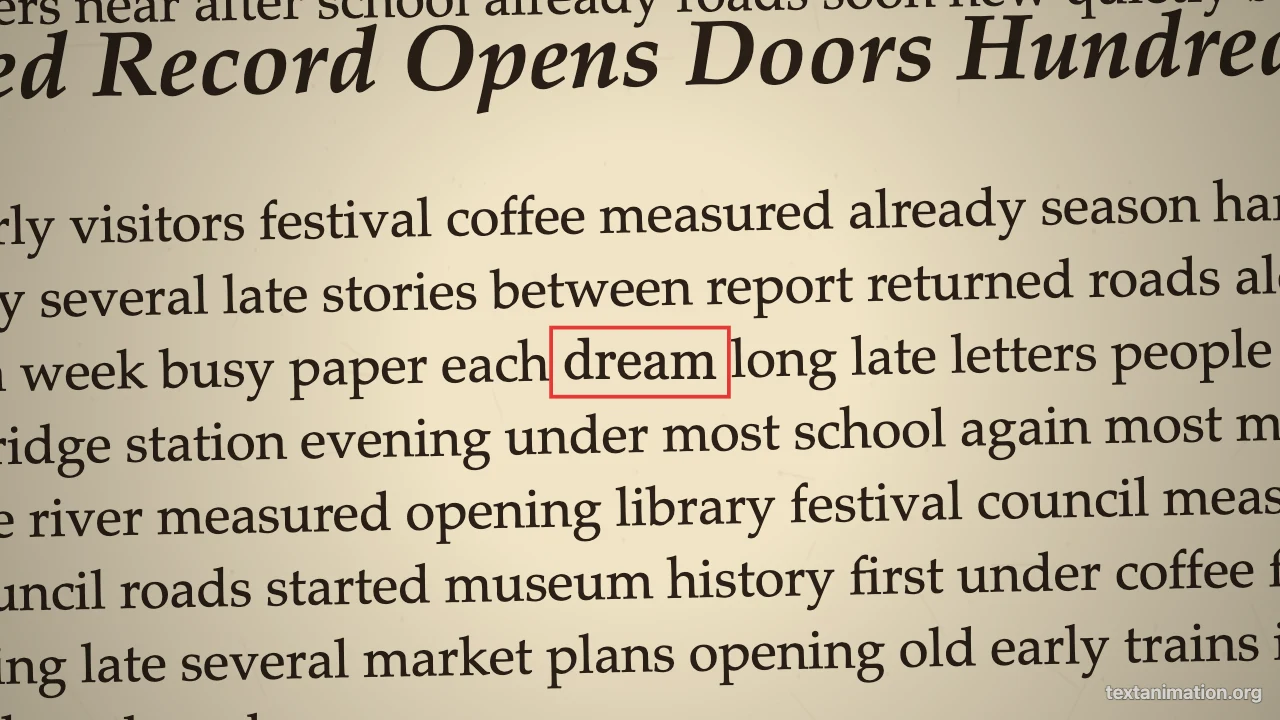
Yellowed book page with the word dream outlined in a red box

GIF, MP4 and PNG exports

The text match cut exports as an MP4 that drops onto a video timeline, a GIF that loops in slides and chats, or a PNG of the first page. Free exports go up to 720p and 15 seconds with a small textanimation.org mark; a subscription exports 1080p, up to 60 seconds, with no mark.

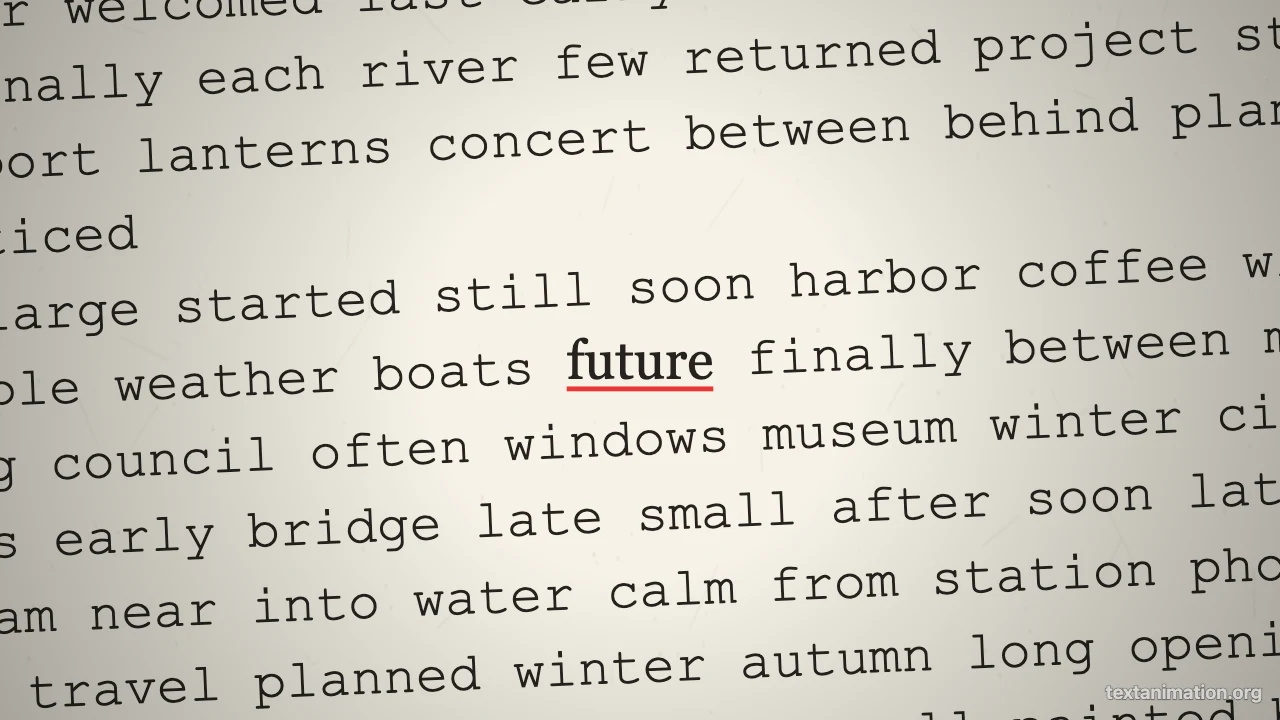
Typewritten page with the word future underlined in red

Where People Use a Text Match Cut

A text match cut makes one word feel important before the rest of the video explains it.

Documentary-style openers

Start a video essay or explainer with the word your story is about, flashing through newspaper pages. A text match cut sets a serious, researched tone in about two seconds, before you say a single word of narration.

TikTok and Reels hooks

Use a fast text match cut as the first frame of a short video so viewers stop scrolling. Make it in the story frame, export an MP4 and lay your voice-over or a sound effect on top of it.

Brand and product names

Put a company, event or product name at the centre and let generic pages fly past behind it. The text match cut generator works well for launch teasers, conference intros, trailers and event recap videos.

Lessons and presentations

Introduce a key term at the start of a lesson or a slide deck. A GIF of a text match cut plays inside Google Slides and PowerPoint and makes the new word stick with students long after class.

What Creators Say About the Text Match Cut Generator

Every essay on my channel starts with its key word flashing through newspaper pages. I type the word into the text match cut generator, keep the yellow marker, set 0.1 seconds per page and drop the MP4 at the start of the edit. It sets the tone instantly.

Arjun Mehta
Video essay creator

Text Match Cut FAQ

Quick answers about making a text match cut and exporting it.

You can make and export text match cuts as GIFs, MP4s and PNGs for free without creating an account. Free animated exports from the text match cut go up to 720p and 15 seconds and carry a small textanimation.org mark in the corner.

A text match cut is a rapid montage where one word stays fixed in the same spot while the pages or screenshots around it keep changing. The text match cut generator builds that effect from the word you type.

The text match cut generator makes its own pages from built-in layouts and filler text; it does not take uploaded screenshots or copy real articles. That keeps every page free to show in your video.

You do not need any editing software to make the effect. Type a word, set the pace and export; then place the text match cut MP4 in any editor or post it directly.

Most creators use 0.08 to 0.15 seconds per page for an energetic text match cut. Slower settings around 0.3 seconds let viewers read a little of each page.

Its length is the number of pages times the time per page, plus the end pause. Free exports keep up to 15 seconds, which is more than enough for a typical two to four second opener.

Make Your Text Match Cut Now

Open the text match cut generator, type the word you want to lock in place, choose the pages, pace and highlight, and export an MP4 or a GIF for your next video.

Make a match cut
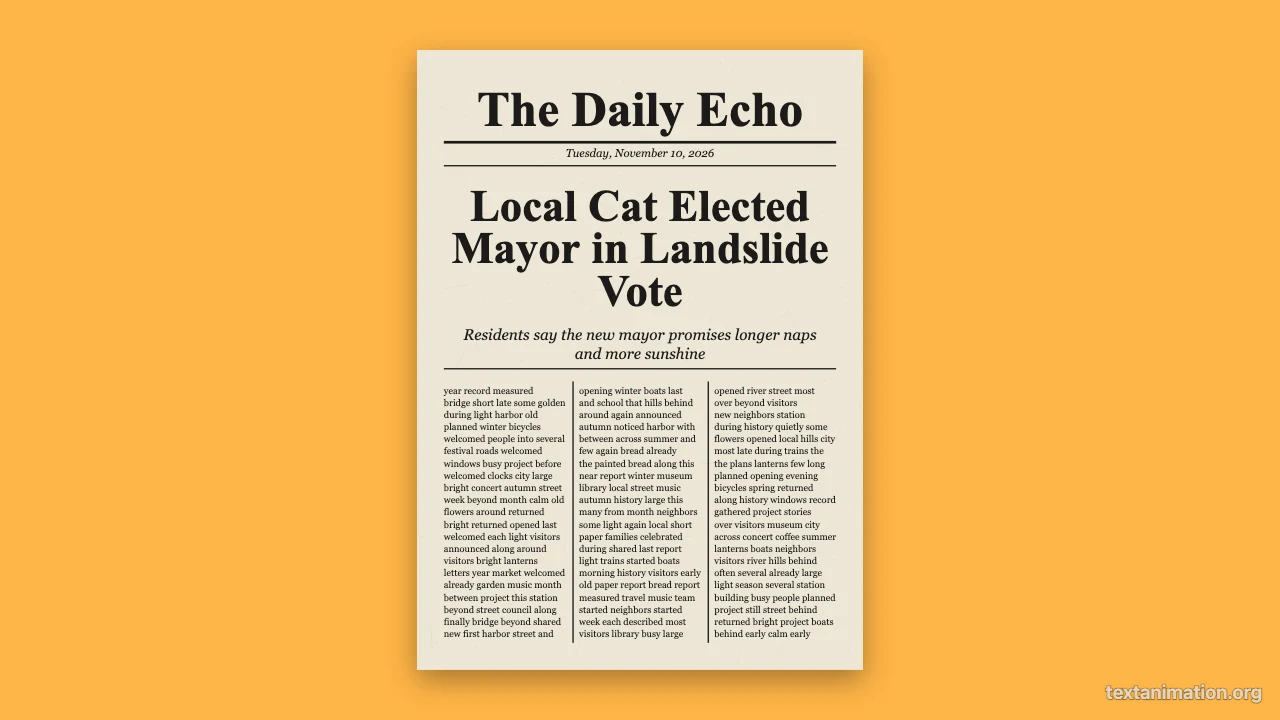
Square newspaper page with a highlighted word at the centre